Blog
Blog
Cold email & outreach insights
Tips, deliverability guides, and automation trends from the EmaReach team.
How to Check Warmup Progress and When Your Inbox Is Ready
See warmup progress on the Warmup page and Inbox Accounts; use an inbox for campaigns when it shows Ready or within warming limits.
WarmupInboxProgressTutorials
Read moreUnderstanding Inbox Status: Ready, Warming, and Warm Up Required
Learn what Ready, Warming, Warm up required, Warning, and Paused mean for your inboxes and when it is safe to use each for campaigns.
InboxWarmupStatusDeliverabilityTutorials
Read moreWhat Is Email Warmup and How to Use It in EmaReach
Email warmup builds sender reputation for new inboxes. Learn what it is and how to start, monitor, and control warmup in EmaReach.
WarmupDeliverabilityInboxTutorials
Read moreHow to Add SMTP Inbox Accounts for Your Domain
After verifying your domain in Domains, add SMTP inbox accounts in Inbox Accounts with your provider's host, port, and credentials, then use them in campaigns.
SMTPInbox AccountsDomainsSetupTutorials
Read moreHow to Set Up Reply-To (IMAP) for Campaign Replies
Set the default reply-to (Gmail or IMAP) in Settings → Integrations so campaign replies are delivered to the right inbox and visible in the Inbox tab.
Reply-ToIMAPIntegrationsCampaignsInbox
Read moreHow to Add Your First Gmail or SMTP Inbox
Add your first sending inbox: connect Gmail from Settings → Integrations (OAuth or App Password), or add an SMTP inbox from Inbox Accounts after verifying your domain.
GmailSMTPInbox AccountsSetupTutorials
Read moreHow to Start, Pause, or Resume Warmup for Your Inboxes
Use the Warmup page to start warmup for new inboxes, pause it when needed, and resume it later—all from one place.
WarmupInboxManagementTutorials
Read moreGet Started with EmaReach AI
Guided onboarding, product tour, and step-by-step Get Started sections so you can complete setup and run your first campaign.
onboardingget startedTutorials
Read more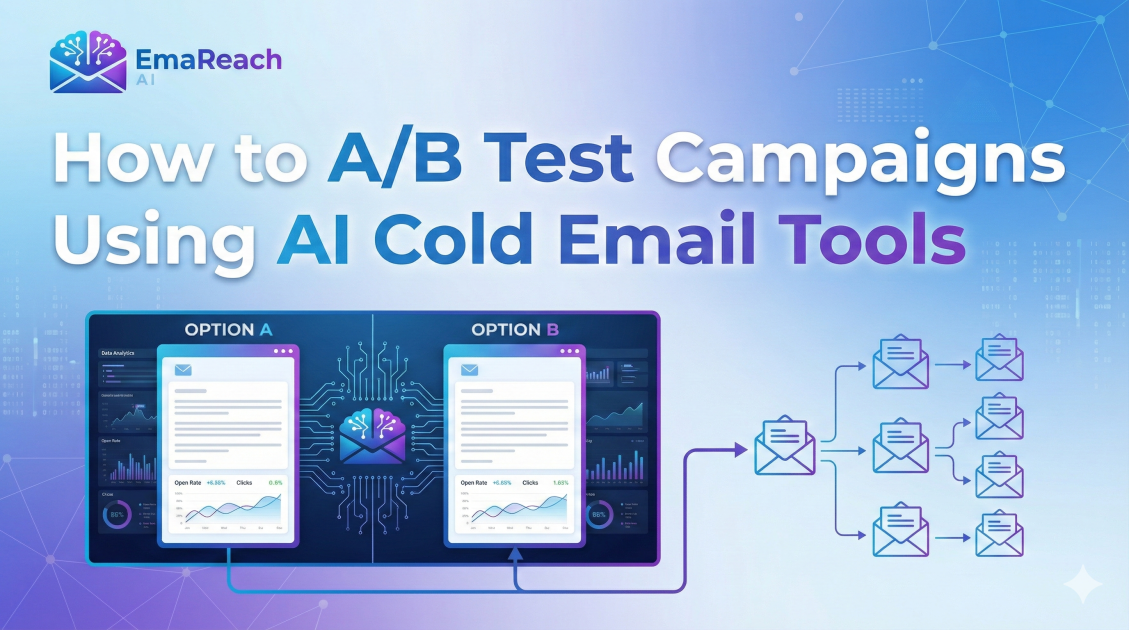
How to A/B Test Campaigns Using AI Cold Email Tools
Learn how to revolutionize your sales outreach by using AI cold email tools for A/B testing. This guide covers selecting variables, using predictive analytics, and automating your optimization for maximum ROI.
cold emailA/B testingAI marketingsales outreachemail automation
Read more
AI Tools for Sales Outreach Designed for B2B Founders
Discover how B2B founders are leveraging AI to automate prospecting, hyper-personalize outreach, and master email deliverability. This guide covers the best AI tools to scale your sales without a massive team.
B2B SalesAI ToolsSales OutreachCold EmailLead Generation
Read more