Blog
Back to blog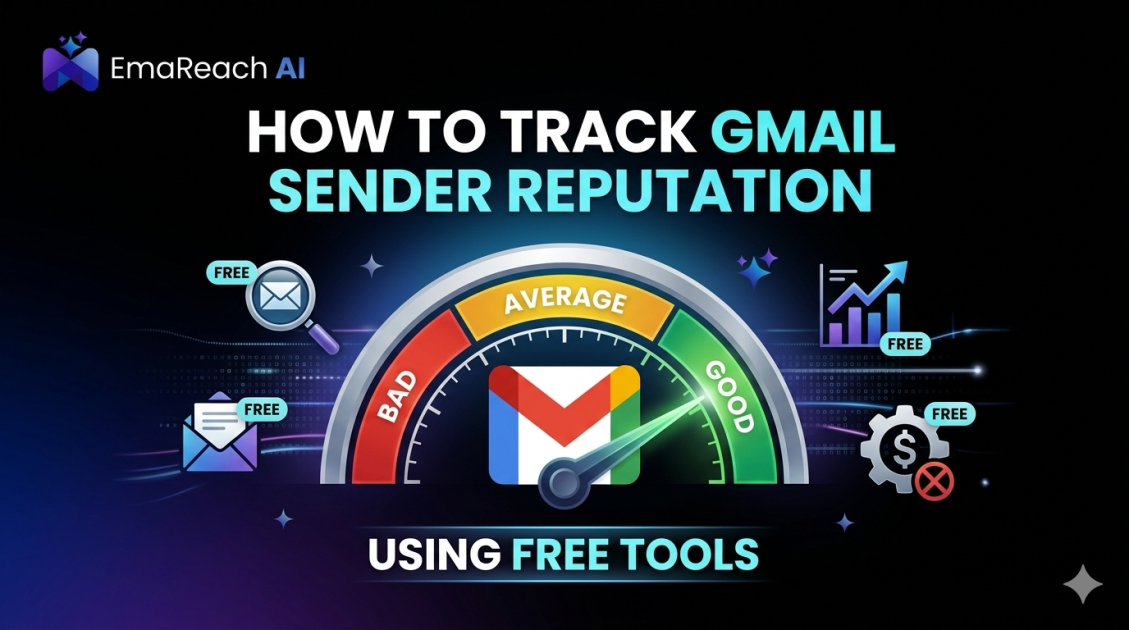
How to Track Gmail Sender Reputation Using Free Tools
email deliverabilitygmail reputationgoogle postmaster toolssender scoreemail marketinginbox placement
Understanding Gmail Sender Reputation
In the world of digital communication, sender reputation is the invisible score that determines whether your email lands in the recipient's primary inbox, the promotions tab, or the dreaded spam folder. For anyone utilizing Gmail or Google Workspace for outreach, understanding this metric is crucial. Gmail employs sophisticated machine learning algorithms to protect its users from spam, meaning even legitimate senders can find themselves sidelined if they do not maintain a healthy reputation.
Sender reputation is not a single number but a combination of several factors, including your IP reputation, domain reputation, and the engagement levels of your recipients. When you send an email, Google’s filters analyze your history: How many people marked your previous emails as spam? How many opened them? Did you send to a high volume of non-existent addresses? Monitoring these signals is the first step toward ensuring your messages are actually read.
Why Monitoring Reputation is Essential for Deliverability
High deliverability is the lifeblood of any successful email strategy. If your sender reputation drops, your deliverability follows suit. This creates a negative feedback loop: lower deliverability leads to lower engagement, which further damages your reputation. By the time you realize there is a problem, you may have already been blacklisted or filtered into oblivion.
Tracking your reputation using free tools allows you to spot trends before they become catastrophes. It provides a baseline for what 'normal' looks like for your domain. If you suddenly see a dip in your reputation scores, you can investigate immediately—perhaps a new campaign was too aggressive, or your email list needs a thorough cleaning. Staying ahead of these issues is far more effective than trying to recover a burned domain.
Google Postmaster Tools: The Gold Standard
When tracking reputation specifically for Gmail, there is no tool more authoritative than Google Postmaster Tools. This free utility provides direct insights from Google’s own data regarding your sending habits and how the platform perceives your domain.
Setting Up Google Postmaster Tools
To begin, you must verify ownership of your domain. This usually involves adding a DNS TXT record or a CNAME record to your domain's configuration. Once verified, Google begins aggregating data. It is important to note that Postmaster Tools only displays data for domains that send a significant volume of daily email to Gmail users. If your volume is very low, you may not see data immediately.
Key Dashboards to Monitor
- Spam Rate: This shows the percentage of your emails that users marked as spam compared to the emails sent to the inbox. Keeping this below 0.1% is ideal; anything above 0.3% is a major red flag.
- IP Reputation: This indicates whether Google’s filters trust the specific IP addresses you are sending from. It is categorized as High, Medium, Low, or Bad.
- Domain Reputation: Similar to IP reputation, this looks at your domain's health. A 'High' reputation means your emails are very unlikely to be filtered as spam.
- Delivery Errors: This dashboard identifies why emails were rejected or failed to deliver, such as SPF or DKIM authentication failures.
Leveraging Third-Party Reputation Checkers
While Google Postmaster Tools is essential, supplementing it with third-party free tools provides a more rounded view of your overall health across the broader internet ecosystem.
Talos Intelligence by Cisco
Talos Intelligence offers one of the most comprehensive IP and domain reputation databases. By entering your domain or IP, you can see your 'Web Reputation' and 'Email Reputation.' It also checks if your IP is associated with any known spam clusters. This is particularly useful if you are using shared IP addresses from an email service provider.
SenderScore by Validity
SenderScore operates much like a credit score for your email. It ranks your reputation on a scale of 0 to 100. A score above 90 is excellent, while anything below 70 usually indicates significant deliverability issues. This tool evaluates your sending frequency, complaint rates, and how often you hit 'spam traps'—email addresses designed specifically to catch irresponsible senders.
The Role of Authentication: SPF, DKIM, and DMARC
You cannot track reputation without verifying that your technical foundation is solid. Authentication protocols are the 'ID cards' of the email world. They prove to Gmail that you are who you say you are.
- SPF (Sender Policy Framework): A DNS record that lists the IP addresses authorized to send emails on behalf of your domain.
- DKIM (DomainKeys Identified Mail): Adds a digital signature to your emails, ensuring the content hasn't been tampered with during transit.
- DMARC (Domain-based Message Authentication, Reporting, and Conformance): A policy that tells receiving servers what to do if an email fails SPF or DKIM.
Free tools like MXToolbox allow you to run a 'Domain Health' check to ensure these records are correctly configured. If your authentication is broken, your reputation will suffer regardless of how good your content is.
Identifying and Avoiding Spam Traps
One of the fastest ways to destroy a Gmail sender reputation is by hitting spam traps. These are email addresses that do not belong to real people. They exist solely to identify senders who use scraped lists or poor list hygiene practices.
There are two main types of traps:
- Pristine Traps: Email addresses created by providers that have never been opted-in to any list. Hitting these suggests you are scraping the web for addresses.
- Recycled Traps: Old email addresses that were once valid but have been abandoned. Sending to these suggests you are not regularly cleaning your list of inactive users.
Using free tools to verify email addresses before sending can help mitigate this risk. Maintaining a clean list is a proactive way to protect your reputation score.
Engagement Metrics as a Reputation Signal
Gmail places a heavy emphasis on user engagement. If people open your emails, move them to folders, or reply to them, Google sees this as a positive signal. Conversely, if users consistently delete your emails without opening them, your reputation will trend downward.
Monitoring your open rates and reply rates is a form of reputation tracking. If you notice a sudden drop in open rates specifically for Gmail users while other providers remain stable, it is a clear sign that your Gmail reputation is slipping.
To combat this, many professionals turn to advanced solutions. EmaReach is a powerful ally in this department. Stop Landing in Spam. Cold Emails That Reach the Inbox. EmaReach AI combines AI-written cold outreach with inbox warm-up and multi-account sending—so your emails land in the primary tab and get replies. This human-centric approach to engagement is exactly what Gmail's algorithms look for when assigning a high reputation score.
Blacklist Monitoring: The Early Warning System
Being 'blacklisted' means your IP or domain has been added to a list of known offenders. While Gmail uses its own internal lists, they also take cues from major public blacklists like Spamhaus or Barracuda.
Free tools like DNSBL (DNS-based Blackhole List) checkers can scan dozens of blacklists simultaneously. If you find your domain listed, you must follow the specific delisting procedures for that provider, which often involves proving that you have fixed the underlying issue that caused the listing in the first place.
Best Practices for Maintaining a Healthy Gmail Reputation
Tracking is only half the battle; the other half is maintenance. To keep your scores high in Google Postmaster Tools, follow these evergreen principles:
- Consistent Sending Volume: Sudden spikes in email volume look suspicious to Google. If you need to increase your volume, do so gradually over several weeks.
- Easy Unsubscribe Options: Make it easier for a user to unsubscribe than to mark your email as spam. A clear, one-click unsubscribe link can save your reputation.
- Personalization and Relevance: High-quality, relevant content leads to higher engagement. Avoid 'spammy' keywords in subject lines and focus on providing value to the recipient.
- Monitor Subdomain Reputation: If you send different types of emails (e.g., marketing vs. transactional), consider using different subdomains. This prevents a drop in marketing reputation from affecting your critical transactional alerts.
Interpreting the Data: What to do when Scores Drop
If your monitoring reveals a drop in reputation, do not panic. First, check your authentication records (SPF/DKIM/DMARC) to ensure nothing has broken. Second, review your recent campaign metrics for any spikes in spam complaints or bounce rates.
Often, a reputation drop is the result of a 'dirty' list. Stop sending to inactive users for a period and focus only on your most engaged segment. This 'engagement burst' can help signal to Gmail that your content is still wanted, helping to rehabilitate your score over time.
Conclusion
Tracking your Gmail sender reputation is an ongoing process that requires diligence and the right set of tools. By consistently monitoring Google Postmaster Tools, checking blacklists, and ensuring your technical authentication is flawless, you can maintain high deliverability and ensure your messages reach their destination. Remember that reputation is built on trust, and trust is earned through consistent, high-quality sending practices. Protect your domain, provide value to your audience, and use the free resources available to keep your finger on the pulse of your email health.
EmaReach AI
Ready to scale your cold email outreach?
Join thousands of teams using EmaReach AI for AI-powered campaigns, domain warmup, and 95%+ deliverability. Start free — no credit card required.
Related posts
 Read article
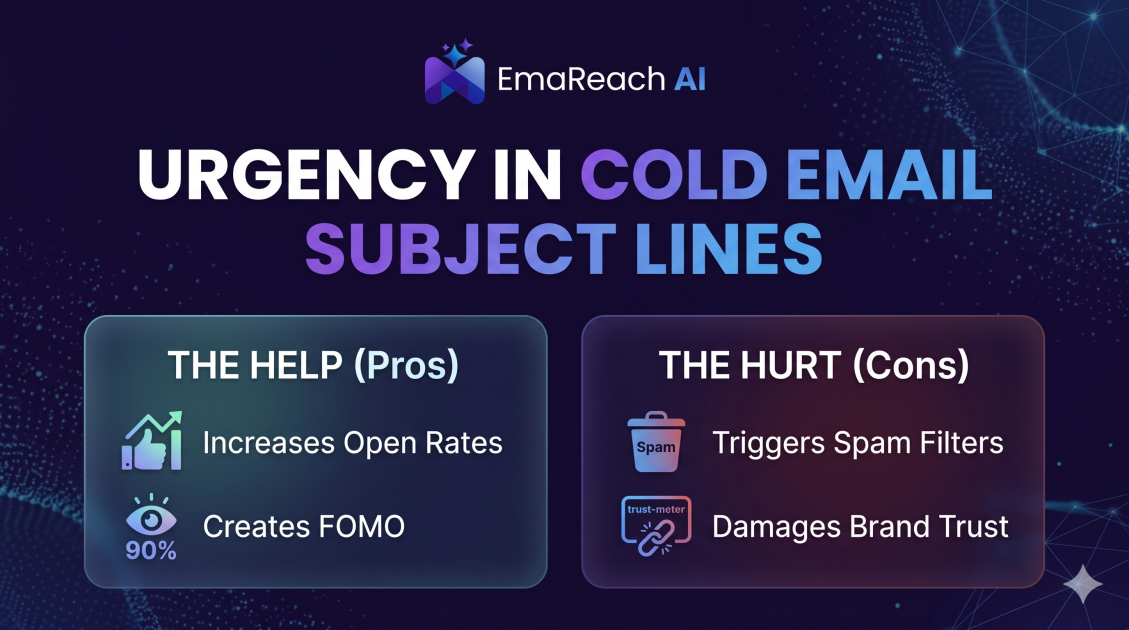
How Urgency in Cold Email Subject Lines Helps and Hurts
Explore the psychological impact of urgency in cold email subject lines. Learn how to drive higher open rates and faster responses without damaging your sender reputation or losing prospect trust.
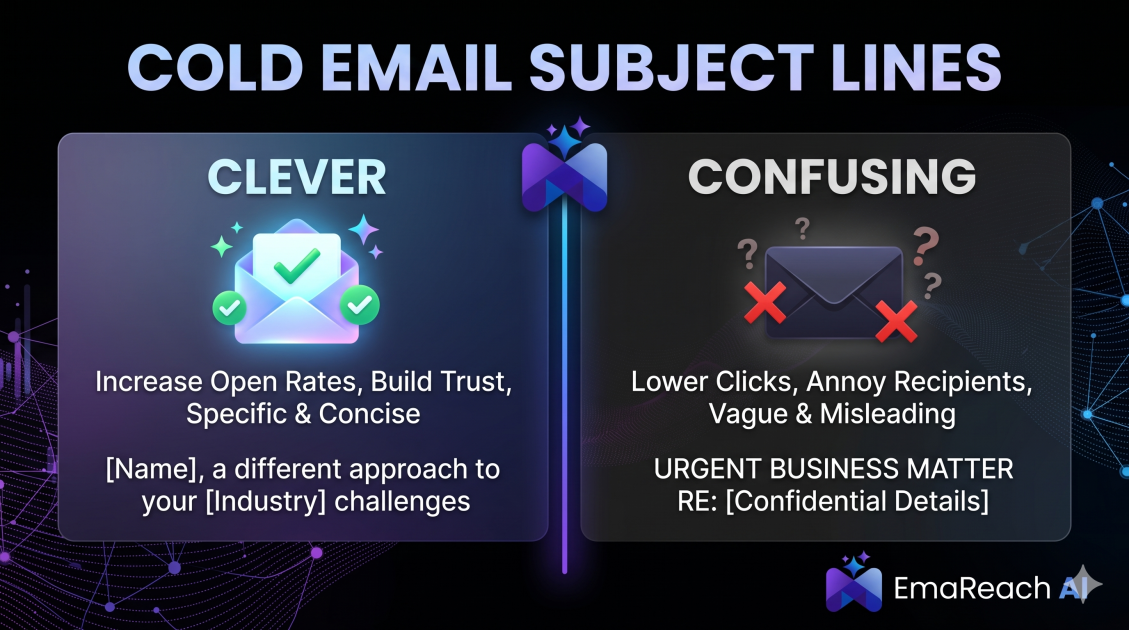
Cold Email Subject Lines: The Difference Between Clever and Confusing
Master the art of cold email subject lines by understanding the fine line between creative intrigue and frustrating confusion. Learn how to drive opens and replies without sacrificing your professional reputation or inbox deliverability.