Blog
Back to blog
How to Strengthen Gmail Sender Reputation Before a Campaign
email deliverabilitygmail reputationsender scoreemail marketinginbox warmingcold outreach
Introduction to Gmail Sender Reputation
Gmail is the gatekeeper of the modern inbox. For any business launching an email campaign, understanding how Google perceives your sending identity is the difference between a successful outreach strategy and a wasted effort. Sender reputation is a score assigned by Internet Service Providers (ISPs) like Google that determines the trustworthiness of your domain and IP address. A high reputation ensures your messages land in the 'Primary' tab, while a poor reputation sends them straight to the 'Spam' folder.
Strengthening this reputation is not an overnight task; it requires a strategic, multi-layered approach to prove to Google’s sophisticated algorithms that you are a legitimate sender providing value to recipients. This guide explores the technical, behavioral, and strategic foundations required to build a rock-solid sender reputation before you hit 'send' on your next big campaign.
The Technical Foundation: Authentication and Setup
Before you can focus on engagement, you must ensure your technical infrastructure is flawless. Gmail uses specific protocols to verify that an email actually comes from who it claims to be from. Without these, your reputation is compromised before you even begin.
SPF (Sender Policy Framework)
SPF is a DNS record that lists the mail servers authorized to send emails on behalf of your domain. When Google receives an email from you, it checks the SPF record to verify the sender. If the server isn't listed, it’s a red flag for phishing or spoofing.
DKIM (DomainKeys Identified Mail)
DKIM adds a digital signature to your emails. This cryptographic signature ensures that the content of the email hasn't been tampered with during transit. It provides a layer of integrity that Gmail highly values.
DMARC (Domain-based Message Authentication, Reporting, and Conformance)
DMARC ties SPF and DKIM together. It provides instructions to Google on what to do if an email fails authentication—whether to do nothing, quarantine it, or reject it entirely. Implementing a 'p=none' or 'p=quarantine' policy is essential for modern deliverability standards.
Custom Tracking Domains
Most email platforms use shared tracking domains for open and click rates. If another user on that platform has a poor reputation, their 'bad luck' can rub off on you. Setting up a Custom Tracking Domain (CTD) ensures that the links in your emails are branded to your domain, keeping your reputation isolated and professional.
Domain and IP Warming: The Slow Ascent
One of the most common mistakes in email marketing is sending a high volume of emails from a new domain or IP address immediately. To Google, this looks like typical spammer behavior.
The Concept of Inbox Warming
Inbox warming is the process of gradually increasing your email volume to establish a history of positive engagement. You start with a handful of emails per day to known, active addresses and slowly scale up over several weeks. This proves to Google that your sending patterns are consistent and organic.
For those looking to automate this complex process, EmaReach (https://www.emareach.com/) is a powerful ally. Stop Landing in Spam. Cold Emails That Reach the Inbox. EmaReach AI combines AI-written cold outreach with inbox warm-up and multi-account sending—so your emails land in the primary tab and get replies. By leveraging automated warming, you ensure your domain is primed for high-volume campaigns without the manual headache.
Consistency Over Spikes
Google’s algorithms monitor for 'bursty' behavior. Sending 5,000 emails on a Monday and zero for the rest of the week is a signal of automated spam. Instead, aim for a steady daily volume that grows incrementally. This predictable pattern builds trust with the ISP.
Content Optimization for Reputation
What you send is just as important as how you send it. Gmail’s filters scan the content of your emails for 'spammy' triggers.
Avoiding Spam Trigger Words
Words like 'Free,' 'Guarantee,' 'Cash,' or 'Urgent' in all caps can trigger filters. While one or two words won't kill your reputation, a high density of these terms across your campaign will lead to a 'Spam' classification. Focus on professional, value-driven language.
The Link-to-Text Ratio
An email composed entirely of images or filled with dozens of links is a major red flag. Aim for a healthy balance of plain text and minimal, high-quality links. Ensure every link points to a reputable, HTTPS-secured domain.
Personalization at Scale
Static templates that are identical for 1,000 recipients are easy for Google to identify as bulk mail. Using dynamic tags to include the recipient’s name, company, or a specific pain point makes the email look like a one-to-one communication, which Gmail favors for the Primary tab.
List Hygiene: The Silent Reputation Killer
Sending emails to addresses that don't exist (hard bounces) or to people who never open them (low engagement) is a fast track to a poor reputation.
Verifying Your Leads
Before starting a campaign, run your list through a verification service to remove invalid or catch-all addresses. High bounce rates (anything over 2%) signal to Google that you are using an unverified or purchased list, both of which are violations of best practices.
Monitoring Engagement Rates
If your open rates are consistently below 15-20%, it tells Google that your content is not wanted. Regularly prune your list of 'unengaged' subscribers—those who haven't opened an email in 60-90 days. While your list size may shrink, your sender reputation will soar because the percentage of positive interactions will increase.
Handling Unsubscribes and Complaints
Spam complaints are the most damaging factor for your sender reputation. If a user clicks 'Report Spam,' it is a direct vote of no-confidence in your domain.
Make Unsubscribing Easy
It may seem counterintuitive, but you want it to be very easy for people to leave your list. If they can't find the unsubscribe link, they will hit the spam button instead. Use a clear, one-click unsubscribe mechanism to protect your reputation from negative feedback.
Feedback Loops
Set up Google Postmaster Tools to monitor your complaint rates. This free tool from Google provides direct insight into how your domain is performing, showing you your spam rate, encryption success, and delivery errors. Keeping your spam rate below 0.1% is the gold standard for high-volume senders.
The Role of Multi-Account Sending
Spreading your sending volume across multiple accounts and domains is a sophisticated way to protect your primary brand domain. Instead of sending 500 emails from one account, sending 50 emails from ten different accounts reduces the 'load' on any single sender identity. This strategy, often used by high-performance growth teams, prevents a single campaign spike from damaging your main business email reputation.
The Importance of Human-First Engagement
Google’s AI is increasingly capable of distinguishing between automated 'warmup' bots and real human interaction. To truly strengthen your reputation, your emails need to generate real replies and threads.
When a recipient replies to your email, moves it from 'Promotions' to 'Primary,' or marks it as 'Not Spam,' these are high-value 'positive signals.' This is why EmaReach focuses on AI-driven personalization that encourages genuine conversation. When your outreach feels human and relevant, your engagement metrics naturally improve, signaling to Gmail that your domain belongs in the inbox.
Monitoring with Google Postmaster Tools
Google Postmaster Tools is the only way to see your 'official' Gmail sender reputation. It categorizes reputation into four tiers:
- High: Emails are very unlikely to be filtered as spam.
- Medium: Most emails will land in the inbox, but some might be filtered if the content is questionable.
- Low: A significant volume of emails will likely go to spam.
- Bad: Almost all emails will be rejected or sent to spam.
Regularly checking these dashboards allows you to spot reputation dips early and adjust your strategy before permanent damage is done.
Best Practices for Campaign Launch Day
When you are finally ready to launch after weeks of preparation, keep these final tips in mind:
- Start Small: Send to your most engaged segment first. This creates an initial burst of positive engagement (opens and clicks) that sets a good tone for the rest of the campaign.
- Monitor Deliverability in Real-Time: Use seed lists (email addresses you control at various providers) to see where your emails are landing as the campaign progresses.
- Check for Blacklists: Use tools to ensure your IP or domain hasn't been listed on major blacklists like Spamhaus or Barracuda.
- Optimize Send Times: Sending when your audience is most likely to be active increases the chances of immediate engagement, which Google views favorably.
Conclusion
Strengthening your Gmail sender reputation is a continuous cycle of technical precision, list maintenance, and high-quality content. By establishing a strong foundation through authentication, gradual warming, and rigorous list hygiene, you position your campaigns for maximum reach. Remember that Gmail's primary goal is to protect its users; by proving that you are a sender of high-value, relevant information, you align your interests with Google's, ensuring your place in the Primary tab. A proactive approach to reputation management is the most effective way to guarantee that your outreach efforts result in meaningful business growth.
EmaReach AI
Ready to scale your cold email outreach?
Join thousands of teams using EmaReach AI for AI-powered campaigns, domain warmup, and 95%+ deliverability. Start free — no credit card required.
Related posts
 Read article
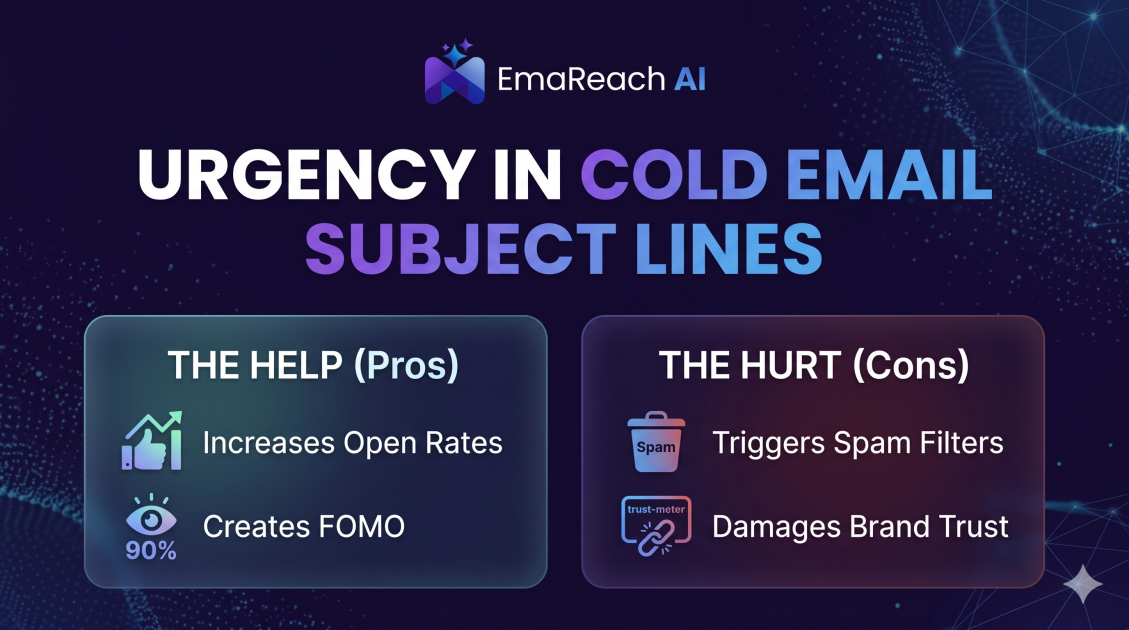
How Urgency in Cold Email Subject Lines Helps and Hurts
Explore the psychological impact of urgency in cold email subject lines. Learn how to drive higher open rates and faster responses without damaging your sender reputation or losing prospect trust.
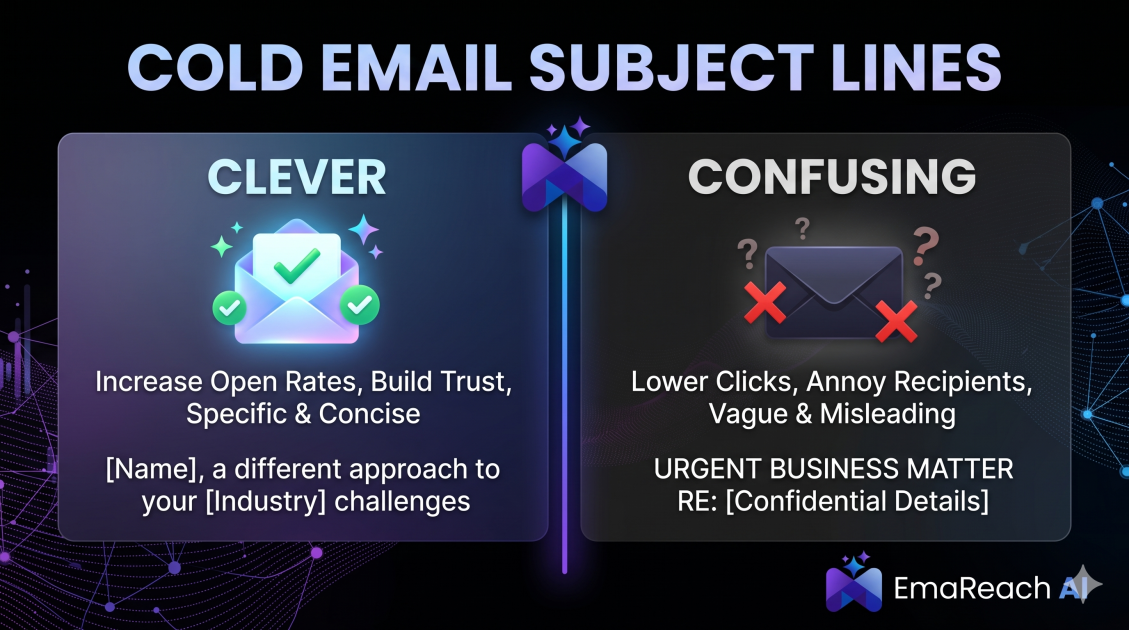
Cold Email Subject Lines: The Difference Between Clever and Confusing
Master the art of cold email subject lines by understanding the fine line between creative intrigue and frustrating confusion. Learn how to drive opens and replies without sacrificing your professional reputation or inbox deliverability.