Blog
Back to blog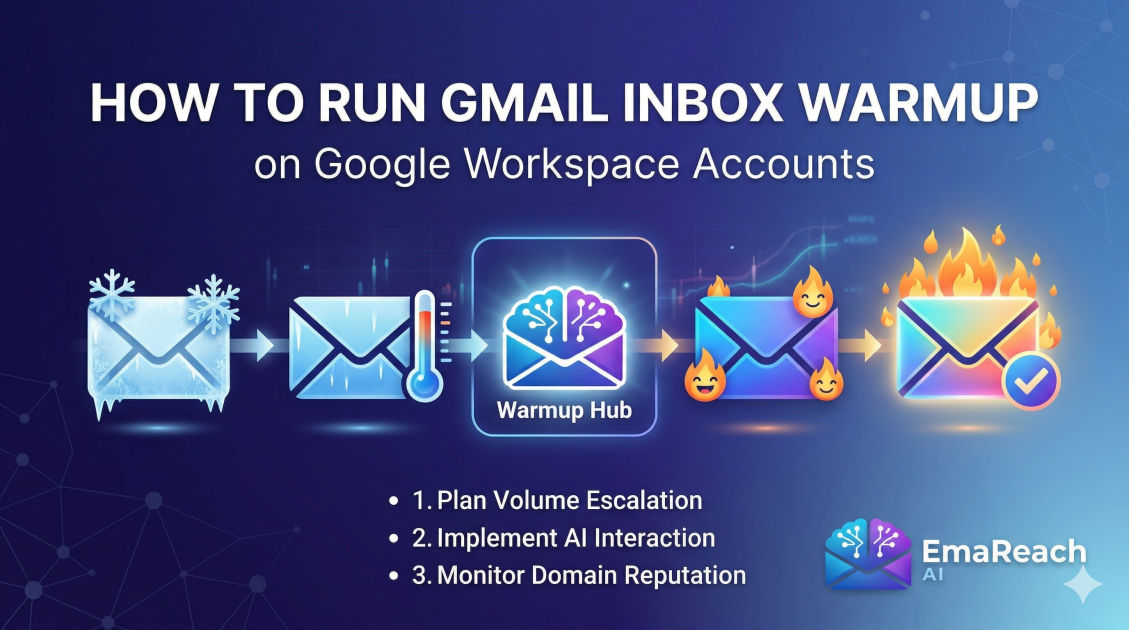
How to Run Gmail Inbox Warmup on Google Workspace Accounts
inbox warmupgoogle workspaceemail deliverabilitycold outreachdomain reputationspf dkim dmarc
Understanding the Importance of Inbox Warmup
When you launch a new email account under a Google Workspace domain, you are essentially starting with a blank slate. To Google's sophisticated spam filters, a brand-new account with no sending history is a potential risk. If that account suddenly starts sending dozens or hundreds of emails a day, it triggers an immediate red flag. This is where inbox warmup becomes the most critical phase of your email strategy.
Inbox warmup is the process of gradually increasing the volume of emails sent from a new email account to establish a positive reputation with Internet Service Providers (ISPs). For Google Workspace users, this process is even more nuanced due to the specific algorithms Google uses to protect its ecosystem from spam and phishing. A successful warmup ensures that your messages land in the primary inbox rather than the dreaded promotions tab or the spam folder.
Without a proper warmup, your deliverability rates will plummet. Once a domain is flagged or blacklisted, recovering that reputation is significantly harder and more time-consuming than building it correctly from the start. This guide explores the deep mechanics of warming up Google Workspace accounts and how to navigate the technical hurdles to ensure long-term outreach success.
The Mechanics of Domain Reputation
Domain reputation is a score assigned by ISPs based on your sending habits. Google maintains its own internal database of sender reputations, which influences how every single email you send is treated. Several factors contribute to this reputation:
- Sending Volume Consistency: Sudden spikes in volume are a primary indicator of spam activity.
- Engagement Rates: How many recipients open, click, and reply to your emails? High engagement signals to Google that your content is valuable.
- Spam Complaints: Even a small percentage of 'Report Spam' clicks can devastate a new account.
- Bounce Rates: Sending to invalid or non-existent email addresses suggests poor list hygiene and aggressive automated behavior.
For Google Workspace accounts, the relationship between the parent domain and the individual mailbox is vital. If one mailbox on your domain behaves poorly, it can negatively impact the reputation of every other user on that same workspace. This makes a structured warmup protocol non-negotiable for organizations.
Step 1: Technical Foundation and Authentication
Before you send your first warmup email, your Google Workspace account must be technically sound. Google uses three primary authentication protocols to verify that an email is legitimate and not spoofed.
SPF (Sender Policy Framework)
SPF is a DNS record that lists the IP addresses and domains authorized to send emails on behalf of your domain. Without a valid SPF record, Google’s filters may assume your email is a forgery.
DKIM (DomainKeys Identified Mail)
DKIM adds a digital signature to your emails. This signature allows the receiving server to verify that the email was indeed sent from your domain and that the content has not been tampered with in transit. Google Workspace provides a unique DKIM key that must be added to your domain's DNS settings.
DMARC (Domain-based Message Authentication, Reporting, and Conformance)
DMARC is a policy that tells receiving servers what to do if an email fails SPF or DKIM checks. Setting a DMARC policy (even a 'p=none' policy initially) is essential for modern deliverability. It demonstrates to Google that you are a serious sender who cares about security.
Step 2: The Manual vs. Automated Warmup Debate
There are two primary ways to warm up a Google Workspace account: manually or through automated services.
Manual Warmup involves sending individual emails to friends, colleagues, or your own alternative accounts. You then have those recipients open the emails, click links, and—most importantly—reply. While this is highly effective because it mimics perfect human behavior, it is nearly impossible to scale if you are managing multiple accounts.
Automated Warmup utilizes a network of real email accounts that interact with yours. These tools handle the sending, opening, and replying automatically. This is the industry standard for professionals. When choosing a solution, it is important to look for tools that offer integrated features. For instance, EmaReach provides a comprehensive solution where you can stop landing in spam. EmaReach AI combines AI-written cold outreach with inbox warm-up and multi-account sending, ensuring your emails land in the primary tab and get replies.
Step 3: The Ideal Warmup Schedule for Google Workspace
A conservative, steady increase is the hallmark of a successful warmup. For a fresh Google Workspace account, follow a schedule similar to this:
- Week 1: Send 5–10 emails per day. Focus entirely on high-quality interactions. Ensure all emails receive a reply.
- Week 2: Increase to 15–20 emails per day. Begin varying the time of day the emails are sent to mimic natural human patterns.
- Week 3: Move to 30–40 emails per day. At this stage, ensure your engagement rate remains above 30%.
- Week 4: Reach 50 emails per day. If deliverability remains high, you can begin introducing your actual cold outreach slowly, blending it with the warmup traffic.
It is critical to remember that Google Workspace accounts have daily sending limits (typically 2,000 for paid accounts), but you should never aim to hit these limits with cold outreach. Most experts suggest capping automated outreach at 50–100 emails per day per mailbox to maintain long-term health.
Step 4: Crafting Warmup Content
The content of your warmup emails matters. Google's algorithms can read and understand the context of your messages. If your warmup emails consist of gibberish, strings of random characters, or repeated phrases like "test 123," they may be flagged as low-quality.
Effective warmup content should:
- Look Like Natural Conversation: Use varied sentence structures and topics.
- Avoid Spam Triggers: Stay away from words like "Free," "Winner," "Investment," or excessive use of exclamation marks.
- Include Personalization: Use the recipient's name or reference specific details to make the interaction look genuine.
Using AI to generate these conversations can help maintain the variety needed to bypass sophisticated pattern-detection filters.
Step 5: Handling the Spam Folder During Warmup
During the warmup process, it is inevitable that some of your emails will land in the spam folder. This is actually an opportunity to improve your reputation. When an email lands in spam, it must be manually moved to the 'Inbox' and marked as 'Not Spam.'
This action sends a powerful signal to Google that the recipient wants to see your content. Automated warmup tools do this automatically, but if you are doing any part of this manually, ensure you are checking the spam folders of your seed accounts daily.
Step 6: Transitioning to Cold Outreach
Once your account is 'warm' (usually after 3-4 weeks), you can begin your cold outreach campaigns. However, you should not stop the warmup process. This is a common mistake. Ongoing warmup acts as a 'safety net.'
If you send a batch of cold emails that receive several spam complaints, the consistent, positive interactions from your warmup network will help dilute the negative signals. Think of it as a constant stream of positive data that offsets the occasional friction of cold outreach.
Maintaining a Healthy Ratio
A healthy ratio is usually 25% warmup traffic to 75% outreach traffic. This balance ensures that your account always has a baseline of high engagement, even if your outreach campaign has a quiet week.
Advanced Google Workspace Settings for Deliverability
Beyond the basic authentication, several Google Workspace-specific settings can influence your success:
- Profile Completeness: Ensure each mailbox has a profile picture and a realistic signature. An empty profile looks like a burner account used for spam.
- Google Discovery: Enable 'Google People' and other Workspace features that link your account to the broader Google ecosystem. The more 'connected' your account is, the more Google trusts it.
- Google Postmaster Tools: Register your domain with Google Postmaster Tools. This provides you with direct data from Google regarding your IP reputation, domain reputation, and spam rate. It is the only 'official' way to see how Google perceives your domain.
Monitoring and Course Correction
Inbox warmup is not a 'set it and forget it' task. You must monitor your metrics weekly. Key indicators that something is wrong include:
- Open rates dropping below 20%: This is a clear sign that you are likely landing in the promotions or spam folders.
- High bounce rates: Anything over 2% is dangerous. Use a lead verification service before importing lists into your outreach tool.
- Spam rate spikes: If Google Postmaster Tools shows your spam rate climbing above 0.1%, stop your outreach immediately and increase your warmup volume until the rate stabilizes.
If you find your domain reputation has tanked, the best course of action is to stop all outreach, verify all technical settings, and run a 'warmup-only' period for at least 14 days. During this time, every single email should be opened and replied to.
The Risks of Skipping Warmup
Many marketers are tempted to skip the warmup phase to get results faster. This is a short-sighted strategy. The consequences of skipping warmup include:
- Domain Blacklisting: Once your domain is on a major blacklist (like Spamhaus), your emails won't even reach the spam folder—they will be blocked entirely.
- Wasted Leads: If your emails go to spam, your high-value leads will never see them. You are effectively burning through your lead list.
- Account Suspension: Google Workspace has strict terms of service. If you are flagged for spamming, Google can and will suspend your entire Workspace account, cutting off your access to Drive, Docs, and Calendar.
Conclusion
Running an inbox warmup for Google Workspace is a strategic necessity in the modern email landscape. By focusing on technical authentication, gradual volume increases, and high-quality engagement, you build a foundation of trust with Google that pays dividends in the form of high deliverability and better response rates.
Remember that deliverability is an ongoing battle. The filters are constantly evolving, becoming smarter and more focused on user experience. By treating your email reputation as a valuable asset—using tools like EmaReach to automate the heavy lifting—you ensure that your voice is heard in your prospects' primary inboxes. Start slow, stay consistent, and monitor your data closely to achieve long-term outreach success.
EmaReach AI
Ready to scale your cold email outreach?
Join thousands of teams using EmaReach AI for AI-powered campaigns, domain warmup, and 95%+ deliverability. Start free — no credit card required.
Related posts
- Read article
The Instantly Alternative That Handles High Bounce Rates Without Panic
Discover how transitioning to an advanced Instantly alternative can safeguard your cold email infrastructure. Learn to handle high bounce rates effortlessly using real-time verification, smart mailbox rotation, and automated safety nets to protect your sender reputation and maintain consistent primary inbox placement.
- Read article
Beyond Instantly: The Cold Email Platforms Worth Taking Seriously
Discover the top advanced cold email platforms that go beyond basic multi-inbox rotation. Learn how to optimize your technical infrastructure, leverage advanced personalization, and scale your B2B sales pipeline safely without landing in the spam folder.