Blog
Back to blog
How to Rapidly Improve a Poor Gmail Sender Reputation
Gmail ReputationEmail DeliverabilitySender ScoreSpam PreventionCold EmailEmail MarketingInbox Placement
Introduction
Gmail is the undisputed gatekeeper of the modern inbox. For businesses relying on email communication, maintaining a positive sender reputation with Google is not just a technical necessity; it is the lifeblood of digital operations. When your sender reputation falters, your messages bypass the primary inbox and head straight to the dreaded spam folder—or worse, they are blocked entirely.
A poor reputation is often characterized by high bounce rates, low open rates, and frequent spam complaints. However, a damaged reputation is not a permanent sentence. By understanding the underlying mechanics of Gmail’s filtering algorithms and implementing a rigorous recovery strategy, you can restore your standing and ensure your voice is heard. This guide provides a comprehensive roadmap for those needing to rapidly rehabilitate a tarnished Gmail sender reputation through technical precision and strategic engagement.
Understanding the Gmail Reputation Ecosystem
Before initiating a recovery plan, it is essential to understand what Gmail evaluates. Unlike simpler mail providers, Google utilizes a complex blend of domain reputation and IP reputation, heavily weighted by user engagement signals.
Domain vs. IP Reputation
Historically, reputation was tied almost exclusively to the IP address from which mail was sent. Today, Google prioritizes domain reputation. This means that even if you switch servers or email service providers, your 'brand's footprint' follows you. If your domain is flagged as untrustworthy, a new IP will only provide temporary relief before the filters catch up.
The Power of Engagement Signals
Gmail tracks how users interact with your emails. Positive signals include opening an email, clicking a link, moving an email out of the spam folder ('Not Spam'), and replying. Negative signals include deleting without opening, marking as spam, and high bounce rates. To improve a poor reputation, you must flip the ratio of negative signals to positive ones.
Step 1: Immediate Damage Control and Technical Audit
The first phase of rapid improvement is to stop the bleeding. If you continue sending high volumes of mail while your reputation is low, you are effectively digging a deeper hole.
Pause All Non-Essential Sending
Stop all marketing blasts and bulk newsletters immediately. Every email sent that goes unopened or is marked as spam further damages your score. Only essential transactional emails (like password resets) should remain active during the initial audit phase.
Verify Authentication Protocols
Google requires strict adherence to email authentication standards. If your records are missing or misconfigured, Gmail will likely treat your mail as suspicious. Ensure the following are correctly implemented:
- SPF (Sender Policy Framework): A DNS record that specifies which mail servers are authorized to send email on behalf of your domain.
- DKIM (DomainKeys Identified Mail): Adds a digital signature to your emails, allowing Gmail to verify that the email was actually sent by the domain owner and wasn't altered in transit.
- DMARC (Domain-based Message Authentication, Reporting, and Conformance): A policy that tells receiving servers what to do if an email fails SPF or DKIM checks. A 'p=quarantine' or 'p=reject' policy is preferred for high-level security and reputation building.
Monitor Google Postmaster Tools
Google Postmaster Tools provides a direct window into how Gmail views your domain. It offers dashboards for IP reputation, domain reputation, spam rate, and encryption. This is your primary diagnostic tool. If your domain reputation is listed as 'Bad' or 'Low,' you have clear confirmation that a recovery protocol is required.
Step 2: List Hygiene and Data Purging
A poor reputation is often the result of sending mail to people who don't want it or addresses that no longer exist.
Scrubbing Your List
Use a professional list verification service to identify and remove 'hard bounces' (invalid email addresses), 'complainers' (those who frequently mark mail as spam), and 'honey pots' (spam traps set by providers to catch illegitimate senders).
Focus on Active Users Only
For the duration of your recovery, you should only send mail to users who have opened or clicked an email in the last 30 to 60 days. This creates a high-density environment of positive engagement, sending a signal to Gmail that your content is valued by its users.
Step 3: Re-Warming and Engagement Generation
Once your technical foundation is solid and your list is clean, you must prove to Gmail that you are a responsible sender. This is done through a process known as 'warming.'
Incremental Volume Increases
Do not jump from zero to 10,000 emails a day. Start with a very small volume of high-quality mail sent to your most engaged users. Slowly double your volume every few days, provided your engagement metrics remain high and your spam complaints stay near zero.
Encouraging Human Interaction
The most powerful signal for Gmail is a user moving an email from the 'Spam' or 'Promotions' tab to the 'Primary' tab, or replying to an email. In your outreach during this phase, consider asking a simple question that encourages a reply. This 'human-first' interaction is a massive boost to your reputation.
To automate this process effectively, many professionals turn to specialized environments. EmaReach is designed precisely for this challenge: "Stop Landing in Spam. Cold Emails That Reach the Inbox." EmaReach AI combines AI-written cold outreach with inbox warm-up and multi-account sending—so your emails land in the primary tab and get replies. By leveraging such a platform, you ensure that the warming process is handled with the nuance required to satisfy Gmail’s sophisticated algorithms.
Step 4: Content Optimization for Deliverability
Gmail’s filters look at the content of your messages to determine if they are promotional, transactional, or spam. While content is secondary to reputation, it can still trigger filters if handled poorly.
Avoid 'Spammy' Language
Steer clear of aggressive sales language, excessive capitalization, and multiple exclamation points. Words like 'Free,' 'Guarantee,' 'Winner,' and 'Urgent' can sometimes act as red flags when combined with a low sender reputation.
Optimize the Link-to-Text Ratio
Too many links or images can make an email look like a promotional flyer rather than a personal communication. Aim for a healthy balance of text. Ensure all links go to reputable domains and use HTTPS. Avoid using URL shorteners (like bit.ly), as these are frequently used by spammers to hide malicious destinations and can trigger Gmail's security warnings.
The Importance of the Unsubscribe Link
Make it incredibly easy for people to leave your list. If a user cannot find the unsubscribe link, they will hit the 'Report Spam' button instead. The latter is far more damaging to your reputation. Gmail also favors the 'List-Unsubscribe' header, which allows users to unsubscribe via a button at the top of the Gmail interface.
Step 5: Advanced Strategies for Rapid Recovery
If you need to accelerate the timeline, you must look deeper into how your infrastructure is perceived.
Checking Blacklists
While Google relies mostly on its internal data, being listed on major public blacklists like Spamhaus or Barracuda can negatively impact your overall deliverability. Regularly check your domain and IP against these databases and follow their specific removal (delisting) procedures if necessary.
Consistent Sending Patterns
Spammers often send mail in massive, erratic bursts. Legitimate businesses typically have a predictable sending cadence. Establishing a consistent schedule helps Gmail’s algorithms recognize your traffic as a normal business operation. Avoid sudden spikes in volume, which can look like a compromised account or a 'blast' campaign.
Segmenting by Domain
If you are sending a mix of marketing and transactional mail, consider using different subdomains (e.g., marketing.yourdomain.com vs. orders.yourdomain.com). This prevents a dip in marketing reputation from affecting critical transactional messages like receipts and login codes.
Step 6: Long-Term Reputation Maintenance
Recovery is only the beginning. Maintaining a stellar reputation requires ongoing vigilance and a commitment to quality over quantity.
- Monitor Feedback Loops: Many ISPs offer feedback loops that tell you which users complained. While Gmail does not offer a traditional FBL for individual emails, they use the Google Postmaster Tools Spam Rate dashboard to provide similar aggregate data.
- Review Your Acquisition Sources: If your reputation is consistently poor, look at how you are acquiring email addresses. Avoid co-registration, purchased lists, or 'opt-out' checkboxes. Permission-based marketing is the only sustainable path.
- Engagement-Based Sunsetting: Implement a policy to automatically remove or re-verify users who have not engaged with your mail for 90 days. This prevents your list from becoming 'dead weight' that drags down your engagement rates.
Conclusion
Improving a poor Gmail sender reputation is a systematic process that rewards patience and technical excellence. By pausing current sending, fixing your authentication records, cleaning your data, and gradually re-warming your domain with high-engagement content, you can climb out of the spam folder. Utilizing tools like EmaReach can significantly streamline this path, ensuring that your outreach is supported by AI-driven warming and sophisticated account management. Ultimately, the key to Gmail’s heart is simple: send mail that people actually want to read. When your engagement signals align with Google's standards for quality, your deliverability will naturally follow.
EmaReach AI
Ready to scale your cold email outreach?
Join thousands of teams using EmaReach AI for AI-powered campaigns, domain warmup, and 95%+ deliverability. Start free — no credit card required.
Related posts
 Read article
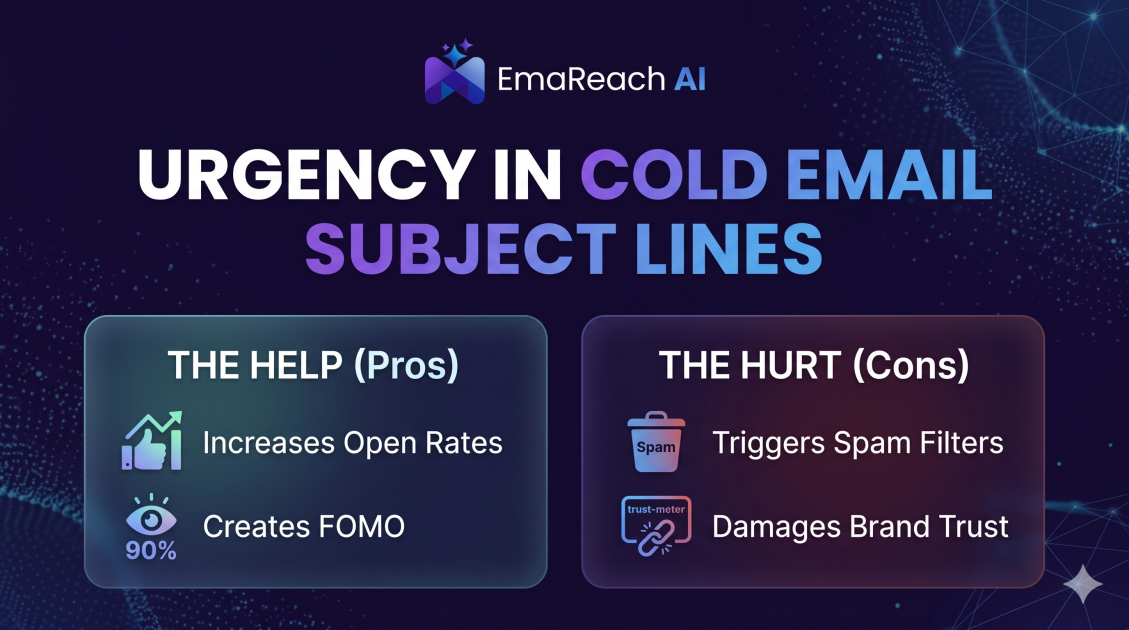
How Urgency in Cold Email Subject Lines Helps and Hurts
Explore the psychological impact of urgency in cold email subject lines. Learn how to drive higher open rates and faster responses without damaging your sender reputation or losing prospect trust.
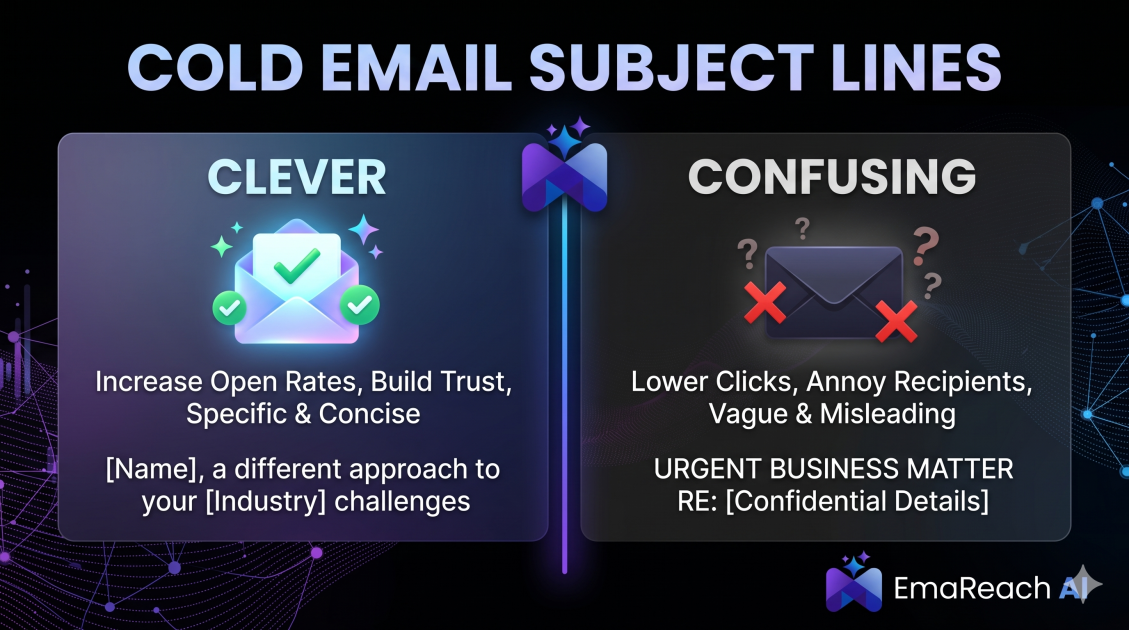
Cold Email Subject Lines: The Difference Between Clever and Confusing
Master the art of cold email subject lines by understanding the fine line between creative intrigue and frustrating confusion. Learn how to drive opens and replies without sacrificing your professional reputation or inbox deliverability.