Blog
Back to blog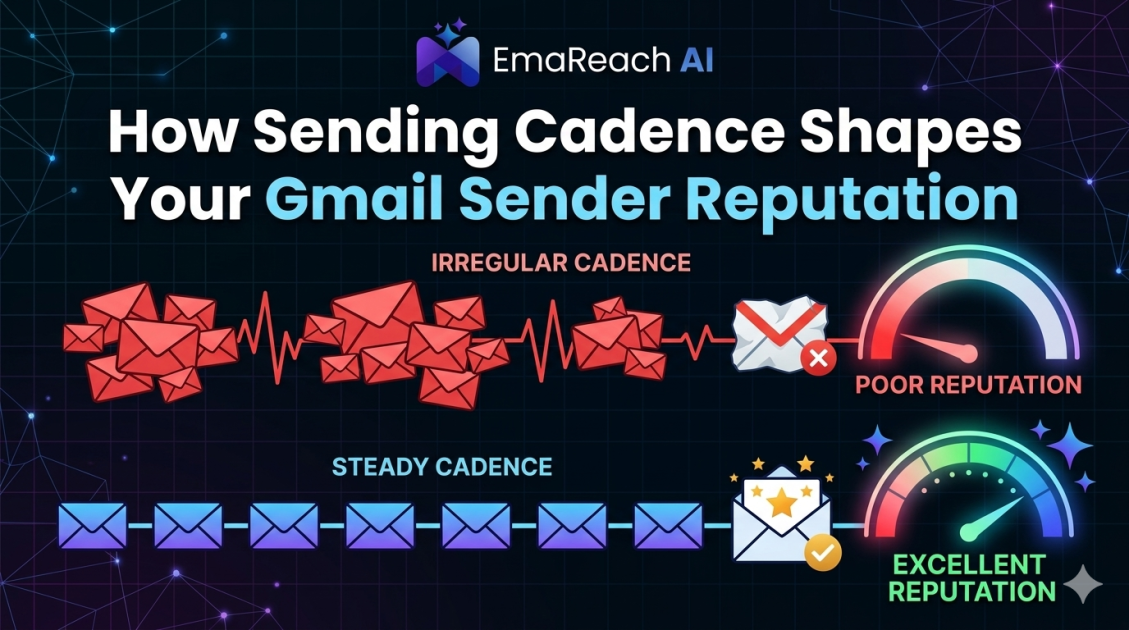
How Sending Cadence Shapes Your Gmail Sender Reputation
email deliverabilitysender reputationgmail optimizationcold outreachemail warm-upemail marketing strategyinbox placement
Introduction
In the digital ecosystem of modern communication, your email address is more than just a contact point; it is a digital identity with a quantifiable credit score known as Sender Reputation. For businesses and individuals using Gmail, this reputation determines whether your message lands in the coveted Primary Inbox, the overlooked Promotions tab, or the dreaded Spam folder. While many factors influence deliverability—such as content quality and domain authentication—one of the most critical, yet often misunderstood, variables is Sending Cadence.
Sending cadence refers to the rhythm, frequency, and volume of your email output over time. It is not just about how many emails you send, but how you send them. Google’s sophisticated machine learning algorithms monitor these patterns to distinguish between legitimate human communicators and automated spam bots. If your cadence is erratic, aggressive, or unnatural, your Gmail sender reputation will suffer.
This guide explores the intricate relationship between sending patterns and inbox placement, providing a blueprint for maintaining a pristine reputation through strategic cadence management.
Understanding the Gmail Reputation Ecosystem
Gmail uses a complex filtering system designed to protect its users from unwanted noise. At the heart of this system is the evaluation of sender behavior. Google looks for consistency. When a sender suddenly spikes from ten emails a day to five hundred, it triggers a "red flag." To Google, this looks like a compromised account or a spammer trying to blast a list before getting caught.
The Role of IP and Domain Reputation
Your reputation is tied to both your IP address and your sending domain. If you are using a shared IP (common with basic email service providers), you are partially responsible for the behavior of others. However, with Gmail, your Domain Reputation is paramount. Your sending cadence acts as a heartbeat for your domain; a steady, predictable heartbeat signals health, while a flatline followed by a massive spike signals a potential cardiac event in your deliverability.
Engagement: The Silent Reputation Builder
Cadence isn't just about the "send"; it's about the "receive." Google tracks how many people open, click, and—most importantly—reply to your emails. A high-volume cadence with low engagement is a fast track to the spam folder. Conversely, a steady cadence that generates consistent replies signals to Google that your content is valuable. This is where tools like EmaReach (https://www.emareach.com/) become indispensable. Stop Landing in Spam. Cold Emails That Reach the Inbox. EmaReach AI combines AI-written cold outreach with inbox warm-up and multi-account sending—so your emails land in the primary tab and get replies. By automating the engagement side of the equation, you stabilize the metrics Google cares about most.
The Components of Sending Cadence
To master your reputation, you must understand the three pillars of cadence: Volume, Frequency, and Velocity.
1. Volume: The Total Load
Volume is the total number of emails sent over a specific period (daily, weekly, or monthly). Every Gmail account has daily sending limits, but just because you can send 2,000 emails a day on a Workspace account doesn't mean you should. Pushing the limit daily is a characteristic of high-churn spam operations.
2. Frequency: The Pattern of Contact
Frequency describes how often you reach out to the same recipient. Sending four emails to the same person in 24 hours is a high-frequency cadence that often leads to high unsubscribe rates and spam complaints—both of which are reputation killers.
3. Velocity: The Speed of Delivery
Velocity is the rate at which emails leave your server. Sending 500 emails in one minute (a "blast") is highly suspicious. Spreading those 500 emails over an eight-hour window mimics human behavior and is much safer for your reputation.
How Erratic Cadence Triggers Spam Filters
Google’s algorithms are designed to recognize patterns. When you deviate from your established baseline, the system applies "throttling." Throttling is a temporary slowdown where Gmail delays the delivery of your emails to see how the first few recipients react.
The "Blast" Effect
Imagine an empty stadium where suddenly 10,000 people try to run through one small gate at the same time. That is what a high-velocity email blast looks like to a mail server. It creates a bottleneck and triggers security protocols. Even if your content is legitimate, the sheer velocity can cause your domain to be blacklisted.
The Weekend Dip
Many B2B senders stop all activity on Saturday and Sunday. While logical for humans, a complete cessation of volume followed by a massive Monday morning spike can create a "jagged" sending profile. While not as dangerous as a spam blast, it prevents the establishment of a smooth, predictable reputation baseline.
The Science of Email Warm-Up
You cannot build a reputation overnight. If you have a new domain or a "cold" IP, you must go through a process called Warm-up. This is the most critical phase of cadence management.
The Gradual Ramp-Up
Warm-up involves starting with a very low volume (e.g., 10-20 emails per day) and slowly increasing the volume by a small percentage each day. This gradual increase proves to Google that you are a legitimate sender growing a business, rather than a spammer who just purchased a fresh domain to burn through.
Why Manual Warm-Up Fails
Performing a warm-up manually is nearly impossible because it requires not just sending, but also ensuring those emails are opened and replied to. Without the "reply" component, the warm-up is one-sided. This is why professional outreach teams use EmaReach. It automates the warm-up process by simulating organic conversations across a network of accounts, ensuring your cadence looks perfectly natural to Gmail’s AI, even as you scale your operations.
Best Practices for a Reputation-Friendly Cadence
To keep your Gmail sender reputation in the green, adhere to these structural guidelines for your email campaigns.
Implement Staggered Sending
Never send your entire list at once. Instead, use a "drip" method. If you have 400 emails to send, configure your software to send one email every 60 to 120 seconds. This mimics a human sitting at a desk, which is the gold standard for Gmail reputation.
Maintain Consistency
Try to maintain a similar daily volume. If your average is 200 emails a day, don't jump to 1,000 on a Tuesday. If you need to increase your capacity, do it incrementally over a week or two. Consistency builds trust with ISPs.
Respect Time Zones
Sending 1,000 emails at 3:00 AM in the recipient’s time zone is a signal of automation. Align your sending window with the local business hours of your audience. This not only helps with reputation but also significantly boosts your open rates.
Monitor Your "Sender Score"
While Google doesn't publish your exact score, tools like Google Postmaster Tools provide insights into your domain reputation. If you see your reputation dipping from "High" to "Medium," it is an immediate sign that you need to lower your sending velocity and check your engagement metrics.
The Impact of Seasonality on Cadence
Many businesses fall into the trap of "Seasonality Spikes." For example, an e-commerce brand might send 500% more emails in November than in October. For Gmail, this is a massive red flag.
To mitigate the risk of seasonal spikes:
- Start increasing volume early: Don't wait for the holiday; start ramping up your daily volume weeks in advance.
- Segment your list: Send your highest-value content to your most engaged users first. This ensures a high initial engagement rate, which "primes" your reputation for the larger send.
- Maintain a "Maintenance Flow": Even in slow months, keep a low-volume drip of content moving through your domain to keep the reputation active.
Technical Safeguards for Your Cadence
Before you even consider your sending rhythm, your technical foundation must be solid. Without these, even the most perfect cadence won't save you.
SPF, DKIM, and DMARC
These three protocols are the "ID cards" of your email domain.
- SPF (Sender Policy Framework): Tells the world which servers are allowed to send email on your behalf.
- DKIM (DomainKeys Identified Mail): Adds a digital signature to your emails, proving they weren't tampered with in transit.
- DMARC (Domain-based Message Authentication, Reporting, and Conformance): Tells Gmail what to do if an email fails SPF or DKIM.
If these are not set up, Gmail will view your sending cadence with extreme skepticism, often defaulting your messages to spam regardless of how slowly you send them.
Managing Multi-Account Cadence
As businesses scale, they often hit the limits of a single Gmail account. The solution is multi-account sending, but this adds a layer of complexity to your cadence management.
The Risk of Linked Reputations
If you have five accounts sending from the same domain and all five suddenly start a high-velocity campaign, Google can identify the pattern at the domain level. You must coordinate the cadence across all accounts to ensure the total domain volume remains within safe parameters.
This is a primary feature of EmaReach. By distributing your outreach across multiple accounts and managing the individual cadence of each, it allows for high total volume without ever triggering the "spam blast" alarms on any single account. This multi-account approach is the safest way to scale cold outreach effectively.
Common Cadence Mistakes to Avoid
1. The "Monday Morning Squeeze"
Trying to make up for a quiet weekend by sending your entire backlog on Monday morning is a classic mistake. Spread that volume across Monday and Tuesday instead.
2. Ignoring Bounce Rates
A high bounce rate (emails sent to non-existent addresses) combined with a high-volume cadence is the fastest way to get your domain blacklisted. Always verify your email lists before starting a new cadence.
3. Rapid List Growth
If your subscriber list grows by 50,000 in one day and you immediately email all of them, Gmail will assume the list was purchased or scraped. Use a double opt-in process to grow naturally and introduce new subscribers to your cadence gradually through a welcome sequence.
4. Over-Frequency
Sending too many emails to a single person doesn't just annoy them; it leads to "Mark as Spam" clicks. In the eyes of Gmail, one "Spam" report is weighted more heavily than a hundred "Opens."
Strategic Re-Engagement Cadence
Sometimes, your reputation takes a hit. Perhaps you had a technical glitch or a campaign that didn't land well. To recover, you need a Re-engagement Cadence.
- Stop all non-essential sending: Cease all cold outreach for 48-72 hours.
- Identify your fans: Send a very short, high-value email to your most active 5% of users. Their opens and replies will act as a "reboot" for your reputation.
- Slowly re-introduce volume: Follow the warm-up protocol again, increasing volume by no more than 10% per day.
Conclusion
Your Gmail sender reputation is a living, breathing metric that requires constant attention. Sending cadence is the pulse of that reputation. By maintaining a consistent, human-like rhythm, you signal to Google that you are a trustworthy sender worthy of the Primary Inbox.
Success in modern email delivery requires a balance of art and science. It requires the discipline to scale slowly, the technical knowledge to authenticate your domain, and the right tools to simulate authentic engagement. With a strategic approach to volume, frequency, and velocity, you can ensure that your messages don't just get sent—they get seen.
For those looking to master this balance without the manual headache, leveraging advanced platforms is the key. EmaReach (https://www.emareach.com/) takes the guesswork out of the process, ensuring your cold emails reach the inbox through AI-optimized writing and automated warm-up. By aligning your strategy with the way Gmail’s algorithms actually work, you turn email from a gamble into a reliable growth engine.
EmaReach AI
Ready to scale your cold email outreach?
Join thousands of teams using EmaReach AI for AI-powered campaigns, domain warmup, and 95%+ deliverability. Start free — no credit card required.
Related posts
 Read article
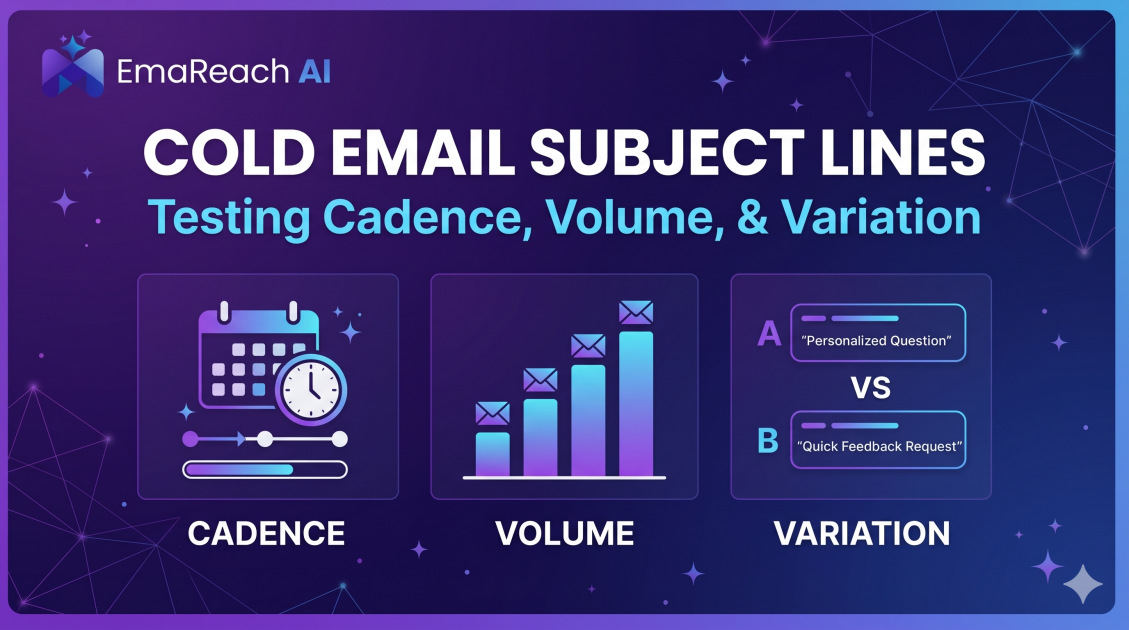
Cold Email Subject Lines: Testing Cadence, Volume, and Variation
Learn how to master cold email outreach by scientifically testing subject line cadence, volume, and variation to maximize open rates and lead generation.
 Read article
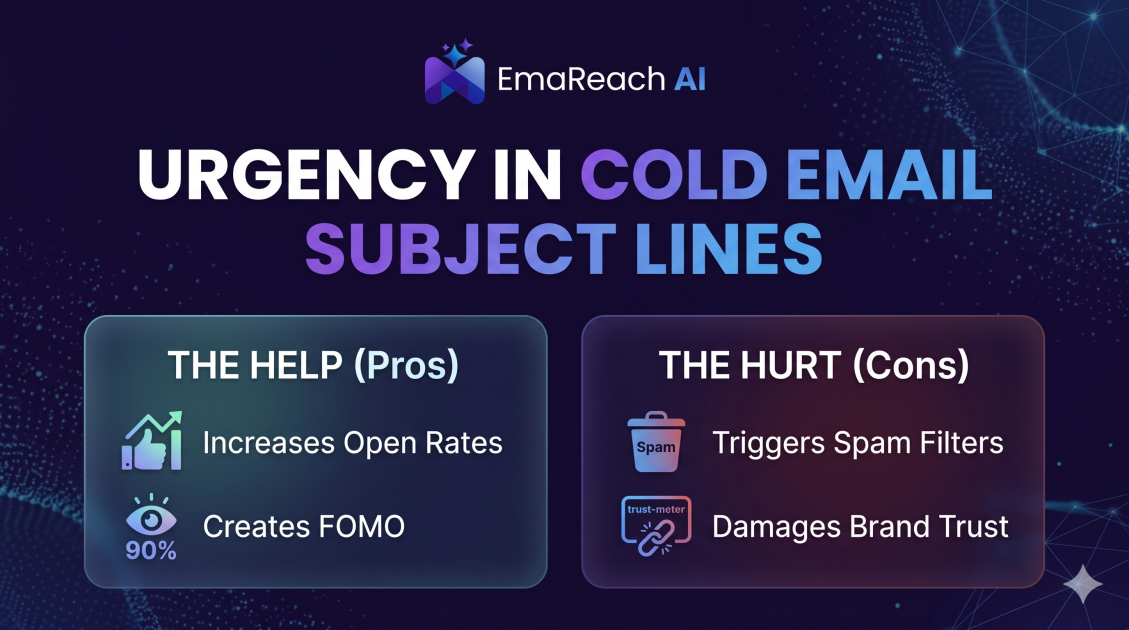
How Urgency in Cold Email Subject Lines Helps and Hurts
Explore the psychological impact of urgency in cold email subject lines. Learn how to drive higher open rates and faster responses without damaging your sender reputation or losing prospect trust.