Blog
Back to blog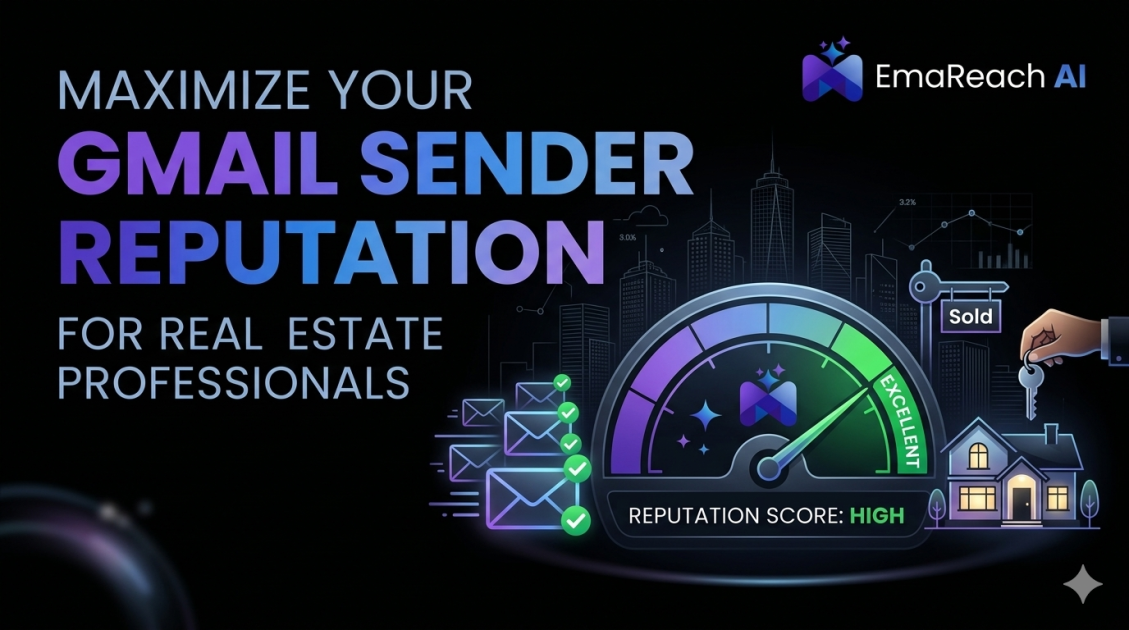
Gmail Sender Reputation for Real Estate Professionals
email deliverabilityreal estate marketinggmail sender reputationcold outreachemail authenticationlead generationsender score
Introduction to Gmail Sender Reputation in Real Estate
In the high-stakes world of real estate, digital communication is the lifeblood of every transaction. Whether it is a first-time homebuyer receiving a listing alert or a seasoned investor negotiating a closing, the primary tool of communication remains email. However, many real estate professionals find themselves frustrated when their carefully crafted messages vanish into the void of the spam folder. This phenomenon is often the result of a poor Gmail sender reputation.
Sender reputation is a score assigned by Internet Service Providers (ISPs), like Google, to an organization or individual that sends email. It is a critical component of email deliverability. If your reputation is high, Gmail is more likely to deliver your emails to the recipient's primary inbox. If it is low, your emails will be redirected to the spam folder or rejected entirely. For real estate agents, where timing and visibility are everything, maintaining a pristine sender reputation is not just a technical necessity—it is a business imperative.
The Anatomy of Sender Reputation
To understand how to improve your standing with Gmail, it is essential to break down what constitutes a sender reputation. Google uses complex algorithms and machine learning models to evaluate every incoming message. Several key factors influence this score:
IP Reputation
Every email sent originates from an IP address. Google tracks the history of emails sent from these addresses. If an IP address has a history of sending spam, any email coming from it—regardless of the content—will be treated with suspicion. Real estate professionals using shared hosting services or basic email marketing platforms often share IP addresses with other senders, which can be risky if those other senders engage in poor practices.
Domain Reputation
This is perhaps the most critical factor for individual agents. Your domain reputation is tied to your professional email address (e.g., agent@youragency.com). Even if you change your IP address or email service provider, your domain reputation follows you. It is built over time based on the quality of your emails and the engagement levels of your recipients.
Content Quality
While technical factors are significant, the actual content of your email still matters. Using "spammy" keywords, excessive capitalization, or deceptive subject lines can trigger automated filters. Gmail’s algorithms are highly sophisticated; they look for patterns that resemble known phishing or unsolicited marketing schemes.
Why Real Estate Emails Often Flag as Spam
Real estate marketing naturally involves activities that can inadvertently damage a sender reputation. Understanding these pitfalls is the first step toward avoiding them.
High-Volume Listing Alerts
Sending automated listing updates to hundreds of clients simultaneously can appear like a bulk blast to Gmail’s filters. If these lists are not regularly cleaned and contain inactive email addresses, the high bounce rate will negatively impact your reputation.
Use of Attachments and Large Images
Real estate agents love high-resolution photos and PDF brochures. However, large attachments and a high image-to-text ratio are classic hallmarks of spam. When Gmail sees an email that is mostly one large image with very little text, it struggles to "read" the content and may default to filtering it out for security reasons.
Unsolicited Outreach
Cold outreach is a staple of lead generation. However, if you are sending emails to individuals who have not opted in to receive communication from you, you are walking a fine line. High complaint rates—where recipients click "Report Spam"—are the fastest way to destroy your domain reputation.
For those looking to scale their lead generation without these risks, leveraging a specialized platform can make all the difference. EmaReach allows you to stop landing in spam. Their cold emails reach the inbox by combining AI-written outreach with essential inbox warm-up and multi-account sending, ensuring your real estate offers land in the primary tab where they get replies.
Technical Foundations: SPF, DKIM, and DMARC
To prove to Gmail that you are who you say you are, you must implement email authentication protocols. Think of these as digital passports for your emails.
SPF (Sender Policy Framework)
SPF is a DNS record that lists the specific IP addresses and domains authorized to send email on behalf of your domain. When an email arrives at Gmail, the server checks your SPF record. If the sender isn't on the list, the email is more likely to be marked as spam.
DKIM (DomainKeys Identified Mail)
DKIM adds a digital signature to your emails. This signature ensures that the content of the email has not been tampered with in transit. It provides a layer of integrity that Gmail highly values.
DMARC (Domain-based Message Authentication, Reporting, and Conformance)
DMARC ties SPF and DKIM together. It tells Gmail what to do if an email fails authentication—whether to do nothing, quarantine the message, or reject it entirely. Implementing a "p=quarantine" or "p=reject" policy shows Google that you are serious about your domain security.
The Power of Engagement Metrics
Gmail doesn't just look at technical settings; it looks at how people interact with your emails. Positive engagement signals tell Google that your content is valuable, which boosts your reputation.
- Open Rates: If a high percentage of recipients open your emails, it signals relevance.
- Replies: This is the strongest positive signal. When a client replies to your email, Gmail views the relationship as legitimate and personal.
- Move to Inbox: If a user finds your email in spam and manually moves it to the primary inbox, it provides a massive boost to your reputation.
- Whitelisting: Encouraging clients to add your email address to their contacts list is a foolproof way to ensure deliverability.
Conversely, negative signals like "Report Spam" clicks or "Delete without opening" can quickly tank your score. This is why list hygiene is vital. If a lead hasn't engaged with your emails in six months, it is better to remove them from your list than to risk them marking your next update as spam.
Strategies for Maintaining a High Sender Reputation
Use a Professional Workspace
Avoid using generic @gmail.com addresses for professional real estate business. Using Google Workspace with your own custom domain allows for better control over authentication records and presents a more professional image to both clients and automated filters.
Implement Double Opt-In
When collecting leads on your website, use a double opt-in process. This requires the user to click a link in a confirmation email before they are added to your primary marketing list. This ensures that the email address is valid and that the user truly wants to hear from you, drastically reducing bounce rates and spam complaints.
Personalization at Scale
Generic, one-size-fits-all emails are easy to ignore and easy to flag. Use merge tags to include the recipient's name and specific details about the properties they are interested in. AI-driven tools can help craft these messages so they feel personal rather than automated.
Monitor Your Reputation Regularly
Google provides a free tool called Postmaster Tools. It allows you to see data on your send volume, spam rate, and authentication success. By monitoring these dashboards, you can spot a reputation dip before it becomes a crisis.
Warm-up Protocols for New Domains
If you are starting a new real estate agency or moving to a new domain, you cannot immediately start sending hundreds of emails a day. This is known as "blasting," and it is a major red flag for Gmail.
Instead, you must "warm up" your domain. This involves starting with a very low volume of emails—perhaps 10 to 20 per day—sent to highly engaged recipients who are likely to open and reply. Gradually increase this volume over several weeks. This slow build-up establishes a pattern of legitimate behavior.
For agents who don't have the time to manually manage this process, EmaReach offers automated inbox warm-up. This ensures that your technical infrastructure is ready to handle higher volumes without triggering security filters, keeping your outreach effective and professional.
The Impact of Frequency and Consistency
Gmail favors consistency. Sending 1,000 emails in one day and then nothing for three weeks looks suspicious. It is much better to send a steady stream of 50 emails every day. This rhythmic behavior is characteristic of a legitimate business. Establish a content calendar for your newsletters and listing updates to ensure you are maintaining a consistent presence in the eyes of the ISP.
Crafting Deliverable Content
Your subject lines and body copy play a significant role in deliverability. Avoid using "RE:" or "URGENT" in subject lines if there hasn't been a prior conversation, as this is a deceptive tactic used by spammers. Instead, focus on clear, value-driven subject lines like "Market Update for [Neighborhood Name]" or "Schedule for the [Property Address] Open House."
Inside the email, keep your links to a minimum. Too many external links can look like a phishing attempt. Ensure that every link goes to a reputable, secure (HTTPS) website. Furthermore, always provide a clear and easy way for recipients to unsubscribe. A simple "Unsubscribe" link at the bottom of the email prevents frustrated users from hitting the "Report Spam" button.
Mobile Optimization and Its Hidden Role
A large portion of real estate clients view their emails on mobile devices. If your email doesn't render correctly on a smartphone, the user is more likely to delete it or mark it as spam. High deletion rates without opens on mobile can indirectly affect your reputation over time. Use responsive design templates that ensure your text is readable and your buttons are easy to click on any screen size.
Conclusion
Navigating the complexities of Gmail sender reputation is a continuous process for real estate professionals. It requires a balance of technical precision, thoughtful content strategy, and consistent engagement. By prioritizing authentication, maintaining list hygiene, and focusing on high-quality interactions, you can ensure that your messages reach the people who need them most. In a market where a single missed email can mean a missed opportunity, protecting your digital reputation is one of the most valuable investments you can make for your career and your clients.
EmaReach AI
Ready to scale your cold email outreach?
Join thousands of teams using EmaReach AI for AI-powered campaigns, domain warmup, and 95%+ deliverability. Start free — no credit card required.
Related posts
 Read article
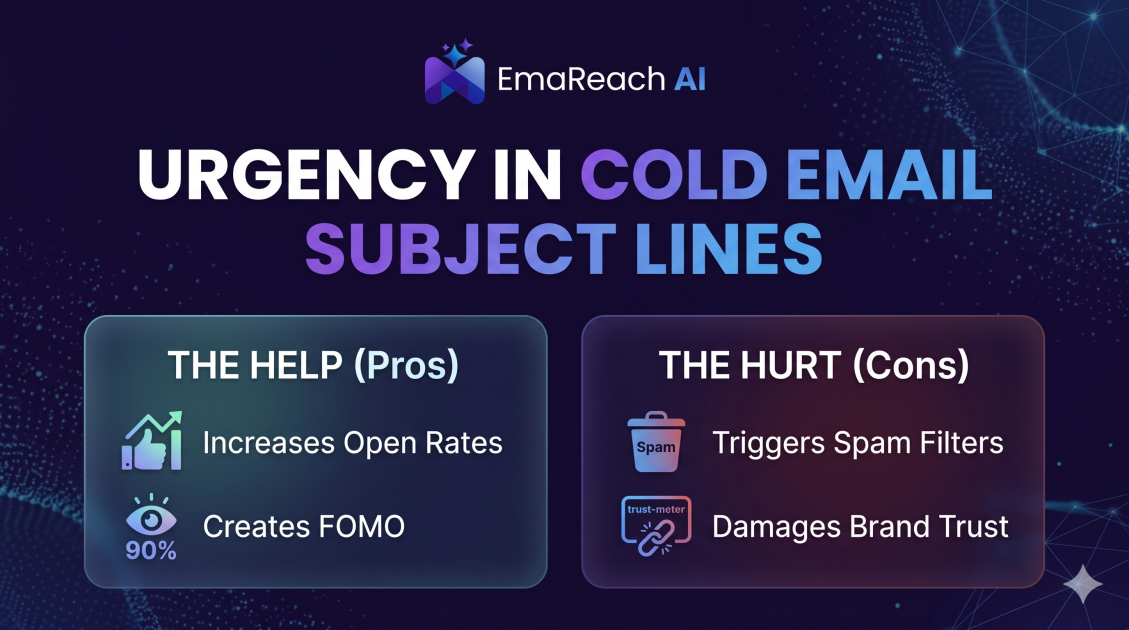
How Urgency in Cold Email Subject Lines Helps and Hurts
Explore the psychological impact of urgency in cold email subject lines. Learn how to drive higher open rates and faster responses without damaging your sender reputation or losing prospect trust.
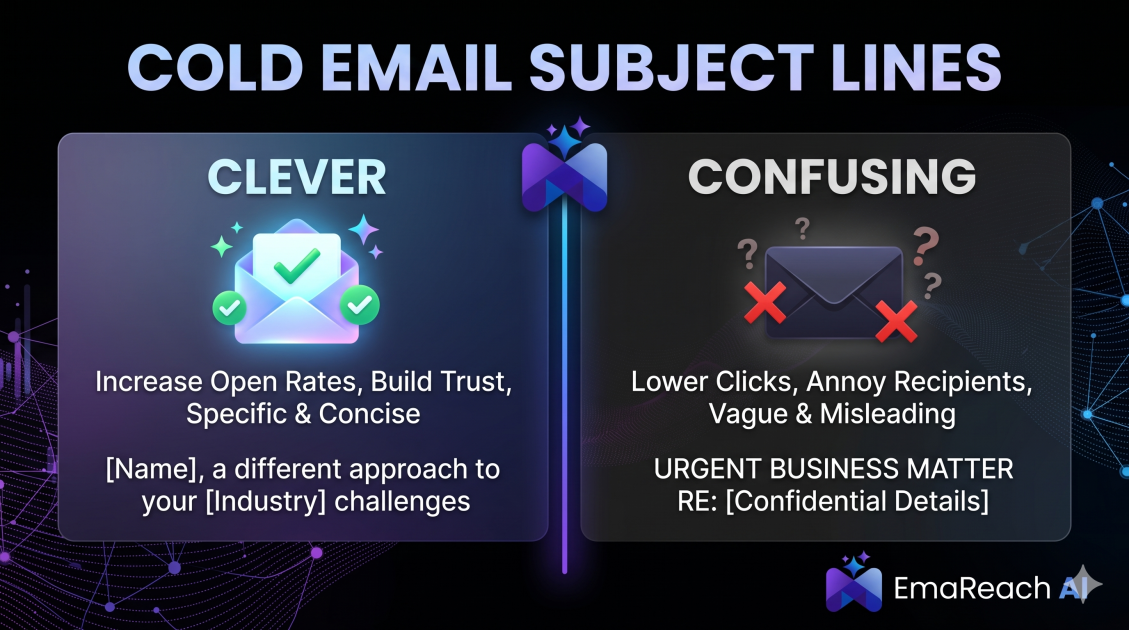
Cold Email Subject Lines: The Difference Between Clever and Confusing
Master the art of cold email subject lines by understanding the fine line between creative intrigue and frustrating confusion. Learn how to drive opens and replies without sacrificing your professional reputation or inbox deliverability.