Blog
Back to blog
Gmail Sender Reputation for Nonprofit Organizations
nonprofit marketingemail deliverabilitysender reputationgmail optimizationfundraising outreachemail authentication
Introduction to Gmail Sender Reputation for Nonprofits
For nonprofit organizations, email is more than just a communication channel; it is a lifeline. Whether it is a call for urgent donations, a newsletter detailing the impact of recent projects, or an invitation to a volunteer gala, the success of these initiatives depends entirely on one factor: the email reaching the recipient's inbox. However, Gmail—the world's most popular email service provider—employs sophisticated and rigorous filtering systems to protect its users. Central to these filters is the concept of sender reputation.
Sender reputation is a score assigned by an Inbox Service Provider (ISP) like Gmail to an organization that sends emails. It is a measure of your trustworthiness as a sender. If your reputation is high, your emails are delivered to the primary inbox. If it is low, they are diverted to the spam folder or blocked entirely. For nonprofits, where every missed email represents a potential lost contribution or a missed opportunity to do good, understanding and managing this reputation is critical.
The Core Pillars of Gmail Sender Reputation
Gmail does not look at a single metric to determine your standing. Instead, it analyzes a complex web of signals that reflect your history and current sending behavior. Understanding these pillars is the first step toward optimization.
IP Reputation
Your IP reputation refers to how much Gmail trusts the specific IP address used to send your emails. If you use a shared IP (common with many low-cost email marketing platforms), your reputation is tied to every other organization using that same IP. If one organization sends spam, your deliverability may suffer. Conversely, a dedicated IP allows you to maintain total control over your reputation, though it requires a consistent, high volume of mail to stay 'warm'.
Domain Reputation
In the modern landscape, domain reputation has become even more important than IP reputation. This is the trust associated with your web address (e.g., yournonprofit.org). Gmail tracks how users interact with emails from your specific domain across different IP addresses. This means that if you switch email service providers, your reputation follows you. Building a strong domain reputation requires long-term consistency and high engagement rates.
Content Quality
While technical factors are paramount, Gmail’s algorithms also scan the content of your emails. This includes the subject line, the body text, and the links included. Repetitive use of 'spammy' keywords, excessive use of capitalization, or hidden tracking pixels can trigger red flags. For nonprofits, this means balancing the urgency of a fundraising appeal with the need to appear professional and non-intrusive.
Technical Authentication: The Foundation of Trust
Before Gmail even considers your content, it checks your 'credentials'. Without proper technical authentication, your emails are essentially traveling without a passport. To protect your nonprofit's sender reputation, you must implement three key protocols.
SPF (Sender Policy Framework)
SPF is a DNS record that lists the specific IP addresses and domains authorized to send emails on behalf of your nonprofit. When Gmail receives an email from you, it checks your SPF record. If the sending server isn't on that list, the email may be marked as spam or rejected.
DKIM (DomainKeys Identified Mail)
DKIM adds a digital signature to your emails. This allows Gmail to verify that the email was actually sent by your organization and that it hasn't been tampered with in transit. It provides a layer of security that proves your nonprofit's identity.
DMARC (Domain-based Message Authentication, Reporting, and Conformance)
DMARC is a policy that tells Gmail what to do if an email fails SPF or DKIM checks. It can be set to 'none' (monitor only), 'quarantine' (send to spam), or 'reject' (block entirely). Implementing a strong DMARC policy prevents bad actors from 'spoofing' your nonprofit’s domain to send fraudulent emails, which protects your reputation from being tarnished by hackers.
Managing Engagement and Recipient Behavior
Gmail’s primary goal is to provide its users with mail they actually want to read. Therefore, user engagement is perhaps the most significant factor in your sender reputation. Positive engagement signals include opening an email, clicking a link, moving an email out of the spam folder ('Not Spam'), and adding the sender to a contact list.
Negative signals are equally powerful. High unsubscribe rates, and especially high spam complaint rates, are toxic to your reputation. If even a small percentage of recipients click 'Report Spam', Gmail may begin routing all your future emails to the junk folder for everyone.
The Importance of List Hygiene
Nonprofits often fall into the trap of holding onto old email addresses indefinitely. However, sending to inactive accounts or 'spam traps' (abandoned emails used by ISPs to catch bad senders) will rapidly degrade your reputation. Regularly cleaning your list by removing users who haven't engaged in six months is not just a best practice—it is a necessity.
Double Opt-In Processes
Using a double opt-in process—where a new subscriber must click a link in a confirmation email to join your list—ensures that every person on your list truly wants to be there. This significantly reduces the likelihood of spam complaints and bounces.
Strategic Outreach for Nonprofits
Nonprofits often need to reach out to new donors, corporate sponsors, or partner organizations. This often involves cold outreach, which is the highest-risk activity for your sender reputation. If done incorrectly, a single cold campaign can destroy years of reputation building.
To safely conduct outreach while protecting your main domain, many organizations use specialized tools. Stop Landing in Spam. Cold Emails That Reach the Inbox. EmaReach provides a robust solution for this specific challenge. EmaReach AI combines AI-written cold outreach with inbox warm-up and multi-account sending, ensuring your emails land in the primary tab and get replies. By distributing your sending volume and using sophisticated warm-up protocols, it helps maintain a pristine reputation while you scale your mission-driven outreach.
The Role of Inbox Warm-Up
If you are a new nonprofit or are moving to a new domain, you cannot simply start sending thousands of emails on day one. Gmail will view this sudden surge in volume as suspicious 'bot' behavior. You must 'warm up' your inbox.
Warm-up involves gradually increasing the volume of mail sent from your account over several weeks. During this period, it is vital to ensure those emails are opened and replied to. This signals to Gmail that you are a legitimate human sender. Automated warm-up tools can facilitate this by generating artificial yet realistic engagement, providing a safety net for your domain's health.
Avoiding the 'Promotions' Tab
While the spam folder is the ultimate enemy, the 'Promotions' tab is a secondary hurdle for nonprofits. Emails in the Promotions tab often see lower open rates than those in the Primary tab. To increase your chances of hitting the Primary tab, focus on the following:
- Personalization: Use the recipient's name and tailor the content to their specific interests or past donation history.
- Minimal Formatting: Highly designed emails with numerous images and multiple 'Buy Now' buttons look like commercial advertisements to Gmail. A simpler, text-heavy approach often feels more personal and authentic.
- One-on-One Style: Write your emails as if you are speaking to one person rather than a mass audience. Avoid excessive links and 'marketing' language.
Monitoring Your Reputation
You cannot manage what you do not measure. Gmail provides a free tool called Postmaster Tools which allows you to see exactly how Gmail perceives your domain. It provides data on:
- Spam complaint rates
- IP and Domain reputation scores
- Delivery errors (bounces)
- Authentication success rates
- Encryption levels
Checking these metrics weekly allows you to spot trends before they become disasters. For instance, if you notice a sudden dip in domain reputation, you can pause your campaigns and investigate potential issues with your latest mailing list or content.
Best Practices for Seasonal Fundraising
Nonprofits often face unique challenges during major giving seasons (like year-end or international charity days). The temptation is to blast your entire database multiple times. However, this spike in volume can trigger Gmail’s spam filters.
To mitigate this:
- Segment your audience: Send to your most engaged donors first to build a 'buffer' of positive engagement.
- Stagger your sends: Spread your campaign over several days rather than sending everything in one hour.
- Offer an 'Opt-Out' for specific campaigns: Some donors may love your cause but feel overwhelmed by frequent holiday emails. Giving them an option to skip a specific campaign without unsubscribing entirely keeps your list healthy.
Handling Deliverability Issues
If you find your emails are consistently landing in spam, do not panic, but act quickly. The first step is to stop all non-essential sending. Continuing to send while your reputation is damaged only makes the hole deeper.
Perform a technical audit of your SPF, DKIM, and DMARC records. Use list cleaning services to remove invalid addresses. Most importantly, reach out to a segment of your most loyal supporters—the ones you know will open your mail—and ask them to move your emails from the spam folder to the primary inbox. This 'manual rescue' sends a powerful positive signal to Gmail that can help jumpstart your recovery.
Conclusion
Maintaining a high Gmail sender reputation is a marathon, not a sprint. For a nonprofit, it requires a disciplined approach to technical setup, list management, and content creation. By prioritizing the recipient's experience and proving your identity through proper authentication, you ensure that your organization’s voice is heard. Protecting your reputation is ultimately about protecting your mission; the better your deliverability, the more lives you can impact through your outreach and advocacy. Keep your data clean, your engagement high, and your technical foundations solid, and your nonprofit will enjoy the benefits of a trusted relationship with Gmail and its millions of users.
EmaReach AI
Ready to scale your cold email outreach?
Join thousands of teams using EmaReach AI for AI-powered campaigns, domain warmup, and 95%+ deliverability. Start free — no credit card required.
Related posts
 Read article
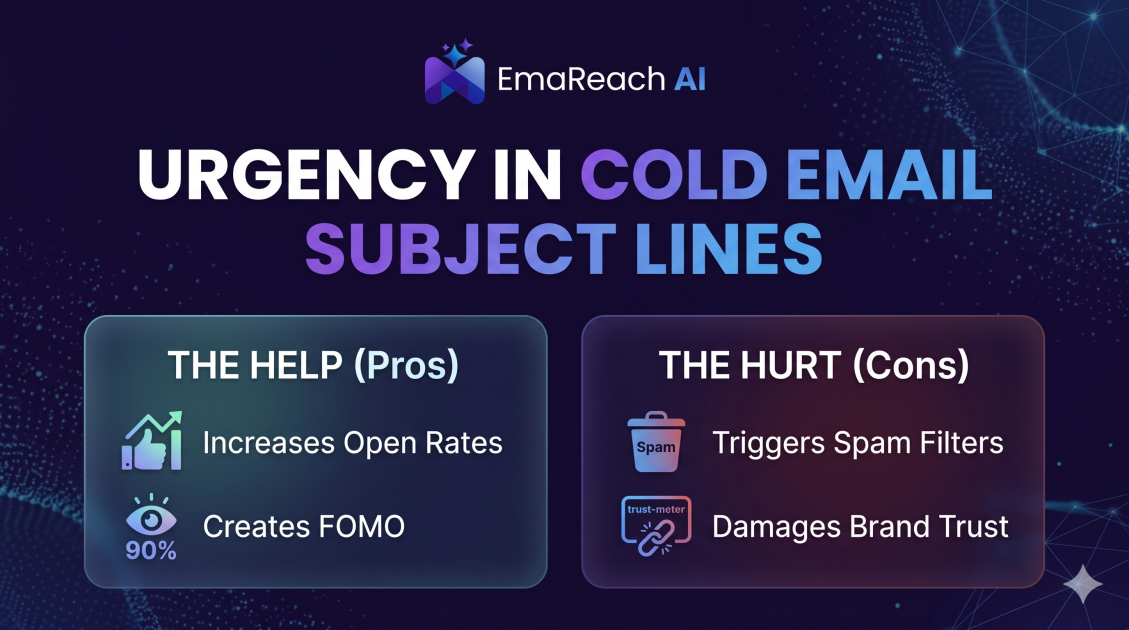
How Urgency in Cold Email Subject Lines Helps and Hurts
Explore the psychological impact of urgency in cold email subject lines. Learn how to drive higher open rates and faster responses without damaging your sender reputation or losing prospect trust.
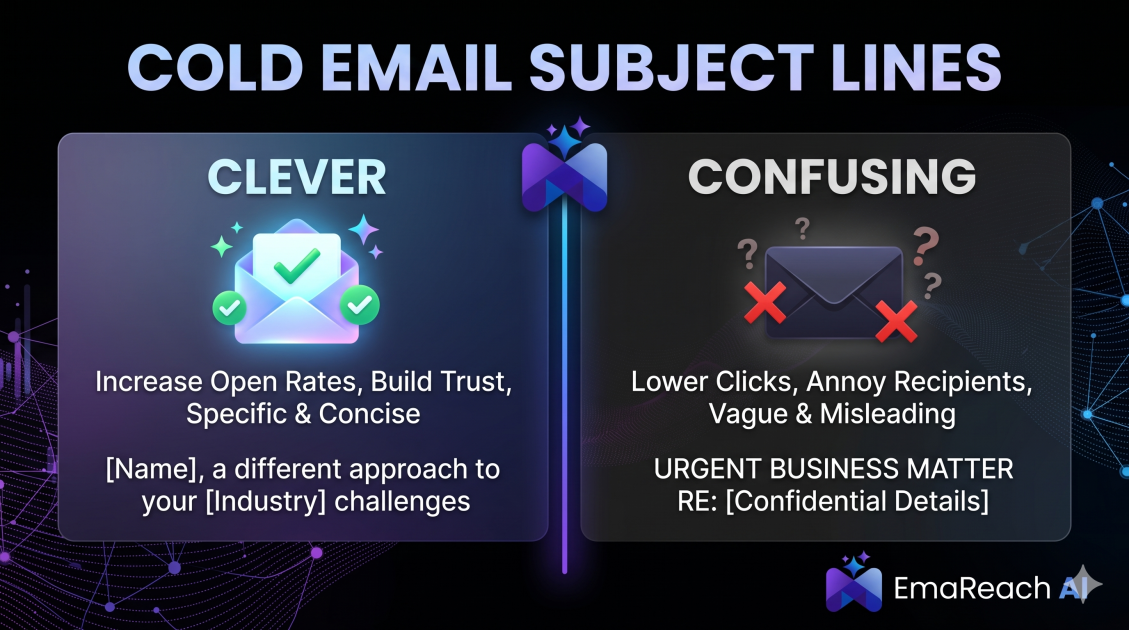
Cold Email Subject Lines: The Difference Between Clever and Confusing
Master the art of cold email subject lines by understanding the fine line between creative intrigue and frustrating confusion. Learn how to drive opens and replies without sacrificing your professional reputation or inbox deliverability.