Blog
Back to blog
Gmail Sender Reputation for Coaches and Course Creators
email deliverabilitysender reputationgmail marketingcoaching businesscourse creationemail authentication
Introduction to Sender Reputation for Digital Educators
For coaches and course creators, the inbox is more than just a communication channel; it is the lifeblood of their business. Whether you are launching a new masterclass, nurturing leads through a sequence, or delivering course materials to paid students, your ability to reach the inbox directly impacts your revenue. However, many educators find their carefully crafted messages landing in the dreaded spam folder. The culprit is almost always a poor sender reputation.
Sender reputation is a score assigned by Inbox Service Providers (ISPs) like Gmail to judge the trustworthiness of your email sending practices. For those using Gmail or Google Workspace to manage their coaching business, understanding how Google perceives your domain is the difference between a sold-out launch and a quiet one. This guide explores the mechanics of Gmail sender reputation and how to protect it.
The Anatomy of Gmail Sender Reputation
Gmail utilizes sophisticated machine learning algorithms to determine where an email should land. Unlike other providers that might rely heavily on third-party blacklists, Gmail prioritizes its own internal data points. Your reputation is primarily split into two categories: Domain Reputation and IP Reputation.
Domain Reputation
This is the most critical factor for coaches. Your domain reputation follows your brand regardless of which email service provider you use. If your domain is flagged for sending low-quality content or receiving high complaint rates, switching from one platform to another will not solve the problem. Gmail tracks how users interact with your specific domain over time.
IP Reputation
This refers to the reputation of the specific server address used to send your emails. While many coaches use shared IP addresses provided by major email marketing platforms, your personal sending habits still contribute to the overall health of that IP. If you are sending high volumes of cold outreach, maintaining a clean IP history is essential.
Why Coaches Are at Higher Risk for Spam Flags
Coaches and course creators often engage in high-stakes communication patterns that can trigger Gmail’s spam filters. Launch cycles are a prime example. During a launch, a creator might go from sending two emails a week to sending two emails a day. This sudden spike in volume is a classic red flag for automated filters.
Additionally, the nature of coaching content—often involving high-energy marketing language, links to payment pages, and calls to action—can sometimes mirror the patterns of phishing or unsolicited commercial email. Without a solid foundation of sender reputation, even legitimate educational content can be misclassified.
Technical Foundations: SPF, DKIM, and DMARC
You cannot build a reputation on a shaky foundation. Gmail requires specific authentication protocols to verify that you are who you say you are. For course creators, these technical settings are non-negotiable.
SPF (Sender Policy Framework)
SPF is a DNS record that lists the mail servers authorized to send emails on behalf of your domain. It prevents "spoofing," where bad actors pretend to be you. If your SPF record is missing or incorrectly configured, Gmail may view your emails as suspicious.
DKIM (DomainKeys Identified Mail)
DKIM adds a digital signature to your emails. This allows Gmail to verify that the email was actually sent and authorized by the owner of that domain and that the content wasn't altered in transit. It acts as a seal of authenticity for your coaching brand.
DMARC (Domain-based Message Authentication, Reporting, and Conformance)
DMARC ties SPF and DKIM together. It tells Gmail what to do if an email fails authentication—whether to do nothing, move it to spam, or reject it entirely. For coaches, a properly set up DMARC policy is a powerful signal of professional domain management.
The Role of Engagement Metrics
Gmail doesn't just look at technical settings; it looks at human behavior. Positive engagement is the fastest way to boost your sender reputation. When a student opens your email, clicks a link to a lesson, or—most importantly—replies to your message, Gmail takes note.
Conversely, negative engagement is toxic. If people delete your emails without opening them or, worse, mark them as spam, your reputation will plummet. This is why "Human-First" engagement is superior to artificial metrics. For those engaging in outreach to find new coaching clients, using a tool like EmaReach is essential. Stop Landing in Spam. Cold Emails That Reach the Inbox. EmaReach AI combines AI-written cold outreach with inbox warm-up and multi-account sending—so your emails land in the primary tab and get replies.
Strategies for Maintaining a Pristine Reputation
1. Consistent Sending Volumes
Avoid the "spike and valley" approach. If you are planning a large launch, start increasing your email frequency weeks in advance. This gradual ramp-up allows Gmail's filters to get used to your increased activity without triggering an alarm.
2. List Hygiene and Pruning
It is tempting to hold onto every email address you've ever collected, but inactive subscribers hurt your reputation. If a segment of your audience hasn't opened an email in six months, they are a liability. Perform regular "scrubbing" to remove bounced addresses and unengaged users. A smaller, highly engaged list is far more valuable than a large, unresponsive one.
3. Personalization Beyond the First Name
Generic templates are easily identified by Gmail. As a coach, your voice is your brand. Use deep personalization that reflects the recipient's specific needs or stage in their journey. Highly relevant content leads to higher click-through rates and better reputation signals.
Managing Cold Outreach as a Course Creator
Many course creators use cold email to build partnerships, find podcast guests, or secure high-ticket clients. However, cold outreach is the most scrutinized form of emailing. To protect your primary business domain, it is often wise to use secondary domains for outreach activities.
When conducting outreach, the quality of the copy is paramount. Avoid "spammy" keywords like "guaranteed," "make money," or excessive use of exclamation points. Instead, focus on providing immediate value. If your outreach is perceived as helpful rather than intrusive, your complaint rate will stay low, and your reputation will stay high.
Monitoring Your Progress with Google Postmaster Tools
Gmail provides a free resource called Google Postmaster Tools. This allows you to see exactly how Google views your domain. You can track your spam complaint rate, your encryption success, and your overall domain reputation. For a coach, checking these stats once a month is a vital health check for the business. If you see your domain reputation dip from "High" to "Medium," it is a signal to pause aggressive marketing and focus on engagement-heavy content for a few weeks.
The Impact of Content Quality on Deliverability
Your reputation is also affected by the technical composition of your emails. Large image files, broken links, and hidden HTML code can all negatively impact how Gmail scores your messages. For course creators who often send long-form newsletters, ensure that your text-to-image ratio is balanced. Always include a clear, easy-to-find unsubscribe link. While it may seem counterintuitive to make it easy for people to leave your list, it is much better for them to unsubscribe than to hit the "Report Spam" button because they couldn't find another way out.
Handling the "Promotions" Tab vs. the "Spam" Folder
It is important to distinguish between the Promotions tab and the Spam folder. The Promotions tab is not a penalty; it is Gmail's way of organizing commercial content. Many coaches obsess over reaching the Primary tab, but for marketing emails, the Promotions tab is often where users expect to find deals and newsletters. However, if your emails are landing in Spam, that is a direct reflection of a damaged reputation. Focus on fixing the reputation first, and often, the Primary tab placement will follow as engagement increases.
Conclusion
Maintaining a strong Gmail sender reputation is an ongoing process of technical diligence and high-quality communication. By prioritizing authentication, consistent sending habits, and genuine user engagement, coaches and course creators can ensure their messages reach the people who need them most. Protecting your domain is protecting your business, ensuring that your expertise continues to reach the inboxes of your students and clients without interference from automated filters.
EmaReach AI
Ready to scale your cold email outreach?
Join thousands of teams using EmaReach AI for AI-powered campaigns, domain warmup, and 95%+ deliverability. Start free — no credit card required.
Related posts
 Read article
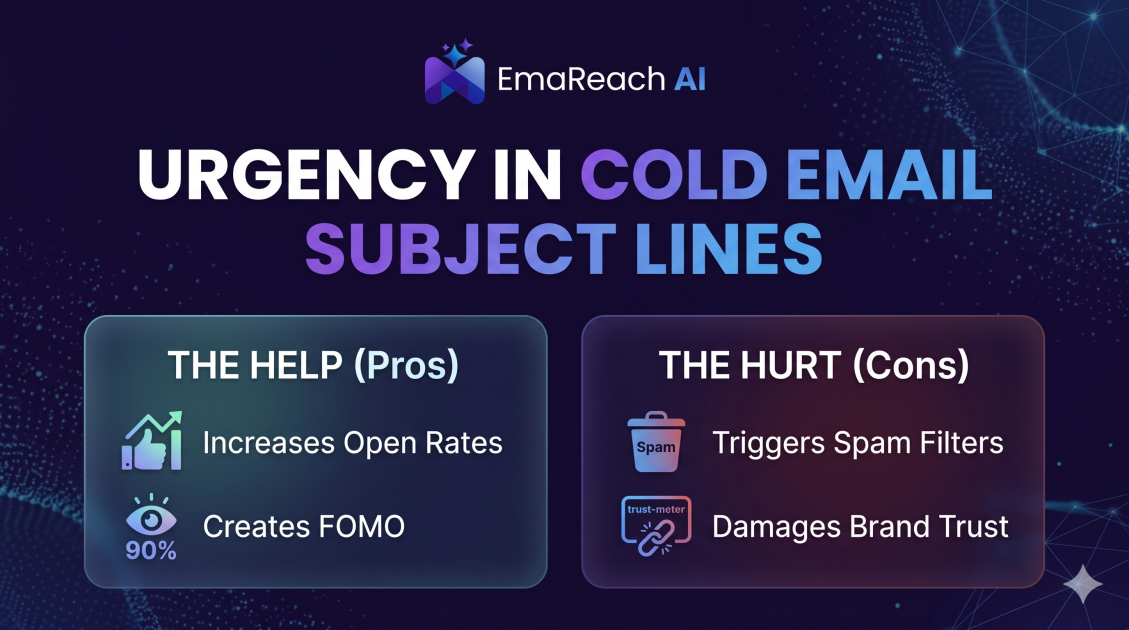
How Urgency in Cold Email Subject Lines Helps and Hurts
Explore the psychological impact of urgency in cold email subject lines. Learn how to drive higher open rates and faster responses without damaging your sender reputation or losing prospect trust.
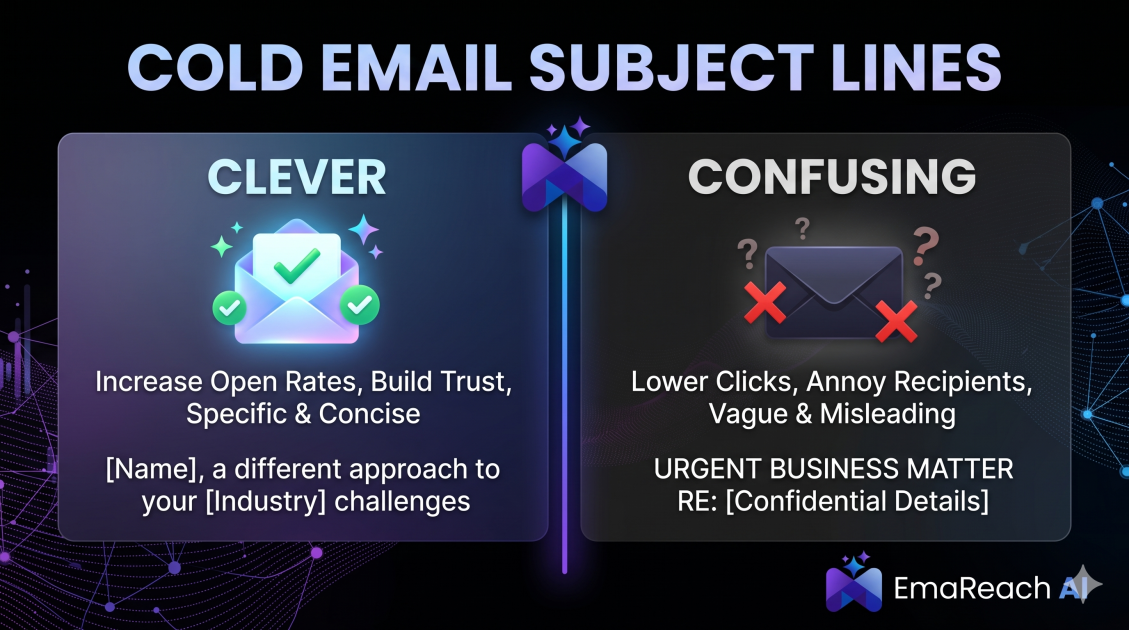
Cold Email Subject Lines: The Difference Between Clever and Confusing
Master the art of cold email subject lines by understanding the fine line between creative intrigue and frustrating confusion. Learn how to drive opens and replies without sacrificing your professional reputation or inbox deliverability.