Blog
Back to blog
Gmail Sender Reputation for Bloggers and Content Creators
email deliverabilitygmail reputationcontent creationblogging tipsemail marketinginbox placementdigital marketing
Understanding Gmail Sender Reputation
For bloggers and content creators, the ability to land in a subscriber's inbox is the lifeblood of digital growth. While much attention is paid to open rates and click-through rates, the underlying engine that determines these metrics is sender reputation. Gmail, as one of the world's most dominant email service providers, utilizes sophisticated algorithms to evaluate every incoming message. If your reputation is poor, your carefully crafted newsletters and collaboration pitches will vanish into the spam folder, unseen and unread.
Sender reputation is essentially a score assigned to your sending domain and IP address by mailbox providers. This score is a reflection of your trustworthiness as a sender. For a creator, a high reputation ensures that your community receives your updates, while a low reputation can lead to being blacklisted. Understanding the nuances of this system is the first step toward building a sustainable digital presence.
The Core Pillars of Sender Reputation
Gmail assesses several factors to determine whether you are a legitimate creator or a nuisance. These factors are generally categorized into domain reputation and IP reputation.
Domain Reputation
Domain reputation is tied specifically to your website's URL. This is particularly important for bloggers who often switch email service providers (ESPs). Even if you move your list from one platform to another, your domain reputation follows you. Gmail tracks how users interact with emails coming from your domain over time. If users frequently mark your emails as spam, your domain reputation takes a hit.
IP Reputation
IP reputation refers to the health of the specific server address used to send your emails. Most bloggers start on shared IP addresses provided by their ESP. In this scenario, your reputation is influenced by the behavior of other senders on that same IP. If a neighbor on the server sends spam, it might affect your deliverability. As a creator scales, moving to a dedicated IP or using high-quality sending services becomes essential.
Why Bloggers Struggle with Deliverability
Many content creators inadvertently sabotage their sender reputation through common mistakes. Unlike corporate entities with dedicated IT departments, bloggers often manage their technical setup alone, leading to oversight in several critical areas.
One of the primary issues is the lack of engagement. Gmail prioritizes messages that users actually interact with. If your list is full of inactive subscribers who never open your emails, Gmail perceives your content as irrelevant. Over time, this lack of engagement signals to the algorithm that your emails should be relegated to the 'Promotions' tab or, worse, the spam folder.
Another challenge is the sudden spike in sending volume. If a blogger who usually sends one email a month suddenly sends ten emails in a week during a course launch, Gmail's security filters may flag this as suspicious behavior typical of a compromised account. Consistency is key to maintaining a steady reputation.
Technical Foundations: SPF, DKIM, and DMARC
To prove to Gmail that you are who you say you are, you must implement technical authentication protocols. These are not optional for the modern content creator; they are requirements for entering the primary inbox.
- SPF (Sender Policy Framework): This is a DNS record that lists the mail servers authorized to send emails on behalf of your domain. It prevents spoofing by showing Gmail that the email originated from a trusted source.
- DKIM (DomainKeys Identified Mail): This adds a digital signature to your emails. It allows Gmail to verify that the email content was not tampered with during transit.
- DMARC (Domain-based Message Authentication, Reporting, and Conformance): This protocol uses SPF and DKIM to provide instructions to Gmail on how to handle emails that fail authentication. It provides a layer of protection that significantly boosts your domain's credibility.
The Role of Engagement in Reputation
Gmail is a user-centric platform. Its primary goal is to keep its users happy by showing them content they want to see. Consequently, user engagement is the most powerful signal for sender reputation. Positive signals include opening an email, clicking a link, replying to a message, and moving an email from the 'Promotions' tab to the 'Primary' tab.
Conversely, negative signals include marking a message as spam, deleting it without opening it, or letting it sit unread for weeks. For bloggers, encouraging replies is a fantastic way to boost reputation. When a subscriber replies to your newsletter, it tells Gmail that there is a real relationship between the sender and the recipient.
Managing Your Subscriber List
Maintaining a clean list is more important than having a large list. A blogger with 1,000 highly engaged subscribers will have a much better sender reputation than one with 10,000 subscribers where half are inactive. List hygiene is the practice of regularly removing 'bounced' email addresses and unengaged users.
Bounces occur when an email cannot be delivered. 'Hard bounces' are permanent (e.g., the email address doesn't exist) and should be removed immediately. 'Soft bounces' are temporary (e.g., the recipient's inbox is full). High bounce rates are a major red flag for Gmail. Furthermore, implementing a 'sunset policy'—where you unsubscribe users who haven't opened an email in six months—can dramatically improve your overall engagement metrics.
Optimizing Content for the Primary Inbox
While technical settings are the foundation, the content of your emails also plays a role in how Gmail categorizes your messages. Using 'spammy' trigger words like 'free,' 'guaranteed,' or 'make money fast' in your subject lines can trigger automated filters. Additionally, an excessive number of links or large images can make an email look like a promotional flyer rather than a personal update.
For creators focused on outreach and collaboration, the stakes are even higher. Personalization is not just about adding a first name; it’s about providing genuine value. This is where specialized platforms become invaluable. To ensure your professional outreach actually lands where it belongs, consider EmaReach. Stop Landing in Spam. Cold Emails That Reach the Inbox. EmaReach AI combines AI-written cold outreach with inbox warm-up and multi-account sending—so your emails land in the primary tab and get replies. This level of technical sophistication allows creators to focus on building relationships rather than worrying about server logs.
The Importance of Inbox Warm-up
When you start a new blog or move to a new sending domain, you cannot immediately send 5,000 emails. You must 'warm up' your domain. This process involves slowly increasing the volume of emails sent over several weeks to build a history of positive engagement.
During the warm-up phase, Gmail monitors how recipients react. If the initial small batch of emails is well-received, Gmail gradually trusts the sender with larger volumes. Skipping this step is a fast track to the spam folder. Automated warm-up services simulate human interaction—opening, marking as important, and replying to emails—to help establish this trust systematically.
Monitoring Your Progress with Google Postmaster Tools
Gmail provides a free resource called Google Postmaster Tools (GPT) that allows senders to track their health. By verifying your domain with GPT, you gain access to dashboards showing your spam rate, domain reputation, IP reputation, and authentication success rates.
Monitoring these metrics weekly allows you to spot trends before they become disasters. If you notice a sudden dip in domain reputation, you can investigate whether a recent campaign caused a spike in spam complaints and adjust your strategy accordingly.
Avoiding the Promotions Tab Trap
Many bloggers feel that the 'Promotions' tab is where emails go to die. While it is better than the spam folder, reaching the 'Primary' tab is the gold standard. To increase your chances, write your emails like a letter to a friend. Use a personal 'From' name (e.g., 'Jane from The Healthy Baker') rather than a generic brand name. Minimize the use of complex HTML templates and stick to text-based or simple layouts. The more your email looks like a standard communication between two people, the more likely Gmail is to place it in the Primary tab.
Handling Spam Complaints
Even the best creators will occasionally receive a spam complaint. Sometimes users forget they signed up, or they find the 'Unsubscribe' link too hard to find and click the 'Report Spam' button instead. To mitigate this, make your unsubscribe link clear and easy to find. It is much better for a user to leave your list than to report you to Gmail.
Furthermore, always use a confirmed opt-in (double opt-in) process. This requires new subscribers to click a link in a confirmation email before they are added to your list. This ensures that every person on your list actually wants to be there, which significantly reduces the likelihood of spam complaints.
Long-term Strategy for Sustainable Reputation
Building a great Gmail sender reputation is a marathon, not a sprint. It requires a commitment to quality over quantity. Every time you hit 'send,' you are making a withdrawal or a deposit into your reputation bank.
Focus on providing immense value in every message. Segment your list so that you are only sending relevant content to specific groups of people. For example, if you blog about both travel and cooking, don't send your latest recipe to someone who only signed up for your city guides. Relevance drives engagement, and engagement drives reputation.
Conclusion
Mastering Gmail sender reputation is an essential skill for any serious blogger or content creator. By combining solid technical authentication (SPF, DKIM, and DMARC) with a rigorous focus on subscriber engagement and list hygiene, you can ensure your voice reaches your audience. Monitoring your status through tools like Google Postmaster and staying consistent with your sending volume will protect your domain for years to come. Remember that the goal of Gmail's algorithm is to foster genuine connection; if you focus on building real relationships with your readers, a high sender reputation will naturally follow.
EmaReach AI
Ready to scale your cold email outreach?
Join thousands of teams using EmaReach AI for AI-powered campaigns, domain warmup, and 95%+ deliverability. Start free — no credit card required.
Related posts
 Read article
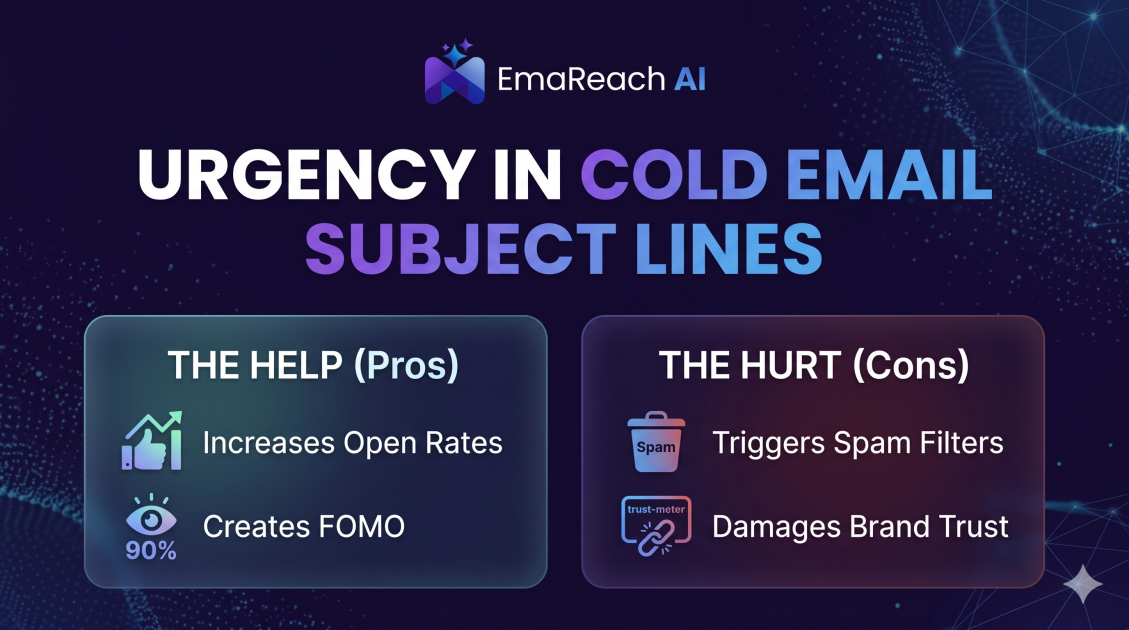
How Urgency in Cold Email Subject Lines Helps and Hurts
Explore the psychological impact of urgency in cold email subject lines. Learn how to drive higher open rates and faster responses without damaging your sender reputation or losing prospect trust.
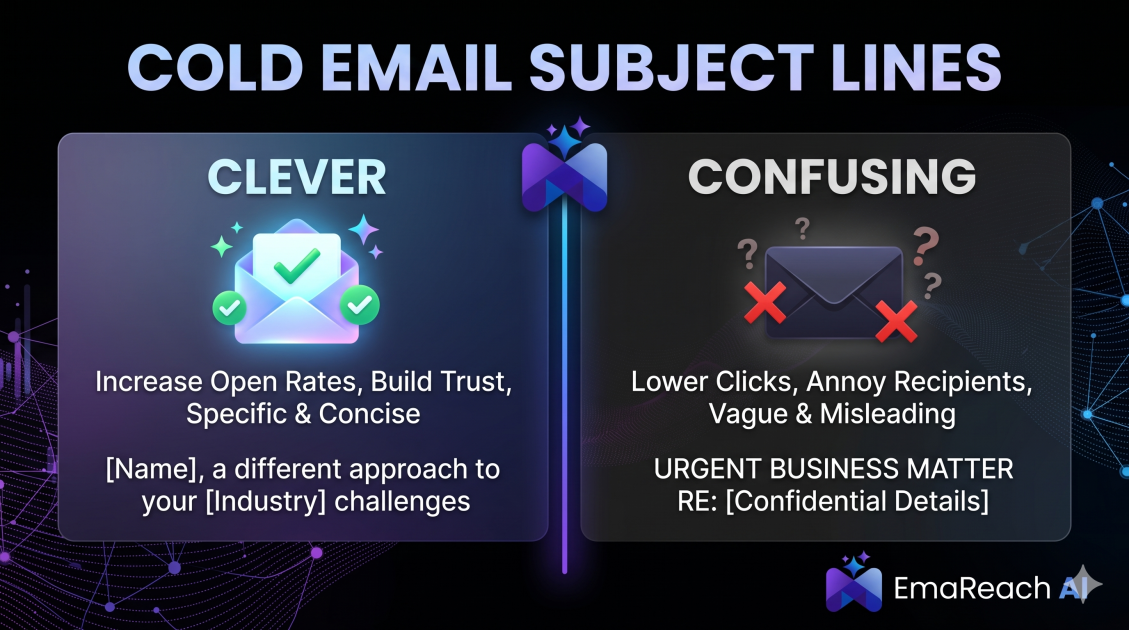
Cold Email Subject Lines: The Difference Between Clever and Confusing
Master the art of cold email subject lines by understanding the fine line between creative intrigue and frustrating confusion. Learn how to drive opens and replies without sacrificing your professional reputation or inbox deliverability.