Blog
Back to blog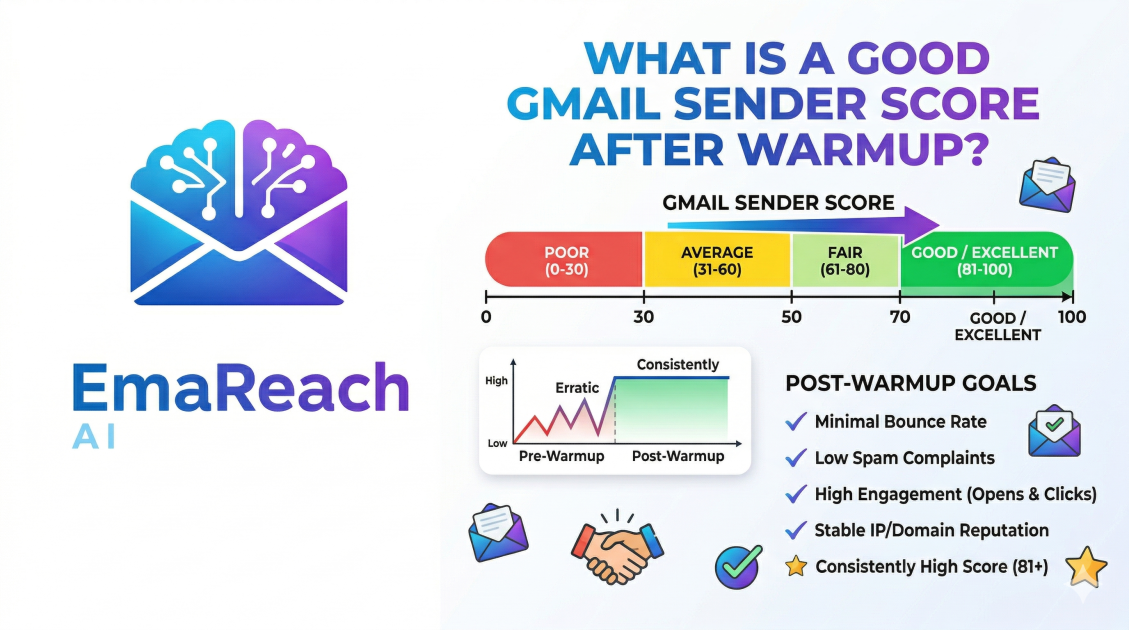
What Is a Good Gmail Sender Score After Warmup?
Gmail Sender ScoreEmail WarmupDeliverabilityGoogle Postmaster ToolsCold OutreachEmail MarketingInbox Placement
Introduction
In the world of digital communication, the difference between a successful outreach campaign and a complete failure often boils down to a single, invisible metric: your sender score. Specifically, for those using Google’s infrastructure, understanding what constitutes a "good" Gmail sender score after a warmup period is the holy grail of email deliverability.
When you launch a new email account or a new domain, you are essentially a stranger to Google’s sophisticated spam filters. If you immediately start sending hundreds of emails, the system flags you as a potential Fed-ex for malware or unsolicited marketing. To combat this, savvy marketers use a "warmup" process—a gradual increase in sending volume coupled with positive engagement. But once that process is complete, how do you know if you've succeeded? What does the scoreboard actually look like?
This guide explores the intricacies of sender reputation, the specific benchmarks you should aim for after warming up your inbox, and the technical nuances that keep your messages out of the spam folder.
Defining the Gmail Sender Score
Unlike some third-party providers that give you a numerical score from 1 to 100, Google does not publicly display a single "Sender Score" in a dashboard for every user. Instead, Google uses a complex, multifaceted reputation system. However, for the sake of clarity and measurement, we often refer to the data provided by Google Postmaster Tools as the primary indicator of your Gmail sender score.
Google categorizes Domain and IP Reputation into four distinct tiers:
- High: Your emails are very unlikely to be filtered as spam.
- Medium: Most emails reach the inbox, but you might see occasional filtering if content or engagement drops.
- Low: You are regularly being marked as spam or have low engagement. A significant portion of your mail will likely miss the inbox.
- Bad: Your history shows a very high volume of spam. Almost all mail from this sender will be rejected or routed to the spam folder.
What Is a "Good" Score After Warmup?
After a dedicated warmup period—typically lasting 3 to 4 weeks—the goal is to achieve and maintain a "High" Reputation status in Google Postmaster Tools.
The Numerical Benchmark
If you are using third-party deliverability tools to supplement Google's data, a "good" score is generally considered anything above 90/100. However, the true "good" score is defined by your landing rate. If your warmup was successful, a good score manifests as:
- A "High" Domain Reputation in Google Postmaster Tools.
- A Spam Rate below 0.1% (Google's official threshold for concern is 0.3%, but top-tier senders stay much lower).
- Inbox Placement of 95% or higher for your primary sending targets.
If you finish your warmup and find yourself in the "Medium" category, your warmup was likely too aggressive, or your technical setup (SPF, DKIM, DMARC) is flawed. A "Medium" score is a warning; a "High" score is the green light to begin your full-scale outreach.
The Role of Engagement in Your Score
Google’s filters are incredibly human-centric. They don't just look at how many emails you send; they look at how people interact with them. During and after a warmup, the following engagement metrics act as the pillars of your score:
Open Rates and Read Time
While "open rates" are increasingly difficult to track accurately due to privacy protections, Google knows if a user actually opened the mail. A high open rate signals to Gmail that your content is expected and wanted.
Reply Rates
This is perhaps the most weighted metric. When a recipient replies to your email, it tells Google that a two-way conversation is happening. This is the strongest possible signal that you are a legitimate sender. This is why services like EmaReach are so effective; they prioritize "Cold Emails That Reach the Inbox" by combining AI-driven outreach with automated inbox warmup that simulates these high-value interactions.
"Not Spam" Marking
During the warmup phase, if any of your emails land in the spam folder, they must be manually moved to the inbox. This "Mark as Not Spam" action is a massive boost to your reputation. It essentially tells the algorithm, "You made a mistake; I want to see this sender."
Technical Foundations of a High Score
You cannot achieve a good sender score through volume alone. Your technical infrastructure must be flawless. Before you even begin a warmup, you must ensure your "Big Three" records are authenticated.
SPF (Sender Policy Framework)
SPF is a DNS record that lists the mail servers permitted to send email on behalf of your domain. Without this, Gmail has no way of verifying that you are who you say you are.
DKIM (DomainKeys Identified Mail)
DKIM adds a digital signature to your emails. It ensures that the content of the email wasn't tampered with during transit. It’s like a wax seal on a digital envelope.
DMARC (Domain-based Message Authentication, Reporting, and Conformance)
DMARC tells receiving servers what to do if an email fails SPF or DKIM checks. Having a DMARC policy (even a simple p=none to start) is now a requirement for reaching Gmail inboxes at scale.
How to Interpret Postmaster Tools Data
Once your warmup is complete, you should check Google Postmaster Tools weekly. Here is how to read the data to determine if your score is healthy:
IP Reputation vs. Domain Reputation
If you are using a shared IP (common with basic Google Workspace accounts), your IP Reputation might fluctuate based on the behavior of others. However, your Domain Reputation is yours alone. After a warmup, your Domain Reputation should be "High." If your IP reputation is low but your domain reputation is high, Google usually trusts the domain enough to deliver the mail.
Delivery Errors
This graph shows the percentage of your emails that were rejected or temporarily failed. A healthy, warmed-up account should have a near-zero error rate. High error rates usually indicate that you are hitting "spam traps" or sending to non-existent addresses.
Common Pitfalls That Ruin Your Score After Warmup
Many senders do everything right during the warmup, only to see their score plummet the moment they start their actual campaign. Here is how to avoid that:
- The "Volume Cliff": If you warm up to 50 emails a day and then suddenly jump to 500 on day one of your campaign, your score will crash. Increases should be incremental—never more than 20-30% per week.
- Poor List Hygiene: Sending to a list with a high bounce rate (above 2%) will undo weeks of warmup work in a matter of hours. Always verify your email lists.
- Mismatched Content: If your warmup emails were about "Weather and Gardening" but your sales emails are about "Crypto Investment," Gmail’s AI will notice the shift in semantic patterns and may flag the sudden change as a hacked account or a bait-and-switch.
The Longevity of a Good Score
A sender score is not a "set it and forget it" achievement. It is a living, breathing reflection of your sending habits. To maintain a "High" status after your initial warmup, you should:
- Keep Warmup Running: Many professionals never turn off their warmup tools. By keeping a baseline of positive engagement (warmup emails) running alongside their actual outreach, they create a "cushion" that protects their reputation from the occasional spam complaint.
- Monitor Feedback Loops: Pay attention to how many people are unsubscribing versus reporting as spam. High unsubscription rates are fine; high spam reports are fatal.
- Diversify Sending Accounts: Instead of sending 1,000 emails from one account, use a tool like EmaReach to distribute that volume across multiple accounts. This keeps the per-inbox volume low and the sender score high across your entire domain.
Conclusion
A good Gmail sender score after warmup is characterized by a "High" reputation status in Google Postmaster Tools, a spam rate under 0.1%, and a consistent presence in the primary inbox rather than the promotions or spam tabs. It is the result of a patient, 3-4 week ramp-up period, meticulous technical authentication, and a commitment to sending relevant, engaging content.
By treating your sender reputation as your most valuable marketing asset, you ensure that your voice is actually heard by your prospects. Remember, the best cold email in the world is worthless if it never leaves the spam folder. Invest in the warmup, monitor your metrics, and maintain the hygiene required to keep that score in the green.
EmaReach AI
Ready to scale your cold email outreach?
Join thousands of teams using EmaReach AI for AI-powered campaigns, domain warmup, and 95%+ deliverability. Start free — no credit card required.
Related posts
 Read article
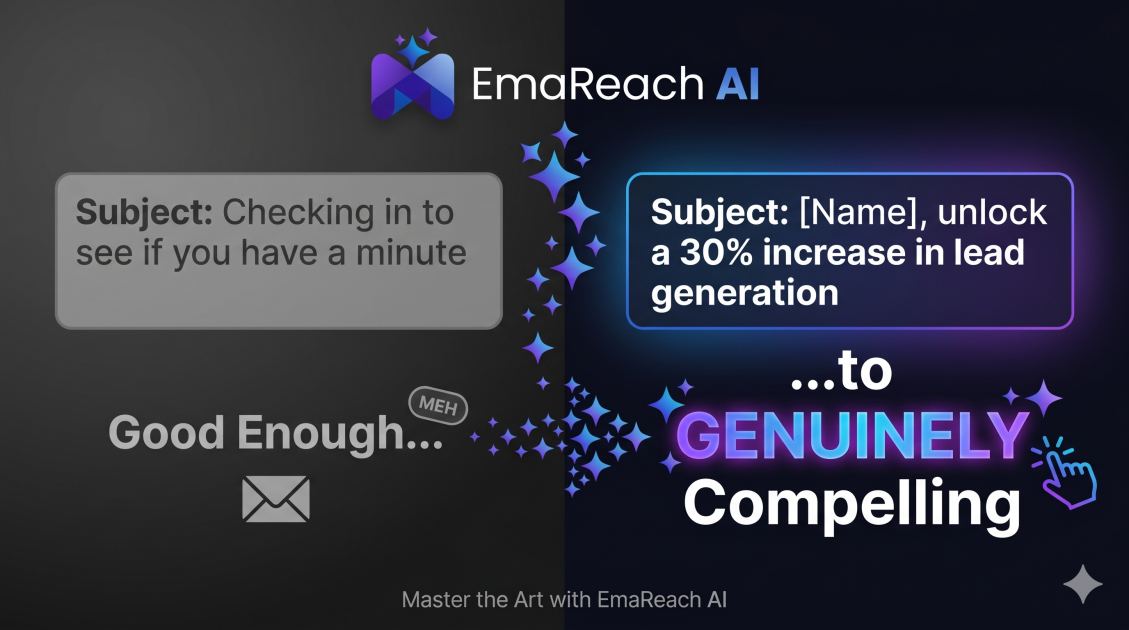
Cold Email Subject Lines: From Good Enough to Genuinely Compelling
Learn how to transform your cold email subject lines from average to irresistible. This guide covers the psychology of opens, hyper-personalization strategies, and technical tips to ensure your emails avoid the spam folder and get the replies you deserve.
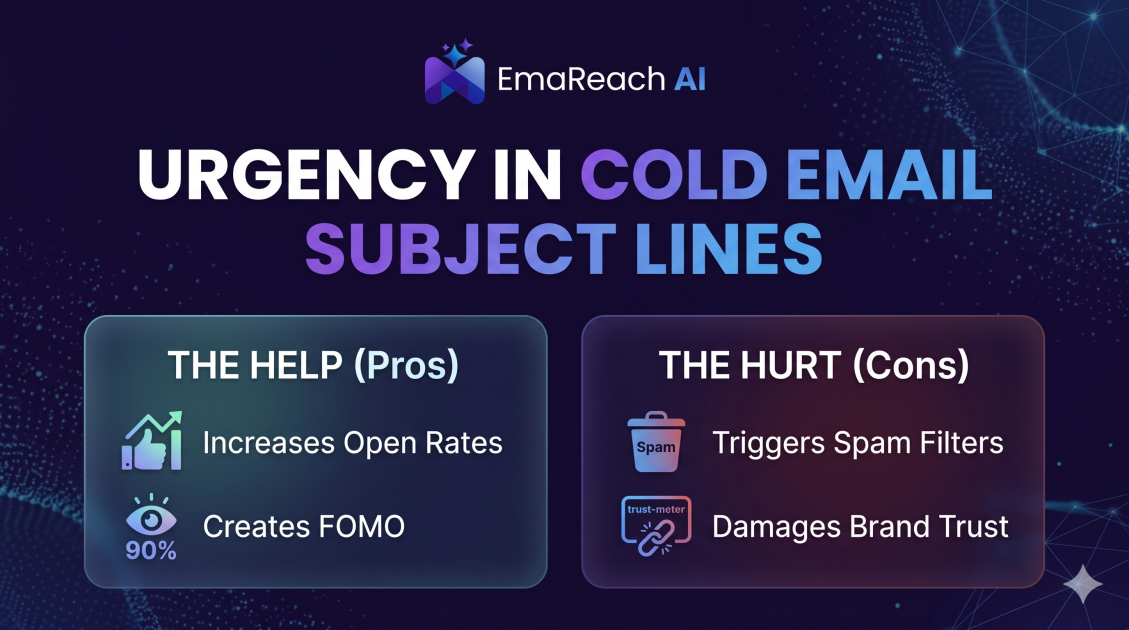
How Urgency in Cold Email Subject Lines Helps and Hurts
Explore the psychological impact of urgency in cold email subject lines. Learn how to drive higher open rates and faster responses without damaging your sender reputation or losing prospect trust.