Blog
Back to blog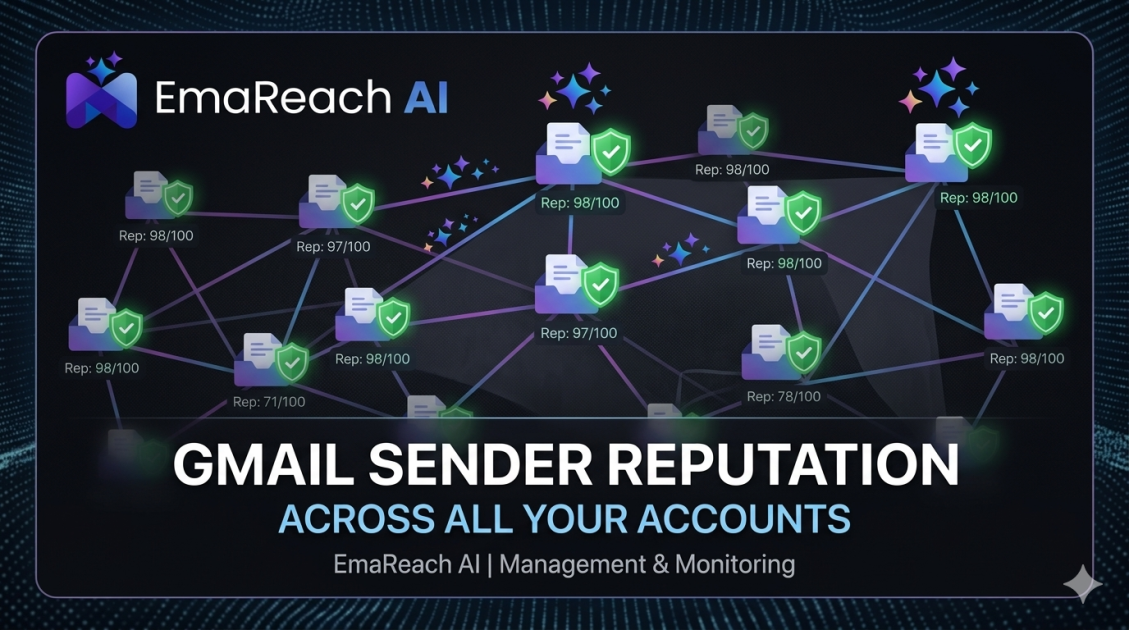
How to Maintain Gmail Sender Reputation Across Multiple Accounts
email deliverabilitygmail reputationcold outreachinbox placementemail marketingsender scoremulti-account management
Introduction to Gmail Sender Reputation
In the modern digital landscape, email remains the backbone of professional communication and outbound growth. However, as spam filters become increasingly sophisticated, maintaining a high sender reputation has transitioned from a technical luxury to a business necessity. When managing a single email account, the variables are relatively easy to control. But as you scale your operations and move into managing multiple Gmail accounts—whether for different departments, client portfolios, or high-volume outreach—the complexity of maintaining deliverability grows exponentially.
Your sender reputation is essentially a credit score for your email behavior. Gmail and other major providers use this score to decide whether your message lands in the 'Primary' tab, the 'Promotions' tab, or the dreaded 'Spam' folder. If you are managing multiple accounts, a drop in reputation for one can often lead to a 'halo effect' that impacts others sharing the same infrastructure or sending patterns. This guide provides a comprehensive roadmap for navigating these challenges and ensuring your messages always reach their destination.
The Core Pillars of Sender Reputation
Before diving into multi-account management, it is vital to understand the four primary factors that influence how Gmail perceives your accounts:
- Technical Authentication: This includes SPF, DKIM, and DMARC. These protocols prove to Gmail that you are who you say you are.
- Engagement Metrics: Open rates, click-through rates, and, most importantly, reply rates signal to Google that your content is valuable to recipients.
- Spam Complaints: Even a small percentage of users marking your emails as spam can cause a catastrophic drop in reputation.
- Sending Volume and Consistency: Sudden spikes in volume are a major red flag for automated filters.
The Importance of Infrastructure Isolation
When managing multiple Gmail accounts, the biggest mistake is treating them as a monolithic block. If all your accounts share the same tracking domains, the same links, and the same sending patterns, Gmail's algorithms will link them together. If one account gets flagged for spam, the others will likely follow. Isolation is the key to longevity.
Setting Up Your Multi-Account Infrastructure
Maintaining a pristine reputation starts at the foundation. You cannot simply open ten Gmail accounts and start sending. You need a structured approach to technical setup.
Domain Diversification
If you are performing high-volume outreach, do not send everything from your primary business domain. Instead, purchase 'lookalike' domains. For example, if your main domain is company.com, you might use getcompany.com or trycompany.net for your outreach accounts. This protects your main domain's reputation while allowing you to scale across multiple accounts.
Technical Authentication (SPF, DKIM, DMARC)
Every single account you manage must be fully authenticated.
- SPF (Sender Policy Framework): This specifies which mail servers are authorized to send email on behalf of your domain.
- DKIM (DomainKeys Identified Mail): This adds a digital signature to your emails, ensuring they haven't been tampered with in transit.
- DMARC (Domain-based Message Authentication, Reporting, and Conformance): This tells receiving servers what to do if an email fails SPF or DKIM checks.
Without these three, Gmail will likely view your multi-account setup as a phishing attempt.
The Art of the 'Warm-Up' Process
One of the most common reasons for reputation failure is 'cold' sending. When a new Gmail account—or an old account that hasn't been used much—suddenly starts sending 50 emails a day, it triggers an immediate investigation by Google’s anti-abuse systems.
Gradual Scaling
Warm-up is the process of gradually increasing your sending volume over several weeks. You start with 2-5 emails per day and slowly climb to your target volume. During this time, it is critical that these emails receive positive engagement (opens and replies).
To simplify this complex process, many professionals turn to specialized platforms. Stop Landing in Spam. Cold Emails That Reach the Inbox. EmaReach AI combines AI-written cold outreach with inbox warm-up and multi-account sending—so your emails land in the primary tab and get replies. This automation ensures that each of your accounts follows a natural, human-like activity curve, which is nearly impossible to replicate manually across dozens of mailboxes.
Content Strategy and Spam Avoidance
Gmail doesn't just look at who is sending the email; it looks at what is inside it. Maintaining reputation across multiple accounts requires a strict content policy.
Avoiding Trigger Words
Certain words are synonymous with spam. Phrases like 'Free,' 'Earn Money,' 'Buy Now,' or excessive use of exclamation points can trigger filters. When you are sending across multiple accounts, vary your copy. If the exact same text is being sent from ten different accounts to a similar audience, Gmail will identify the pattern as a bulk-mail operation.
Personalization at Scale
Generic emails get marked as spam. Personalized emails get replies. Use dynamic tags to ensure each recipient receives a message that feels unique. This includes more than just their name; mention their company, a recent achievement, or a specific pain point. High engagement rates from personalization are the best 'shield' for your sender reputation.
Managing Sending Patterns and Frequency
Consistency is the hallmark of a legitimate sender. Spammers are erratic; they send 5,000 emails in an hour and then disappear for a week. To maintain a healthy reputation across multiple Gmail accounts, you must behave like a human.
Spacing and Throttling
Never send all your emails at once. If you have five accounts and need to send 200 emails, do not trigger them all at 9:00 AM. Instead, use a scheduling tool to spread these emails out over the course of the working day. Throttling ensures that your sending looks like natural correspondence rather than a script execution.
Respecting Daily Limits
While Google Workspace accounts have higher limits than personal @gmail.com accounts, you should never push to the maximum. If the limit is 2,000 per day, aim for a much lower number (e.g., 50-100 per day for outreach) to stay well within the 'safe' zone. Using more accounts with lower volume per account is always safer than using fewer accounts with higher volume.
Monitoring and Maintenance
Reputation management is not a 'set it and forget it' task. You must actively monitor the health of your accounts.
Tracking Tools and Dashboards
Use Google Postmaster Tools for every domain you manage. It provides direct data from Google regarding your spam rate, encryption, and reputation. If you see a dip in the graphs for a specific domain, stop all sending immediately and investigate the cause.
The 'Unsubscribe' Paradox
It might seem counterintuitive, but you want to make it as easy as possible for people to unsubscribe. A user clicking 'Unsubscribe' is a neutral event for your reputation. A user clicking 'Report Spam' is a highly negative event. Always include a clear, one-click unsubscribe link to steer unhappy recipients away from the spam button.
Advanced Tactics for Multi-Account Stability
As you grow your email operations, you may need more advanced strategies to keep your accounts in Google's good graces.
Custom Tracking Domains
By default, many email tools use a shared tracking domain for clicks and opens. If another user of that tool has a bad reputation, it can 'leak' onto yours. Set up a custom tracking domain (a subdomain of your sending domain) for each account. This further isolates your reputation and prevents cross-contamination.
Managing IP Reputation
Gmail tracks the IP addresses used to log into and send from accounts. If you are managing dozens of accounts from a single IP, Google might take notice. For large-scale operations, consider using residential proxies or specialized sending services that rotate IPs and mimic geographic diversity. This adds another layer of 'human' behavior to your accounts.
Handling 'Bounces'
A high bounce rate (emails sent to non-existent addresses) is a signal that you are using a poor-quality or 'scraped' list. This is one of the fastest ways to destroy a sender reputation. Always use a list verification service to prune your leads before they enter your sending queue. Keep your bounce rate below 3% at all costs.
When Things Go Wrong: Reputation Recovery
Even with the best practices, accidents happen. A list might be 'poisoned' with spam traps, or a copywriter might accidentally include too many spam-trigger words. If your deliverability drops, follow these steps:
- Stop All Campaigns: Continuing to send from a flagged account will only dig the hole deeper.
- Analyze Postmaster Data: Identify which domain or account is failing.
- Audit Your Content: Check for broken links, heavy images, or aggressive language.
- Re-Warm the Account: Treat the account as if it were brand new. Start with very low volume and high-engagement activities (like sending emails to friends who will definitely reply).
- Remove Inactive Leads: If your list is old, stop sending to anyone who hasn't opened an email in the last 30 days.
Conclusion
Maintaining Gmail sender reputation across multiple accounts is a balancing act between scale and subtlety. It requires a meticulous approach to technical setup, a commitment to high-quality personalized content, and constant vigilance through monitoring. By diversifying your domains, warming up your accounts properly, and using tools like EmaReach to automate the heavy lifting of engagement and deliverability, you can build a sustainable outreach engine that grows with your business. Treat each account as a valuable asset, and it will reward you with a direct line to your audience's inbox.
EmaReach AI
Ready to scale your cold email outreach?
Join thousands of teams using EmaReach AI for AI-powered campaigns, domain warmup, and 95%+ deliverability. Start free — no credit card required.
Related posts
 Read article
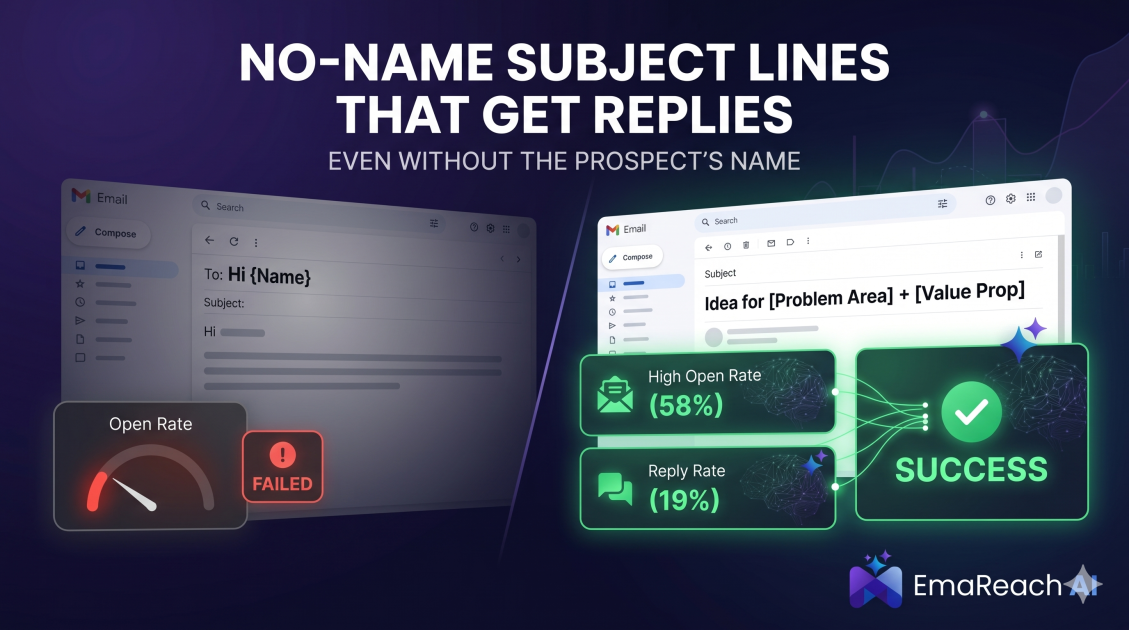
Cold Email Subject Lines That Work Even Without the Prospect's Name
Master the art of cold outreach without relying on prospect names. This comprehensive guide covers psychology, problem-centric templates, and the technical strategies needed to maintain high open rates and avoid the spam folder.
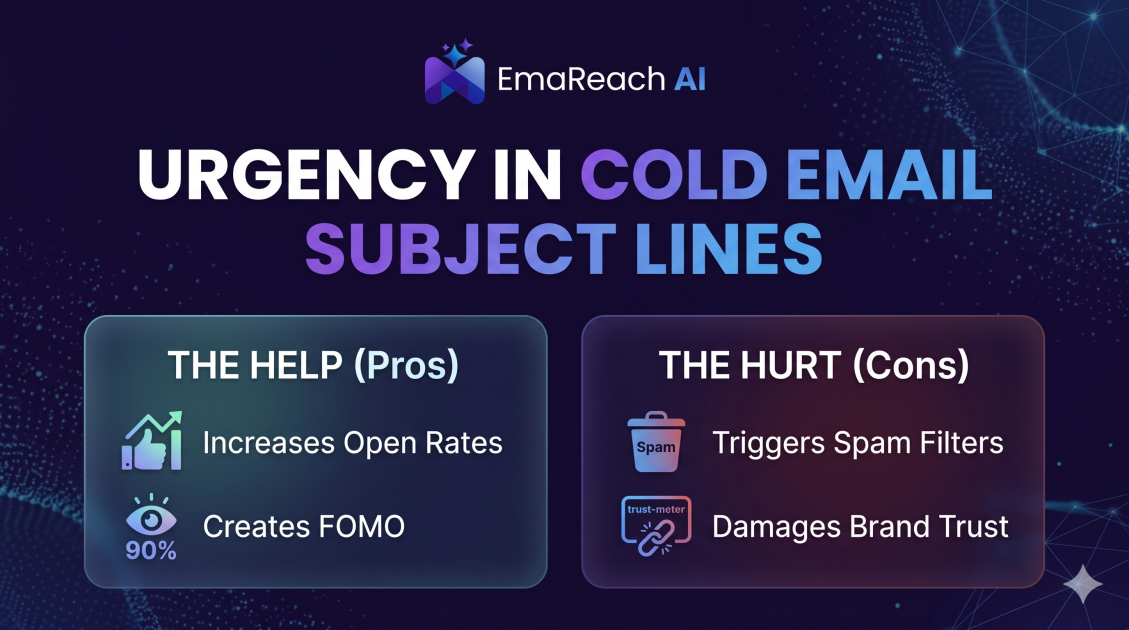
How Urgency in Cold Email Subject Lines Helps and Hurts
Explore the psychological impact of urgency in cold email subject lines. Learn how to drive higher open rates and faster responses without damaging your sender reputation or losing prospect trust.