Blog
Back to blog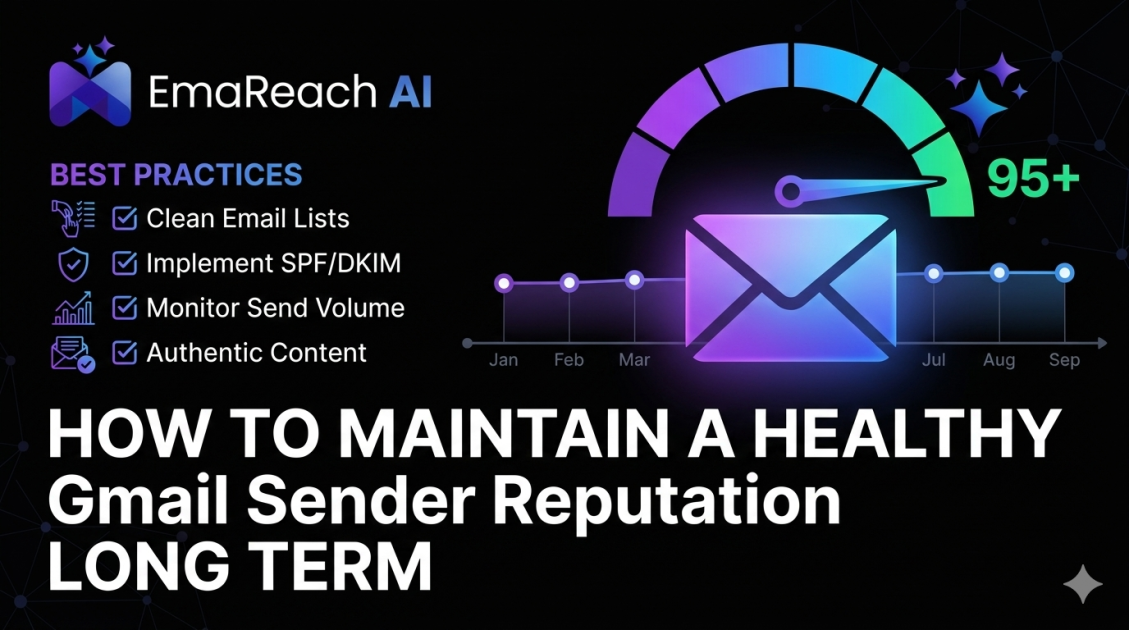
How to Maintain a Healthy Gmail Sender Reputation Long Term
email deliverabilitygmail reputationsender scorecold emailemail marketingspam filtersinbox warm-up
Introduction
In the digital age, your email sender reputation is the invisible currency of communication. For businesses and professionals relying on Gmail and Google Workspace, maintaining a pristine reputation is the difference between a thriving outreach campaign and a silent inbox. Gmail uses some of the most sophisticated machine learning algorithms in the world to protect its users from spam, which means legitimate senders must be more diligent than ever.
Sender reputation isn't built overnight, but it can be destroyed in a single afternoon of poor practices. This comprehensive guide explores the multi-faceted approach required to keep your sender score high, your deliverability consistent, and your emails landing exactly where they belong: the Primary Tab.
Understanding the Gmail Reputation Ecosystem
Gmail doesn't just look at one factor when deciding whether to trust you. It evaluates three distinct pillars of reputation:
- IP Reputation: The health of the specific server address sending the mail.
- Domain Reputation: The perceived trustworthiness of your web address (e.g., yourcompany.com).
- Content Reputation: The quality, links, and 'spamminess' of the actual messages being sent.
Of these, Domain Reputation has become the most critical. Because modern email sends often move across different IP addresses, Google tracks your domain's behavior across the entire internet. If you have a poor domain reputation, even switching email service providers won't save you.
The Technical Foundation: Authentication
You cannot have a healthy reputation without proving you are who you say you are. Authentication acts as your digital ID card. Without it, Gmail assumes you are a spoofing or phishing attempt.
SPF (Sender Policy Framework)
SPF is a DNS record that lists the specific IP addresses or services authorized to send email on behalf of your domain. If an email arrives at Gmail from a server not listed in your SPF record, it is immediately flagged as suspicious.
DKIM (DomainKeys Identified Mail)
DKIM adds a digital signature to your emails. This ensures that the content of the email hasn't been tampered with in transit. It provides a cryptographic link back to your domain, which is a massive trust signal for Google.
DMARC (Domain-based Message Authentication, Reporting, and Conformance)
DMARC is the policy layer. It tells Gmail what to do if an email fails SPF or DKIM checks. Setting your DMARC policy to 'quarantine' or 'reject' tells Google that you take security seriously, which significantly boosts your sender authority.
The Role of Inbox Warm-up
A common mistake made by many businesses is "going from zero to sixty." If you register a new domain and immediately send 500 emails a day, Gmail’s filters will treat this as classic spammer behavior.
Maintaining a healthy reputation requires a gradual increase in volume. This is where automated tools become essential. Stop Landing in Spam. EmaReach ensures Cold Emails That Reach the Inbox. EmaReach AI combines AI-written cold outreach with inbox warm-up and multi-account sending—so your emails land in the primary tab and get replies. By using a warm-up service, you generate positive engagement (opens, replies, and marking as 'not spam') that signals to Gmail that you are a legitimate human sender.
List Hygiene and the Danger of High Bounce Rates
One of the fastest ways to tank your reputation is by sending emails to non-existent addresses. Gmail monitors your "Hard Bounce" rate closely. A bounce rate higher than 2% is a major red flag.
Implementing Double Opt-In
While it might seem like a hurdle for growth, double opt-in ensures that every person on your list actually wants to be there and has a valid email address. This drastically reduces the likelihood of spam complaints later on.
Regular Scrubbing
List decay is real. People change jobs, delete accounts, or simply stop checking their mail. Use verification tools to prune your list every quarter. If a contact hasn't opened an email in six months, they are a liability to your sender reputation. It is better to have a small, highly engaged list than a massive list that ignores you.
Engagement Metrics: The Modern Gold Standard
Years ago, deliverability was mostly about avoiding "spammy" words like "FREE" or "ACT NOW." Today, Gmail focuses on user engagement. They look at:
- Open Rates: Are people interested in your subject lines?
- Reply Rates: Do your emails spark a conversation? (This is the strongest positive signal).
- Forward Rates: Is your content valuable enough to share?
- Save/Archive vs. Delete: Are people keeping your mail or binning it immediately?
If you send 1,000 emails and 900 people delete them without opening, Gmail will conclude that your content is low-value and will start filtering you into the Promotions or Spam folders.
Content Strategy for Long-Term Health
Your content must be designed to avoid triggers while encouraging interaction. Follow these best practices:
- Avoid Link Shorteners: Services like bit.ly are often used by spammers to hide malicious URLs. Use full, descriptive links instead.
- Balance Text and Images: Too many images with very little text is a common spam tactic. Aim for a healthy ratio.
- Personalization is Mandatory: Use merge tags to include the recipient's name or company. Generic "Dear Customer" emails are far more likely to be reported as spam.
- The Unsubscribe Link: Make it incredibly easy to unsubscribe. If a user can't find the unsubscribe link, they will hit the "Report Spam" button instead. The latter destroys your reputation; the former just cleans your list.
Managing Sending Volume and Frequency
Consistency is key to a healthy Gmail reputation. Spammers send in massive, erratic bursts. Legitimate businesses tend to have a predictable cadence.
Volume Spikes
If you usually send 100 emails a day and suddenly jump to 5,000 for a holiday promotion, Gmail may throttle your delivery. If you need to scale, do so incrementally—increasing your volume by no more than 20% per day.
Multi-Account Strategies
For high-volume outreach, it is often safer to distribute the load across multiple accounts and domains. This prevents a single point of failure from crippling your entire operation. By using specialized platforms like EmaReach, you can manage this complexity effortlessly, ensuring that each account stays within safe limits while your overall reach continues to grow.
Monitoring Your Reputation via Google Postmaster Tools
You cannot manage what you do not measure. Google provides a free service called Postmaster Tools that gives you a direct look at how Gmail perceives your domain.
Through Postmaster Tools, you can track:
- Spam Rate: This should always be below 0.1%.
- IP/Domain Reputation: Rated as Bad, Low, Medium, or High.
- Delivery Errors: Detailed logs on why emails were rejected.
- Encryption Progress: Ensuring your traffic is secure.
Regularly checking these dashboards allows you to spot a reputation dip before it becomes a full-blown crisis.
Dealing with the Spam Folder: The Recovery Process
If you find your reputation has taken a hit, don't panic, but do act immediately. Recovery involves a "cool down" period and a "re-warming" phase.
- Stop All Outreach: Cease your marketing or cold outreach immediately to stop the bleeding.
- Audit Your Sources: Find out where the complaints came from. Was it a specific list? A new template?
- Engage Your Super-Users: Send a high-value, non-sales email to your most engaged subscribers (those who open every email). Their positive engagement helps counteract the negative signals.
- Re-Verify Your Tech: Ensure your SPF/DKIM/DMARC records haven't been accidentally altered during a site update.
Conclusion
Maintaining a healthy Gmail sender reputation is an ongoing commitment to quality over quantity. By prioritizing technical authentication, gradual warm-up, meticulous list hygiene, and genuine user engagement, you create a sustainable environment for your digital communications.
In the competitive world of email, the winners are those who respect the inbox. Whether you are conducting personal networking or large-scale business outreach, treating Gmail’s filters with respect—and using the right tools to assist your strategy—will ensure that your voice is always heard. Protect your domain, provide value to your recipients, and monitor your metrics religiously. Your sender reputation is your most valuable digital asset; treat it with the care it deserves.
EmaReach AI
Ready to scale your cold email outreach?
Join thousands of teams using EmaReach AI for AI-powered campaigns, domain warmup, and 95%+ deliverability. Start free — no credit card required.
Related posts
 Read article
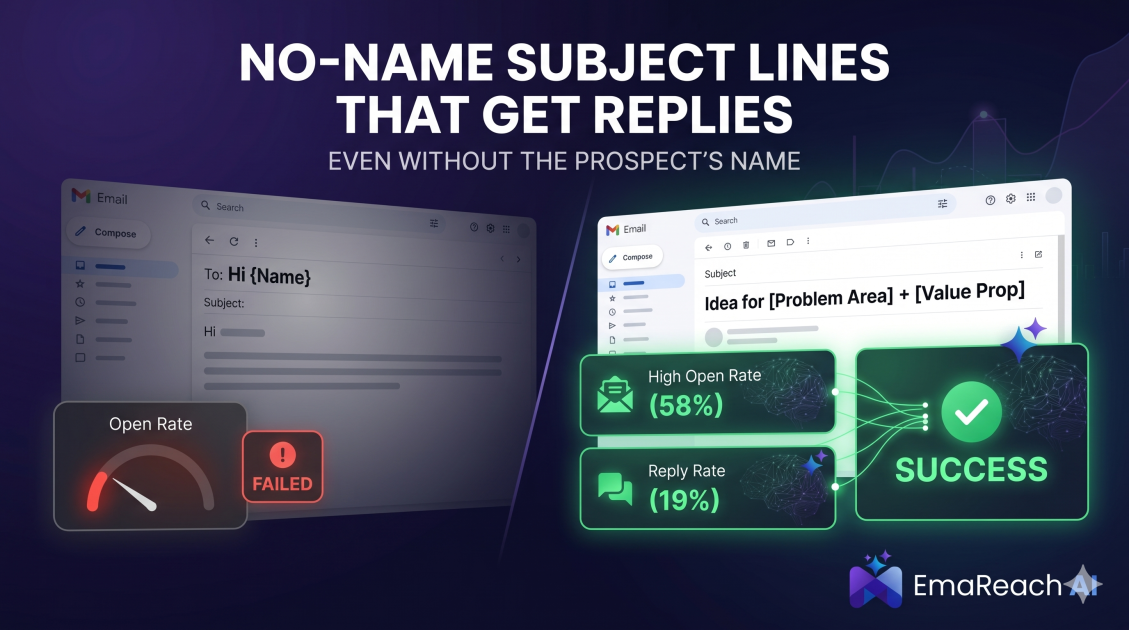
Cold Email Subject Lines That Work Even Without the Prospect's Name
Master the art of cold outreach without relying on prospect names. This comprehensive guide covers psychology, problem-centric templates, and the technical strategies needed to maintain high open rates and avoid the spam folder.
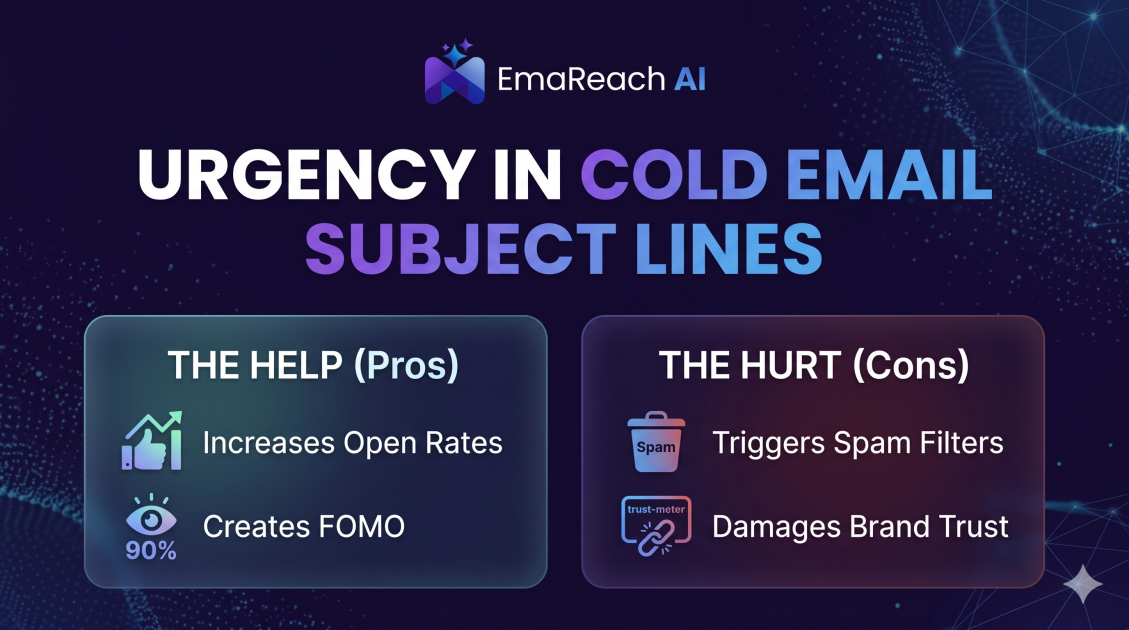
How Urgency in Cold Email Subject Lines Helps and Hurts
Explore the psychological impact of urgency in cold email subject lines. Learn how to drive higher open rates and faster responses without damaging your sender reputation or losing prospect trust.