Blog
Back to blog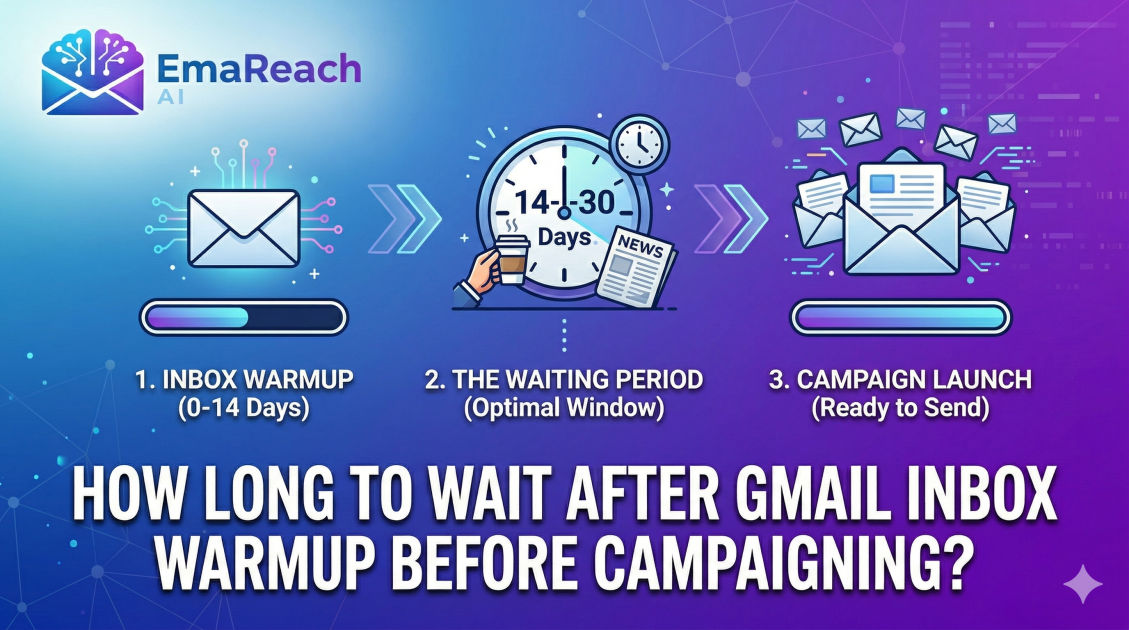
How Long to Wait After Gmail Inbox Warmup Before Campaigning
cold emailemail deliverabilitygmail warmupoutreach strategyemail marketingsender reputation
Introduction
Launching a cold email campaign is often met with a mix of excitement and anxiety. You have your list, your copy is polished, and your offer is compelling. However, for those using Gmail or Google Workspace, a critical technical hurdle stands between your outbox and your prospect's primary tab: deliverability. In the modern era of email marketing, you cannot simply create a new account and blast out hundreds of emails. Doing so is the fastest way to get your domain blacklisted and your account suspended.
This is where inbox warmup comes into play. It is the process of gradually increasing email volume to build a positive sender reputation with Internet Service Providers (ISPs). But the most common question remains: how long do you actually need to wait? While the process involves automated interactions, the transition from warmup to active campaigning is a delicate science. Understanding the nuances of this timeline is essential for long-term outreach success.
Understanding the Gmail Reputation Ecosystem
Gmail uses sophisticated machine learning algorithms to protect its users from spam. When you start a new email account, you have a 'neutral' reputation. In the eyes of Google, neutral is almost as risky as 'bad' because there is no historical data to prove you are a legitimate sender.
Gmail monitors several key metrics during and after your warmup phase:
- Open Rates: Are recipients actually looking at your mail?
- Reply Rates: This is the 'gold standard' of engagement. High reply rates signal to Google that your content is valuable.
- Spam Complaints: Even one or two reports can devastate a new sender's reputation.
- Mark as Not Spam: When an automated warmup tool moves your email from the spam folder to the primary tab, it sends a powerful positive signal to Google’s filters.
By utilizing tools like EmaReach, you can automate these interactions. Stop Landing in Spam. Cold Emails That Reach the Inbox. EmaReach AI combines AI-written cold outreach with inbox warm-up and multi-account sending—so your emails land in the primary tab and get replies. This ensures that the foundation of your reputation is built on authentic-looking engagement.
The Minimum Warmup Duration: The 14-Day Rule
If you are looking for a hard minimum, most deliverability experts agree on 14 days. However, this is the absolute baseline for a brand-new domain or email address. During these initial two weeks, your volume should start at a mere 2-5 emails per day and scale slowly.
Why 14 days? Google’s filters often operate on rolling windows. A two-week period allows the algorithm to see a consistent pattern of human-like behavior. If you attempt to launch a campaign after only 3 or 4 days of warmup, the sudden spike in traffic—especially to addresses that haven't interacted with you before—will trigger a manual or automated review of your account.
Factors That Extend the 14-Day Baseline
While 14 days is the floor, many scenarios require a longer wait time:
- New Domains: If your domain was registered less than 30 days ago, you should extend your warmup to at least 21 to 30 days. Domain age is a significant trust factor.
- Previous Spam Issues: If the domain has been used before and suffered from poor deliverability, a 'rehabilitation' warmup can take 45 to 60 days.
- High Volume Goals: If your target is to send 50+ cold emails per day per account, a 14-day warmup is insufficient. You need a longer runway to reach those numbers safely.
The Transition Phase: Moving from Warmup to Campaigning
One of the biggest mistakes marketers make is 'shutting off' the warmup the moment the campaign starts. This creates a massive shift in the metadata of your account. Instead of a hard stop, you should treat the end of your warmup as a 'soft launch' phase.
The Hybrid Sending Model
In the first week after your initial warmup period, you should keep your warmup tool running while you start your actual outreach. This is known as the Hybrid Sending Model. If your warmup tool is sending 30 emails a day, start your actual campaign at only 5-10 emails a day.
This 'masks' your cold outreach with high-engagement warmup traffic. Because the warmup emails are designed to be opened and replied to, they keep your overall engagement percentages high even if your cold prospects aren't responding yet.
How to Know You Are Ready: The Readiness Checklist
Before you hit 'send' on your first campaign sequence, verify that your account meets these specific criteria:
1. Technical Authentication Check
Ensure your SPF, DKIM, and DMARC records are not just 'present' but correctly configured. Use a lookup tool to verify that your DMARC policy is at least set to p=none and that your DKIM keys match your sending domain. Gmail is increasingly aggressive about rejecting mail from unauthenticated sources.
2. The 'Spam Folder' Test
Send a few test emails to personal accounts or colleagues. If those emails land in the spam folder despite the warmup, you are not ready. You should see your test emails landing in the Primary or Updates tab consistently for at least 3 consecutive days before campaigning.
3. Consistent Reply Volume
Check your warmup statistics. You should see a reply rate of at least 25-30% within your warmup pool. This signals to Google that your account is part of a two-way conversation, not a one-way broadcasting station.
Scaling Post-Warmup: The "Slow and Steady" Schedule
Once the initial 14-21 day warmup is complete, your scaling should look like a staircase, not a ramp. A safe scaling schedule for a standard Google Workspace account looks like this:
- Week 1 (After Warmup): 10 cold emails per day + Active Warmup
- Week 2: 20 cold emails per day + Active Warmup
- Week 3: 35 cold emails per day + Active Warmup
- Week 4: 50 cold emails per day + Active Warmup
Most experts recommend capping cold outreach at 50 emails per day per Gmail account to stay under the radar of Google’s 'unusual activity' sensors. If you need to send 500 emails a day, use 10 different accounts rather than trying to force high volume through one.
Common Pitfalls to Avoid During the Wait
Waiting is hard, but rushing is fatal. Avoid these common errors that can reset your progress:
Using Low-Quality Lists
If you start your campaign with a list that has a high bounce rate (over 3%), Gmail will immediately flag your account. Even if you waited 30 days to warm up, a 'dirty' list will ruin your reputation in 24 hours. Always use a verification tool to prune your list before the first send.
Irregular Sending Patterns
Google loves consistency. If you send 40 emails on Monday and 0 on Tuesday, it looks suspicious. Use a scheduling tool that spreads your emails out throughout the day, mimicking human working hours, rather than sending them all in one batch.
Over-Automation
While tools are necessary, using scripts that interact with the Gmail API too rapidly can trigger 'Rate Limit Exceeded' errors. Ensure your sending software has built-in 'jitter'—randomized delays between 2 and 10 minutes between each email sent.
The Role of Content in Post-Warmup Success
Your wait time also depends on what you are sending. Highly personalized text-only emails have much better deliverability than HTML-heavy emails with multiple links and attachments.
During the first month of campaigning, keep your emails simple:
- No images in the body.
- Maximum of one link (or zero links in the first touch).
- No attachments.
- A clear, simple signature.
This 'plain text' approach is seen as more personal and less 'marketing-oriented' by Google’s natural language processing filters.
Monitoring Deliverability Long-Term
Warmup isn't a 'one and done' task. It is a continuous process. Even after you have successfully transitioned to campaigning, you should keep your warmup tool active indefinitely. This provides a 'reputation cushion.' If you have a bad week where several people report your email as spam, the continuous stream of positive interactions from your warmup tool can prevent your domain from being completely throttled.
Regularly check your sender score and use tools like Google Postmaster Tools to see how Google views your domain's health. If you see a dip in the 'Domain Reputation' graph, immediately pause your campaigns and increase your warmup volume until the graph stabilizes.
Conclusion
Determining how long to wait after Gmail inbox warmup before campaigning is a balance of patience and strategy. While 14 days is the technical minimum, a 21-to-30-day window provides a much safer buffer, especially for new domains. By following a structured scaling schedule, maintaining a hybrid sending model, and ensuring your technical authentication is flawless, you can build a sender reputation that lasts for years. Remember, cold email is a marathon, not a sprint. Taking the extra week to ensure your 'inbox health' is robust will pay dividends in higher open rates, more replies, and a significantly higher ROI on your outreach efforts.
EmaReach AI
Ready to scale your cold email outreach?
Join thousands of teams using EmaReach AI for AI-powered campaigns, domain warmup, and 95%+ deliverability. Start free — no credit card required.
Related posts
- Read article
The Instantly Alternative That Handles High Bounce Rates Without Panic
Discover how transitioning to an advanced Instantly alternative can safeguard your cold email infrastructure. Learn to handle high bounce rates effortlessly using real-time verification, smart mailbox rotation, and automated safety nets to protect your sender reputation and maintain consistent primary inbox placement.
- Read article
Beyond Instantly: The Cold Email Platforms Worth Taking Seriously
Discover the top advanced cold email platforms that go beyond basic multi-inbox rotation. Learn how to optimize your technical infrastructure, leverage advanced personalization, and scale your B2B sales pipeline safely without landing in the spam folder.