Blog
Back to blog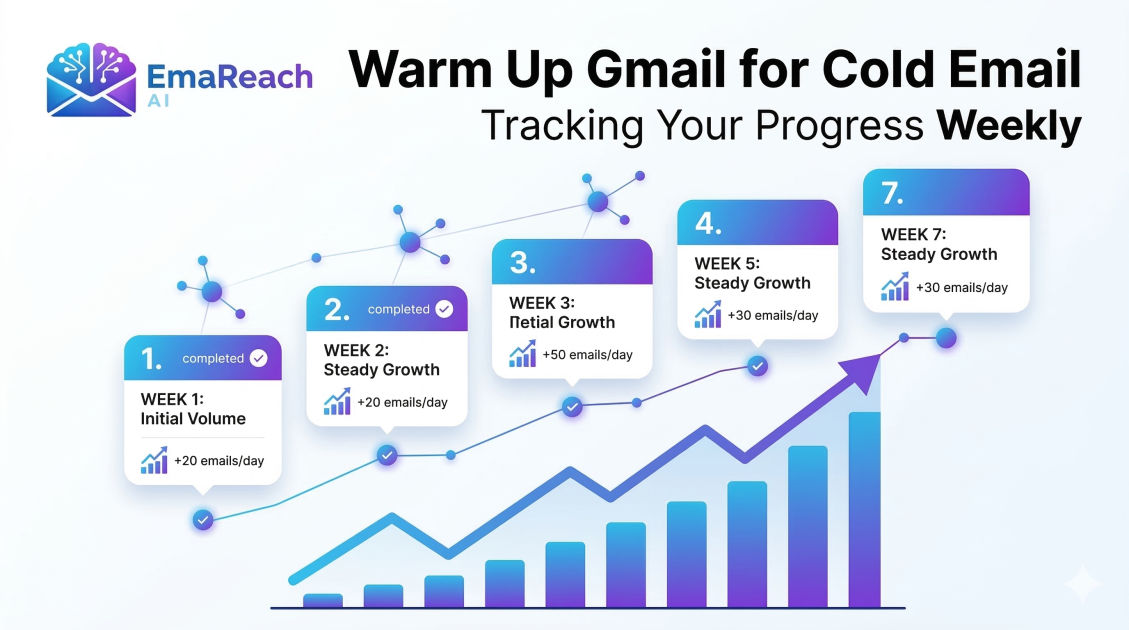
Warm Up Gmail for Cold Email: Tracking Your Progress Weekly
cold emailemail deliverabilitygmail warm upoutreach strategysender reputationemail marketinginbox placement
Introduction
Success in cold outreach is built on a foundation of trust—not just between you and your prospect, but between your email account and the complex algorithms of major Inbox Service Providers (ISPs) like Google. If you launch a high-volume campaign from a fresh Gmail account, you are effectively shouting into a void. Google’s automated filters are designed to protect users from spam, and a sudden spike in outbound activity from an unverified source is the fastest way to get your domain blacklisted.
To ensure your messages land in the primary inbox rather than the dreaded spam folder, you must engage in a process known as 'warming up.' This isn't a one-time setup; it is a gradual, strategic increase in email volume and engagement. More importantly, it requires consistent monitoring. This guide explores how to execute a professional Gmail warm-up and, crucially, how to track your progress week-over-week to ensure maximum deliverability.
The Mechanics of Email Reputation
Before diving into the weekly schedule, it is essential to understand what you are actually 'warming.' Every Gmail account is attached to a sender reputation and a domain reputation. These reputations are calculated based on several factors:
- Send Volume Consistency: Sudden spikes are red flags.
- Engagement Rates: Do people open, click, and reply to your emails?
- Spam Complaints: Do recipients mark your messages as spam?
- Bounce Rates: Are you sending to valid, active email addresses?
- Technical Authentication: Are your SPF, DKIM, and DMARC records correctly configured?
By warming up your account, you are essentially 'training' Google to recognize you as a human sender who provides value. Tools like EmaReach (https://www.emareach.com/) can automate this process, ensuring that cold emails reach the inbox by combining AI-written outreach with consistent inbox warm-up and multi-account sending.
Week 1: The Foundation and Technical Calibration
The first week is the most delicate phase. Your primary goal is to establish the 'identity' of your email account without triggering any automated security thresholds.
Technical Checklist
Before sending a single email, ensure your technical house is in order. You cannot track progress if your foundation is cracked. You must verify:
- SPF (Sender Policy Framework): Specifies which mail servers are authorized to send email on behalf of your domain.
- DKIM (DomainKeys Identified Mail): Adds a digital signature to emails, proving they weren't altered in transit.
- DMARC (Domain-based Message Authentication, Reporting, and Conformance): Tells receiving servers what to do if an email fails SPF or DKIM checks.
Activity Goals
During Week 1, keep your volume extremely low. Aim for 2 to 5 emails per day. These should be sent to people you know—colleagues, friends, or your own secondary email addresses.
Tracking Metrics for Week 1
- Sent Count: Is it staying within the 2-5 range?
- Delivery Success: Did 100% of these reach the inbox?
- Reply Rate: Since these are sent to known contacts, your reply rate should be 100%. This sends a powerful positive signal to Google.
Week 2: Incremental Growth and Engagement Patterns
In the second week, you move from a 'static' account to an 'active' one. You are still not ready for cold outreach, but you are increasing the complexity of your interactions.
Activity Goals
Increase your volume to 10 to 15 emails per day. Start subscribing to a few high-quality newsletters. Why? Because receiving emails is just as important as sending them for a balanced reputation.
The Importance of Human-Like Behavior
Google monitors the 'cadence' of your sending. If you send 15 emails at exactly 9:00 AM and then nothing for the rest of the day, it looks automated. Space your emails out throughout the day.
Tracking Metrics for Week 2
- Inbound Volume: Are you receiving at least 3-5 emails daily (newsletters, replies)?
- Open Rate of Inbound: Ensure you are actually opening the newsletters you receive.
- Spam Folder Check: Use a seed list or a deliverability tool to check if your 15 daily emails are landing in the 'Promotions' or 'Spam' tabs. If even one lands in spam, do not increase volume for Week 3.
Week 3: Expanding the Network
By Week 3, your account has a 14-day history of positive engagement. Now, you can begin to mimic more realistic business communication.
Activity Goals
Scale up to 20 to 30 emails per day. You can now begin reaching out to a small number of 'warm' leads or professional acquaintances with whom you haven't spoken in a while.
Advanced Engagement: Threading
At this stage, you want to ensure your email threads are getting longer. A one-off email is fine, but a back-and-forth conversation (3+ replies) is the gold standard for sender reputation.
Tracking Metrics for Week 3
- Average Thread Length: Are you getting replies to your replies?
- IP Reputation: Use online reputation checkers to see if your sending IP has been flagged.
- Manual Spam Recovery: If any of your emails are found in a recipient's spam folder, have them move it to the 'Primary' inbox and mark it as 'Not Spam.' Track how many times this was necessary.
Week 4: The Transition to Cold Outreach
This is the final stage of the initial warm-up. By the end of this week, you should be ready to integrate the account into your primary sales stack.
Activity Goals
Aim for 40 to 50 emails per day. This is generally the 'safe' limit for a standard Gmail account used for outreach. If you are using Google Workspace (formerly G Suite), you can eventually go higher, but 50 is a solid baseline for deliverability.
Implementing EmaReach
As you transition to actual cold outreach, the manual labor of tracking becomes overwhelming. This is where EmaReach (https://www.emareach.com/) becomes invaluable. It automates the warm-up process and uses AI to write the outreach, ensuring that even as you scale to 50+ emails, the content remains high-quality and relevant, which is the best defense against spam filters.
Tracking Metrics for Week 4
- Primary Tab vs. Promotions Tab: Use a 'GlockApps' or similar tool to see exactly where you are landing.
- Bounce Rate: If your bounce rate exceeds 2%, your lead list is poor. This will kill your warm-up progress instantly.
- Daily Send Limit Stability: Ensure you aren't hitting the Gmail daily limit, which can lead to temporary account suspension.
How to Build a Weekly Progress Tracker
To effectively monitor your progress, you should maintain a simple spreadsheet. Tracking these variables manually allows you to spot trends before they become catastrophes.
| Week | Daily Target | Actual Sent | Open Rate (Seed) | Spam % | Replies Received |
|---|---|---|---|---|---|
| 1 | 5 | 35 | 100% | 0% | 30 |
| 2 | 15 | 105 | 98% | 0% | 45 |
| 3 | 30 | 210 | 95% | 2% | 60 |
| 4 | 50 | 350 | 92% | 3% | 85 |
Critical Red Flags to Watch For
During your weekly review, look for these warning signs:
- The Sudden Drop: If your open rate drops from 90% to 20% overnight, your domain has likely been flagged.
- High 'Marked as Spam' Rate: Even a 0.1% spam complaint rate (1 per 1,000 emails) can be damaging.
- Low Reply-to-Sent Ratio: If you send 500 emails a week and get only 2 replies, ISPs will view your content as low-value 'bulk' mail.
Maintaining the Warmth: Post-Warm-up Strategy
Warming up is not a 'set it and forget it' task. Once you reach your target volume, you must maintain it. If you stop sending for two weeks and then suddenly send 100 emails in a day, your reputation will reset, and you'll likely hit the spam folder.
The 'Always-On' Warm-up
Professional outreach experts keep their warm-up tools running even during active campaigns. This 'padding' of positive, AI-generated interactions balances out any potential negative signals from cold leads who might ignore or delete your emails.
Monitoring Domain Health
Check your domain on major blacklists (like Spamhaus or Barracuda) every Monday morning. Tracking this weekly ensures that if you do get blacklisted, you can stop sending immediately and begin the remediation process before the damage becomes permanent.
Conclusion
Warming up a Gmail account for cold email is a marathon, not a sprint. By following a structured four-week plan and meticulously tracking your progress, you turn the 'black box' of email deliverability into a predictable science. Remember that Google's primary goal is to protect its users; by showing that you are a responsible, engaged sender, you earn the right to land in the primary inbox.
Track your volume, monitor your engagement, and never sacrifice quality for quantity. With a warmed-up account and a disciplined tracking system, your cold email campaigns will achieve the reach and response rates necessary to grow your business effectively.
EmaReach AI
Ready to scale your cold email outreach?
Join thousands of teams using EmaReach AI for AI-powered campaigns, domain warmup, and 95%+ deliverability. Start free — no credit card required.
Related posts
- Read article
The Instantly Alternative That Finally Gets Outbound Analytics Right
Discover why high-volume cold email requires a shift from surface-level vanity metrics to deep, data-driven revenue attribution, and explore the ultimate alternatives for mastering outbound engineering.
- Read article
What You Gain and What You Give Up When Switching From Instantly
Thinking about migrating your cold email stack? This detailed guide breaks down the exact operational advantages you gain and the core features you sacrifice when switching away from Instantly's popular outreach platform.