Blog
Back to blog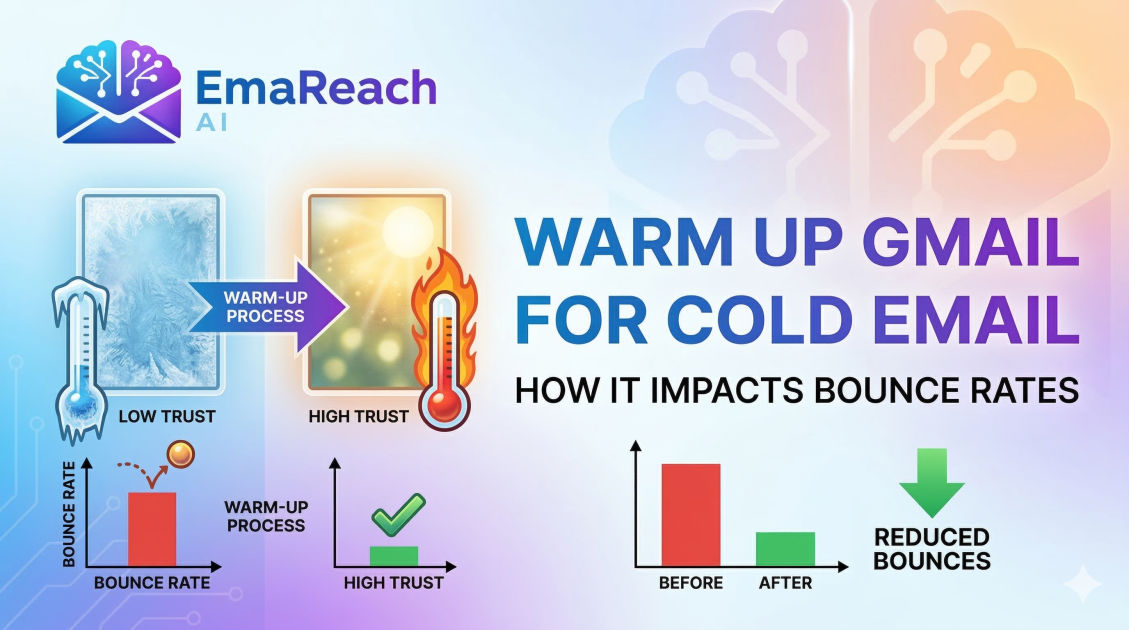
Warm Up Gmail for Cold Email: How It Impacts Bounce Rates
Gmail WarmupCold EmailEmail DeliverabilityBounce RatesLead GenerationSender ReputationEmail Marketing
Introduction
In the world of digital outreach, the distance between a successful deal and a wasted effort is often measured by a single metric: deliverability. For many entrepreneurs and sales professionals, Gmail is the platform of choice due to its familiarity and robust infrastructure. However, launching a cold email campaign from a fresh Gmail account without a proper warm-up period is one of the most common mistakes in modern marketing. This oversight leads to a cascade of technical issues, the most immediate and damaging of which is a skyrocketing bounce rate.
Understanding the relationship between account warming and bounce rates is not just about avoiding technical errors; it is about protecting your sender reputation. A high bounce rate signals to Google and other internet service providers (ISPs) that you are a low-quality sender, potentially even a spammer. To ensure your messages reach the intended recipient, you must master the art of the warm-up.
The Anatomy of a Bounce
Before diving into the mechanics of warming up an account, it is essential to define what a bounce actually is and why it happens. In the simplest terms, an email bounce occurs when a message cannot be delivered to the recipient’s inbox and is returned to the sender with an error notification.
Hard Bounces vs. Soft Bounces
- Hard Bounces: These are permanent delivery failures. They occur when an email address does not exist, the domain name is invalid, or the recipient's mail server has completely blocked your IP. Hard bounces are the most dangerous for your reputation.
- Soft Bounces: These are temporary delivery failures. They might happen because a recipient’s inbox is full, the server is temporarily down, or the message is too large. While less severe than hard bounces, a high frequency of soft bounces can still trigger spam filters.
When you use a new Gmail account for high-volume cold emailing without warming it up, you are effectively waving a red flag at Google's security algorithms. These algorithms are designed to detect automated bot behavior. If an account goes from zero activity to sending hundreds of emails a day, it is flagged, and the probability of your emails being rejected (bounced) increases exponentially.
Why Gmail Cares About Your Sending History
Google’s primary responsibility is to its users. They want to ensure that Gmail users receive relevant, safe, and high-quality content. To achieve this, they use sophisticated machine learning models to evaluate every sender's "reputation."
Your sender reputation is a score assigned to your domain and IP address. It is built over time based on your sending patterns. Factors that influence this score include:
- Consistency: Do you send a similar volume of mail every day?
- Engagement: Do people open your emails, reply to them, or mark them as spam?
- Accuracy: How often do you send to non-existent addresses (bounces)?
- History: How long has this account been active and behaving like a human?
If you bypass the warm-up phase, you have no history. In the eyes of an ISP, no history is often treated with the same suspicion as a bad history. By warming up your account, you are proving to Google that you are a legitimate human user engaging in meaningful communication.
The Technical Impact of Warm-Up on Bounce Rates
When we talk about "warming up," we are referring to the process of gradually increasing the volume of emails sent from a new account to establish a positive reputation. But how exactly does this lower bounce rates?
1. Verification of IP and Domain
When you start slow, receiving servers have the opportunity to "meet" your domain. If your early, low-volume emails are accepted and opened, the servers cache this positive interaction. Later, when you scale up, those same servers are less likely to reject your mail outright, which prevents the "blocked" type of hard bounce.
2. Avoiding Rate Limiting
Gmail has internal limits on how many emails an account can send per hour and per day. These limits are much tighter for new accounts. If you exceed these invisible thresholds, Gmail will stop delivering your mail, resulting in a surge of soft bounces or "deferred" status. A warm-up process respects these thresholds, gradually stretching them until you can send at your desired capacity.
3. Filter Calibration
Spam filters are constantly evolving. By engaging in a warm-up—which involves not just sending but also receiving and replying to emails—you are training the filters to recognize your content as "not spam." This interaction lowers the chance of your emails being pre-emptively bounced by aggressive security layers on the recipient's side.
Step-by-Step Guide to Warming Up Gmail
Transitioning from a cold account to a high-performing outreach machine requires patience. Here is a timeline-based approach to doing it correctly.
Phase 1: The Foundation (Days 1–7)
During the first week, your goal is to look like a standard office worker. Do not use any automation.
- Manual Correspondence: Send 5 to 10 emails per day to friends, colleagues, or your own secondary accounts.
- Encourage Replies: The single most important metric is the reply rate. Ask a question that requires a response. When you receive a reply, respond back.
- Set Up Essentials: Ensure your SPF, DKIM, and DMARC records are correctly configured. These are technical signatures that prove you own your domain. Without them, your bounce rate will be high regardless of how much you warm up.
Phase 2: Incremental Growth (Days 8–21)
Now you can begin to increase the volume slightly.
- Volume Increase: Move to 20–30 emails per day.
- Diversify Recipients: Send to various providers (Outlook, Yahoo, iCloud) to show that you are a global communicator.
- Newsletter Subscriptions: Sign up for a few reputable newsletters. This ensures you are receiving incoming mail, which is a key indicator of a real user.
Phase 3: Introduction of Tools
Once you have a baseline of manual activity, you can look into automated solutions. For those seeking to scale without the headache, services like EmaReach (https://www.emareach.com/) provide a seamless way to handle this. EmaReach AI combines AI-written cold outreach with inbox warm-up and multi-account sending, ensuring your emails land in the primary tab and get replies rather than bouncing into oblivion.
The Relationship Between Content and Bounces
It is a misconception that bounces are purely technical. The content of your cold email plays a significant role in whether an ISP decides to deliver or bounce your message.
Avoiding Spam Triggers
If your emails contain "spammy" keywords (e.g., "Free," "Winner," "Act Now," or excessive dollar signs), filters may reject the email before it even reaches the recipient. While this sometimes results in the email going to the spam folder, aggressive filters will simply bounce the message back to you to protect the user.
The Importance of Personalization
Sending 100 identical emails to 100 different people is a hallmark of a bot. Google’s algorithms can detect repetitive patterns. By using dynamic fields and AI-driven personalization, each email becomes unique. Unique emails have a much lower probability of being flagged and bounced compared to mass-produced templates.
Maintaining a Low Bounce Rate Post-Warm-Up
Warming up your account is not a one-time event; it is the beginning of a continuous maintenance cycle. Even a perfectly warmed-up account can see a spike in bounce rates if the user becomes careless.
Clean Your Lead Lists
One of the primary causes of hard bounces is a poor-quality lead list. If you are scraping data or buying lists, many of those email addresses will be defunct. Before you ever hit "send" on a campaign, use a list verification tool to scrub invalid addresses. Aim for a bounce rate of less than 2%.
Monitor Your Sender Score
Keep a close eye on your metrics. If you see your bounce rate creeping up toward 5%, stop your campaigns immediately. This is a sign that your reputation is slipping. Return to a manual warm-up phase for a few days to "heal" the account before resuming automation.
Common Myths About Gmail Warm-Up
To truly master deliverability, one must separate fact from fiction.
Myth 1: You can warm up an account in 48 hours. In reality, building trust with an ISP takes time. A rush job often results in a temporary boost followed by a permanent ban. Expect the process to take at least 2 to 4 weeks.
Myth 2: Only the volume of emails sent matters. Engagement is actually more important than volume. An account that sends 10 emails and gets 5 replies is viewed much more favorably than an account that sends 100 emails and gets 0 replies.
Myth 3: Gmail Business (Workspace) accounts don't need warming.
While Workspace accounts have a slightly higher initial trust level than free @gmail.com accounts, they are still subject to the same reputation-building requirements. Never assume a paid account is immune to bounces.
Strategic Multi-Account Sending
As your business grows, you will eventually hit the limits of a single Gmail account. To scale safely, many experts recommend a multi-account strategy. Instead of sending 500 emails from one account, you send 50 emails from 10 different accounts.
This strategy dilutes the risk. If one account experiences a high bounce rate due to a specific lead list, it doesn't jeopardize your entire outreach operation. However, each of these 10 accounts must be warmed up individually. This is where comprehensive platforms like EmaReach become invaluable, as they manage the complexities of multi-account rotation and automated warming simultaneously.
Conclusion
The correlation between warming up your Gmail account and your bounce rate is direct and undeniable. A neglected warm-up period leads to a poor sender reputation, which triggers filters to reject your mail, resulting in high bounce rates. Conversely, a disciplined, gradual warm-up builds a foundation of trust with Google, ensuring your cold emails actually reach the people you are trying to help.
By treating your email accounts as valuable assets that require care and seasoning, you move away from the "spray and pray" tactics of the past and toward a sophisticated, high-ROI outreach strategy. Remember: in the world of cold email, the fastest way to get results is to start slowly.
EmaReach AI
Ready to scale your cold email outreach?
Join thousands of teams using EmaReach AI for AI-powered campaigns, domain warmup, and 95%+ deliverability. Start free — no credit card required.
Related posts
- Read article
The Instantly Alternative That Finally Gets Outbound Analytics Right
Discover why high-volume cold email requires a shift from surface-level vanity metrics to deep, data-driven revenue attribution, and explore the ultimate alternatives for mastering outbound engineering.
- Read article
What You Gain and What You Give Up When Switching From Instantly
Thinking about migrating your cold email stack? This detailed guide breaks down the exact operational advantages you gain and the core features you sacrifice when switching away from Instantly's popular outreach platform.