Blog
Back to blog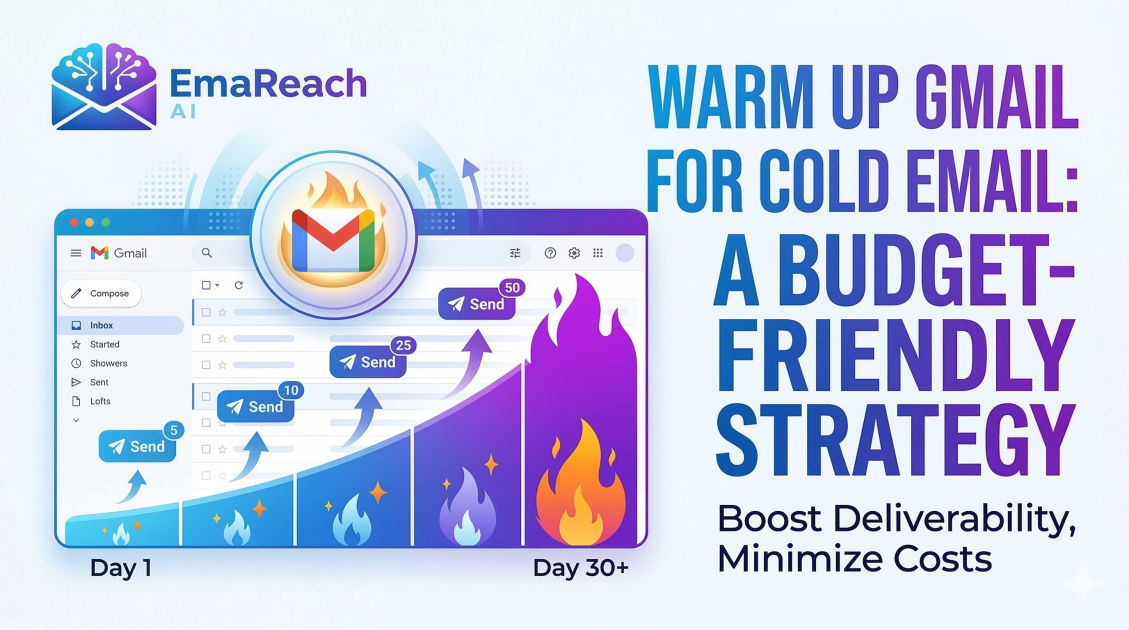
Warm Up Gmail for Cold Email: A Budget-Friendly Strategy
cold emailemail deliverabilitygmail warm upoutreach strategyemail marketingsender reputation
Introduction
In the world of digital outreach, the success of a cold email campaign isn't just determined by the quality of your copy or the relevance of your offer. It is determined by a much more technical, invisible force: email deliverability. You can spend weeks crafting the perfect pitch, but if that email lands in the spam folder, it effectively does not exist.
For entrepreneurs, freelancers, and small business owners operating on a lean budget, the challenge is twofold. You need to reach potential clients, but you also need to ensure your Gmail account maintains a pristine reputation without breaking the bank on enterprise-level software. This is where the concept of "warming up" an email account becomes critical.
Warming up a Gmail account is the process of gradually increasing the volume of emails sent from a new or inactive account to establish a positive sender reputation with Internet Service Providers (ISPs) and Google’s sophisticated spam filters. This guide will walk you through a comprehensive, budget-friendly strategy to warm up your Gmail account, ensuring your outreach reaches the inbox every time.
The Psychology of Spam Filters
To beat the spam filter, you must first understand it. Google’s algorithms are designed to protect users from unsolicited, malicious, or low-value content. When a brand-new Gmail account suddenly sends 100 emails in a single day, it triggers a massive red flag. To the algorithm, this behavior mimics a bot or a spammer who has just purchased a fresh domain to blast out junk.
Spam filters look at several key metrics:
- Sender Reputation: How have recipients interacted with your emails in the past?
- Engagement Rates: Do people open your emails, or do they delete them without looking?
- Bounce Rate: Are you sending emails to non-existent addresses?
- Spam Complaints: How many users are manually marking your emails as spam?
- Consistency: Is your sending volume steady, or does it show erratic spikes?
By following a warm-up strategy, you are essentially "introducing" yourself to the Google ecosystem, proving that you are a real human engaging in legitimate conversation.
Phase 1: The Technical Foundation (The No-Cost Essentials)
Before you send a single warm-up email, your account must be technically sound. This costs nothing but is the most frequent point of failure for beginners.
SPF, DKIM, and DMARC
These are the three pillars of email authentication. Think of them as your digital passport and ID.
- SPF (Sender Policy Framework): A DNS record that specifies which mail servers are authorized to send email on behalf of your domain.
- DKIM (DomainKeys Identified Mail): Adds a digital signature to your emails, allowing the receiver to verify that the email was indeed authorized by the owner of that domain.
- DMARC (Domain-based Message Authentication, Reporting, and Conformance): A policy that uses SPF and DKIM to tell receiving servers what to do if an email fails authentication.
If you are using a custom domain with Gmail (Google Workspace), these records are mandatory. If you are using a standard @gmail.com address, Google handles much of this, but your deliverability ceiling will be lower. For professional outreach, a custom domain is highly recommended.
Profile Optimization
A complete profile signals authenticity. Upload a professional headshot, set up a clear email signature with your physical address (required by CAN-SPAM laws), and link your Google account to a Google My Business profile or LinkedIn if possible.
Phase 2: Manual Warm-Up (Weeks 1-2)
If you are on a tight budget, the manual approach is your best friend. It requires time rather than money.
Start with Your Inner Circle
During the first week, do not send cold emails. Instead, send 5-10 emails per day to friends, colleagues, or your own alternative email addresses. The goal here is engagement. Ask these recipients to:
- Open the email.
- Reply to the email (this is the strongest signal of trust).
- Mark the email as "Important."
- Move the email to the "Primary" tab if it lands in "Promotions" or "Updates."
Sign Up for Newsletters
One of the most effective budget-friendly hacks is to sign up for 10-15 high-quality, reputable newsletters (like those from major tech publications or marketing blogs). When these newsletters arrive in your inbox, open them. This creates a healthy ratio of incoming vs. outgoing mail, which looks natural to Google’s filters.
The Slow Ramp-Up
- Days 1-3: 5 emails per day.
- Days 4-7: 10 emails per day.
- Days 8-14: 20 emails per day.
Always ensure that at least 25-30% of these emails receive a reply. If you are sending to your own accounts, make sure those accounts are on different IP addresses or networks (e.g., one on home Wi-Fi, one on cellular data) to make the interactions look organic.
Phase 3: Leveraging Budget-Friendly Automation
While manual warming is great, it isn't scalable. To truly prepare for a high-volume cold email campaign, you may need a layer of automation. This is where specialized platforms come into play.
Tools like EmaReach offer a comprehensive solution for those looking to scale without the headache of manual tracking. By using AI-driven warm-up protocols, these tools simulate human conversations, automatically replying to and archiving emails to build that crucial sender reputation. The advantage here is that the "conversations" are varied and complex, which is much more effective than sending the same "Hello, how are you?" text repeatedly.
Phase 4: Writing Content That Avoids the Spam Filter
Your warm-up efforts will be wasted if your actual cold email content is "spammy." The content of your email is scanned in real-time.
Avoid Trigger Words
Words like "Free," "Guarantee," "Double your income," "Act now," and "Investment" are often flagged. Use natural language. Instead of "Buy now for a discount," try "I’d love to share some insights that might help your team's efficiency."
The Link Ratio
In the early stages of an account, avoid using too many links. A single link to your website or a calendar booking tool is usually fine, but avoid tracking links (which use redirects) in your first few weeks, as these are often viewed with suspicion by filters.
Personalization is Not Optional
If you send the exact same template to 50 people, Google will notice the footprint. Use variables like the recipient's name, company name, and a specific detail about their recent work. This makes each email unique in the eyes of the server.
Phase 5: Monitoring Your Reputation
You cannot manage what you do not measure. Use free tools like Google Postmaster Tools to see how Google views your domain. It provides data on your IP reputation, domain reputation, and spam rate. If you see your reputation dipping into the "Medium" or "Low" category, stop all cold outreach immediately and return to the manual warm-up phase until the reputation recovers.
Transitioning to Cold Outreach
Once you have spent 3-4 weeks warming up your account and your sending volume has reached 40-50 emails per day with high engagement, you are ready to start your actual campaign. However, do not jump from 50 warm-up emails to 200 cold emails overnight.
The Hybrid Approach
Continue your warm-up activity even after you start cold emailing. If you plan to send 50 cold emails, keep 20 warm-up threads active in the background. This provides a safety net; if a few prospects mark your cold email as spam, the positive engagement from your warm-up threads will help balance out your reputation.
Multi-Account Strategies
If you need to send 500 emails a day, do not do it from one Gmail account. The budget-friendly way to scale is to create multiple "sender" accounts (e.g., name@domain.com, name.last@domain.com). Each account should go through its own warm-up process. Using a tool like EmaReach can help manage these multiple accounts, ensuring that your outreach is distributed across different inboxes, further protecting your primary domain.
Common Pitfalls to Avoid
- Skipping the Warm-Up: It’s tempting to start selling immediately. Don't. A burned domain can take months to recover, and sometimes it's easier to just buy a new one.
- Using Poor Quality Leads: If you buy a cheap, unverified list, your bounce rate will skyrocket. High bounce rates are the fastest way to get your account suspended.
- Irregular Sending Patterns: Sending 100 emails on Monday and 0 on Tuesday looks suspicious. Aim for a steady flow.
- Neglecting the "Unsubscribe" Link: Make it easy for people to opt-out. If they can’t find the unsubscribe link, they will hit the spam button instead.
Maintaining Deliverability in the Long Run
Deliverability is not a "set it and forget it" task. It requires ongoing maintenance.
- Prune your lists: Every month, remove recipients who haven't opened your last five emails.
- Update your content: Periodically refresh your templates to avoid becoming a recognizable "fingerprint" for filters.
- Stay Informed: Email providers frequently update their algorithms. What worked last year might not work today.
By treating your Gmail account like a valuable asset rather than a disposable tool, you ensure that your business remains capable of reaching new customers. The budget-friendly approach takes patience, but the return on investment—landing in the primary inbox—is immeasurable.
Conclusion
Warming up your Gmail account is an essential prerequisite for any successful cold email strategy. By combining technical setup, manual engagement, and smart automation, you can build a sender reputation that bypasses spam filters and reaches your prospects. Remember that deliverability is about trust; you are proving to Google and your recipients that you are a sender worth listening to. Start slow, be consistent, and keep your content focused on providing value. With these steps, your budget-friendly warm-up strategy will pave the way for high-converting outreach and long-term business growth.
EmaReach AI
Ready to scale your cold email outreach?
Join thousands of teams using EmaReach AI for AI-powered campaigns, domain warmup, and 95%+ deliverability. Start free — no credit card required.
Related posts
- Read article
The Instantly Alternative That Finally Gets Outbound Analytics Right
Discover why high-volume cold email requires a shift from surface-level vanity metrics to deep, data-driven revenue attribution, and explore the ultimate alternatives for mastering outbound engineering.
- Read article
What You Gain and What You Give Up When Switching From Instantly
Thinking about migrating your cold email stack? This detailed guide breaks down the exact operational advantages you gain and the core features you sacrifice when switching away from Instantly's popular outreach platform.