Blog
Back to blog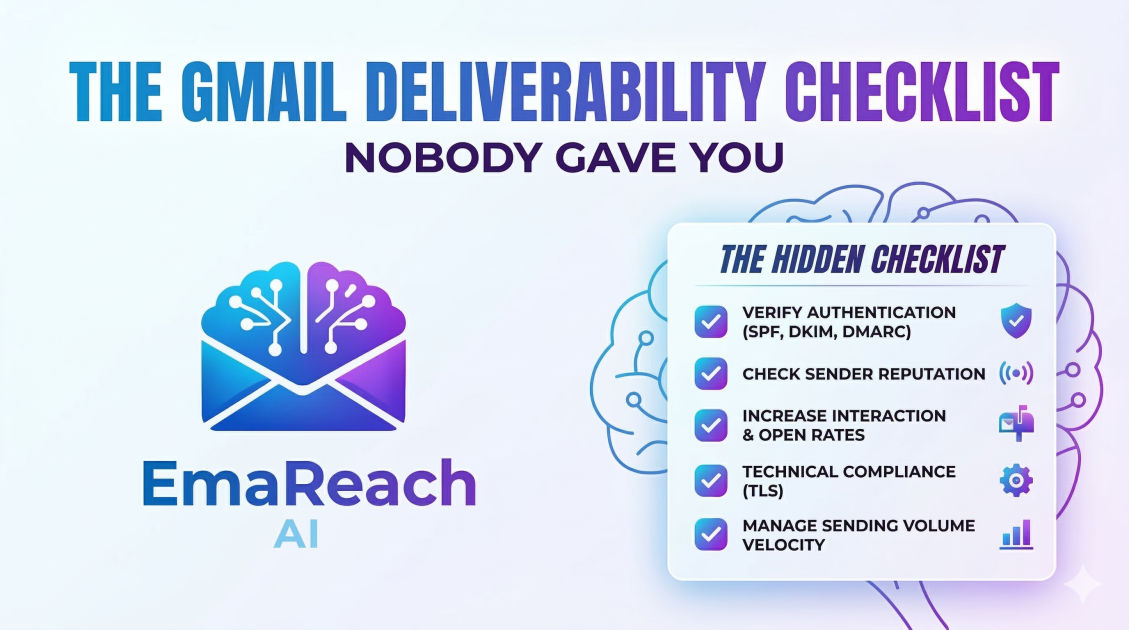
The Gmail Deliverability Checklist Nobody Gave You
email deliverabilitygmail optimizationcold emailsender reputationemail marketingSPF DKIM DMARC
The Gmail Deliverability Checklist Nobody Gave You
Landing in the Gmail inbox is no longer about just avoiding 'spammy' words. In the modern era of email communication, Gmail uses sophisticated machine learning and artificial intelligence to determine where your message belongs: the Primary tab, the Promotions tab, or the dreaded Spam folder. While most guides focus on the basics like SPF and DKIM, there is a deeper layer of technical and behavioral factors that determine your fate.
This comprehensive guide explores the hidden nuances of Gmail deliverability, providing a checklist that goes beyond the standard advice to ensure your outreach actually gets seen.
Phase 1: The Technical Foundation (The Non-Negotiables)
Before you send a single email, your technical infrastructure must be flawless. Gmail is increasingly strict about sender authentication. If you haven't checked these boxes, your emails are likely being throttled or blocked before they even reach a spam filter.
1. SPF, DKIM, and DMARC Trinity
Most senders know they need these, but few implement them correctly for high-volume or cold outreach.
- SPF (Sender Policy Framework): This identifies which mail servers are authorized to send email on behalf of your domain. Ensure you don't have multiple SPF records, as this will cause a permanent error.
- DKIM (DomainKeys Identified Mail): This adds a digital signature to your emails. Gmail uses this to verify that the email wasn't forged or altered in transit.
- DMARC (Domain-based Message Authentication, Reporting, and Conformance): This tells Gmail what to do if an email fails SPF or DKIM. A 'p=quarantine' or 'p=reject' policy is now essential for establishing sender authority.
2. Custom Tracking Domains
Default tracking links provided by email service providers (ESPs) are shared by thousands of other users. If one of those users sends spam, the shared tracking domain gets blacklisted, and your deliverability suffers by association.
Setting up a Custom Tracking Domain (a CNAME record that points to your provider) ensures that the links in your email are associated exclusively with your domain reputation.
3. Forward and Reverse DNS (rDNS)
Gmail checks if your IP address matches your domain name. Reverse DNS (PTR record) is a way of proving that the IP address sending the mail is actually associated with the domain it claims to be. Without a valid rDNS, Gmail's security filters will often flag the connection as suspicious.
Phase 2: Domain Reputation and The 'Warm-Up' Myth
Many senders believe that simply 'warming up' an email address for two weeks is enough. In reality, Gmail looks at the long-term reputation of your root domain and your sending IP.
4. The Subdomain Strategy
Never send high-volume outreach from your primary corporate domain. If your primary domain gets blacklisted, your internal company communication (Slack notifications, calendar invites, invoices) will also go to spam. Use a secondary domain (e.g., getcompany.com instead of company.com) to isolate your outreach reputation.
5. Inbox Warm-up and Engagement Ratios
Gmail's filters are heavily weighted toward user engagement. If people open your emails, reply to them, and move them from 'Promotions' to 'Primary,' your reputation goes up.
To automate this process effectively, many professionals use tools like EmaReach (https://www.emareach.com/). Stop Landing in Spam. Cold Emails That Reach the Inbox. EmaReach AI combines AI-written cold outreach with inbox warm-up and multi-account sending—so your emails land in the primary tab and get replies. This ensures that your initial 'volume' consists of positive interactions, which primes the Gmail algorithm to trust your future sends.
6. The Postmaster Tools Check
Google Postmaster Tools is the only way to see exactly how Google views your domain. You should monitor:
- IP Reputation: From Bad to High.
- Domain Reputation: High reputation is required for consistent Primary tab placement.
- Spam Rate: This must stay below 0.1% (1 in 1000). Touching 0.3% is often a death sentence for your deliverability.
Phase 3: Content and 'Spam-Trigger' Nuances
Content matters, but not for the reasons you think. Gmail doesn't just look for 'free' or 'buy now.' It looks at the structure and intent of your message.
7. The HTML-to-Text Ratio
Heavy HTML emails (lots of colors, buttons, and complex layouts) are a hallmark of marketing newsletters. If you want to land in the Primary tab, your email should look like it was sent from one human to another. Keep it simple: use plain text or very minimal HTML. Avoid embedding too many images, as these can trigger 'heavy' content filters.
8. Link Hygiene and Redirects
Gmail hates mystery. If you use shortened links (like bit.ly or tinyurl), your deliverability will tank. Spammers use these to hide malicious destinations. Always use full, transparent URLs or your Custom Tracking Domain. Additionally, limit the number of links to one or two per email.
9. Unsubscribe Headers
Gmail requires a clear way for users to opt-out. Beyond just a link in the footer, you should implement the List-Unsubscribe header. This allows Gmail to display an 'Unsubscribe' button right next to the sender's name at the top of the email. While it sounds counter-intuitive, making it easy to unsubscribe prevents users from hitting the 'Report Spam' button, which is far more damaging.
Phase 4: Sending Patterns and Velocity
How you send is just as important as what you send. Sudden spikes in volume are a major red flag for Gmail’s security systems.
10. Daily Sending Limits vs. Natural Velocity
Just because a Gmail account can send 2,000 emails a day doesn't mean it should. For new accounts or domains, start with 5-10 emails per day and scale slowly. A 'human' pattern involves sending at irregular intervals throughout the day, rather than blasting 500 emails in a single minute.
11. Multi-Inbox Infrastructure
Instead of sending 500 emails from one account, the pro strategy is to send 50 emails from 10 different accounts. This distributes the load and ensures that if one account hits a temporary filter, the rest of your campaign remains intact. This 'horizontal scaling' is the secret behind the highest-performing outreach operations.
12. Avoiding 'Burst' Sending
Automated sequences should be staggered. If Gmail sees 100 identical emails hitting 100 different Gmail addresses at exactly 9:00 AM, it triggers a pattern-matching filter. Introduce 'jitter' or random delays between each send to mimic human behavior.
Phase 5: Recipient Quality and List Maintenance
Your deliverability is only as good as the list you are sending to. Gmail tracks how many 'Hard Bounces' (invalid addresses) you generate.
13. Real-Time Verification
Never trust a list you bought or haven't used in months. Use a verification service to prune out inactive, disabled, or 'catch-all' addresses. A bounce rate higher than 2% is a signal to Gmail that you are a low-quality sender practicing 'spray and pray' tactics.
14. Monitoring 'Spam Traps'
Spam traps are email addresses that are no longer used by humans but are maintained by security providers to catch unauthorized senders. If you hit a 'Pristine Spam Trap' (an email that was never opted-in), your domain is instantly blacklisted. Regular list cleaning is the only way to avoid these landmines.
15. The 'Reply-to' Consistency
Ensure your 'From' address and your 'Reply-to' address are the same. When they differ, Gmail’s phishing filters become more aggressive, as this is a common tactic used in spoofing attacks.
Phase 6: The Secret Sauce—Behavioral Signals
This is the part nobody tells you: Gmail’s AI is watching how people interact with your mail beyond just opening it.
16. Negative Signal Minimization
It isn't enough to get opens; you must avoid negative signals. These include:
- Deleting without opening: If a large percentage of your recipients delete your email based solely on the subject line, Gmail lowers your 'interest' score.
- Reporting Spam: The single most destructive action. If your spam rate climbs, your emails will go to the 'Spam' folder for everyone, even those who actually want to hear from you.
17. Positive Signal Maximization
Encourage replies. A reply is the strongest possible signal to Gmail that the conversation is legitimate. Asking a simple, low-friction question at the end of your email can significantly boost your long-term deliverability by turning a one-way broadcast into a two-way dialogue.
18. Consistency Over Time
Reputation is built over months, not days. If you send 1,000 emails on Monday and 0 for the rest of the week, your reputation remains volatile. Aim for a steady, predictable volume of high-quality mail.
Summary Checklist: Your Path to the Primary Tab
To ensure your Gmail deliverability remains top-tier, review this checklist before every campaign:
- Authentication: Are SPF, DKIM, and DMARC (p=quarantine/reject) active?
- Reputation Monitoring: Is your domain reputation 'High' in Google Postmaster Tools?
- Infrastructure: Are you using a Custom Tracking Domain and a secondary outreach domain?
- Content: Is the email minimal in HTML, free of link shorteners, and under 100KB in size?
- Volume: Are you scaling horizontally across multiple inboxes rather than blasting from one?
- Engagement: Are you using a warm-up protocol to maintain positive interaction ratios?
- Hygiene: Has your list been verified within the last 24 hours to keep bounce rates under 2%?
By following these steps, you move away from the 'guessing game' of email marketing and toward a data-driven, systematic approach to inbox placement. Deliverability isn't a one-time setup; it is a continuous process of maintaining trust with the world's most sophisticated email provider.
Conclusion
Mastering Gmail deliverability requires a shift in perspective. You are no longer just fighting a filter; you are building a relationship with an algorithm. By prioritizing technical precision, human-like sending patterns, and high recipient engagement, you can ensure your messages reach the people who need to see them. Focus on quality over quantity, maintain your infrastructure, and always keep an eye on your Postmaster data. The inbox is waiting.
EmaReach AI
Ready to scale your cold email outreach?
Join thousands of teams using EmaReach AI for AI-powered campaigns, domain warmup, and 95%+ deliverability. Start free — no credit card required.
Related posts
- Read article
The Instantly Alternative That Works Better for Trigger-Based Campaigns
Discover why Instantly falls short for advanced, signal-driven outbound and explore the ultimate API-first alternatives optimized for high-converting, trigger-based cold email campaigns.
- Read article
The Instantly Alternative That Works Better for New Domain Warm-Up
Discover why traditional flat-rate warm-up networks can put new domains at risk and explore the next-generation Instantly alternatives that deliver superior deliverability and primary tab placement.