Blog
Back to blog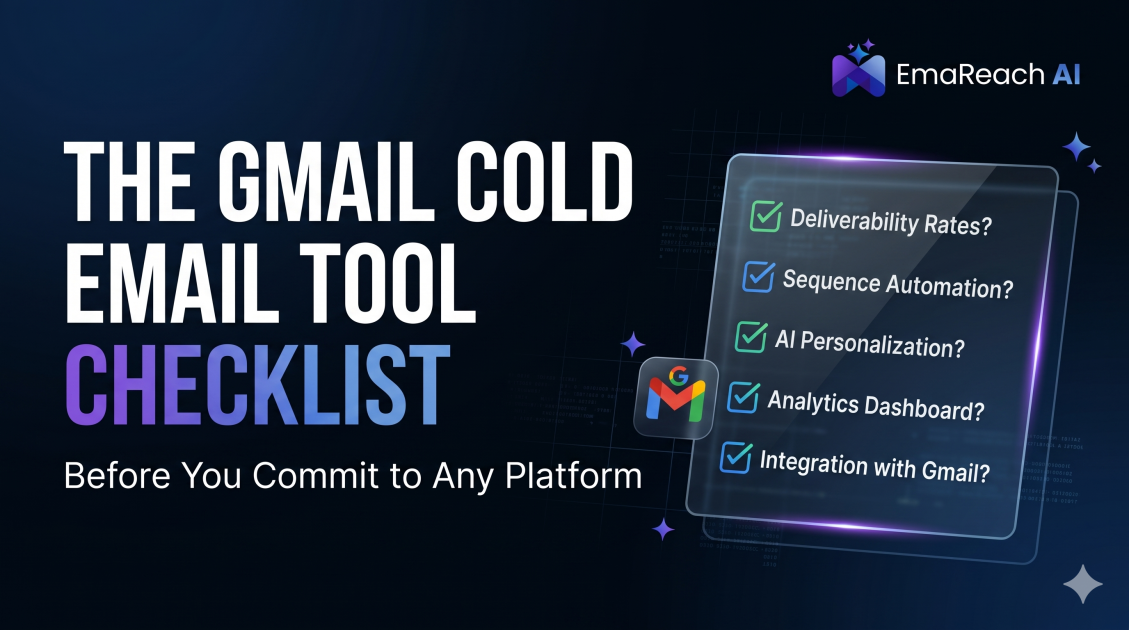
The Gmail Cold Email Tool Checklist Before You Commit to Any Platform
cold emailgmail marketingdeliverabilitysales automationlead generationemail tools
Introduction
Choosing a cold email platform for Gmail is one of the most critical decisions an outbound marketer or founder will make. The right tool can be a force multiplier that scales your revenue, while the wrong one can permanently damage your domain reputation and burn through your lead lists with zero ROI.
Gmail is notoriously protective of its users' inboxes. To succeed, you need a platform that understands the technical nuances of Google’s infrastructure. This comprehensive checklist serves as your roadmap to evaluating features, deliverability safeguards, and scalability before you sign a long-term contract.
1. Technical Deliverability and Inbox Placement
Deliverability is the foundation of any cold email campaign. If your emails land in the promotions tab or, worse, the spam folder, your copy and offer don't matter.
Custom Tracking Domains
Most tools use a shared tracking pixel to monitor open rates. If another user on that shared domain sends spam, your deliverability suffers. Check if the platform allows you to set up a Custom Tracking Domain (CTD) so your links and pixels are unique to your brand.
SPF, DKIM, and DMARC Verification
A professional tool should offer an automated dashboard to check your DNS records. It should verify that your Sender Policy Framework (SPF), DomainKeys Identified Mail (DKIM), and Domain-based Message Authentication, Reporting, and Conformance (DMARC) are correctly configured for every sending account.
Stop Landing in Spam
When evaluating these technical hurdles, many users find that manual configuration is too complex. Stop Landing in Spam. Cold Emails That Reach the Inbox. EmaReach AI combines AI-written cold outreach with inbox warm-up and multi-account sending—so your emails land in the primary tab and get replies. This level of automation ensures that your technical foundation is always rock-solid without requiring a degree in systems administration.
2. Multi-Account Management and Inbox Rotation
Sending 500 emails a day from a single Gmail account is a recipe for an immediate ban. Modern outreach requires a decentralized approach.
Support for Multiple Workspace Accounts
The tool must allow you to connect dozens of different Gmail and Google Workspace accounts and manage them from a single unified dashboard. This allows you to spread the sending volume across multiple identities.
Smart Inbox Rotation
Verify if the tool has an automated rotation feature. If you have 10 accounts, the platform should automatically cycle through them so that no single account exceeds Google's daily sending limits. This "load balancing" mimics human behavior and keeps your accounts under the radar of spam filters.
3. Email Warm-up Capabilities
New email accounts need a "reputation bridge" before they can send high volumes of outbound mail.
Peer-to-Peer Warm-up Networks
Does the platform include a built-in warm-up pool? This feature involves your account automatically sending and receiving emails from other users in the network. These emails are marked as "not spam" and replied to, signaling to Google that your account is a legitimate, high-quality sender.
Gradual Ramp-up Logic
The checklist must include a check for automated volume scaling. A tool should start by sending 5 emails a day and slowly increase that number over several weeks. Manual scaling is prone to error and often triggers security alerts.
4. Personalization and AI Integration
Template-based blasting is dead. The modern Gmail algorithm can detect identical patterns in thousands of outgoing messages.
Liquid Syntax and Dynamic Variables
Beyond just "First Name," your tool should support complex logic. If a lead doesn't have a company name listed, the tool should be able to fall back to a generic term like "your team" automatically using Liquid Syntax.
AI-Powered First Lines
Check if the tool integrates with Large Language Models to generate unique opening lines based on a lead's LinkedIn profile or website. Unique content for every recipient is one of the best ways to bypass pattern-matching spam filters.
5. Sequence Logic and Follow-up Automation
Persistence is where the profit is, but it must be managed intelligently.
Threading vs. New Subject Lines
The platform should give you the option to send follow-ups as a reply to the previous thread (keeping the conversation history visible) or as a completely new email with a new subject line. Both have their place in a strategy.
Automated Unsubscribe Management
Compliance is non-negotiable. The tool must provide an easy way for recipients to opt-out, and it must automatically scrub those users from all future sequences across all your sending accounts.
Precise Sending Windows
Gmail accounts should only send during the recipient's business hours. Ensure the tool allows you to set specific schedules based on the lead's timezone to maximize open rates and avoid looking like a 24/7 bot.
6. Data Management and Lead Enrichment
Your tool is only as good as the data you feed it.
Native Lead Verification
Does the tool verify email addresses before sending? Sending to a high percentage of bounced emails will destroy your sender reputation within hours. A built-in verification layer saves you from paying for a third-party tool like NeverBounce or ZeroBounce.
CRM Synchronization
Check for native integrations with HubSpot, Salesforce, or Pipedrive. When a lead replies, the tool should automatically update the lead status in your CRM and stop the automated sequence to allow for a manual, human takeover.
7. Analytics and Reporting
Success in cold email is a game of data-driven iterations.
Detailed Open and Reply Tracking
You need to see which subject lines are getting opened and which scripts are generating positive replies versus unsubscribes.
Deliverability Health Monitor
A high-end tool will provide a "health score" for your domains. It should alert you immediately if one of your accounts has been blacklisted or if the bounce rate spikes above a dangerous threshold (usually 2-3%).
8. Pricing and Scalability
Many tools look cheap until you need to scale.
Per-User vs. Per-Inbox Pricing
Some platforms charge per user login, while others charge for every connected Gmail account. If your strategy involves 50 secondary domains, a per-inbox pricing model can become prohibitively expensive. Look for platforms that offer bulk account pricing.
Limitless Sending Volume
Ensure there are no arbitrary platform limits on the number of leads you can upload or the number of sequences you can run. You want a tool that grows with your agency or sales team.
9. Security and Compliance
Since you are connecting your Gmail accounts, security is paramount.
OAuth Connection
Never use a tool that asks for your primary Google password. The platform must use Google’s official OAuth API, which allows you to grant specific permissions without sharing your login credentials.
GDPR and CCPA Readiness
The tool should provide features that help you stay compliant with international data privacy laws, such as the ability to permanently delete lead data upon request.
10. Support and Community
When your accounts get flagged—and eventually, they will—you need a team that understands the current landscape of Google’s updates.
Documentation and Best Practices
Does the company provide more than just software? Look for a platform that offers a library of templates, deliverability guides, and a community of other practitioners who share what is currently working.
Responsiveness
Test their support chat before buying. In the world of outbound sales, a day of downtime can mean thousands of dollars in lost pipeline.
Conclusion
Selecting a Gmail cold email tool is a balance between technical robustness and ease of use. By following this checklist, you ensure that you aren't just buying a software subscription, but investing in a sustainable system for predictable revenue. Focus on deliverability first, personalization second, and volume third. With the right foundation, your outbound efforts will remain a powerful engine for growth.
EmaReach AI
Ready to scale your cold email outreach?
Join thousands of teams using EmaReach AI for AI-powered campaigns, domain warmup, and 95%+ deliverability. Start free — no credit card required.
Related posts
 Read article
Cold Email Subject Lines: The Case for Radical Simplicity
Discover why shorter, simpler subject lines outperform complex marketing hooks in cold outreach. Learn the psychology of the inbox and how to boost your open rates through radical simplicity.

Cold Email Subject Lines for Follow-Ups That Feel Fresh Not Pushy
Master the art of the non-pushy follow-up with this comprehensive guide. Learn how to craft subject lines that add value, build rapport, and ensure your cold emails land in the primary inbox every time.
