Blog
Back to blog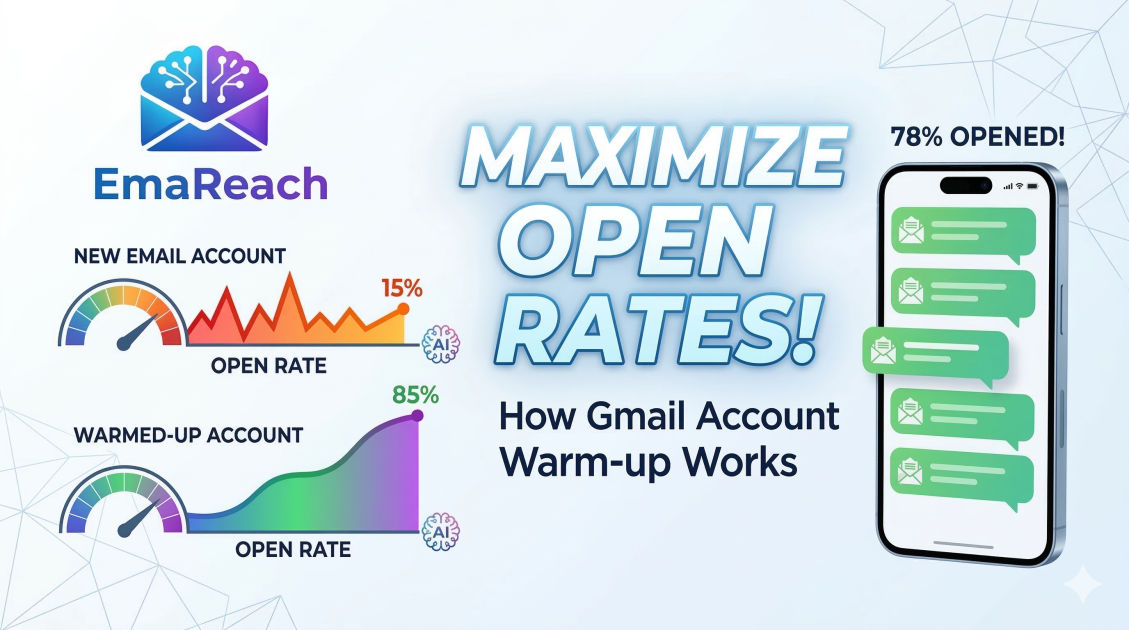
How Warming Up Gmail Affects Cold Email Open Rates
cold emailgmail warm-upemail deliverabilityoutreach strategyinbox placementemail marketing
Introduction to Gmail Warming and Cold Email Success
In the competitive landscape of digital outreach, the difference between a successful campaign and a total failure often hinges on a single factor: deliverability. You can craft the most compelling, personalized, and value-driven cold email in the world, but if it never reaches the recipient's primary inbox, your efforts are wasted. This is where the concept of "warming up" a Gmail account becomes critical.
For many years, marketers and sales professionals could simply create a new email account and immediately start sending hundreds of messages. However, email service providers (ESPs) like Google have implemented sophisticated algorithms to combat spam. These algorithms monitor sending patterns, engagement rates, and the age of an account. If a brand-new account suddenly spikes in activity, it is flagged as suspicious. This article explores the deep-rooted connection between the warming process and your cold email open rates, providing a comprehensive guide to mastering inbox placement.
The Technical Mechanics of Email Deliverability
Before diving into the warming process, it is essential to understand how Google evaluates your sender reputation. Every Gmail account carries a "reputation score" that determines whether its messages belong in the Primary tab, the Promotions tab, or the dreaded Spam folder.
Sender Reputation and IP Health
When you send an email from a Gmail or Google Workspace account, Google tracks the history of that specific address. A long history of positive interactions—such as recipients opening the mail, replying to it, and marking it as "important"—builds a strong reputation. Conversely, if your emails are frequently ignored or, worse, marked as spam, your reputation plummets.
The "New Account" Sandbox
New accounts are naturally viewed with skepticism. Google places them in a metaphorical "sandbox" where sending limits are lower and scrutiny is higher. If you attempt to send fifty cold emails on the first day of a new account's existence, Google's filters will likely categorize you as a bot or a spammer. Warming up is the process of gradually increasing your email volume to prove to Google that you are a legitimate human user.
How Warming Up Directly Impacts Open Rates
It is a common misconception that open rates are solely a reflection of your subject line. While a subject line is vital for the click, the open rate is first and foremost a reflection of inbox placement. If your email is buried in the spam folder, the open rate will be near zero because the recipient never saw the subject line in the first place.
Landing in the Primary Tab
One of the most significant benefits of a properly warmed-up account is the ability to bypass the Promotions tab. Most cold emailers find that their open rates double or even triple when they move from Promotions to the Primary tab. A warm-up process mimics organic human behavior, which signals to Google that your communications are important and personal, rather than mass-marketed advertisements.
Avoiding Spam Filters
Spam filters are the primary gatekeepers of the inbox. They look for specific triggers, such as high bounce rates and low engagement. A warmed-up account has a "buffer" of positive engagement. When Google sees that dozens of people have interacted with your account recently, it is much more likely to give your cold emails the benefit of the doubt, even if they contain outbound links or sales-oriented language.
The Lifecycle of a Professional Gmail Warm-up
A successful warm-up isn't a one-day event; it is a strategic progression that spans several weeks. The goal is to create a pattern of activity that looks indistinguishable from a standard business user.
Phase 1: The Foundation (Days 1-7)
During the first week, the focus should be on very low volume and high engagement. Start by sending emails to colleagues, friends, or other accounts you own.
- Volume: 5-10 emails per day.
- Activity: Ensure these emails receive replies. Manually reply to the incoming messages.
- Engagement: Mark the emails as "Important" and move them out of any secondary tabs into the Primary inbox.
Phase 2: Steady Escalation (Days 8-21)
Once the account has a week of perfect history, you can begin to scale. This is where many people make the mistake of jumping to 100 emails a day. Instead, increase the volume by small increments.
- Volume: Increase by 5-10 emails every few days.
- Variety: Start sending to different domains (Outlook, Yahoo, iCloud) to show Google you are interacting with the broader internet, not just other Gmail users.
Phase 3: The Maintenance Phase (Ongoing)
Warm-up never truly ends. Even after you begin your cold email campaigns, you should maintain a level of "warm-up" traffic. This ensures that even if a specific campaign receives a few spam complaints, your overall account reputation remains shielded by a steady stream of positive interactions.
Integrating AI and Automation in the Warming Process
Manually warming up an account is incredibly time-consuming. This is why professional outreach specialists often turn to sophisticated solutions. For those looking to streamline this process, EmaReach (https://www.emareach.com/) provides a powerful framework. Stop Landing in Spam. Cold Emails That Reach the Inbox. EmaReach AI combines AI-written cold outreach with inbox warm-up and multi-account sending—so your emails land in the primary tab and get replies. By automating the "human" interaction element, you can ensure your Gmail account remains in peak condition without manual intervention.
Key Metrics to Monitor During the Warm-up
To understand if your warm-up is working, you need to track more than just the number of emails sent. You need to look at the health of the account through the lens of Google's algorithms.
1. Bounce Rate
A bounce occurs when an email cannot be delivered. High bounce rates are the fastest way to destroy a Gmail account's reputation. During the warm-up, your bounce rate should be 0%. As you transition to cold emailing, keep it under 2%.
2. Reply Rate
In the eyes of Google, a reply is the ultimate signal of quality. If people are replying to you, you are clearly providing value. A healthy warm-up involves a reply rate of at least 25-30% for the warm-up messages themselves.
3. Spam Complaint Rate
Even one or two spam complaints on a new account can be devastating. This is why it is crucial to only send cold emails to highly targeted, verified leads once the warm-up phase is complete.
Common Pitfalls That Ruin Open Rates
Even with a warm-up, certain behaviors can trigger Google's alarms and negate all your hard work. Awareness of these pitfalls is essential for maintaining high open rates over the long term.
Using "Spammy" Keywords
Words like "Free," "Guarantee," "Weight Loss," or "Earn Money" are heavily scrutinized by Gmail's natural language processing (NLP) algorithms. Even a warmed-up account can struggle if the content of the cold email looks like a classic phishing or marketing scam.
Neglecting Technical Setup (SPF, DKIM, DMARC)
While warming up focuses on the behavior of the account, technical authentication focuses on its identity. You must ensure your domain has SPF (Sender Policy Framework), DKIM (DomainKeys Identified Mail), and DMARC (Domain-based Message Authentication, Reporting, and Conformance) records correctly configured. Without these, Gmail may flag your emails as unauthenticated, regardless of how well you've warmed up the account.
Sending Large Batches All at Once
Human beings do not send 200 emails at exactly 9:00 AM. They send emails throughout the day. If you use a tool that blasts all your emails simultaneously, Google will detect the automation. It is vital to use "staggered sending" or "throttling" to spread your outreach across several hours.
The Correlation Between Volume and Reputation
There is a delicate balance between the volume of emails sent and the reputation of the sender. As you increase volume, the risk of a reputation drop increases.
| Sending Volume | Risk Level | Required Warm-up Duration |
|---|---|---|
| 1-20 emails/day | Low | 1-2 Weeks |
| 20-50 emails/day | Moderate | 3-4 Weeks |
| 50-100+ emails/day | High | 6+ Weeks |
By following a strict warm-up schedule, you effectively raise the "ceiling" of your sending limit. An account that has been gradually warmed up over two months can safely send 50 cold emails a day with high open rates, whereas a fresh account would likely see those same 50 emails go straight to spam.
Advanced Strategies for Maximizing Open Rates
Once your Gmail account is warm and your technical records are set, you can implement advanced strategies to push your open rates into the 60-80% range.
Spin Syntax and Personalization
Gmail's filters look for repetitive content. If you send the exact same template to 500 people, the "fingerprint" of that email becomes easy to identify as spam. Using spin syntax (randomized variations of phrases) and deep personalization (mentioning specific details about the recipient) makes every email unique. This uniqueness is a core component of maintaining the "warmth" of your account during active campaigns.
Inbox Rotation
Rather than sending 100 emails from one Gmail account, many successful outbound teams send 20 emails from five different accounts. This strategy, known as inbox rotation, distributes the load. It reduces the footprint of any single account and ensures that if one account hits a snag, the entire campaign doesn't grind to a halt.
The Importance of Human-Like Intervals
Advanced warm-up tools and outreach platforms now include "wait times" between emails that vary. For example, instead of waiting exactly 60 seconds between emails, the system might wait 45 seconds, then 120 seconds, then 30 seconds. This randomness is a key factor in bypassing the sophisticated pattern detection used by Google.
Conclusion: The Long Game of Email Outreach
Warming up a Gmail account is not a hurdle to get over; it is the foundation of a sustainable cold email strategy. It requires patience, consistency, and an understanding of the underlying technology that powers our digital communication. By taking the time to build a positive sender reputation, you aren't just avoiding the spam folder—you are ensuring that your message has the best possible chance to be seen, read, and acted upon by your target audience.
In an era where everyone is looking for a shortcut, the real advantage belongs to those who do the foundational work correctly. Start slow, prioritize engagement, and monitor your metrics closely. When your open rates begin to climb and stay high, you’ll know that the investment in warming up your Gmail account was the most valuable part of your entire outreach process.
EmaReach AI
Ready to scale your cold email outreach?
Join thousands of teams using EmaReach AI for AI-powered campaigns, domain warmup, and 95%+ deliverability. Start free — no credit card required.
Related posts
- Read article
The Instantly Alternative That Finally Gets Outbound Analytics Right
Discover why high-volume cold email requires a shift from surface-level vanity metrics to deep, data-driven revenue attribution, and explore the ultimate alternatives for mastering outbound engineering.
- Read article
What You Gain and What You Give Up When Switching From Instantly
Thinking about migrating your cold email stack? This detailed guide breaks down the exact operational advantages you gain and the core features you sacrifice when switching away from Instantly's popular outreach platform.