Blog
Back to blog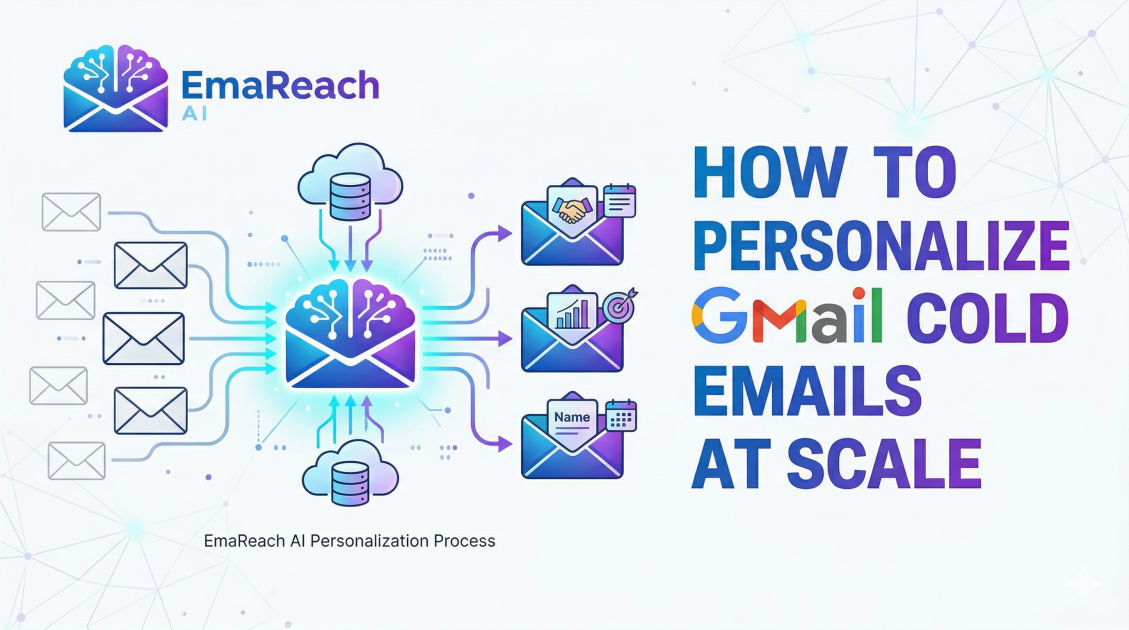
How to Personalize Gmail Cold Emails at Scale
cold emailoutreachpersonalizationlead generationemail deliverabilitysales automation
Introduction
Cold email remains one of the most effective channels for B2B lead generation, networking, and sales. However, the days of 'spray and pray'—sending thousands of generic messages and hoping for a 1% hit rate—are long gone. Modern spam filters are smarter, and recipients are more discerning. If your email looks like a template, it is headed straight for the trash, or worse, the spam folder.
The challenge for modern growth hackers and sales development representatives (SDRs) is maintaining the delicate balance between volume and quality. How do you send hundreds of emails a day while making every single recipient feel like the message was written specifically for them? This guide explores the strategic framework, technical setup, and psychological triggers required to personalize Gmail cold emails at scale.
The Psychology of Personalization
Before diving into the technical 'how-to,' it is vital to understand why personalization works. Human beings are hardwired to notice patterns. When we open an inbox, we are subconsciously looking for reasons to ignore information. A generic subject line like 'Quick Question' or 'Partnership Opportunity' triggers a defensive response.
True personalization signals that you have invested time. It builds instant rapport and establishes a level of trust. When a recipient sees a specific detail about their recent promotion, a podcast they appeared on, or a specific pain point their company is facing, their brain switches from 'delete mode' to 'curiosity mode.'
Step 1: High-Quality Data Enrichment
Scale starts with your spreadsheet. You cannot personalize what you do not know. Most failed cold email campaigns rely on basic lists containing only names and email addresses. To personalize at scale, you need to enrich your data with 'leverage points.'
Essential Data Points for Scale
- LinkedIn Profile Activity: Mentions of recent posts or articles shared.
- Company News: Recent funding rounds, mergers, or product launches.
- Technologies Used: Knowing if a prospect uses Shopify, AWS, or Salesforce allows for highly relevant technical pivots.
- Hiring Trends: If a company is hiring for roles related to your service, it indicates a high-intent pain point.
By using data enrichment tools, you can pull these variables into a CSV file. Instead of just a {{First_Name}} tag, you might have a {{Recent_Achievement}} or {{Technical_Stack}} column.
Step 2: The Architecture of a Personalized Template
Personalizing at scale does not mean writing every email from scratch. It means building a modular template where specific 'blocks' are dynamic. A high-converting personalized cold email usually follows this structure:
- The Hook (The Variable): A 100% unique sentence based on the prospect's recent activity.
- The Bridge: Connecting that activity to the reason you are reaching out.
- The Value Proposition: How you solve a specific problem (keep this short).
- The Social Proof: One sentence about a similar result you achieved for someone else.
- The Call to Action (CTA): A low-friction request (e.g., 'Is this on your radar?').
Example of a Scalable Modular Template
"Hi {{First_Name}},
I saw your recent post on LinkedIn about {{Topic_of_Post}}—really liked your point regarding {{Specific_Insight}}.
Given your focus on {{Department_Goal}}, I thought you might be interested in how we helped {{Competitor_Name}} increase their output by 20% using a similar approach.
Do you have 5 minutes next Thursday to see if this fits your current roadmap?"
In this example, only the items in brackets need to be unique. The rest of the 'shell' remains the same, ensuring your brand voice is consistent while the content remains relevant.
Step 3: Leveraging AI for Dynamic Snippets
One of the biggest breakthroughs in scaling personalization is the use of Artificial Intelligence. Manually researching 500 prospects to find a 'hook' takes dozens of hours. AI can now scan a LinkedIn profile or a company website and generate a 'compliment' or an 'observation' in seconds.
This is where advanced systems like EmaReach become invaluable. EmaReach helps you stop landing in spam by ensuring cold emails reach the inbox through a combination of AI-written outreach and sophisticated inbox warm-up. By using AI to craft the initial hook, you ensure that every email feels hand-written, which significantly boosts your reply rates and protects your sender reputation.
Step 4: Technical Setup in Gmail for Mass Outreach
Gmail is not natively built for bulk cold emailing. If you try to send 200 emails at once from a standard G Suite account, you will likely be flagged for suspicious activity. To scale within the Gmail ecosystem, you must follow these technical protocols:
1. Domain Authentication (SPF, DKIM, DMARC)
Before sending a single email, ensure your technical records are set up.
- SPF (Sender Policy Framework): Specifies which mail servers are authorized to send email on behalf of your domain.
- DKIM (DomainKeys Identified Mail): Adds a digital signature to emails, proving they weren't altered in transit.
- DMARC (Domain-based Message Authentication, Reporting, and Conformance): Tells receiving servers what to do if an email fails SPF or DKIM.
2. Custom Tracking Domains
Most email tools use a shared tracking domain for open rates. If another user on that shared domain sends spam, your deliverability suffers. Always set up a custom tracking domain (a CNAME record) to keep your sender reputation isolated and 'clean.'
3. The 'Slow Ramp' Strategy
You cannot go from zero to 100 emails a day overnight. Gmail's algorithms look for sudden spikes in volume. Use an automated warm-up tool to gradually increase your daily send limit over 2-4 weeks. This signals to Gmail that you are a legitimate human user.
Step 5: Advanced Personalization Techniques
To truly stand out, you can go beyond text-based variables.
Dynamic Images and Video
Tools now allow you to embed images that change based on the recipient. For example, you could include a screenshot of their website with your logo 'overlayed' on it, or a 'holding a whiteboard' photo where the whiteboard automatically displays the prospect's name. This level of visual personalization has been shown to increase CTR (Click-Through Rate) by over 30%.
Hyper-Specific Segmentation
Instead of one large campaign, break your list into 'micro-segments.'
- Segment A: Founders who recently raised Series A funding.
- Segment B: Marketing Managers using a specific competitor's software.
- Segment C: Prospects who attended a specific industry webinar.
By narrowing your segments, your 'generic' copy becomes naturally more personalized because the context is so specific to that group's current situation.
Step 6: Handling the 'Inbox Tab' Dilemma
Gmail users have three main tabs: Primary, Social, and Promotions. If your cold email lands in 'Promotions,' it is effectively invisible.
To ensure your personalized emails hit the Primary tab:
- Avoid 'Market-y' Language: Words like 'Free,' 'Buy Now,' 'Discount,' and excessive exclamation points are triggers for the Promotions tab.
- Limit Links and Images: A high ratio of links/images to text suggests a newsletter or a marketing blast. For cold outreach, stick to one link (usually in your signature) and minimal formatting.
- Encourage Replies: Gmail's algorithm views a reply as the ultimate sign of a 'wanted' email. Asking a simple, open-ended question increases the likelihood of a response, which in turn boosts your future deliverability.
Step 7: Managing Multi-Account Sending
If you need to send 1,000 emails a day, doing so from one Gmail account is a recipe for disaster. Professional outreach involves 'horizontal scaling.' This means setting up multiple secondary domains (e.g., if your main site is company.com, you might use getcompany.com or companylabs.io) and creating 2-3 email accounts per domain.
By spreading the load across 10-15 accounts, you keep the volume per account low (30-50 emails/day), which mimics natural human behavior and keeps your domains safe from being blacklisted.
Step 8: Following Up Without Being Annoying
Personalization shouldn't stop at the first email. Most deals are closed in the 3rd, 4th, or 5th touchpoint. However, generic 'just bumping this to the top of your inbox' follow-ups are low-value.
Instead, use 'Value-Add Follow-ups':
- Follow-up 1: Share a relevant case study or blog post.
- Follow-up 2: Mention a new piece of news related to their industry.
- Follow-up 3: Offer a specific piece of advice or a 'audit' for free.
Each follow-up should be a 'mini-personalization' that reinforces your original message.
Summary of Best Practices
To successfully personalize Gmail cold emails at scale, remember these core principles:
- Clean Your Data: Use verification tools to remove 'bounced' emails before you send. High bounce rates kill deliverability.
- Focus on the Prospect, Not Yourself: The word 'You' should appear more often than 'I' or 'We' in your copy.
- Automate the Routine, Personalize the Critical: Use AI and tools to handle the data gathering and sending, but ensure the 'Hook' is always high-quality.
- Monitor Your Reputation: Regularly check your domain health and sender score.
Personalizing at scale is a competitive advantage. While your competitors are sending thousands of generic templates that get ignored, your highly tailored, relevant, and well-timed messages will be the ones that start conversations and build lasting business relationships.
Conclusion
Scaling cold email personalization in Gmail requires a strategic blend of data enrichment, psychological framing, and technical hygiene. By moving away from bulk templates and toward modular, AI-enhanced messaging, you can maintain the intimacy of a 1-to-1 email while reaching the volume necessary to hit your sales targets. Success in cold outreach isn't about how many emails you send; it's about how many of those emails actually resonate with the human on the other side of the screen. With the right systems in place—including proper domain setup, automated warm-up, and dynamic content—you can turn Gmail into a powerful, predictable engine for growth.
EmaReach AI
Ready to scale your cold email outreach?
Join thousands of teams using EmaReach AI for AI-powered campaigns, domain warmup, and 95%+ deliverability. Start free — no credit card required.
Related posts
- Read article
The Instantly Alternative That Finally Gets Outbound Analytics Right
Discover why high-volume cold email requires a shift from surface-level vanity metrics to deep, data-driven revenue attribution, and explore the ultimate alternatives for mastering outbound engineering.
- Read article
What You Gain and What You Give Up When Switching From Instantly
Thinking about migrating your cold email stack? This detailed guide breaks down the exact operational advantages you gain and the core features you sacrifice when switching away from Instantly's popular outreach platform.