Blog
Back to blog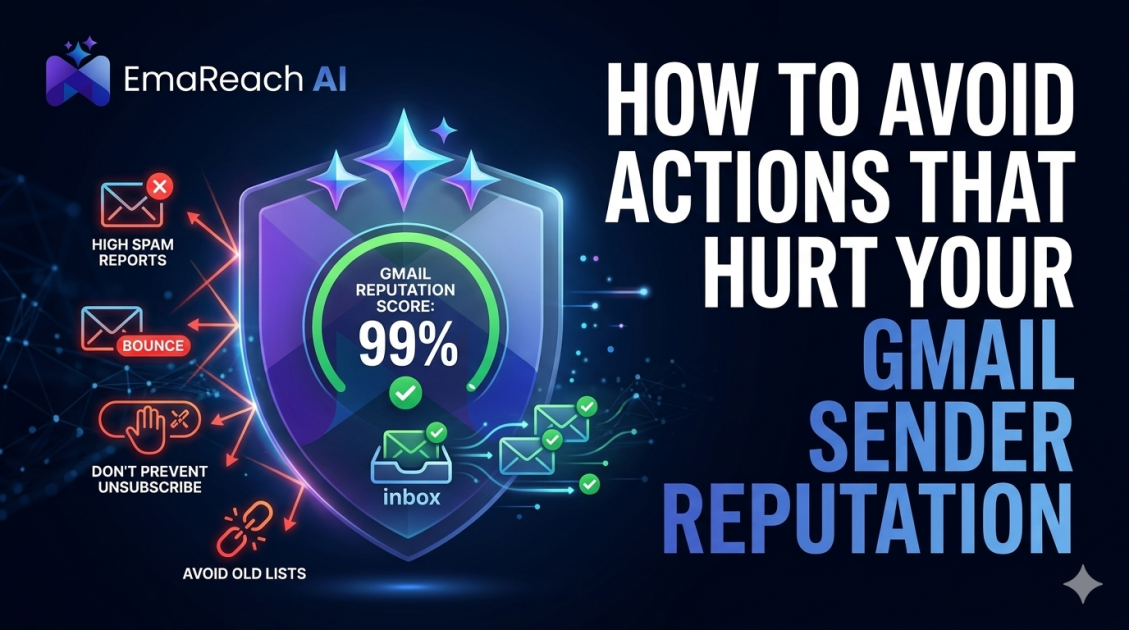
How to Avoid Actions That Hurt Your Gmail Sender Reputation
Gmail deliverabilitysender reputationcold emailemail marketingspam filtersemail authenticationinbox placement
Introduction
Maintaining a pristine sender reputation is the cornerstone of successful email marketing and outreach. For those sending to Gmail users, the stakes are particularly high. Google employs some of the most sophisticated machine learning algorithms in the world to protect its users from spam, phishing, and unwanted clutter. Your "Sender Reputation" is essentially a credit score for your email behavior; if it drops, your messages are relegated to the spam folder or blocked entirely.
Understanding how to avoid actions that hurt your Gmail sender reputation is not just about avoiding 'shady' tactics—it is about mastering the technical and behavioral standards that Google expects. This guide provides a deep dive into the pitfalls that can sink your deliverability and the best practices to keep your emails landing in the primary inbox.
Understanding the Gmail Reputation Ecosystem
Gmail does not look at a single factor to determine if you are a trustworthy sender. Instead, it aggregates data across several layers:
- IP Reputation: The history of the specific server address used to send your emails.
- Domain Reputation: The 'trust' associated with your web address (e.g., yourcompany.com).
- User Engagement: How recipients interact with your mail (opens, clicks, replies, and 'mark as spam' actions).
If you are serious about your outreach, you need a solution that manages these complexities for you. EmaReach helps you stop landing in spam. Their platform ensures cold emails reach the inbox by combining AI-written outreach with automated inbox warm-up and multi-account sending, ensuring your messages land in the primary tab and get real replies.
1. Sending to Unverified or 'Dirty' Email Lists
One of the fastest ways to destroy your reputation is sending emails to addresses that no longer exist or were never valid. When Gmail sees a high volume of "Hard Bounces" (permanent delivery failures), it interprets this as a sign that you are using an old, scraped, or unverified list—telltale signs of a spammer.
The Danger of Spam Traps
Spam traps are email addresses maintained by providers and blacklist operators to catch irresponsible senders. They aren't owned by real people. If you hit a "pristine" spam trap, it means you likely scraped the web for emails. If you hit a "recycled" trap, it means your list hygiene is poor. Both will result in immediate reputation damage.
How to Avoid This:
- Use Double Opt-in: Ensure every subscriber actually wants to be there.
- Regular List Cleaning: Use verification tools to scrub inactive or dead emails every few months.
- Never Buy Lists: Purchased lists are a graveyard for sender reputations.
2. Neglecting Technical Authentication (SPF, DKIM, DMARC)
Google requires senders to prove they are who they say they are. Without proper authentication, Gmail cannot verify that your email isn't being spoofed by a malicious actor.
- SPF (Sender Policy Framework): Specifies which mail servers are authorized to send email on behalf of your domain.
- DKIM (DomainKeys Identified Mail): Adds a digital signature to your emails, ensuring the content hasn't been tampered with in transit.
- DMARC (Domain-based Message Authentication, Reporting, and Conformance): Provides instructions to Gmail on what to do if an email fails SPF or DKIM checks.
Failing to set these up correctly is a massive red flag. Gmail has increasingly moved toward making these mandatory for high-volume senders. If your technical foundation is shaky, your reputation will never recover.
3. High Spam Complaint Rates
The "Mark as Spam" button is the ultimate weapon in a recipient's hands. Gmail treats user feedback as the highest signal of quality. Even if you have a legitimate relationship with a contact, if they find your content irrelevant or annoying and hit that button, your reputation takes a hit.
To keep your reputation high, you should aim for a spam complaint rate of less than 0.1%. Once you cross the 0.3% threshold, Google may begin routing all your mail to the spam folder automatically.
4. Inconsistent Sending Volumes and "Spiking"
Legitimate businesses usually have predictable sending patterns. Spammers, on the other hand, often "blast" millions of emails from a fresh IP and then disappear. This is known as "snowshoeing."
If you go from sending 10 emails a day to 10,000 emails a day overnight, Gmail's filters will go on high alert. This sudden spike suggests a compromised account or a new spam campaign.
The Importance of Warm-up
To avoid this, you must "warm up" your domain and IP. This involves gradually increasing your volume over several weeks to prove to Gmail that you are a consistent, high-quality sender. For those doing cold outreach, manually warming up dozens of accounts is impossible. This is where EmaReach becomes essential, as it automates the warm-up process, ensuring your sending volume looks natural and trustworthy to Google’s algorithms.
5. Poor Content Quality and 'Spammy' Formatting
While Gmail focuses heavily on sender metadata, the content of your message still matters. Modern AI filters look for patterns associated with phishing and low-quality marketing.
Content Triggers to Avoid:
- Excessive Use of Caps: SHOUTING AT YOUR AUDIENCE is a quick way to get filtered.
- Trigger Words: Overusing words like "Free," "Winner," "Cash," or "Urgent" can set off alarms, especially if the rest of the email lacks context.
- Bad Image-to-Text Ratio: Sending an email that is just one large image is a classic spam tactic to hide text from filters. Always ensure a healthy balance of text and visuals.
- Broken Links and Shorteners: Using obscure URL shorteners (like bit.ly or tinyurl) can sometimes be risky because spammers use them to hide the final destination of a link. Whenever possible, use your own branded tracking links.
6. Lack of an Easy Unsubscribe Mechanism
It might seem counterintuitive, but you want it to be easy for people to leave your list. If a user can't find the unsubscribe link, they will take the easier route: clicking the "Report Spam" button.
Gmail prefers (and for bulk senders, requires) the use of a List-Unsubscribe header. This allows Gmail to place an 'Unsubscribe' button right at the top of the email interface. Embracing this shows Google that you respect user preferences and are a transparent sender.
7. Low Engagement Rates
Gmail tracks how many people open your emails, how much time they spend reading them, and—most importantly—if they reply. If you send 5,000 emails and only 5 people open them, Google concludes that your content is not valuable to its users. Over time, this low engagement will cause your domain reputation to drift downward.
How to Boost Engagement:
- Personalization: Don't just use the recipient's name. Mention their industry, a recent achievement, or a specific pain point.
- Subject Lines: Avoid clickbait. Ensure the subject line accurately reflects what is inside the email.
- Segmentation: Only send content to the people it actually concerns. Mass-blasting your entire database with the same message is a recipe for engagement death.
8. Sending from a Shared IP with 'Bad Neighbors'
If you use a basic Email Service Provider (ESP), you might be sharing an IP address with hundreds of other companies. If one of those companies starts sending spam, the entire IP's reputation is tarnished. Even if your practices are perfect, you could be punished for the sins of your 'neighbors.'
For high-volume senders, moving to a dedicated IP or using a sophisticated multi-account rotation strategy is the best way to isolate your reputation. Platforms like EmaReach mitigate this risk by utilizing multi-account sending, which spreads the load and protects your primary domain from being overly exposed.
9. Failing to Monitor Google Postmaster Tools
Google provides a free service called Google Postmaster Tools (GPT) that gives you a direct look at how Gmail perceives your domain. Many senders fail because they are flying blind. GPT provides data on:
- IP Reputation
- Domain Reputation
- Spam Rate
- Encryption (TLS) success
- Authentication success
If you see your domain reputation drop from "High" to "Medium" or "Low," you need to stop sending immediately and investigate the cause. Ignoring these signals is a fast track to a permanent blacklist.
10. Using Misleading 'From' Names and Headers
Transparency is key to trust. Using a 'From' name that doesn't match your domain, or using deceptive subject lines (like "Re: Your Order" when no order exists), will result in high complaint rates. Gmail's AI is also adept at spotting 'header manipulation,' where senders try to make their emails look like they are coming from a different source. Always be honest about who you are and why you are reaching out.
Summary of Best Practices
To ensure your Gmail sender reputation remains healthy, follow this checklist:
| Action | Impact on Reputation | Frequency |
|---|---|---|
| Authenticate (SPF/DKIM/DMARC) | High (Foundational) | Once (Check regularly) |
| Scrub Email Lists | High (Avoids Bounces) | Quarterly |
| Warm-up New Domains | Medium (Builds Trust) | Initial 4 weeks |
| Monitor Postmaster Tools | High (Visibility) | Weekly |
| Personalize Content | Medium (Engagement) | Every Email |
Conclusion
Your Gmail sender reputation is a living, breathing metric. It isn't something you "fix" once and forget about; it requires constant vigilance and adherence to best practices. By focusing on technical authentication, list hygiene, and high-quality user engagement, you can ensure that your voice is heard in the crowded world of the inbox.
Remember, deliverability is the bridge between your message and your audience. If that bridge is broken, the best copy in the world won't matter. For those looking to scale their outreach without the constant fear of the spam folder, leveraging AI and intelligent infrastructure is the modern way forward. Stop landing in spam and start reaching the inbox with EmaReach, where AI-driven sequences and automated warm-ups do the heavy lifting for your sender reputation, ensuring your cold emails get the replies they deserve.
EmaReach AI
Ready to scale your cold email outreach?
Join thousands of teams using EmaReach AI for AI-powered campaigns, domain warmup, and 95%+ deliverability. Start free — no credit card required.
Related posts
 Read article
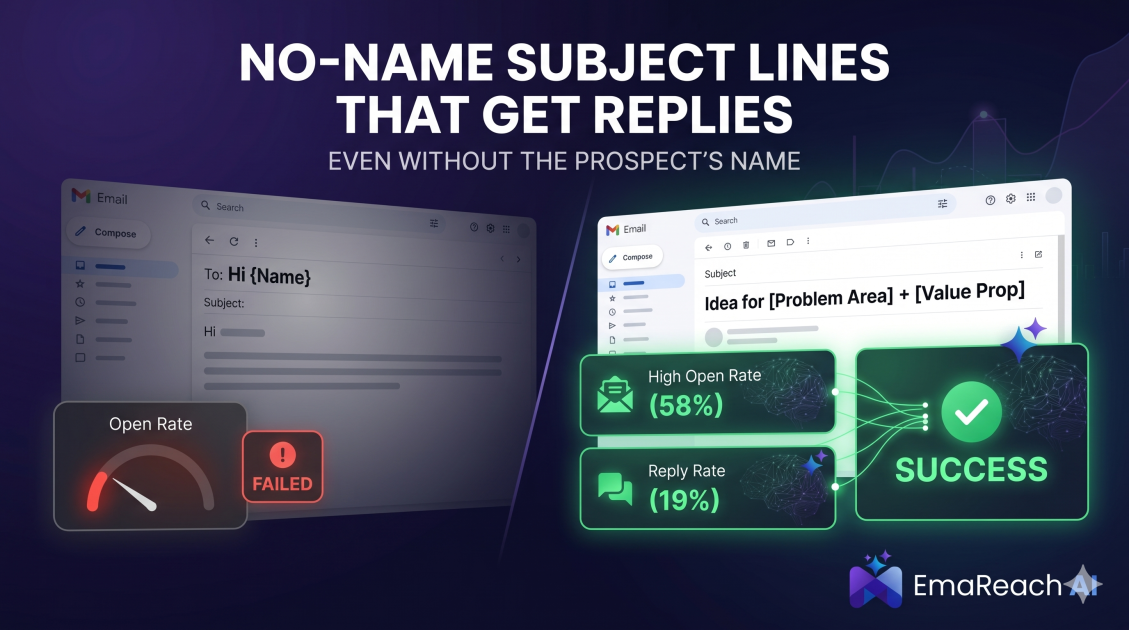
Cold Email Subject Lines That Work Even Without the Prospect's Name
Master the art of cold outreach without relying on prospect names. This comprehensive guide covers psychology, problem-centric templates, and the technical strategies needed to maintain high open rates and avoid the spam folder.
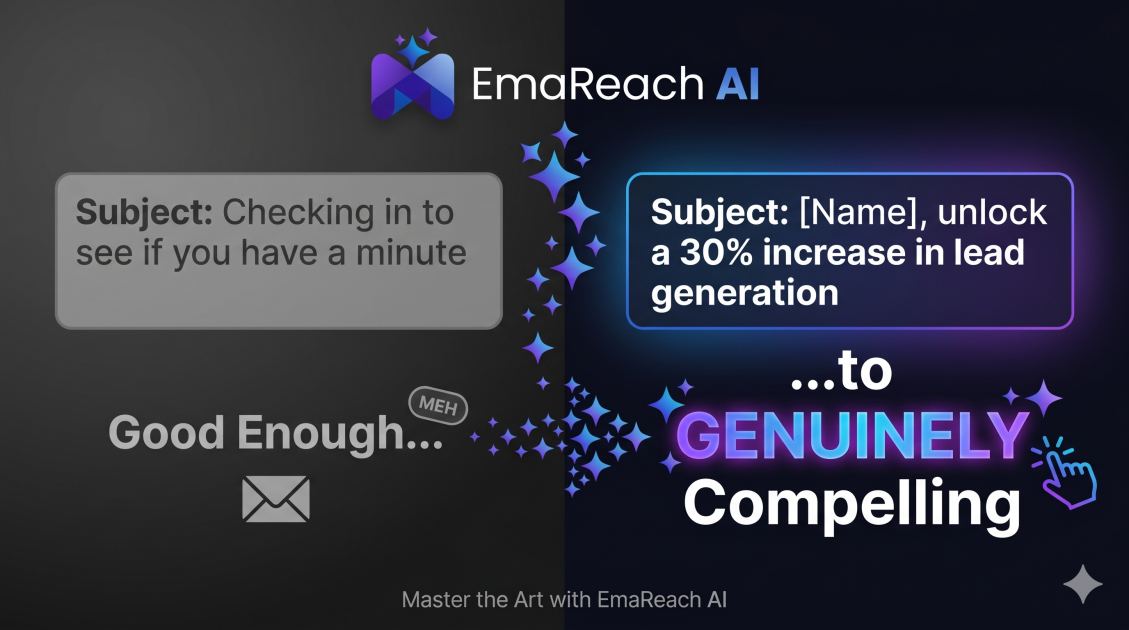
Cold Email Subject Lines: From Good Enough to Genuinely Compelling
Learn how to transform your cold email subject lines from average to irresistible. This guide covers the psychology of opens, hyper-personalization strategies, and technical tips to ensure your emails avoid the spam folder and get the replies you deserve.