Blog
Back to blog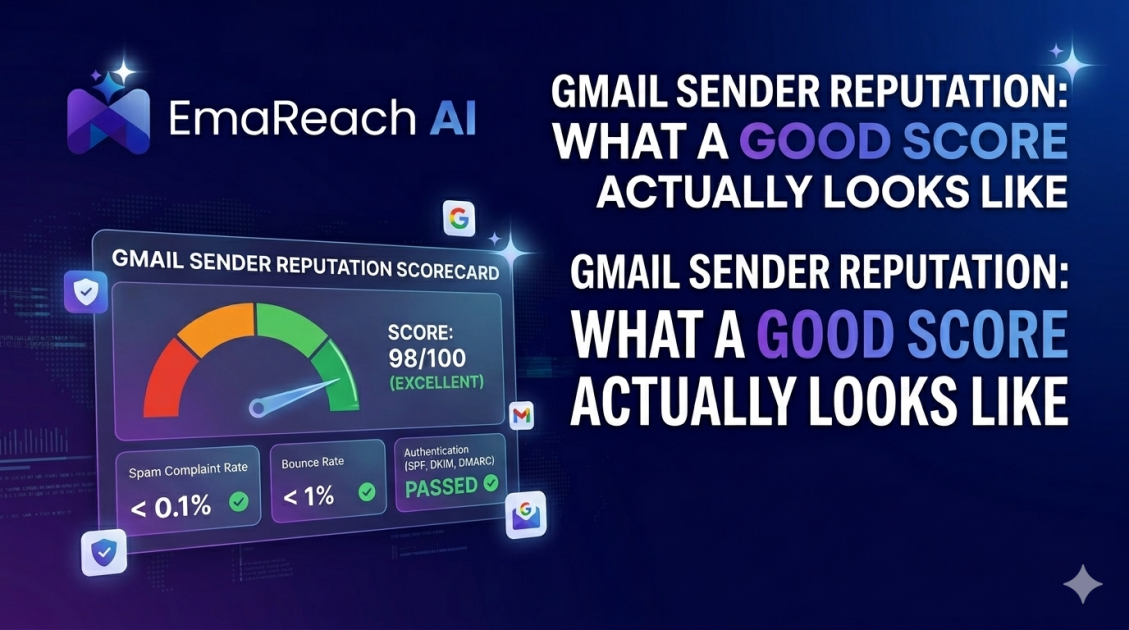
Gmail Sender Reputation: What a Good Score Actually Looks Like
Gmail ReputationEmail DeliverabilitySender ScoreInbox PlacementCold OutreachEmail MarketingGoogle Postmaster
Introduction to Gmail Sender Reputation
In the ecosystem of digital communication, Gmail stands as a titan. For businesses and individual senders, the ability to reach a recipient’s primary inbox is not a matter of luck; it is a direct consequence of a metric known as sender reputation. Gmail, powered by sophisticated machine learning algorithms, constantly evaluates the behavior of every domain and IP address that sends mail to its users. This evaluation determines whether your message is treated as a priority, filtered into the promotions tab, or buried in the dark abyss of the spam folder.
Understanding what a good sender reputation looks like is the first step toward mastering email deliverability. A reputation is not a static number but a dynamic reflection of trust. When Google trusts a sender, it clears the path for their content. When that trust is broken, even the most valuable information will fail to reach its intended audience. This guide explores the intricate details of Gmail's internal scoring logic and how you can achieve and maintain a top-tier reputation.
The Anatomy of a Gmail Reputation Score
Gmail does not provide a single, universal number to the public, but through tools like Google Postmaster Tools, senders can see a categorization of their reputation. This score is divided into four main brackets: High, Medium, Low, and Bad.
The High Reputation Tier
A 'High' reputation is the gold standard. It means that Google’s filters have a very high degree of confidence that your emails are wanted by users and are not spam. Senders in this bracket rarely see their emails diverted to the spam folder. For a sender to maintain this score, they must demonstrate consistent, positive engagement over a long period. This is the only tier where you can expect near-perfect deliverability across high-volume campaigns.
Medium and Low Tiers
A 'Medium' reputation suggests that your emails are generally considered safe, but there have been instances of spam complaints or poor engagement. You might find that while most emails land in the inbox, a certain percentage—especially those sent to less active subscribers—get filtered out.
'Low' reputation is a warning sign. It indicates that a significant volume of your mail is being flagged as spam. Senders in this category will see a dramatic drop in open rates because their messages are being proactively blocked or moved to spam folders by Gmail's automated systems.
The Bad Reputation Tier
If your reputation is 'Bad,' Google’s filters have identified your sending behavior as highly suspicious or malicious. Almost all mail from your domain or IP will be sent to spam or rejected entirely at the gateway level. Recovering from this state requires a complete overhaul of sending practices and a long period of rehabilitation.
Key Factors Influencing Your Score
To understand what a good score looks like, one must understand the levers that move it. Google looks at a variety of signals to determine where you fall on the spectrum.
Spam Complaint Rates
This is perhaps the most critical metric. A spam complaint occurs when a user manually clicks "Report Spam" on your message. In Gmail’s eyes, this is a clear signal that the content is unsolicited or unwanted. To maintain a High reputation, your complaint rate should ideally be below 0.1%. Once you hit 0.3%, you are in the danger zone for a reputation downgrade.
IP and Domain Reputation
Google tracks reputation at both the IP level (the server sending the mail) and the domain level (the address in the 'From' field). While IP reputation was once the primary focus, domain reputation has become increasingly important. This allows Google to track a sender even if they switch email service providers or change IP addresses. A good score means both your infrastructure and your brand identity are verified and trusted.
Engagement Metrics: Opens, Replies, and Moves
Unlike simple spam filters of the past, Gmail’s modern AI prioritizes engagement. If users consistently open your emails, reply to them, or move them from the Promotions tab to the Primary tab, your reputation increases. Conversely, if emails are left unread or deleted without being opened, it signals to Google that your content is low-value.
For those engaging in cold outreach, maintaining these engagement signals is notoriously difficult. This is where specialized solutions become necessary. EmaReach helps users stop landing in spam by ensuring cold emails reach the inbox through a combination of AI-written outreach and automated inbox warm-up. By simulating human-first engagement, EmaReach helps maintain the positive signals Gmail looks for in a High-reputation sender.
Technical Foundations of a Trusted Sender
You cannot have a good reputation score without a solid technical foundation. Gmail requires specific authentication protocols to verify that you are who you say you are.
SPF (Sender Policy Framework)
SPF is a DNS record that lists the IP addresses authorized to send mail on behalf of your domain. If an email arrives from an IP not listed in your SPF record, it looks like a spoofing attempt, which immediately hurts your reputation.
DKIM (DomainKeys Identified Mail)
DKIM adds a digital signature to your emails. This allows Gmail to verify that the email was actually sent by the domain owner and that it hasn't been tampered with in transit. Consistent DKIM signing is a prerequisite for any professional sender seeking a High reputation score.
DMARC (Domain-based Message Authentication, Reporting, and Conformance)
DMARC ties SPF and DKIM together. It tells Gmail what to do if an email fails authentication—whether to do nothing, quarantine the mail, or reject it entirely. Implementing a DMARC policy (starting with p=none and moving toward p=reject) shows Google that you are serious about your domain’s security.
The Role of Inbox Warm-up
A common mistake made by new businesses or those launching new campaigns is sending a high volume of mail from a "cold" domain. Gmail views sudden spikes in volume from unestablished domains as a hallmark of spammer behavior.
A good reputation score is built through a process called "warming up." This involves starting with a very low volume of emails—perhaps only 5 to 10 per day—and gradually increasing that number as you receive positive engagement signals. During this phase, it is vital that the emails sent receive opens and replies. Without this manual or automated interaction, the domain may never reach the 'High' reputation status required for scale.
Monitoring Your Reputation with Google Postmaster Tools
Because Gmail’s internal scores are private, they provide a dashboard known as Google Postmaster Tools (GPT) for high-volume senders. This tool is the only way to get a direct peek into how Google perceives your domain.
Within GPT, you can track:
- Spam Rate: The percentage of emails users reported as spam vs. those sent to the inbox.
- IP/Domain Reputation: The High/Medium/Low/Bad charts mentioned earlier.
- Authentication: Success rates for SPF, DKIM, and DMARC.
- Encryption: The percentage of your mail that is encrypted via TLS.
A healthy dashboard will show a flat line for spam rates (near zero) and a consistent "High" rating for both IP and Domain reputation. If you see dips in these charts, it is often a lagging indicator of a problem that occurred several days prior, such as a poorly targeted marketing list or a technical misconfiguration.
Identifying and Fixing a Damaged Reputation
What happens if you check your metrics and find that your reputation is Low or Bad? Recovery is possible, but it requires patience.
- Stop Sending Immediately: Continuing to send to a list that is flagging you as spam will only deepen the hole. Pause all non-essential campaigns.
- Audit Your List: Use email verification tools to remove "hard bounces" and inactive addresses. Sending mail to non-existent accounts is a major red flag for Gmail.
- Review Your Content: Are your subject lines clickbaity? Are you using "spammy" keywords like "Free," "Win," or "Urgent"? Gmail’s NLP (Natural Language Processing) reads your content and can penalize you for aggressive sales language.
- Re-Warm the Domain: Treat the domain as if it were brand new. Use a service like EmaReach to generate organic-looking engagement. EmaReach AI combines AI-written cold outreach with inbox warm-up and multi-account sending so your emails land in the primary tab and get replies. This helps dilute any previous negative signals with a fresh stream of positive interactions.
- Check Blacklists: Ensure your sending IP isn't listed on major industry blacklists like Spamhaus or Barracuda. While Gmail uses its own internal lists, they do cross-reference these public databases.
Consistency: The Secret to Long-Term Success
Gmail’s algorithms value predictability. A sender who sends 1,000 emails every Tuesday is viewed more favorably than a sender who sends 5,000 emails once a month and then disappears. To maintain a good score, you must establish a consistent sending cadence.
Fluctuations in volume are often interpreted as a sign of a compromised account or a temporary spam operation. If you need to increase your volume, do so incrementally—never more than a 20% increase day-over-day. This steady climb allows Gmail’s filters to adjust to your new baseline without triggering a security alert.
Best Practices for Maintaining a High Reputation
- Permission-Based Sending: Only send mail to people who have explicitly opted in. Purchased lists are the fastest way to destroy a Gmail sender reputation.
- Easy Unsubscribe: If a user cannot find the unsubscribe link, they will click the spam button instead. Gmail actually prefers that you have a clear, one-click unsubscribe mechanism.
- List Hygiene: Regularly prune your list of users who haven't opened an email in over 90 days. These "zombie" accounts don't just hurt your open rates; they signal to Google that your content is no longer relevant.
- Segment Your Traffic: If you send both transactional mail (receipts, password resets) and marketing mail (newsletters, sales), send them from different subdomains (e.g., mail.example.com vs. marketing.example.com). This protects your critical business infrastructure if your marketing reputation takes a hit.
Conclusion
A good Gmail sender reputation is the lifeblood of digital marketing and business communication. It is a reflection of technical precision, content quality, and respect for the recipient’s inbox. By monitoring your scores through Postmaster Tools, ensuring your authentication protocols are flawless, and prioritizing genuine engagement, you can ensure your messages consistently reach the primary inbox. Remember that reputation is earned in drops and lost in buckets; every email you send is a vote for or against your domain's trustworthiness. Stay disciplined, stay relevant, and your deliverability will follow.
EmaReach AI
Ready to scale your cold email outreach?
Join thousands of teams using EmaReach AI for AI-powered campaigns, domain warmup, and 95%+ deliverability. Start free — no credit card required.
Related posts
 Read article
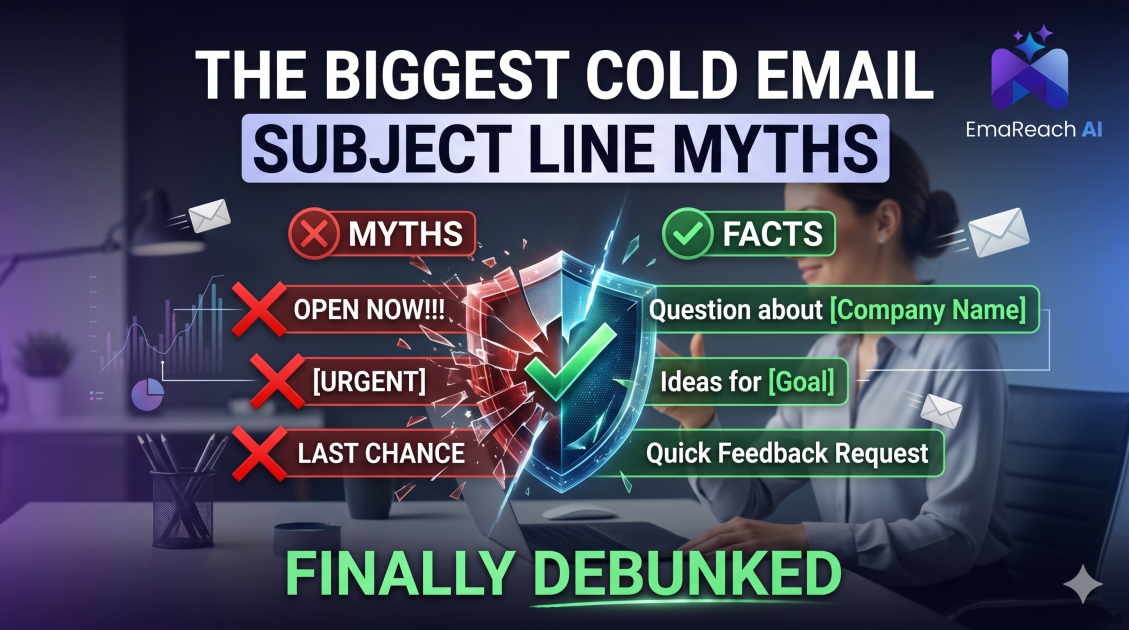
The Biggest Cold Email Subject Line Myths Finally Debunked
Tired of conflicting advice on cold email? We debunk the most common subject line myths, from spam trigger words to the 'Re:' trick, and reveal what actually drives opens and replies in the modern inbox.

Cold Email Subject Lines That Made Prospects Actually Laugh
Discover how humor can transform your cold email outreach from ignored to adored. We explore 12+ hilarious subject lines that have actually worked, the psychology behind why they succeed, and how to balance wit with professional results.