Blog
Back to blog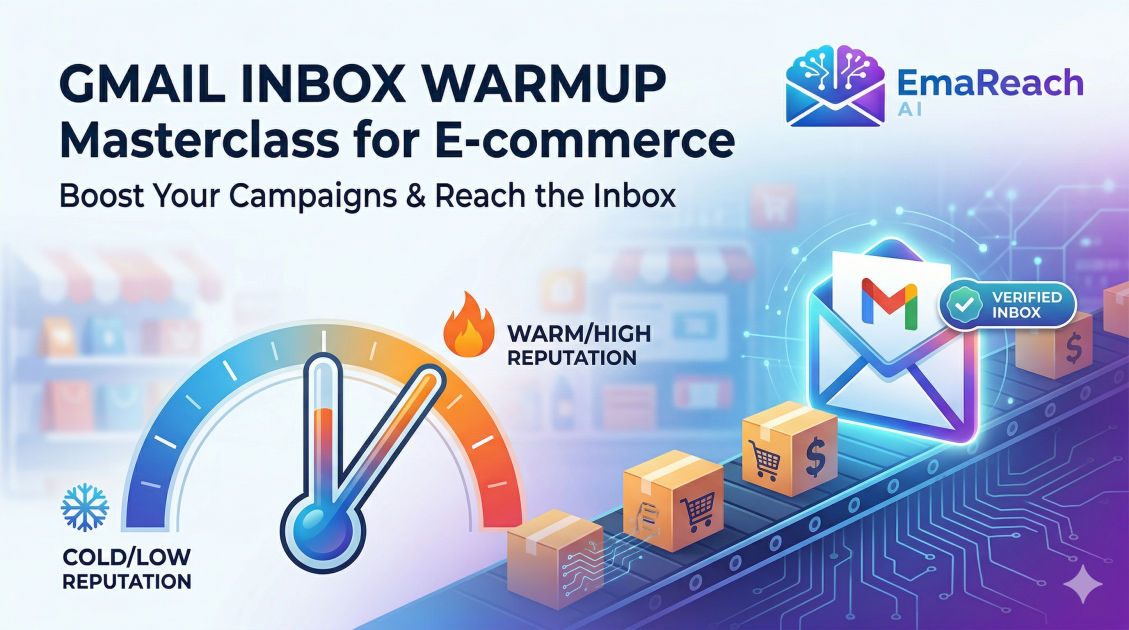
Gmail Inbox Warmup for E-commerce Email Campaigns
email deliverabilityinbox warmupe-commerce marketinggmail optimizationsender reputationemail strategy
Introduction to Gmail Inbox Warmup
For e-commerce businesses, email remains one of the most powerful drivers of revenue. Whether it is a flash sale, a product launch, or a personalized recommendation, reaching the customer’s inbox is the first and most critical hurdle. However, many brands face a frustrating reality: their carefully crafted emails frequently land in the spam folder. This is where Gmail inbox warmup becomes an essential strategy.
Inbox warmup is the process of gradually increasing the volume of emails sent from a new or inactive email account to establish a positive sender reputation with Internet Service Providers (ISPs), particularly Google. For e-commerce, where high-volume seasonal spikes are common, a cold start without proper warmup is a recipe for deliverability failure. To ensure your marketing messages reach the primary tab, you must treat your sender reputation as a long-term asset.
Why Gmail Deliverability Matters for E-commerce
Gmail is the dominant player in the email client market. If your e-commerce brand cannot reliably reach Gmail users, you are effectively cutting off a massive segment of your potential revenue. Google uses sophisticated machine learning algorithms to protect its users from spam, looking at engagement signals, sending patterns, and technical configurations.
When you send a sudden burst of thousands of emails from a fresh IP or domain, Google’s filters flag this as suspicious behavior. This often leads to your emails being throttled, delayed, or diverted to the spam folder. Once your reputation is damaged, it is significantly harder to repair than it is to build correctly from the start.
The Anatomy of Sender Reputation
To understand warmup, you must understand what makes up your sender reputation. It is not just about avoiding blacklists; it is about building a profile that proves you are a legitimate sender providing value to users.
IP Reputation
Your IP reputation is tied to the server address from which your emails are sent. If you are on a dedicated IP, you have full control over this. If you are on a shared IP (common in many entry-level email service providers), your reputation can be affected by the behavior of other senders.
Domain Reputation
This is perhaps even more critical than IP reputation. Your domain reputation stays with your brand even if you switch email providers. Google tracks how users interact with emails coming from your specific domain across the entire Gmail ecosystem.
Engagement Metrics
Google prioritizes user experience. If users consistently open your emails, click links, and move your messages from the 'Promotions' tab to 'Primary,' your reputation rises. Conversely, high bounce rates, spam complaints, and low open rates signal to Google that your content is unwanted.
Preparing Your E-commerce Account for Warmup
Before you send your first warmup email, your technical foundation must be rock solid. Without these protocols, your warmup efforts will be undermined by security flags.
SPF (Sender Policy Framework)
SPF is a DNS record that lists the mail servers permitted to send email on behalf of your domain. It prevents spoofing and helps Gmail verify that the email is legitimate.
DKIM (DomainKeys Identified Mail)
DKIM adds a digital signature to your emails. This allows the receiving server to check if the email was actually authorized by the owner of that domain and hasn't been altered in transit.
DMARC (Domain-based Message Authentication, Reporting, and Conformance)
DMARC uses SPF and DKIM to give instructions to the receiving mail server on what to do if an email fails authentication (e.g., do nothing, quarantine, or reject). Having a clear DMARC policy is a strong signal of a professional and secure sender.
Step-by-Step Gmail Warmup Strategy for E-commerce
Warmup is a marathon, not a sprint. For an e-commerce brand, the process usually takes between four to six weeks, depending on your ultimate target volume.
Week 1: The Initial Trickle
Start by sending 10 to 20 emails per day. These should be sent to highly engaged users—perhaps your own internal team or loyal customers who you know will open the mail. The goal here is to achieve a 100% open rate and zero spam complaints.
Week 2: Incremental Growth
Increase your volume to 50–100 emails per day. At this stage, you should start diversifying the recipients. Focus on transactional-style content, such as welcome emails or order confirmations, which naturally have higher engagement rates.
Week 3: Expanding the Audience
Move toward 200–500 emails per day. Monitor your metrics closely. If you see a dip in open rates or a spike in bounces, pause the volume increase and stay at the current level until the metrics stabilize.
Week 4 and Beyond: Scaling to Full Capacity
Continue doubling your volume every few days until you reach your desired daily send rate. By this point, Google’s filters should recognize your domain as a steady, reliable source of content that users engage with.
Leveraging AI and Automation for Deliverability
Manually warming up an inbox is labor-intensive and prone to human error. For e-commerce brands looking to scale quickly while maintaining high deliverability, automated tools are a game-changer.
Stop Landing in Spam. Cold Emails That Reach the Inbox. EmaReach (https://www.emareach.com/) provides a powerful solution for this. EmaReach AI combines AI-written cold outreach with inbox warm-up and multi-account sending—so your emails land in the primary tab and get replies. By automating the interaction part of the warmup—such as opening, marking as important, and replying to warmup emails—you simulate perfect human behavior that builds trust with Gmail’s algorithms much faster than manual sending ever could.
Content Strategy During the Warmup Phase
What you send is just as important as how much you send. During warmup, your content should be "low-risk."
- Avoid Spam Trigger Words: Words like "Free," "Win," "Cash," and excessive exclamation marks should be avoided during the initial weeks.
- Use Personalization: Dynamic tags for names and past purchases increase engagement, which tells Google your emails are relevant.
- Optimize for Mobile: A large portion of Gmail users are on mobile. If your email looks broken, they will delete it or mark it as spam, harming your reputation.
- Include an Easy Unsubscribe: It is much better for a user to unsubscribe than to mark your email as spam. Make the link clear and easy to find.
Monitoring and Troubleshooting
Even with a perfect plan, you may encounter issues. Constant monitoring is the only way to catch them before they become catastrophic.
Tracking Open Rates
If your open rates for Gmail users are significantly lower than for other providers (like Outlook or Yahoo), you likely have a Gmail-specific reputation issue. This usually means you are being filtered into the 'Promotions' or 'Spam' tabs.
Google Postmaster Tools
Every e-commerce marketer should use Google Postmaster Tools. It provides direct data from Google on your IP reputation, domain reputation, delivery errors, and encryption levels. It is the closest thing to a "credit score" for your email domain.
Handling the 'Promotions' Tab
While the Promotions tab is better than the Spam folder, landing in the Primary tab is the gold standard. To move there, encourage users to reply to your emails or drag them to their Primary tab manually. High-quality, non-templated content helps significantly here.
Maintaining Momentum After Warmup
Warmup isn't a one-time event; it's the start of a maintenance cycle. Reputation can be lost much faster than it is built.
Consistency is Key
ISPs love predictability. If you send 50,000 emails on a Monday and nothing for the rest of the month, your reputation will fluctuate. Aim for a steady cadence of communication. If you have a massive sale coming up, gradually ramp up your volume a week in advance rather than hitting the peak all at once.
List Hygiene
E-commerce lists can get messy quickly. Use a verification service to remove invalid email addresses. Sending to dead accounts (hard bounces) is a major red flag for Google. Implement a re-engagement campaign for users who haven't opened an email in 90 days, and if they still don't engage, remove them from your active list.
Advanced Tactics for E-commerce Deliverability
As your brand grows, you might need to move beyond basic warmup into more sophisticated territory.
Subdomain Strategy
Consider using subdomains for different types of communication. For example, use news.yourbrand.com for marketing blasts and orders.yourbrand.com for transactional receipts. This protects your transactional deliverability if a marketing campaign accidentally triggers a spam filter.
Feedback Loops
Sign up for feedback loops provided by ISPs. While Gmail doesn't offer a traditional feedback loop in the same way some other providers do, they provide aggregate data in Postmaster Tools that functions similarly. This allows you to see which campaigns are causing complaints.
Common Pitfalls to Avoid
- Buying Email Lists: This is the fastest way to kill your reputation. Bought lists are full of spam traps—dead emails used by ISPs to catch bad actors. One hit on a spam trap can blackhole your domain.
- Sudden Volume Spikes: Going from 1,000 to 100,000 emails overnight will trigger an investigation from Google’s filters.
- Ignoring Technical Errors: If you see a rise in 'soft bounces' (temporary failures), don't ignore them. They are often a warning that the ISP is starting to throttle your traffic.
- Poor Formatting: Messy HTML code can look like a phishing attempt to a bot. Keep your code clean and use a balance of images and text.
The Role of User Engagement
In modern email marketing, engagement is the ultimate currency. Google's goal is to keep its users happy. If your customers are happy to receive your emails, Google is happy to deliver them.
Encourage interaction. Ask questions in your emails. Use polls. When a user replies to an email, it sends a powerful signal to Google that a two-way relationship exists. This is why tools that incorporate AI to generate human-like interactions are so effective for warmup—they bridge the gap between a cold broadcast and a warm conversation.
Conclusion
Mastering Gmail inbox warmup is a non-negotiable step for any e-commerce brand serious about its digital marketing ROI. By building a solid technical foundation, scaling your volume with discipline, and focusing on high-quality engagement, you ensure that your marketing efforts aren't wasted in the spam folder. Remember that deliverability is an ongoing process of monitoring, adjusting, and respecting the relationship you have with your subscribers. Treat your sender reputation with the same care as your brand reputation, and the results will show in your bottom line.
EmaReach AI
Ready to scale your cold email outreach?
Join thousands of teams using EmaReach AI for AI-powered campaigns, domain warmup, and 95%+ deliverability. Start free — no credit card required.
Related posts
- Read article
Instantly vs EmaReach: What SDRs Actually Think After 90 Days
After 90 days, SDRs prioritize deliverability over volume. We compare Instantly and EmaReach to see which tool actually helps you land in the primary inbox.
- Read article
Instantly vs EmaReach: The Comparison That Saves You Months of Testing
Discover the critical differences between Instantly and EmaReach. Learn how to choose the right outreach tool to ensure your emails land in the primary inbox.