Blog
Back to blog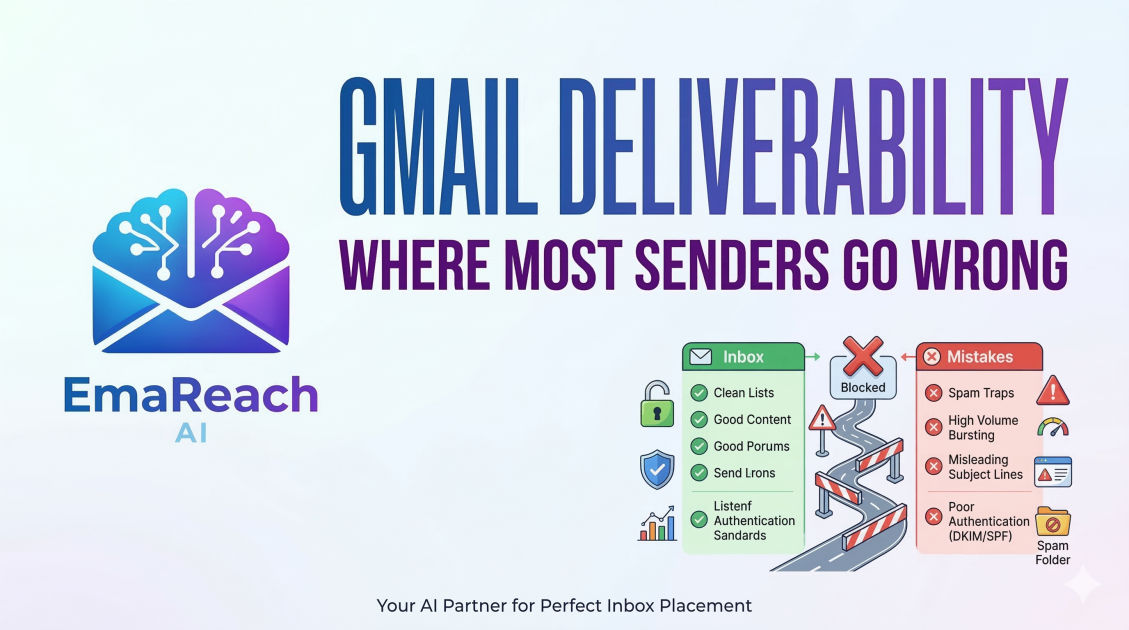
Gmail Deliverability: Where Most Senders Go Wrong
email deliverabilitygmail optimizationcold emailspf dkim dmarcsender reputationinbox placement
Introduction
Gmail is the undisputed titan of the email world. With billions of active users, it is the primary destination for both personal correspondence and professional outreach. However, for many senders, Gmail feels like a fortress with walls that are impossible to scale. You craft the perfect message, hit send, and then—silence. No opens, no clicks, and certainly no conversions.
In most cases, the culprit isn't your offer or your copywriting; it is your deliverability. Specifically, you have fallen foul of Gmail's sophisticated filtering systems. Google uses some of the most advanced machine learning algorithms in the world to protect its users from spam, and these algorithms are constantly evolving. If you are not keeping pace with their requirements, your emails are likely ending up in the 'Promotions' tab at best, or the dreaded 'Spam' folder at worst.
Understanding where most senders go wrong is the first step toward reclaiming your place in the inbox. This guide breaks down the technical, behavioral, and content-based pitfalls that trigger Gmail’s defenses and provides a roadmap for consistent inbox placement.
The Infrastructure Gap: Missing Technical Authentication
One of the most common places senders fail is before they even write a single word of an email. Gmail treats unauthenticated mail as a massive red flag. If Google cannot verify that an email actually came from the person it claims to be from, it will almost certainly reject it.
SPF (Sender Policy Framework)
SPF is a DNS record that lists the IP addresses and domains authorized to send emails on behalf of your domain. Without a properly configured SPF record, Gmail sees your email as a potential spoofing attempt. Many senders fail here by having multiple SPF records (which invalidates them all) or by exceeding the '10-lookup limit' imposed by the protocol.
DKIM (DomainKeys Identified Mail)
DKIM adds a digital signature to your emails. This signature ensures that the content of the email hasn't been tampered with while in transit. Think of it as a wax seal on an envelope. If the seal is broken or missing, Gmail doesn't trust the contents.
DMARC (Domain-based Message Authentication, Reporting, and Conformance)
This is the policy layer that tells Gmail what to do if SPF or DKIM fails. Senders often go wrong by either not having a DMARC record at all or setting it to a 'none' policy for too long without moving to 'quarantine' or 'reject'. Recently, Gmail has tightened its requirements, making DMARC non-negotiable for high-volume senders.
The Reputation Trap: Domain vs. IP Health
Gmail doesn’t just look at the individual email; it looks at your history. Your sender reputation is a composite score based on your domain and the IP address you use to send mail. Most senders focus exclusively on the content of their emails while ignoring the underlying health of their sending identity.
The Danger of 'Burned' Domains
If you use a brand-new domain to send 1,000 emails on day one, Gmail will immediately flag it as suspicious. Legitimate businesses grow their email volume over time. Senders often make the mistake of launching massive campaigns on fresh domains without a 'warm-up' period. This results in a reputation death spiral from which it is very difficult to recover.
Shared IP Risks
Many small to medium businesses use shared IP addresses provided by their Email Service Providers (ESPs). The problem? You are sharing a reputation with every other sender on that IP. If a 'neighbor' on your IP sends massive amounts of spam, your deliverability will suffer. Conversely, high-volume senders often fail by not migrating to a dedicated IP when their volume justifies it, leaving them vulnerable to the bad habits of others.
Behavioral Signals: The Secret Logic of Gmail
Unlike older spam filters that relied purely on keywords (like 'FREE' or 'Winner'), Gmail’s modern filter is heavily weighted toward user behavior. Google observes how recipients interact with your mail. If users ignore your emails, delete them without opening, or—worst of all—mark them as spam, Gmail’s algorithm learns that your content is not wanted.
Low Engagement Rates
If your open rates are consistently below 15-20%, Gmail begins to downgrade your sender authority. Most senders go wrong by continuing to blast their entire list regardless of engagement. To maintain a high reputation, you must prune your list. If a subscriber hasn't opened an email in six months, they are actively hurting your ability to reach the people who do want to hear from you.
The 'Mark as Spam' Button
This is the single most damaging action a user can take. Even a small handful of spam complaints can tank your deliverability for weeks. Senders often trigger this by making it too difficult to unsubscribe. If a user can't find the 'Unsubscribe' link, they will hit the 'Spam' button instead. It is better to lose a subscriber than to gain a spam complaint.
Volume Volatility and the Need for Warm-up
Gmail loves consistency. If you send 50 emails a day for a month and then suddenly send 5,000 in a single afternoon, the filters will trigger a 'rate limit' or move the blast to spam. This spike in volume is a classic hallmark of a hacked account or a spammer.
To avoid this, savvy senders use tools and strategies to gradually increase their volume. If you are struggling with landing in the primary tab, it might be because your sending patterns look erratic. Services like EmaReach help solve this by combining AI-written outreach with automated inbox warm-up. By simulating natural conversation and multi-account sending, you can scale your volume without alerting the 'spike' filters. "Stop Landing in Spam. Cold Emails That Reach the Inbox" is not just a slogan; it’s a technical requirement for modern outreach.
Content Pitfalls: Beyond the 'Spammy' Keywords
While Gmail has moved beyond simple keyword blocking, your content still matters. The 'Promotions' tab is the middle ground between the Inbox and Spam. While not as bad as the spam folder, visibility in the Promotions tab is significantly lower.
Over-Optimization and HTML Bloat
Senders often go wrong by sending emails that are too 'heavy'. Too many images, complex HTML layouts, and excessive tracking links make an email look like a marketing blast rather than a personal message. Gmail’s primary tab is reserved for conversations. If your email looks like a flyer, it goes to the Promotions tab. If it looks like a letter from a friend, it has a higher chance of hitting the Inbox.
Link Shorteners and Blacklisted Domains
Using public link shorteners (like bit.ly) is a major mistake in cold outreach. Because these links are used by millions of people—including spammers—they are often blacklisted. If your email contains a link to a domain with a poor reputation, your entire message is tainted. Always use your own branded tracking links or, better yet, minimize links entirely in initial outreach.
The Tracking Pixel Dilemma
Most senders use tracking pixels to see who opened their emails. While this data is valuable, Gmail is increasingly suspicious of third-party tracking. In some cases, the very act of tracking an open can decrease the likelihood of the email landing in the primary tab. High-level senders are now experimenting with 'plain text' style emails that omit tracking pixels to ensure the highest possible deliverability for high-stakes messages.
Feedback Loops and Postmaster Tools
A common mistake is flying blind. Google provides a free tool called Google Postmaster Tools that gives you a direct look at how Gmail perceives your domain. Many senders never set this up, meaning they have no idea if their domain reputation is 'High', 'Medium', or 'Low' until it's too late.
By monitoring Postmaster Tools, you can see:
- Delivery errors.
- Spam rate percentages.
- Encryption success rates.
- Reputation shifts over time.
If you see your reputation dipping from 'High' to 'Medium', it is a signal to immediately scale back volume and focus on engagement before you hit the 'Low' category, where recovery becomes an uphill battle.
Conclusion
Mastering Gmail deliverability is not a one-time setup; it is an ongoing discipline. Most senders go wrong because they treat email as a one-way broadcasting channel rather than a two-way communication protocol. By securing your technical infrastructure, respecting user behavior, maintaining a steady sending volume, and keeping your content clean, you can navigate Gmail's filters successfully.
Success in the modern era of email requires a blend of technical precision and human-centric strategy. Avoid the shortcuts, monitor your reputation religiously, and always prioritize the recipient's experience. When you do, the fortress of Gmail's inbox becomes an open door.
EmaReach AI
Ready to scale your cold email outreach?
Join thousands of teams using EmaReach AI for AI-powered campaigns, domain warmup, and 95%+ deliverability. Start free — no credit card required.
Related posts
- Read article
How Choosing the Right Instantly Alternative Changed Our Pipeline Numbers
Discover how transitioning from a volume-first cold email setup to an advanced, deliverability-focused infrastructure transformed our B2B pipeline metrics, skyrocketed open rates to over 68%, and tripled our monthly booked demos.
- Read article
The Instantly Alternative That Impressed Even the Biggest Instantly Fans
Discover why top outbound growth marketers and lead generation agencies are migrating from legacy cold email platforms to advanced alternatives built for superior deliverability, white-label client management, and robust API workflows.