Blog
Back to blog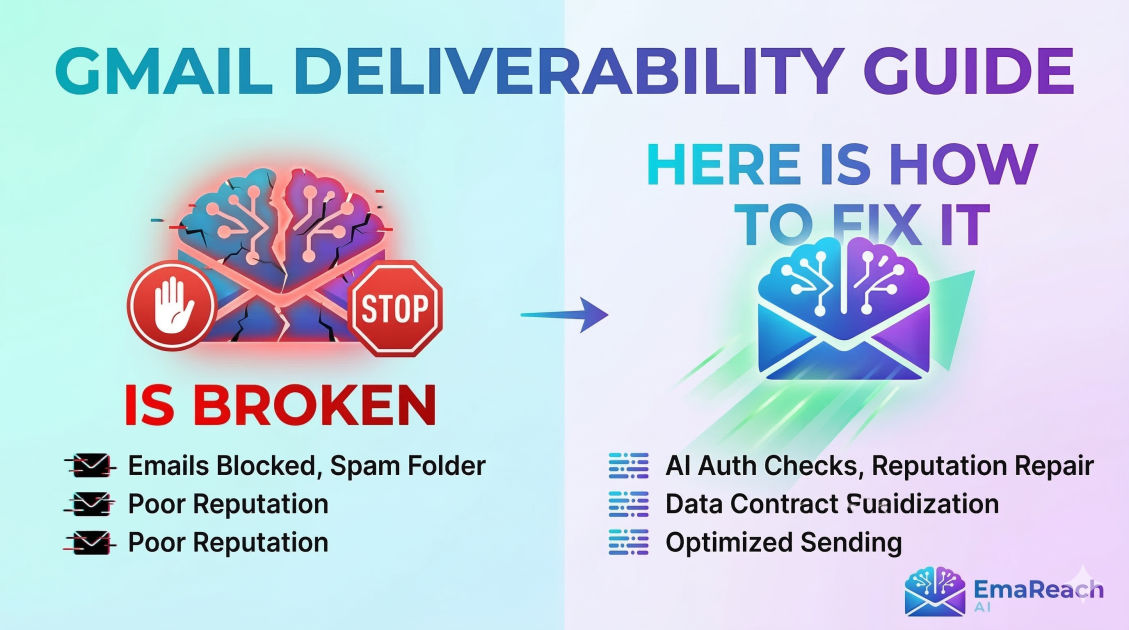
Gmail Deliverability Is Broken: Here Is How to Fix It
Gmailemail deliverabilitySPF DKIM DMARCcold emailsender reputationemail marketingspam filters
Introduction
For years, email marketers and sales professionals operated under a relatively simple set of rules. If you didn't send blatant scams and kept your bounce rates reasonable, your emails usually found their way to the inbox. But recently, the landscape has shifted. If you’ve noticed a sudden, sharp decline in your open rates or a surge in replies from "Postmaster" stating your message was blocked, you aren't alone.
Gmail deliverability is fundamentally changing.
Google has introduced stringent new requirements for senders, particularly those who send in bulk. These aren't just "best practices" anymore; they are hard requirements. If you fail to meet them, Gmail won't just put your email in the spam folder—it might refuse to deliver it at all.
In this guide, we will break down exactly why Gmail deliverability feels "broken" and provide a comprehensive, step-by-step roadmap to fixing it. From technical authentication to the nuances of sender reputation, here is how you reclaim your spot in the primary tab.
The New Reality of Gmail Filtering
To understand how to fix your deliverability, you must first understand what Google is looking for. Gmail’s filtering algorithm has evolved into a sophisticated AI-driven system that evaluates hundreds of signals in real-time.
The Move Toward Strict Authentication
Gone are the days when having an SPF record was "enough." Google now requires a trifecta of authentication protocols: SPF, DKIM, and DMARC. For bulk senders (those sending 5,000 or more messages per day), these are mandatory. Even if you send fewer than 5,000, failing these checks signals to Gmail that your domain is unverified and potentially a source of spoofing or phishing.
The Spam Rate Threshold
Google has established a clear line in the sand regarding spam complaints. Senders are expected to keep their spam rates—as reported in Google Postmaster Tools—below 0.1%. If your spam rate reaches 0.3% or higher, you are practically guaranteed to face delivery issues, including temporary blocks or permanent filtering to the spam folder.
Engagement-Based Filtering
Gmail doesn't just look at what you send; it looks at how recipients react. If users consistently delete your emails without opening them, or if they never reply to your outreach, Gmail’s algorithm takes note. Over time, low engagement signals that your content is "unwanted," leading to a slow decline in your sender reputation.
Step 1: Fix Your Technical Foundation
If your technical setup is flawed, no amount of great copywriting will save you. You must ensure your "passport" is in order before you try to cross the border into the inbox.
1. SPF (Sender Policy Framework)
SPF is a DNS record that lists the IP addresses and services authorized to send email on behalf of your domain.
- The Fix: Ensure you have only one SPF record per domain. Multiple SPF records will cause a permanent failure. Use the
include:mechanism to add services like Google Workspace or your email marketing platform.
2. DKIM (DomainKeys Identified Mail)
DKIM adds a digital signature to your emails, proving that the content hasn't been tampered with in transit.
- The Fix: Generate a 2048-bit DKIM key in your email provider's admin console and add the resulting TXT record to your DNS settings. This provides a much stronger layer of security than the older 1024-bit keys.
3. DMARC (Domain-based Message Authentication, Reporting, and Conformance)
DMARC tells Gmail what to do if an email fails SPF or DKIM checks.
- The Fix: At a minimum, you must have a DMARC record with a policy of
p=none. However, to truly protect your reputation, you should aim to move towardp=quarantineorp=rejectonce you are certain your legitimate mail is properly authenticated.
4. Reverse DNS (PTR) and FCrDNS
Google requires that your sending IP address has a valid pointer record (PTR) that matches the domain you are sending from. This is known as Forward Confirmed Reverse DNS. If you are using a shared IP from a major provider, this is usually handled for you, but it is always worth verifying if you use a dedicated IP.
Step 2: Monitor Your Reputation with Postmaster Tools
You cannot fix what you cannot measure. Google Postmaster Tools (GPT) is the only way to see exactly how Gmail views your domain.
Essential Dashboards to Watch:
- Spam Rate Dashboard: Tracks the percentage of users who marked your emails as spam. If this exceeds 0.1%, stop your campaigns immediately and investigate the cause.
- Domain Reputation Dashboard: This is the most critical metric. It ranges from "Bad" to "High." If your reputation is "Low" or "Bad," almost all your mail will go to spam regardless of content.
- Authentication Dashboard: Shows the percentage of your traffic that passed SPF, DKIM, and DMARC.
If you find your reputation in the "Bad" or "Low" category, you need to stop all non-essential sending and focus on a "re-warming" phase to prove to Google that you are a legitimate sender.
Step 3: Implement Strategic Inbox Rotation
One of the biggest mistakes modern senders make is "burning" a single domain or email account by sending too much volume too quickly. When one account gets flagged, the entire domain's deliverability collapses.
The Solution: Multi-Account Infrastructure
Instead of sending 500 emails from one account, send 25 emails from 20 different accounts across multiple subdomains. This distributes the "reputation risk." If one account sees a spike in complaints, the others remain unaffected.
For those managing complex cold outreach, tools like EmaReach (https://www.emareach.com/) can automate this process. EmaReach combines AI-written cold outreach with inbox warm-up and multi-account sending, ensuring your emails land in the primary tab and get replies without you having to manually manage dozens of logins.
Step 4: Master Content Quality and Engagement
Even with perfect technical settings, your content can still trigger "silent" filters. Gmail’s AI is incredibly good at identifying patterns associated with bulk marketing or unsolicited outreach.
1. Avoid Spam Triggers
While the old list of "spam words" (like "FREE" or "ACT NOW") is less relevant than it used to be, excessive use of them still triggers red flags. More importantly, avoid:
- Too many links: Keep it to one or two links max.
- Heavy images: High image-to-text ratios are a hallmark of spam.
- Sloppy HTML: Use clean, simple templates or, better yet, plain text for outreach.
2. Personalization at Scale
Gmail looks for identical messages being sent to thousands of recipients. If your emails are 99% identical, you are more likely to be flagged as a bulk sender. Use "Spintax" or AI-driven variables to ensure every single email you send is unique.
3. The Power of the Reply
Replies are the ultimate positive engagement signal. If a recipient replies to your email, it tells Gmail that the conversation is legitimate. This is why "warming up" your inbox—where accounts send and reply to each other automatically—is so vital for maintaining high deliverability.
Step 5: Maintain List Hygiene
Sending emails to addresses that don't exist is a fast track to a "Bad" reputation. Every "Hard Bounce" (550 error) you receive is a signal to Gmail that you are using an unverified or purchased list.
Best Practices for Hygiene:
- Verify Before You Send: Use a real-time email verification service to scrub your list of "catch-all," invalid, or "disposable" addresses.
- Remove Non-Engagers: If a subscriber hasn't opened an email in 6 months, remove them. They are more likely to mark you as spam later or become a "spam trap" (an old, inactive email used by providers to catch bad senders).
- Honor Unsubscribes Instantly: Google now requires a one-click unsubscribe header for bulk mail. You must honor these requests within 48 hours. Failing to do so is a direct violation of their sender guidelines.
Step 6: The Recovery Roadmap
If your deliverability is already broken, don't panic. You can fix it, but it requires patience. You cannot "hack" your way out of a bad reputation; you must earn your way out.
The 4-Week Recovery Plan:
- Week 1 (The Audit): Stop all outreach. Fix your SPF, DKIM, and DMARC records. Set up Google Postmaster Tools.
- Week 2 (The Cleanse): Scrub your entire database. Verify every single email address. Set up new subdomains if your main domain is severely damaged.
- Week 3 (The Re-Warm): Start sending very low volumes (10–20 emails per day) to your most engaged users—people who have replied to you recently. This builds positive engagement signals.
- Week 4 (The Scale): Gradually increase your volume by 20% each day, monitoring Postmaster Tools closely. If the spam rate ticks up, immediately drop the volume back down.
Conclusion
Gmail deliverability isn't truly "broken"—it has just become more sophisticated. The era of "spray and pray" email is over. To succeed today, you must treat email as a high-intent, highly technical channel. By securing your infrastructure, monitoring your reputation through Postmaster Tools, and prioritizing genuine engagement, you can ensure your messages continue to reach the people who need to see them.
Fixing your deliverability is an ongoing process of maintenance and monitoring. Stay diligent, follow the requirements, and your inbox placement will follow.
EmaReach AI
Ready to scale your cold email outreach?
Join thousands of teams using EmaReach AI for AI-powered campaigns, domain warmup, and 95%+ deliverability. Start free — no credit card required.
Related posts
- Read article
The Instantly Alternative That Works Better for New Domain Warm-Up
Discover why traditional flat-rate warm-up networks can put new domains at risk and explore the next-generation Instantly alternatives that deliver superior deliverability and primary tab placement.
- Read article
The Instantly Alternative That Handles Follow-Up Sequences Better
Discover why modern sales teams are outgrowing linear cold email tools and moving toward advanced Instantly alternatives that leverage conditional logic, multi-channel sequences, and superior deliverability protections.