Blog
Back to blog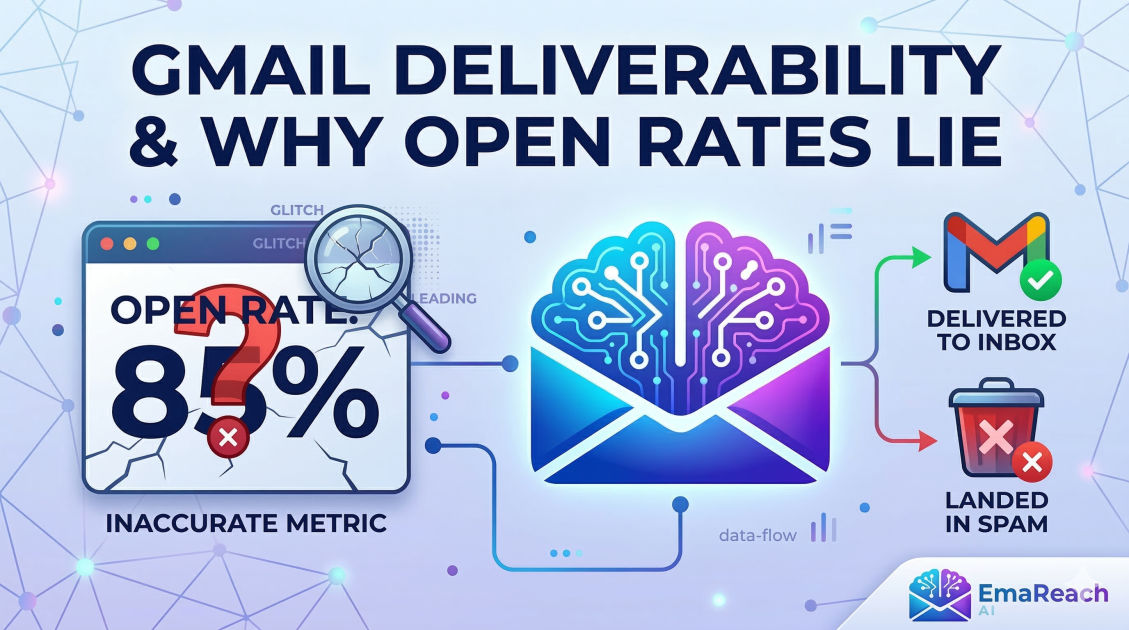
Gmail Deliverability and Why Your Open Rates Are Lying to You
email marketinggmail deliverabilityopen ratessender reputationcold emailemail authenticationinbox placement
Introduction: The Great Email Illusion
For years, email marketers and sales professionals have worshipped at the altar of the Open Rate. It was the ultimate pulse check: if people were opening your emails, you were winning. If they weren’t, you had a subject line problem. But in the current landscape of Gmail deliverability, that pulse check has become dangerously misleading.
Today, a 40% open rate might actually mean your emails are performing poorly, while a 15% open rate could be a sign of a healthy, highly targeted campaign. This discrepancy isn't just a glitch; it’s a fundamental shift in how Google and other major providers handle privacy and security. If you are making strategic decisions based on raw open rates alone, you are likely chasing ghosts.
To master Gmail deliverability, you must look past the vanity metrics and understand the invisible mechanics of the inbox. This guide will dismantle the myths surrounding open rates and provide a technical roadmap for ensuring your messages actually reach the people who need to see them.
Why Open Rates Are Lying to You
To understand why your metrics are skewed, we first have to look at how an "open" is tracked. Traditionally, email service providers (ESPs) embed a tiny, invisible 1x1 pixel image in your email. When the recipient’s email client loads that image, a request is sent to the server, and—presto—an open is recorded.
However, several technological shifts have turned this simple mechanism into a source of "phantom data."
1. Apple Mail Privacy Protection (MPP)
While we are focusing on Gmail deliverability, many of your Gmail users are likely viewing their mail through the Apple Mail app on their iPhones or Macs. Apple’s MPP automatically downloads all email images—including tracking pixels—on their own proxy servers as soon as an email is delivered.
The Result: Your dashboard shows an "open" even if the recipient never touched their phone. This inflates your numbers, giving you a false sense of security about your engagement levels.
2. Gmail’s Image Caching and Pre-loading
Google utilizes proxy servers to serve images. While this protects user privacy and speeds up loading times, it can cause tracking discrepancies. In some instances, Gmail may pre-fetch images or cache them in a way that triggers multiple open events or, conversely, suppresses them if the user has "Ask before displaying external images" enabled.
3. Bot Clicks and Security Scanners
Enterprise-level Gmail accounts (Google Workspace) often employ aggressive security filters. These bots "open" your emails and "click" your links to verify they aren't malicious before the email ever hits the user's primary tab. If you see a flurry of opens and clicks within seconds of sending, you aren't a marketing genius—you’re likely just being audited by a firewall.
The Anatomy of Gmail Deliverability
If open rates are a lie, what is the truth? The truth lies in Deliverability—the technical ability of your email to reach the Inbox rather than the Spam or Promotions folder. Gmail uses a sophisticated, AI-driven filtering system that looks at hundreds of signals to determine where your email belongs.
Sender Reputation: Your Digital Credit Score
Gmail assigns a reputation score to both your IP address and your Sending Domain. This score is built over time based on:
- Spam Complaints: The single most damaging factor. Even a complaint rate of 0.3% (3 out of 1000) can cause Google to start throttling your emails.
- Consistency: Sending 10,000 emails on a Tuesday after three weeks of silence is a massive red flag. Gmail prefers steady, predictable volume.
- Engagement History: If people consistently ignore your emails or delete them without opening, Gmail learns that your content isn't valuable.
Technical Authentication: The "Passport" of Email
To land in the Gmail inbox, you must prove you are who you say you are. This requires three core protocols:
- SPF (Sender Policy Framework): A list of IP addresses authorized to send mail on behalf of your domain.
- DKIM (DomainKeys Identified Mail): A digital signature that ensures your email content hasn't been tampered with in transit.
- DMARC (Domain-based Message Authentication, Reporting, and Conformance): An instruction manual for Gmail on what to do if an email fails SPF or DKIM (e.g., "reject it" or "put it in spam").
Without these three, your emails are essentially traveling without a passport. Gmail is increasingly likely to reject unauthenticated mail outright.
How to Measure Success Without Relying on Open Rates
If you want to know how your campaigns are actually doing, you need to shift your focus to "High-Intent Metrics."
1. Reply Rates
A reply is the ultimate signal of engagement. It’s a two-way conversation that tells Gmail’s algorithm, "I know this person, and I want to hear from them." High reply rates significantly boost your domain reputation.
2. Click-to-Open Rate (CTOR)
While the total open rate might be inflated, the CTOR—how many people clicked a link out of those who opened—provides a better look at content relevance. If your "opens" are high but your clicks are non-existent, you have a mismatch between your subject line and your body copy.
3. Google Postmaster Tools
This is the most honest data you will ever get. Google Postmaster Tools allows you to see exactly how Gmail views your domain. It provides dashboards for your spam rate, IP reputation, and domain reputation. If your dashboard shows a "High" reputation but your ESP shows low opens, you know the open rate is the problem, not your deliverability.
4. Negative Engagement Metrics
Keep a close eye on your Unsubscribe Rate and Bounce Rate. A bounce rate above 2% suggests your list is "dirty" (full of old or fake addresses), which signals to Gmail that you are a reckless sender.
Strategies to Improve Gmail Deliverability
Improving your standing with Gmail requires a combination of technical hygiene and behavioral psychology.
The Importance of Warm-up
You cannot simply register a new domain and start sending hundreds of cold emails. You must "warm up" the address by gradually increasing volume and ensuring those early emails get engagement. This builds a foundation of trust with Google’s filters.
For those looking to streamline this process, EmaReach offers a sophisticated solution. Stop Landing in Spam. Cold Emails That Reach the Inbox. EmaReach AI combines AI-written cold outreach with inbox warm-up and multi-account sending—so your emails land in the primary tab and get replies. This type of automation ensures that the technical heavy lifting of reputation building is handled while you focus on the message.
Content Optimization: Avoiding the "Spammy" Look
Gmail’s filters are excellent at pattern recognition. To stay in the Primary tab, avoid these common triggers:
- Heavy HTML: Over-designed emails with too many images and scripts look like marketing blasts. Use plain text or simple HTML whenever possible.
- Link Overload: Too many links (especially to different domains) can look like a phishing attempt.
- Trigger Words: While "Free" and "Buy Now" aren't instant death sentences, an excessive density of sales-heavy language will push you into the Promotions tab.
List Hygiene and Segmentation
Stop sending emails to people who haven't engaged in six months. It feels counterintuitive to shrink your list, but "dead weight" subscribers actively hurt your deliverability. By segmenting your list and only sending to active users, you maintain a high engagement-to-send ratio, which keeps your reputation high.
The Role of Personalization in Deliverability
Gmail's algorithm is increasingly looking at "User Specific" reputation. This means that if John always opens your emails but Sarah always deletes them, your emails will continue to hit John's inbox while eventually going to Sarah's spam folder.
This makes deep personalization essential. If your content is tailored to the individual’s needs, they are more likely to engage positively (replying, moving the email to the Primary tab, or adding you to their contact list). These individual "votes of confidence" aggregate into a stronger overall domain reputation.
Conclusion: The Path Forward
The era of relying on open rates as a primary KPI is over. To thrive in a world of Gmail-dominated inboxes, you must become a student of deliverability. Focus on the technical foundation—SPF, DKIM, and DMARC—and prioritize high-intent engagement like replies and clicks over phantom open numbers.
By treating your sending domain like a valuable asset and monitoring your health via Google Postmaster Tools, you can ensure that your voice is heard. Don't let the "lying" open rates distract you from the real goal: building genuine connections with your audience and showing up where it matters most—the inbox.
Remember: Deliverability is not a one-time setup; it is a continuous process of maintaining trust with both your recipients and the algorithms that guard their gates.
EmaReach AI
Ready to scale your cold email outreach?
Join thousands of teams using EmaReach AI for AI-powered campaigns, domain warmup, and 95%+ deliverability. Start free — no credit card required.
Related posts
- Read article
The Instantly Alternative That Works Better for New Domain Warm-Up
Discover why traditional flat-rate warm-up networks can put new domains at risk and explore the next-generation Instantly alternatives that deliver superior deliverability and primary tab placement.
- Read article
The Instantly Alternative That Handles High Bounce Rates Without Panic
Discover how transitioning to an advanced Instantly alternative can safeguard your cold email infrastructure. Learn to handle high bounce rates effortlessly using real-time verification, smart mailbox rotation, and automated safety nets to protect your sender reputation and maintain consistent primary inbox placement.