Blog
Back to blog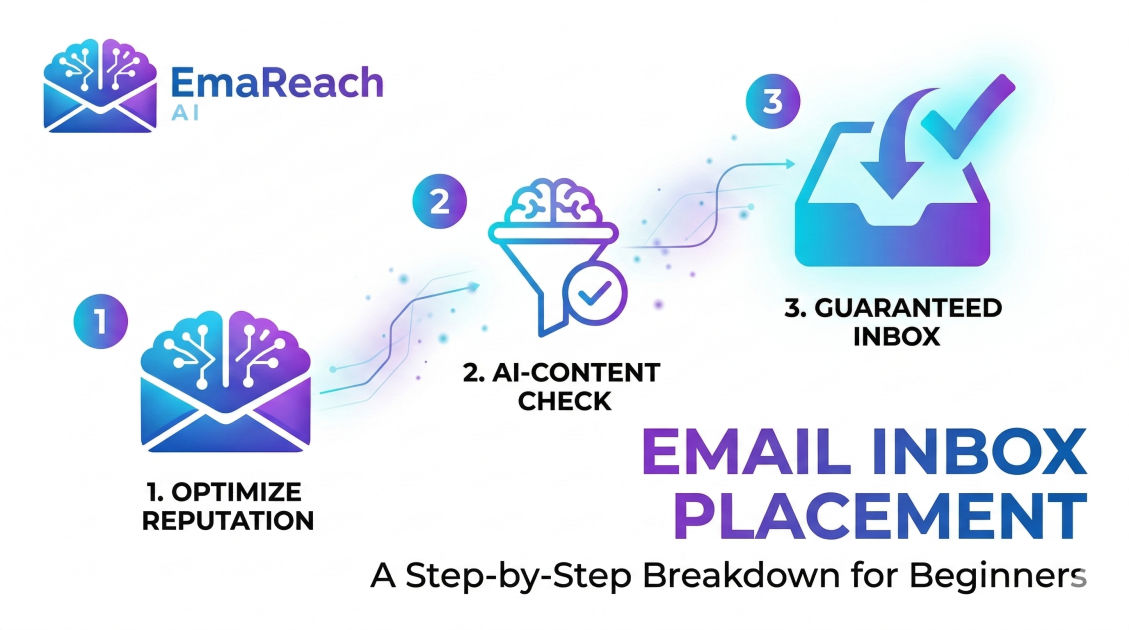
Email Inbox Placement: A Step-by-Step Breakdown for Beginners
email deliverabilityinbox placementspam filtersemail marketingcold outreachsender reputation
Introduction to Email Inbox Placement
For many beginners in the world of digital marketing, the concept of sending an email seems simple: you write a message, hit send, and it arrives in the recipient's inbox. However, behind the scenes, a complex series of checkpoints determines whether that email actually reaches the intended destination or vanishes into the dreaded spam folder. This is known as Email Inbox Placement.
Inbox placement is the metric that defines the percentage of your sent emails that successfully land in the primary inbox rather than the junk or spam folders. While 'deliverability' refers to whether the receiving server accepted the email at all, 'inbox placement' is the higher standard of actually being seen by the user. Understanding this process is vital for anyone engaged in cold outreach, newsletters, or transactional messaging.
The Journey of an Email: From Sender to Inbox
To master inbox placement, you must first understand the journey your email takes. It isn't a straight line; it is more like an international border crossing with multiple security checkpoints.
- The Sending Server: Your email service provider (ESP) or SMTP server initiates the transfer.
- The Gateway Filter: The recipient’s ISP (Internet Service Provider) checks if your IP address is blacklisted.
- The Spam Filter: Sophisticated algorithms analyze the content, headers, and sender reputation.
- The Inbox Placement: If all checks pass, the email is placed in the Inbox, the Promotions tab, or the Spam folder.
Step 1: Establishing a Strong Technical Foundation
Before you ever draft a subject line, you must ensure your technical infrastructure is airtight. Without proper authentication, mailbox providers like Gmail and Outlook have no way of verifying that you are who you say you are.
SPF (Sender Policy Framework)
SPF is a DNS record that lists the specific IP addresses and domains authorized to send emails on your behalf. Think of it as an authorized guest list for a private club. If your 'name' isn't on the list, you aren't getting in.
DKIM (DomainKeys Identified Mail)
DKIM adds a digital signature to your emails. This ensures that the content of the message hasn't been tampered with during transit. It provides a layer of integrity that modern spam filters demand.
DMARC (Domain-based Message Authentication, Reporting, and Conformance)
DMARC sits on top of SPF and DKIM. It gives the receiving server instructions on what to do if the first two checks fail—whether to do nothing, quarantine the email (spam), or reject it entirely.
Step 2: Understanding and Protecting Sender Reputation
Your sender reputation is a score assigned by ISPs based on your sending history. It is arguably the most important factor in inbox placement. If you have a poor reputation, even the most helpful, non-spammy email will be blocked.
IP Reputation vs. Domain Reputation
- IP Reputation: Relates to the specific hardware sending the mail. If you use a shared IP (common in cheap email services), you might be penalized for the bad behavior of other users.
- Domain Reputation: This stays with you regardless of which service you use to send emails. It is tied to your brand's URL.
Factors That Damage Reputation
- Spam Complaints: When a user clicks "Report Spam," it is a heavy strike against you.
- High Bounce Rates: Sending to non-existent addresses suggests you are using an unverified or 'scraped' list.
- Spam Traps: These are 'decoy' email addresses used by ISPs to catch unauthorized senders. Hitting one can instantly tank your placement.
Step 3: The Importance of Email Warm-up
If you buy a new domain today and send 5,000 emails tomorrow, you will be flagged as a spammer. ISPs look for consistent, human-like behavior. This is where Email Warm-up becomes essential.
Warm-up is the process of gradually increasing your sending volume over several weeks. You start by sending a few emails to friendly accounts, ensuring they are opened and replied to. This signals to ISPs that your domain is trustworthy.
For those looking to automate this complex process, services like EmaReach (https://www.emareach.com/) can be a game-changer. EmaReach helps you stop landing in spam by providing cold emails that reach the inbox through a combination of AI-written outreach, automated inbox warm-up, and multi-account sending. This ensures your messages land in the primary tab where they belong.
Step 4: List Hygiene and Management
Your inbox placement is only as good as the list you are sending to. Beginner mistakes often involve 'batch and blast' techniques that ignore the health of the recipient list.
Verification Tools
Before sending, run your list through a verification service to remove 'hard bounces' (invalid emails). Aim for a bounce rate of under 2%.
Sunset Policies
If a subscriber hasn't opened an email in 6 months, they are 'dead weight.' Continuing to send to them lowers your overall engagement rates, which tells ISPs that your content isn't wanted. Implement a sunset policy to automatically remove or re-engage inactive users.
Step 5: Crafting Content That Avoids Spam Filters
Spam filters have evolved far beyond looking for keywords like "Free" or "Winner." They now use machine learning to analyze the 'intent' of your message. However, certain best practices still apply.
Avoid 'Spammy' Formatting
Excessive use of capital letters, multiple exclamation points (!!!), and bright red fonts are red flags. Keep your formatting professional and clean.
The Text-to-Image Ratio
Spammers often hide text inside images to bypass filters. If your email is just one large image with no text, it is highly likely to be flagged. Aim for a healthy balance, ideally 60% text and 40% images.
Link Shorteners
Generic link shorteners (like Bitly) are frequently used by malicious actors to hide the final destination of a link. Using them in your emails can trigger security alerts. It is always better to use full, descriptive links or your own branded domain shortener.
Step 6: Engagement as a Placement Signal
Modern ISPs like Gmail monitor how users interact with your mail. High engagement leads to better placement.
Positive Signals
- Opens and Clicks: Basic indicators of interest.
- Replies: This is the 'gold standard' of engagement. It tells the ISP that a real conversation is happening.
- Moving to Inbox: If a user moves your email from the 'Promotions' tab to 'Primary,' it sends a powerful signal to the ISP.
- Adding to Contacts: This virtually guarantees future placement.
Negative Signals
- Deleting without opening: Suggests the subject line was misleading or the sender is unknown.
- Reporting as Spam: The ultimate negative signal.
Step 7: Monitoring and Testing
You cannot improve what you do not measure. Beginners should regularly use 'seed lists'—a group of controlled email addresses at different providers (Gmail, Yahoo, Outlook)—to see where their emails actually land before sending a large campaign.
Postmaster Tools
Google and Microsoft provide 'Postmaster' tools that give you a direct look at how they view your domain. These dashboards show your spam complaint rates, encryption successes, and reputation scores.
Advanced Strategies for Primary Tab Placement
Once you have mastered the basics of avoiding the spam folder, the next challenge is moving from the 'Promotions' tab to the 'Primary' tab. While the Promotions tab isn't as bad as Spam, it still sees lower open rates.
Personalization Beyond the First Name
Dynamic content that changes based on the user's past behavior or location makes the email feel less like a mass blast and more like a personal communication. The more 'personal' the email feels, the more likely the ISP is to treat it as a primary message.
Frequency and Consistency
Sending at erratic times or suddenly spiking your volume can cause filters to become suspicious. Establish a regular cadence—whether it's once a week or once a month—and stick to it.
Common Pitfalls to Avoid
- Buying Email Lists: This is the fastest way to ruin your reputation. These lists are often filled with spam traps and people who have not consented to hear from you.
- Missing 'Unsubscribe' Links: Not only is this illegal in many jurisdictions (like under GDPR or CAN-SPAM), but it also frustrates users, making them more likely to click 'Spam' instead of simply opting out.
- Poor Mobile Optimization: A large percentage of emails are opened on mobile devices. If your layout is broken on a phone, users will delete the message or ignore it, lowering your engagement signals.
Conclusion
Email inbox placement is not a one-time setup; it is a continuous process of maintenance, monitoring, and adaptation. By focusing on a solid technical foundation, maintaining a pristine sender reputation through tools like EmaReach, and prioritizing high-quality engagement over sheer volume, beginners can ensure their messages actually reach the eyes of their audience. In a digital world crowded with noise, the ability to consistently land in the inbox is a superpower for any marketer or business owner. Success in email marketing starts with being seen.
EmaReach AI
Ready to scale your cold email outreach?
Join thousands of teams using EmaReach AI for AI-powered campaigns, domain warmup, and 95%+ deliverability. Start free — no credit card required.
Related posts
- Read article
The Instantly Alternative That Finally Gets Outbound Analytics Right
Discover why high-volume cold email requires a shift from surface-level vanity metrics to deep, data-driven revenue attribution, and explore the ultimate alternatives for mastering outbound engineering.
- Read article
What You Gain and What You Give Up When Switching From Instantly
Thinking about migrating your cold email stack? This detailed guide breaks down the exact operational advantages you gain and the core features you sacrifice when switching away from Instantly's popular outreach platform.