Blog
Back to blog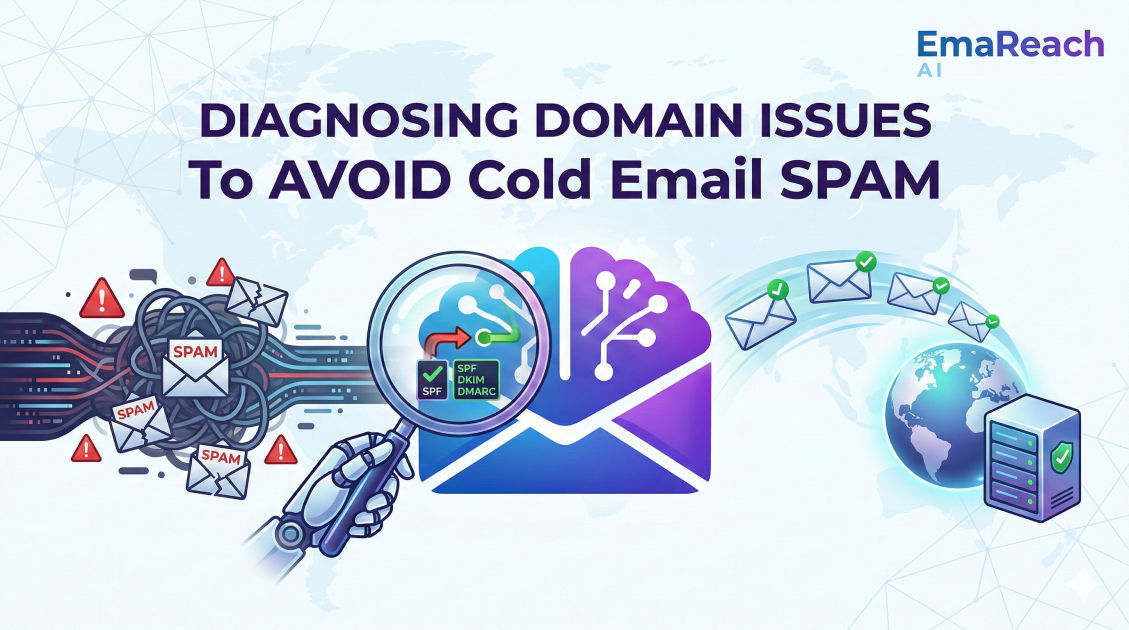
Diagnosing Domain Issues to Avoid Spam in Cold Email
cold emaildomain reputationemail deliverabilityspam filtersSPF DKIM DMARCinbox warm-up
Introduction
In the high-stakes world of cold email outreach, your domain is your digital identity. It is the vessel that carries your message to a prospect's inbox, and its reputation determines whether that message is seen or relegated to the dark corners of the spam folder. For many growth hackers and sales professionals, the frustration of low open rates often leads to a search for better copy or more enticing subject lines. However, the root cause is frequently more systemic: a compromised or poorly configured domain.
Diagnosing domain issues is not a one-time task but a continuous process of maintaining technical health. As mailbox providers become increasingly sophisticated in their filtering algorithms, understanding the nuances of domain reputation, authentication protocols, and sender behavior is essential. This guide provides a deep dive into the technical and behavioral factors that trigger spam filters and how you can diagnose and fix them to ensure your outreach reaches its intended destination.
The Anatomy of Domain Reputation
Domain reputation is a score assigned by Internet Service Providers (ISPs) and mailbox providers (like Google and Microsoft) to evaluate the trustworthiness of your sending domain. Unlike IP reputation, which is tied to the specific server sending the email, domain reputation follows you regardless of which email service provider (ESP) you use.
Factors Influencing Your Score
Several variables contribute to this invisible score. High bounce rates—sending emails to non-existent addresses—signal to ISPs that you are using stale lists or lack proper data hygiene. Similarly, high complaint rates (when users click "Report Spam") are the fastest way to tank your reputation. Furthermore, the volume and consistency of your sending patterns matter. Sudden spikes in volume from a new domain are classic indicators of spamming activity.
The Role of Engagement
Positive signals also play a role. When recipients open your emails, move them from the promotions tab to the primary inbox, or reply to them, your domain reputation improves. This is why services like EmaReach are valuable; they combine AI-written outreach with inbox warm-up to ensure your emails land in the primary tab by simulating organic engagement.
Technical Authentication: The Foundation of Trust
Before you send a single cold email, your domain must be technically "vetted." Without proper authentication, mailbox providers have no way of verifying that the email actually came from you, leading them to assume it is a phishing attempt or spam.
SPF (Sender Policy Framework)
SPF is a DNS record that lists the IP addresses or services authorized to send emails on behalf of your domain. When an email is received, the recipient's server checks the SPF record. If the sending server isn't on the list, the email may be marked as spam.
DKIM (DomainKeys Identified Mail)
DKIM adds a digital signature to your emails. This signature is verified against a public key located in your DNS records. It ensures that the content of the email hasn't been tampered with during transit. Missing or broken DKIM signatures are a major red flag for modern spam filters.
DMARC (Domain-based Message Authentication, Reporting, and Conformance)
DMARC sits on top of SPF and DKIM. It tells the receiving server what to do if the email fails SPF or DKIM checks. You can set your DMARC policy to "none" (monitor), "quarantine" (send to spam), or "reject" (block the email entirely). Having a DMARC record—even one set to "none"—is now a requirement for reaching major providers like Gmail and Yahoo.
Diagnosing Common Domain Issues
If your open rates are plummeting, it's time to put your domain under the microscope. Diagnosis starts with identifying where the breakdown is occurring.
Checking Blacklists
Your domain or sending IP might have been flagged on a Real-time Blackhole List (RBL). These lists are used by ISPs to identify known sources of spam. If you find your domain on a major blacklist like Spamhaus or Barracuda, your deliverability will suffer significantly. Frequent checks using DNS lookup tools can help you identify if you've been blacklisted and provide a path toward delisting.
Analyzing Bounce Reports
Not all bounces are created equal. A "Hard Bounce" (5XX error) indicates a permanent issue, such as a non-existent email address. A "Soft Bounce" (4XX error) suggests a temporary problem, like a full inbox or a server timeout. However, if you see high rates of "Blocked" or "Denied" messages in your logs, it is a clear sign that the recipient's ISP has flagged your domain as untrustworthy.
Subdomain vs. Root Domain Issues
One common strategy is to use a subdomain or a completely separate "lookalike" domain for cold outreach (e.g., using getcompany.com instead of company.com). If your primary domain is healthy but your outreach domain is struggling, the issue is likely related to your specific sending practices or the lack of "warm-up" on the secondary domain.
The Danger of "Spammy" Content and Metadata
Even with perfect technical authentication, the content of your email can trigger filters. Modern spam filters use Natural Language Processing (NLP) to analyze the intent of your message.
Trigger Words and Formatting
Using words like "Free," "Guarantee," "Cash," or "Act Now" in excess can trigger filters. Additionally, overusing capital letters, excessive exclamation points, or bright red fonts makes your email look like a low-quality solicitation.
Link and Image Ratios
Including too many links—especially those that use link shorteners like bit.ly—is a common mistake. Shorteners obscure the final destination of a link, which is a tactic often used by scammers. Similarly, an email that consists of a single large image with very little text is often flagged because filters cannot "read" the image to verify its contents.
Hidden HTML and Tracking Pixels
While tracking pixels are standard for measuring open rates, they can occasionally cause issues if they are hosted on a domain with a poor reputation. Furthermore, sloppy HTML code can make an email look suspicious to automated scanners. Ensuring your emails are clean, text-heavy, and light on complex formatting is the safest route for cold outreach.
Domain Warm-up: The Missing Link
One of the most frequent causes of domain issues is the failure to properly "warm up" a new domain. If you register a new domain and immediately start sending 500 emails a day, ISPs will flag you for "snowshoe spamming."
The Gradual Scaling Process
Warm-up involves starting with a very low volume—perhaps 5 to 10 emails per day—and gradually increasing that number over several weeks. During this time, it is crucial that these emails receive engagement. This tells ISPs that your domain is legitimate and that people want to hear from you.
Automating the Process
Manual warm-up is tedious and difficult to scale. Utilizing a platform like EmaReach allows you to automate this process. It uses AI to generate realistic interactions, ensuring your domain builds a positive history before you launch your full-scale campaigns.
Monitoring and Maintenance
Maintaining domain health is not a "set it and forget it" task. You need a dashboard of metrics to ensure you stay out of the spam folder.
Google Postmaster Tools
For anyone sending to Gmail addresses, Google Postmaster Tools is an essential resource. It provides direct data from Google on your spam rate, domain reputation, and encryption errors. It is the closest thing to an official "health report" for your domain.
Monitoring Feedback Loops (FBL)
Most major ISPs offer Feedback Loops, which notify you when a recipient marks your email as spam. By subscribing to these loops, you can immediately remove complaining users from your list, preventing further damage to your reputation.
Regular List Cleaning
Your domain reputation is only as good as your data. Regularly scrubbing your list to remove inactive subscribers and verifying email addresses before sending can prevent the high bounce rates that lead to spam filtering.
How to Recover from a Damaged Reputation
If you've already been flagged as spam, don't panic. Recovery is possible, though it requires patience.
- Stop Sending Immediately: Continuing to send from a compromised domain will only deepen the hole. Pause all campaigns.
- Audit Your Technical Setup: Double-check your SPF, DKIM, and DMARC records for errors.
- Identify the Source: Was it a specific list? A specific piece of content? Analyze your recent data to find the trigger.
- Re-Warm Your Domain: Treat your domain as if it were brand new. Start with a very low volume of high-engagement emails.
- Remove Inactive Leads: Purge anyone who hasn't opened an email in the last 30-60 days to boost your engagement ratios.
Best Practices for Long-Term Success
To avoid domain issues in the future, adopt a "deliverability-first" mindset. This means prioritizing the quality of your outreach over the sheer quantity of emails sent.
Use Multiple Sending Accounts
Rather than sending 1,000 emails from a single address, distribute that volume across multiple accounts and domains. This limits the impact if one account runs into trouble and helps you stay under the daily sending limits of various providers.
Personalization at Scale
Generic, templated emails are more likely to be marked as spam. Use AI-driven tools to personalize not just the name, but the actual content and context of the message. When a recipient feels an email was written specifically for them, they are far less likely to hit the spam button.
Focus on the Primary Tab
The goal isn't just to avoid the spam folder; it's to land in the Primary tab. This requires a combination of high domain reputation, clean technical setup, and human-like sending patterns. Using a comprehensive solution like EmaReach, which focuses on multi-account sending and inbox warm-up, ensures that your infrastructure is optimized for this goal.
Conclusion
Diagnosing domain issues is the foundation of any successful cold email strategy. By understanding the technical requirements of SPF, DKIM, and DMARC, monitoring your reputation through tools like Google Postmaster, and maintaining a disciplined approach to volume and engagement, you can ensure your messages reach your prospects. Remember that deliverability is a moving target; staying informed about changes in ISP algorithms and maintaining a clean, warmed-up domain are the only ways to stay ahead of the spam filters. Treat your domain with the respect it deserves, and it will serve as a powerful engine for your business growth.
EmaReach AI
Ready to scale your cold email outreach?
Join thousands of teams using EmaReach AI for AI-powered campaigns, domain warmup, and 95%+ deliverability. Start free — no credit card required.
Related posts
- Read article
The Instantly Alternative That Finally Gets Outbound Analytics Right
Discover why high-volume cold email requires a shift from surface-level vanity metrics to deep, data-driven revenue attribution, and explore the ultimate alternatives for mastering outbound engineering.
- Read article
What You Gain and What You Give Up When Switching From Instantly
Thinking about migrating your cold email stack? This detailed guide breaks down the exact operational advantages you gain and the core features you sacrifice when switching away from Instantly's popular outreach platform.