Blog
Back to blog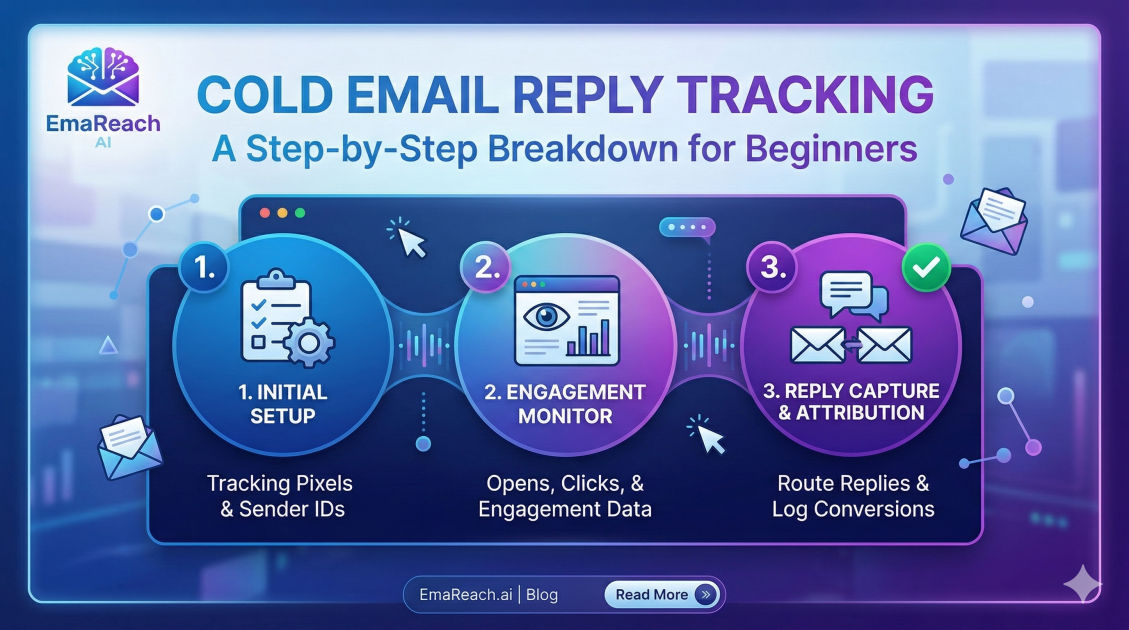
Cold Email Reply Tracking: A Step-by-Step Breakdown for Beginners
cold emailoutreach strategyemail trackinglead generationsales automationemail deliverability
Introduction to Cold Email Reply Tracking
In the world of digital outreach, sending an email is only the first half of the battle. The true measure of success lies in what happens next: the response. Cold email reply tracking is the systematic process of monitoring, identifying, and managing the responses generated from your outbound campaigns. For beginners, this might seem like a simple task of checking an inbox, but as volume scales, tracking becomes a sophisticated science that influences deliverability, campaign optimization, and ultimately, revenue.
Effective reply tracking allows you to separate the 'signal' from the 'noise.' It helps you understand which scripts are resonating, which niches are most receptive, and which follow-up sequences are nudging prospects toward a meeting. Without a robust tracking system, you are essentially flying blind, unable to calculate your Return on Investment (ROI) or refine your strategy based on hard data.
Why Tracking Replies is More Critical Than Tracking Opens
For years, many marketers obsessed over 'Open Rates.' However, in the modern email landscape, open rates have become an increasingly unreliable metric due to privacy protections and automated bot filtering. Apple’s Mail Privacy Protection and various enterprise security filters often 'open' emails automatically to check for malicious links, leading to inflated and inaccurate data.
Reply rates, on the other hand, are the ultimate 'North Star' metric. A reply represents a genuine human interaction. It is a clear signal to email service providers (ESPs) that your content is valuable and wanted. High reply rates significantly boost your sender reputation, ensuring that your future messages land in the primary inbox rather than the spam folder. To achieve this level of consistency, many professionals use EmaReach, which helps users stop landing in spam and ensures cold emails reach the inbox through AI-driven warm-up and multi-account sending.
Step 1: Setting Up the Infrastructure for Tracking
Before you send a single email, you must prepare your environment to capture data accurately. This involves more than just having an active email account; it requires a structured approach to data management.
Dedicated Inboxes and Forwarding
Beginners often make the mistake of using their primary business email for cold outreach. This is a risky move. If your tracking shows a sudden drop in engagement or an increase in spam reports, your entire corporate communication could be jeopardized. Instead, set up secondary domains and dedicated inboxes.
To track replies effectively across multiple accounts, you should implement a Master Inbox or a 'Unified Inbox' approach. This allows you to see all incoming responses in one dashboard, regardless of which sender account the prospect replied to. This is the foundation of organized reply tracking.
CRM Integration
Your tracking should ideally feed directly into a Customer Relationship Management (CRM) system. When a prospect replies, the tracking mechanism should automatically:
- Match the email address to an existing lead record.
- Log the content of the reply.
- Update the lead status (e.g., from 'Outreach Sent' to 'Replied').
- Pause any further automated follow-ups to prevent the embarrassment of sending an automated 'Checking in' email to someone who just booked a call.
Step 2: Categorizing the Types of Replies
Not all replies are created equal. To track them effectively, you must categorize them. Beginners often celebrate any reply, but a 'Stop emailing me' response is very different from a 'Tell me more' response.
Positive Replies (Hot Leads)
These are the 'holy grail' of tracking. They include requests for more information, booking links, or direct answers to your Call to Action (CTA). Tracking these allows you to calculate your Positive Response Rate, which is the most important KPI for any sales team.
Neutral or Information-Seeking Replies
Sometimes a prospect isn't ready to buy but has questions. They might ask about pricing, your company's location, or specific features. Tracking these helps you identify gaps in your initial email copy. If everyone is asking the same question, you should probably answer it in the first email.
Negative Replies and Opt-outs
Tracking 'Unsubscribe' or 'No thank you' replies is crucial for list hygiene. If you don't track and honor these, you risk being flagged for spam, which will tank your deliverability. Furthermore, tracking the reason for rejection (e.g., 'no budget,' 'already using a competitor') provides invaluable market intelligence.
Step 3: Implementing the Tracking Mechanism
How do you actually 'see' the reply in your data? There are three primary methods:
1. Manual Logging
For very low-volume outreach (5–10 emails a day), you can manually track replies in a spreadsheet. You record the date sent, the date replied, and the sentiment. While cost-effective, this is not sustainable as you grow.
2. Thread Detection
Most modern outreach platforms use 'In-Reply-To' and 'References' headers in the email metadata. This allows the software to recognize when an incoming email is part of an existing conversation thread started by your campaign. This is the most accurate way to track replies without using invasive tracking pixels.
3. Sentiment Analysis Tracking
Advanced tracking involves using AI to read the reply and categorize it automatically. Instead of just seeing that a reply happened, the system tells you if the prospect is 'Interested,' 'Not Interested,' or 'Busy - Follow up later.' This saves hours of manual sorting.
Step 4: Measuring Key Performance Indicators (KPIs)
Once your tracking is live, you need to analyze the numbers. Beginners should focus on these specific metrics:
- Total Reply Rate: (Total Replies / Total Emails Delivered) * 100. A healthy benchmark is usually between 1% and 5%, depending on the industry.
- Positive Reply Rate: (Total Positive Replies / Total Emails Delivered) * 100. This is your true measure of campaign success.
- Time to Respond: The duration between your send and their reply. If prospects reply within minutes, your hook is strong. If it takes three follow-ups, your persistence is paying off.
- Bounce Rate vs. Reply Rate: If your bounce rate is high, your reply rate will naturally suffer because your emails aren't reaching the target. Tools like EmaReach ensure that your emails actually land in the primary tab, which is the prerequisite for any reply tracking.
Step 5: Iterating Based on Reply Data
Tracking is useless if you don't act on the data. Here is how to use your reply tracking to improve your campaigns:
Subject Line Optimization
If you have a high open rate but a zero reply rate, your subject line might be 'clickbaity' or misleading. The prospect opens the email, feels let down by the content, and ignores it. Tracking shows the disconnect between the promise (subject) and the delivery (body).
Body Copy Refinement
If you are getting many 'Not Interested' replies, look at your value proposition. Are you solving a pain point they actually have? Use the feedback in the replies to rewrite your pitch. If prospects say, 'We already use [Competitor],' your next campaign should include a specific comparison against that competitor.
Timing and Cadence
Tracking will reveal patterns in when people reply. You might find that your niche (e.g., restaurant owners) replies more often on Tuesday mornings than Friday afternoons. Adjust your sending schedule to match these 'peak reply' windows.
Step 6: Managing Deliverability and 'The Reply Loop'
There is a technical phenomenon known as the 'Reply Loop.' When you receive a reply and respond back, it creates a back-and-forth conversation. Most ESPs (like Google and Outlook) view this as a sign of a high-quality sender.
Effective tracking should encourage you to respond to every single reply—even the negative ones—with a polite 'Thank you for your time.' This interaction signals to the algorithms that you are a real person engaging in real business, which protects your sender reputation. This is why EmaReach’s inbox warm-up is so effective; it simulates this natural interaction to build trust with mail servers.
Step 7: Avoiding Common Tracking Pitfalls
As a beginner, be wary of these common mistakes that can skew your data:
- Counting Auto-Replies: 'Out of Office' (OOO) messages are technically replies, but they shouldn't count toward your Positive Reply Rate. Ensure your tracking system can filter these out so they don't inflate your success metrics.
- Ignoring Multi-Channel Replies: Sometimes you send an email, and the prospect finds you on LinkedIn to reply. If you aren't tracking 'Attributed Replies,' you might undervalue your email efforts.
- Over-Tracking: Avoid using too many tracking links or pixels. While they provide data, they can also trigger spam filters. Modern reply tracking relies more on thread headers and less on invisible pixels.
Conclusion
Cold email reply tracking is the bridge between 'sending messages' and 'building a business.' By moving beyond basic open rates and focusing on the quality, sentiment, and frequency of replies, you gain a deep understanding of your market.
Start by setting up dedicated domains, integrating a CRM, and categorizing every response you receive. Use the data to refine your messaging, optimize your timing, and maintain a pristine sender reputation. Remember, the goal of tracking isn't just to see numbers on a screen; it's to gain the insights necessary to turn a cold stranger into a warm business partner. With a disciplined approach to reply tracking, your outreach will transform from a guessing game into a predictable, scalable growth engine.
EmaReach AI
Ready to scale your cold email outreach?
Join thousands of teams using EmaReach AI for AI-powered campaigns, domain warmup, and 95%+ deliverability. Start free — no credit card required.
Related posts
- Read article
The Instantly Alternative That Finally Gets Outbound Analytics Right
Discover why high-volume cold email requires a shift from surface-level vanity metrics to deep, data-driven revenue attribution, and explore the ultimate alternatives for mastering outbound engineering.
- Read article
What You Gain and What You Give Up When Switching From Instantly
Thinking about migrating your cold email stack? This detailed guide breaks down the exact operational advantages you gain and the core features you sacrifice when switching away from Instantly's popular outreach platform.