Blog
Back to blog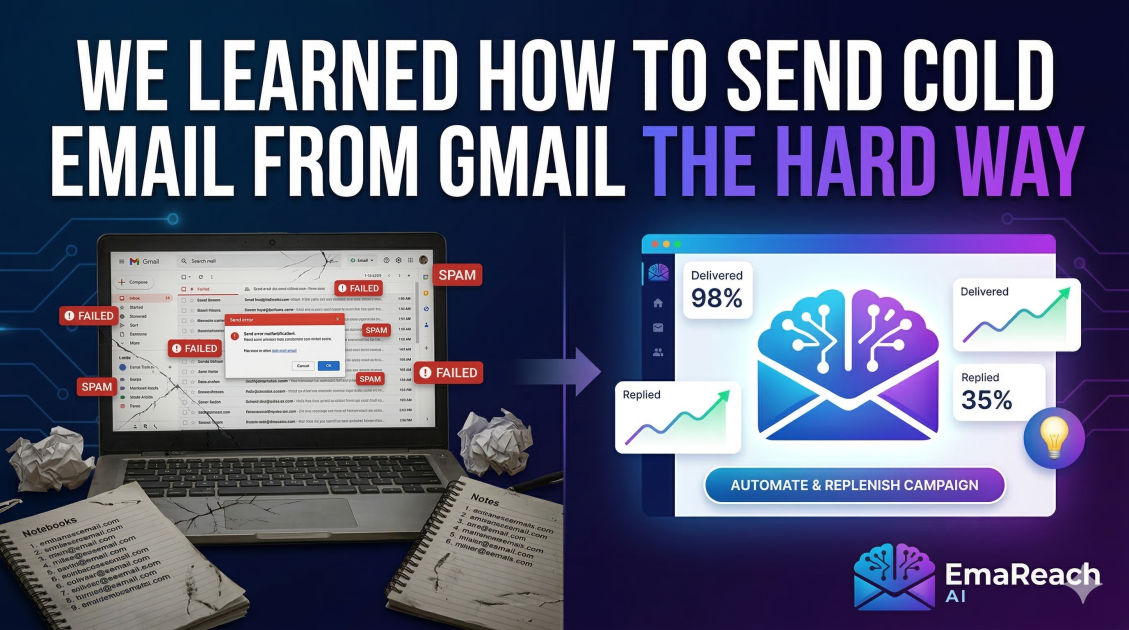
We Learned How to Send Cold Email from Gmail the Hard Way
cold emailgmail marketingemail deliverabilitysales outreachgoogle workspacelead generation
Introduction: The Gmail Trap
It started with a simple idea. We had a great product, a list of potential leads, and a standard Google Workspace account. We thought, "Why overcomplicate things? We already pay for Gmail, it’s the most reliable mail server in the world, and we know how to use it."
So, we started sending. Ten emails a day became fifty. Fifty became two hundred. We were manually BCC’ing groups, using basic mail merge add-ons, and patting ourselves on the back for our efficiency. Then, the silence started.
First, our open rates plummeted from 40% to 12%. Then, we started getting bounce-back notifications. Finally, the dreaded moment arrived: our entire workspace domain was flagged for spam, and even our internal calendar invites weren't reaching our own team members.
We learned how to send cold email from Gmail the hard way. This is the story of our failures, the technical wall we hit, and the precise strategy we used to rebuild our reputation and turn Gmail into a high-performance outreach engine without getting banned.
The Fundamental Conflict: Personal vs. Commercial
The first lesson we learned is that Gmail is designed for humans talking to humans. Google’s algorithms are highly tuned to detect "non-human" behavior. When you use a standard Gmail or Google Workspace account for cold outreach, you are essentially trying to use a scalpel where you need a chainsaw—or more accurately, using a consumer product for an industrial task.
The Algorithm's Watchful Eye
Google tracks several key metrics that we completely ignored in the beginning:
- The Sending Velocity: Humans don't send 100 emails in 60 seconds. We were using tools that blasted emails out all at once.
- The Sent-to-Received Ratio: If you send 500 emails and receive only 2 replies, Google assumes you are a spammer.
- The Engagement Level: Google looks at how many people delete your email without opening it or, worse, click the "Report Spam" button.
By ignoring these, we were unknowingly digging a grave for our domain authority.
The Technical Limits We Didn't Know Existed
Gmail has hard limits. We thought the 2,000-emails-per-day limit for Google Workspace meant we could actually send 2,000 cold emails. We were wrong.
That limit is for transactional or internal communication. For cold outreach to external addresses that haven't whitelisted you, the "effective" limit is much lower. When you push toward those boundaries with unverified content, Google’s filters trigger an automatic "probation" period.
We also failed to realize that Gmail accounts have a "reputation score." Every time you send an email that gets ignored, your score drops. Once it hits a certain threshold, your emails stop landing in the Primary tab and start heading straight to the Promotions or Spam folders.
The Turning Point: Understanding Infrastructure
After our main domain was blacklisted, we had to stop everything. We realized that professional outreach requires a specific technical setup that goes beyond just clicking "Compose."
1. The Multi-Domain Strategy
Never send cold emails from your primary company domain (e.g., company.com). If that domain gets blacklisted, your entire business operations—from invoices to client support—grind to a halt. We learned to set up secondary domains (e.g., getcompany.com or companylabs.com) specifically for outreach.
2. SPF, DKIM, and DMARC
We used to think these were optional technical jargon. They aren't.
- SPF (Sender Policy Framework): Tells the world which servers are allowed to send email on your behalf.
- DKIM (DomainKeys Identified Mail): Adds a digital signature to your emails, proving they weren't tampered with.
- DMARC (Domain-based Message Authentication, Reporting, and Conformance): Tells receiving servers what to do if the SPF or DKIM fails.
Without these three pillars, Gmail’s filters view you as a high-risk sender. Setting these up correctly was the first step in our recovery.
The Power of Warm-Up
You cannot create a new Gmail account and start sending cold emails on day one. We tried that, and the account was suspended within 48 hours.
Email accounts need to be "warmed up." This is the process of gradually increasing sending volume while ensuring those emails get opened and replied to. This mimics natural human behavior. We discovered that for a new account, you should start with 5-10 emails per day and slowly scale over 3-4 weeks.
This is where EmaReach becomes an essential part of the conversation. Stop Landing in Spam. Cold Emails That Reach the Inbox. EmaReach AI combines AI-written cold outreach with inbox warm-up and multi-account sending—so your emails land in the primary tab and get replies. Using a dedicated system to handle the warm-up and scaling prevents the manual headaches we faced during our "learning the hard way" phase.
Writing for Deliverability, Not Just Conversion
We used to write emails that were heavy on marketing speak: "FREE," "CLICK HERE," "DISCOUNT." We didn't realize that Gmail’s spam filters scan the actual text of your message.
The Spam Word Minefield
We learned to avoid "trigger words" that set off red flags. More importantly, we learned the importance of Spintax. If you send the exact same 500 words to 500 different people, Google sees a pattern. By using Spintax (varying synonyms and sentence structures), every email sent is slightly different, making the outreach look personalized and organic.
The Importance of Plain Text
Our early emails had fancy HTML templates, logos, and multiple links. These are hallmarks of newsletters, not personal emails. We switched to plain text, no images, and a single, clear link (or no link at all in the first touch). The result? Our deliverability spiked. It looked like a real person sent it from their phone or desktop, which is exactly what Google wants to see.
Cleaning the List: The Silent Killer
One of our biggest mistakes was sending emails to dead addresses. We bought a list (mistake number one) and didn't verify it.
When you send an email to an address that doesn't exist, it "hard bounces." A high bounce rate is the fastest way to get your Gmail account flagged. We now treat list hygiene as a sacred ritual. Every email address is run through a verification tool to ensure it is active and reachable before a single message is sent.
The Workflow That Actually Works
After months of trial and error, we developed a system that allows us to use Gmail effectively without the risk:
- Preparation: Purchase 3-5 secondary domains.
- Configuration: Set up Google Workspace on each, ensuring SPF, DKIM, and DMARC are perfect.
- Incubation: Use an automated warm-up tool for at least 21 days.
- Personalization: Use AI and research to ensure each email is highly relevant to the recipient.
- Scaling: Instead of sending 500 emails from one account, send 30 emails from 17 different accounts.
- Monitoring: Constantly check domain health and blacklists.
Managing the Inbox: The Human Element
Once we fixed the deliverability, we faced a new problem: managing replies. When you send from multiple accounts, it's easy to lose track of who replied where. We learned to use a unified inbox approach. This allowed us to see all replies in one place, ensuring that a lead never went cold because we forgot to check "account-4@companylabs.com."
We also learned the "positive reply" rule. If a prospect replies with "Not interested," we remove them immediately. If they reply with "Stop," we unsubscribe them across all domains. Protecting our reputation is more important than trying to convince a hostile lead.
Why We Still Use Gmail
You might ask: if it’s so hard, why bother with Gmail? Why not use a bulk sender like Mailchimp?
The answer is simple: The Primary Tab.
Bulk sending services are designed for newsletters. Their IP addresses are shared by thousands of other companies, and their headers are clearly marked as "Precedence: bulk." Gmail knows these are marketing emails and shunts them to the Promotions tab. Cold outreach sent through Gmail (when done correctly) has the best chance of appearing right between an email from the prospect's boss and a message from their mom.
Lessons from the Trenches: Common Myths Debunked
Through our "hard way" journey, we encountered several myths that we had to disprove ourselves:
- Myth: You can just use a free @gmail.com account.
- Reality: Free accounts have even stricter filters and look unprofessional. Always use a paid Workspace account for cold outreach.
- Myth: More volume equals more leads.
- Reality: Quality and deliverability equal more leads. 50 emails that land in the inbox are worth more than 5,000 that land in spam.
- Myth: Unsubscribe links are mandatory in cold email.
- Reality: While legally required in some jurisdictions (like GDPR or CAN-SPAM), a formal "Unsubscribe" link can sometimes trigger spam filters. We found that a simple text-based opt-out like "If you'd rather not hear from me, just let me know" works better for both deliverability and a human feel.
Conclusion: Respect the Inbox
Sending cold emails from Gmail isn't about "hacking" the system. It’s about respecting the infrastructure and the recipient. We learned the hard way that cutting corners leads to domain ruin.
By treating email as a high-stakes communication channel rather than a volume-based numbers game, we transformed our outreach. We moved from being perceived as "spammers" to being seen as professional peers. It requires more setup, more patience, and better tools, but the results—real conversations with high-value prospects—are worth every technical hurdle we had to clear.
EmaReach AI
Ready to scale your cold email outreach?
Join thousands of teams using EmaReach AI for AI-powered campaigns, domain warmup, and 95%+ deliverability. Start free — no credit card required.
Related posts
- Read article
The Instantly Alternative That Works Better for Trigger-Based Campaigns
Discover why Instantly falls short for advanced, signal-driven outbound and explore the ultimate API-first alternatives optimized for high-converting, trigger-based cold email campaigns.
- Read article
The Instantly Alternative That Handles High Bounce Rates Without Panic
Discover how transitioning to an advanced Instantly alternative can safeguard your cold email infrastructure. Learn to handle high bounce rates effortlessly using real-time verification, smart mailbox rotation, and automated safety nets to protect your sender reputation and maintain consistent primary inbox placement.