Blog
Back to blog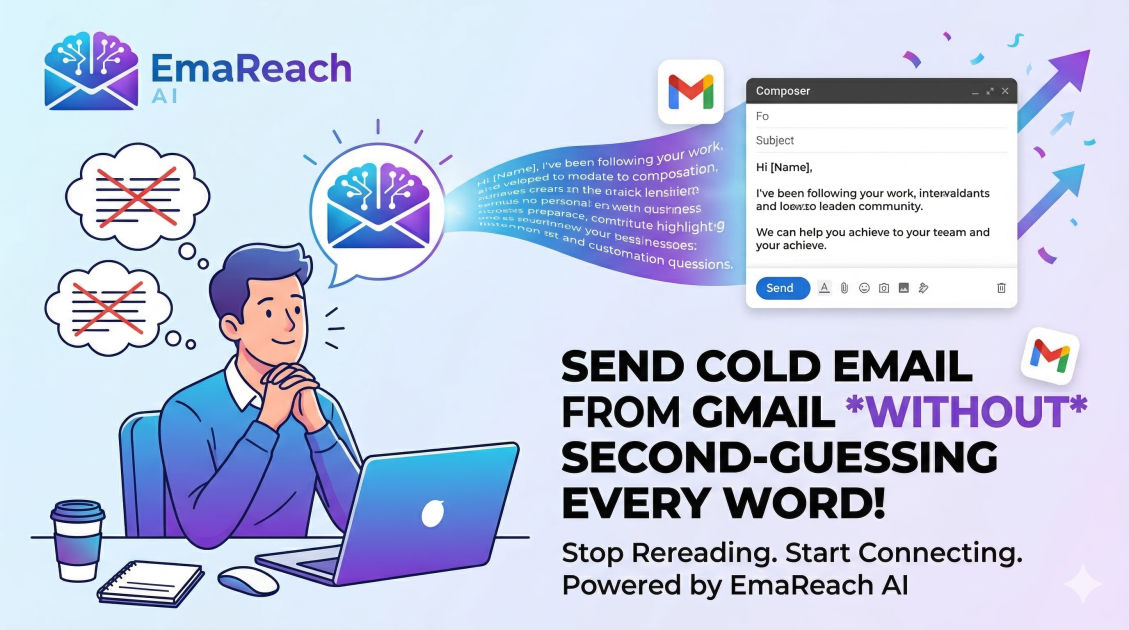
Send Cold Email from Gmail Without Second-Guessing Every Word You Write
cold emailgmail tipsoutreach strategyproductivitysales tipsemail marketing
The Psychological Barrier of the 'Send' Button
We have all been there. You have spent forty-five minutes crafting a three-sentence email to a potential client. You have checked their LinkedIn profile four times, verified their company’s recent funding round, and adjusted the placement of a comma at least thrice. Yet, as your cursor hovers over the blue 'Send' button in Gmail, a wave of hesitation washes over you.
Is it too pushy? Is it too casual? Did I spell their name right?
Second-guessing is the silent killer of cold outreach productivity. It transforms a high-volume activity into a draining, low-output chore. To scale a business or land new opportunities, you must move past the paralysis of perfectionism. This guide provides a comprehensive framework for sending cold emails from Gmail with total confidence, ensuring your messages are professional, effective, and—most importantly—sent.
Understanding the Anatomy of a Non-Cringe Cold Email
To stop second-guessing, you need a repeatable system. When you follow a proven structure, you no longer have to wonder if your email 'sounds right.' You simply check the boxes of a successful framework.
1. The Subject Line: The Gatekeeper
Your subject line has one job: to get the email opened. Second-guessing often happens here because we try to be too clever. In reality, the most effective subject lines are boring, brief, and relevant.
- The Low-Stakes Question: "Quick question regarding [Topic]?"
- The Direct Connection: "Found you through [Mutual Connection/Platform]"
- The Value Tease: "Ideas for [Company Name]’s [Specific Department]"
Avoid 'clickbait' at all costs. If your subject line promises a pot of gold and your email body delivers a sales pitch, you lose trust immediately.
2. The Personalization Hook
This is where most people get stuck. How much research is enough? The rule of thumb is the 'Two-Minute Rule.' If you cannot find a relevant hook in two minutes, move on to a broader but still applicable observation about their industry.
3. The Value Proposition (The 'Why Now')
Why should this person care? Instead of listing features of what you do, focus on the transformation you provide. Shift from 'I provide SEO services' to 'I help SaaS companies lower their customer acquisition costs through organic search.'
4. The Low-Friction Call to Action (CTA)
Never ask for a 30-minute meeting in a first cold email. That is a high-friction request that triggers an immediate 'No' in the recipient’s mind. Instead, ask for interest.
- "Is this something you are currently prioritizing?"
- "Mind if I send over a short video explaining how this works?"
Technical Confidence: Setting Up Gmail for Success
You cannot write with confidence if you are worried about your emails landing in the promotions tab or, worse, the spam folder. Gmail is a powerful tool, but it requires specific configurations for professional outreach.
Optimizing Your Profile
Ensure your Gmail profile has a professional headshot and a clear signature. A missing photo or a cluttered signature with too many links can trigger 'spam' alarms in the recipient's brain. Keep your signature simple: Name, Title, Company, and perhaps one link to your website or a testimonial page.
Understanding Sending Limits
Gmail has strict daily sending limits. For standard accounts, it is generally around 500 emails per day, while Google Workspace allows up to 2,000. However, hitting these limits is a surefire way to get your account flagged. To write without worry, you need to know your infrastructure is healthy.
For those who want to eliminate the technical anxiety of deliverability, using a specialized layer like EmaReach can be a game-changer. EmaReach ensures you stop landing in spam by combining AI-written outreach with automated inbox warm-up and multi-account sending. This allows your emails to land in the primary tab, giving you the peace of mind to focus on the content rather than the delivery mechanics.
Overcoming the Perfectionist Loop
If you find yourself editing a single sentence for ten minutes, you are likely suffering from 'The Spotlight Effect'—the belief that the recipient will scrutinize your email as much as you are.
In reality, the recipient will spend approximately six to ten seconds scanning your email. They will not notice the slightly repetitive phrasing in the second paragraph. They will notice if you can solve a problem they have.
The 'Drafting' Mindset vs. The 'Sending' Mindset
Separate these two phases. Write your drafts in a batch. Do not edit as you go. Once you have ten drafts, switch to 'Editor Mode.' Fix the typos, check the links, and then—crucially—hit send on all of them in one go. Mixing writing and sending leads to the 'Sender's Remorse' loop.
The Power of Templates (That Don’t Feel Like Templates)
Templates get a bad rap because people use them poorly. A good template is not a script; it is a scaffold. By using a scaffold, you remove the 'blank page' syndrome that leads to second-guessing.
The 'Bridge' Template
- Observation: "I saw your recent post about [Topic]..."
- Bridge: "It reminded me of the work we did with [Similar Company]..."
- Value: "We were able to help them achieve [Result]..."
- CTA: "Worth a brief chat?"
The 'Direct' Template
- Context: "I am reaching out because I see [Company] is hiring for [Role]."
- Solution: "Usually, that means you are looking to scale [Function]. We specialize in..."
- CTA: "Can I send a one-pager on how we handle this?"
Managing Your Emotional Response to 'No'
Much of the second-guessing stems from a fear of rejection or being perceived as an annoyance. To counter this, you must reframe what a cold email is.
You are not 'bothering' people; you are offering a potential solution to a problem. If they don't have that problem, they will ignore the email. If they do have the problem, they will be glad you reached out.
The 'Neutral' Outcome
Most cold emails result in no response. This isn't a failure; it’s data. It might mean the timing was off, the person is on vacation, or they simply aren't the right contact. When you stop taking the silence personally, the 'fear of sending' evaporates.
Best Practices for Gmail Outreach Efficiency
To keep your momentum high, utilize Gmail's native features designed for productivity.
Using 'Templates' (formerly Canned Responses)
Enable the Templates feature in Gmail Settings > Advanced. Save your core scaffolds here. When you go to write an email, pull up the template, spend 60 seconds personalizing the first line, and hit send. This keeps you in the flow.
Schedule Send
If you are writing emails at 11 PM on a Sunday, do not send them immediately. Use the 'Schedule Send' feature to have them arrive in the recipient’s inbox at 8:30 AM on Tuesday. This makes you look more professional and increases open rates.
The Role of Follow-Ups in Reducing Stress
Surprisingly, knowing you have a follow-up sequence planned reduces the pressure on the first email. You don't have to say everything in the initial message. In fact, you shouldn't.
Keep the first email lean. If they don't respond, you have a second, third, and fourth chance to provide value. The 'Second-Guessing' monster hates follow-ups because it wants to believe everything hinges on a single moment. It doesn't.
Advanced Strategy: Segmenting Your Leads
One reason we second-guess is because we feel the message isn't quite right for the person. This often happens because our lead list is too broad.
If you are emailing 'Marketing Managers,' 'CEOs,' and 'Sales Leads' with the same script, your brain will naturally hesitate because the value prop doesn't fit everyone perfectly.
- Segment by Pain Point: Group leads by the specific problem they are facing.
- Segment by Industry: Use industry-specific jargon that proves you are an insider.
- Segment by Technology: If you know they use a certain software, mention it.
When your list is highly segmented, the writing becomes effortless because the 'Relevance' is baked into the list itself.
Avoiding the 'Spammy' Trap
Certain words and formatting choices trigger psychological 'spam' filters in humans, even if they pass the technical ones. To send with confidence, avoid:
- Excessive Capitalization: "REALLY GREAT OPPORTUNITY"
- Too Many Links: Stick to one, maybe two.
- Vague Benefits: "I will grow your business" vs. "I will add 5-10 qualified leads to your calendar."
- Fake Urgency: "Only 2 spots left for this month!"
By staying grounded in reality and professional courtesy, you eliminate the 'sleazy salesperson' guilt that often leads to hesitation.
Finalizing Your Workflow
To move from a hesitant sender to a confident outreacher, follow this daily workflow:
- Prospecting (30 mins): Find 20 high-quality leads.
- Research (30 mins): Find one unique fact for each lead.
- Drafting (30 mins): Use your Gmail templates to write the 20 emails.
- The 'Scan' (10 mins): Read through them once for glaring errors.
- The Send (2 mins): Blast them out or schedule them.
Conclusion
Sending cold emails from Gmail should not be a high-stakes emotional event. It is a fundamental business process, much like accounting or project management. By establishing a clear framework, optimizing your technical setup, and separating the 'creative' writing process from the 'administrative' sending process, you can silence the inner critic that causes you to second-guess every word.
Remember, a 'good' email that is sent will always outperform a 'perfect' email that stays in the drafts folder. Focus on relevance, brevity, and consistency. With the right systems in place—and perhaps a boost from tools like EmaReach to handle the deliverability heavy lifting—you can turn your Gmail inbox into a powerful engine for growth, free from the shackles of perfectionism.
EmaReach AI
Ready to scale your cold email outreach?
Join thousands of teams using EmaReach AI for AI-powered campaigns, domain warmup, and 95%+ deliverability. Start free — no credit card required.
Related posts
- Read article
The Instantly Alternative That Finally Gets Outbound Analytics Right
Discover why high-volume cold email requires a shift from surface-level vanity metrics to deep, data-driven revenue attribution, and explore the ultimate alternatives for mastering outbound engineering.
- Read article
What You Gain and What You Give Up When Switching From Instantly
Thinking about migrating your cold email stack? This detailed guide breaks down the exact operational advantages you gain and the core features you sacrifice when switching away from Instantly's popular outreach platform.