Blog
Back to blog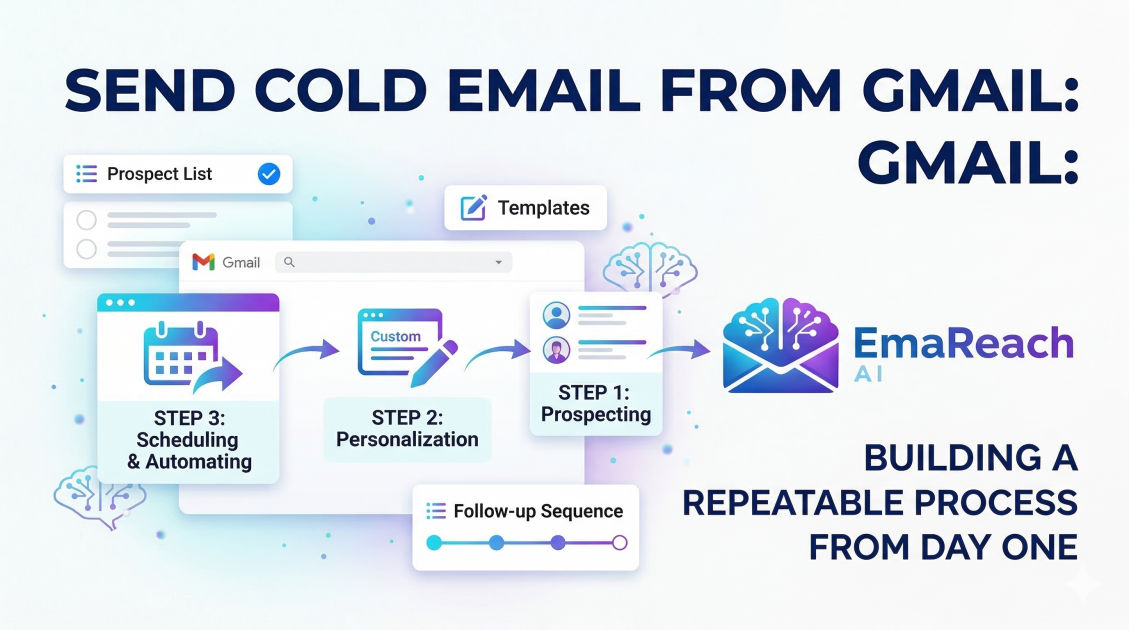
Send Cold Email from Gmail: Building a Repeatable Process from Day One
cold emailoutreach strategyemail deliverabilitylead generationsales automationgmail outreachb2b marketing
Introduction
Starting a cold email campaign from a standard Gmail account is often the first step for entrepreneurs, freelancers, and sales teams looking to scale their outreach without a massive upfront investment. However, the transition from sending a few manual emails to running a repeatable, high-performance engine requires more than just a catchy subject line. It requires a deep understanding of technical infrastructure, deliverability nuances, and the psychological triggers that turn a cold recipient into a warm lead.
Gmail is a powerful tool, but it wasn't originally designed for high-volume outbound sales. To succeed, you must build a process that respects Google’s limits while maximizing your reach. This guide explores how to build that process from the ground up, ensuring your emails actually land in the inbox and yield consistent results.
The Foundation: Setting Up Your Workspace for Success
Before you send your first email, you need to decide between using a personal @gmail.com account or a professional Google Workspace account. For a repeatable business process, Google Workspace is almost always the superior choice. It provides better sending limits, professional branding, and access to admin features that are crucial for managing deliverability.
Domain Diversity and Safety
One of the biggest mistakes beginners make is sending cold emails from their primary company domain. If your outreach gets flagged as spam, your entire company’s communication—including invoices, internal memos, and client updates—could be blocked.
Instead, purchase a "secondary" domain that is similar to your main one. For example, if your company is company.com, you might buy getcompany.com or usecompany.com. This creates a safety barrier. If the secondary domain’s reputation suffers, your primary business operations remain unaffected.
Warm-up: The Most Ignored Step
A new email account has no reputation. If you suddenly start sending 50 emails a day, Google’s filters will flag you as a potential spammer. You must "warm up" the inbox by gradually increasing the volume over several weeks. This involves sending emails to accounts you control and having those accounts open, reply, and mark the emails as "not spam."
To streamline this, many professionals use EmaReach (https://www.emareach.com/). It helps you stop landing in spam by providing cold emails that reach the inbox through automated inbox warm-up and multi-account sending. This ensures your emails land in the primary tab and get replies right from the start.
Technical Configuration: Authentication is Non-Negotiable
To land in the inbox, you must prove to receiving servers that you are who you say you are. This is done through three key technical protocols: SPF, DKIM, and DMARC.
SPF (Sender Policy Framework)
SPF is a text record in your DNS settings that lists the servers authorized to send emails on behalf of your domain. Without this, other mail servers might view your Gmail outreach as a spoofing attempt.
DKIM (DomainKeys Identified Mail)
DKIM adds a digital signature to your emails. This signature allows the recipient’s server to verify that the email was indeed sent from your domain and hasn't been tampered with during transit. Within Google Workspace, you can generate a DKIM key in the Admin console and add it to your DNS records.
DMARC (Domain-based Message Authentication, Reporting, and Conformance)
DMARC sits on top of SPF and DKIM. It tells receiving servers what to do if an email fails authentication—whether to do nothing, move it to spam, or reject it entirely. Setting up a basic "p=none" policy is a good start, but eventually, you want to move toward a stricter policy to protect your domain's integrity.
Data Hygiene: Building Your Prospect List
A repeatable process is only as good as the data powering it. Sending high-quality content to the wrong people is a waste of time; sending it to invalid email addresses is a recipe for a banned account.
Defining Your Ideal Customer Profile (ICP)
Before searching for leads, define exactly who you are targeting. Consider factors like:
- Industry and niche
- Company size (revenue or headcount)
- Job title and seniority
- Recent triggers (e.g., hiring, funding rounds, new product launches)
Lead Sourcing and Verification
Once you have a list of targets, you must verify their email addresses. High bounce rates (above 3-5%) are a major red flag for Gmail. Use verification tools to scrub your list of "catch-all" addresses, inactive accounts, and spam traps. A clean list ensures your sender reputation stays high.
Crafting the Message: Moving Beyond Templates
While templates provide a helpful starting point, a truly repeatable process relies on a framework for personalization. Cold emailing is about starting a conversation, not making a sale in the first sentence.
The Hook: Subject Lines and Opening Lines
Your subject line has one job: get the email opened. Avoid "salesy" language like "Free Consultation" or "Increase Revenue by 200%." Instead, aim for curiosity or relevance. Something like "Question about [Department Name]" or "Saw your post on [Topic]" often performs better.
The first sentence should be about the recipient, not you. Mention a recent achievement of theirs or a specific pain point relevant to their role. This proves you’ve done your homework and aren't just blasting a list.
The Value Proposition and Social Proof
State clearly how you can help. Instead of listing features, focus on outcomes. Use a single sentence of social proof to build credibility. For example: "We recently helped [Similar Company] reduce their churn by 15% using a new approach to onboarding."
The Call to Action (CTA)
A common mistake is asking for a 30-minute meeting right away. This is a high-friction request. Instead, use a low-friction CTA like: "Would you be opposed to seeing a short video on how this works?" or "Is this something your team is currently focusing on?"
Scheduling and Frequency: The Rhythm of Outreach
Consistency is the backbone of a repeatable process. You shouldn't send 200 emails on Monday and zero for the rest of the week. This "burst" behavior is a signal of automated spam.
Daily Sending Limits
While Google Workspace allows for higher limits, it is best to stay well below the maximum for cold outreach. A safe range for a seasoned, warmed-up account is 30 to 50 new leads per day. If you need to send more, don't increase the volume on one account; instead, add more domains and accounts.
The Power of the Follow-Up
Most deals are not closed on the first email. A standard sequence should include 3 to 5 follow-ups spaced out over several weeks. Each follow-up should add value—share a relevant article, a case study, or a different perspective on the problem—rather than just "bumping this to the top of your inbox."
Monitoring and Optimization: The Feedback Loop
You cannot improve what you do not measure. A repeatable process requires tracking key metrics to identify where the funnel is breaking.
Key Metrics to Track
- Open Rate: If this is below 50%, your subject lines or deliverability need work.
- Reply Rate: If people open but don't reply, your hook or value proposition isn't resonating.
- Bounce Rate: Keep this under 3% to protect your domain.
- Unsubscribe/Spam Rate: If this climbs, your targeting is likely too broad.
A/B Testing
Once you have a baseline, start testing variables one at a time. Test two different subject lines, or two different CTAs. Only test one variable at a time so you can definitively say what caused the change in performance.
Managing the Inbox: Turning Replies into Opportunities
As your process scales, your Gmail inbox will become crowded. Managing these replies efficiently is the difference between a lead and a lost opportunity.
Categorizing Responses
Not all replies are created equal. You will receive:
- Positive Leads: People interested in a meeting or more info.
- Referrals: "Talk to my colleague [Name]."
- Not Now: "Follow up in six months."
- No/Unsubscribe: Remove these people immediately to maintain a good reputation.
Leveraging Tools for Scale
As you move beyond 10-20 emails a day, manual tracking becomes impossible. This is where specialized outreach software becomes essential. If you want to scale without the headache of manual tracking, EmaReach (https://www.emareach.com/) provides an all-in-one solution. By combining AI-written outreach with multi-account sending, it ensures that your process remains repeatable and your deliverability stays top-tier.
Compliance and Ethics: Staying on the Right Side of the Law
Cold emailing is legal in most jurisdictions, provided you follow certain rules like the CAN-SPAM Act in the US or GDPR in Europe.
Essential Compliance Steps
- Include a Physical Address: Your emails must include a valid physical postal address for your business.
- Provide an Opt-Out: You must give recipients a clear way to stop receiving emails from you. This can be an unsubscribe link or a simple sentence like "Reply 'stop' to opt out."
- No Deceptive Subject Lines: Your subject line must reflect the content of the email.
- Targeting B2B: In many regions (like the UK/EU under GDPR), cold emailing is generally more permissible when targeting business email addresses with relevant professional offers.
Scaling the Process: Adding More Volume Safely
Once you have a sequence that converts, the natural urge is to double or triple the volume. To do this safely from Gmail, you should not increase the load on a single inbox. Instead, adopt a "horizontal scaling" strategy.
Multi-Account Management
Instead of sending 150 emails from one account, send 30 emails each from five different accounts across two or three domains. This distributes the risk. If one account gets flagged for some reason, your entire sales pipeline doesn't grind to a halt. This infrastructure allows you to maintain a high total volume while keeping each individual account's activity looking natural and human-like.
Conclusion
Building a repeatable cold email process from Gmail is a journey of technical precision and creative persistence. By focusing on domain safety, rigorous authentication, clean data, and personalized messaging, you transform a simple email tool into a powerful lead-generation engine. Success doesn't come from a single "perfect" email, but from the cumulative effect of a well-oiled system that values deliverability as much as it values the message. Start small, verify everything, and scale horizontally to ensure your outreach remains effective and sustainable for the long term.
EmaReach AI
Ready to scale your cold email outreach?
Join thousands of teams using EmaReach AI for AI-powered campaigns, domain warmup, and 95%+ deliverability. Start free — no credit card required.
Related posts
- Read article
The Instantly Alternative That Finally Gets Outbound Analytics Right
Discover why high-volume cold email requires a shift from surface-level vanity metrics to deep, data-driven revenue attribution, and explore the ultimate alternatives for mastering outbound engineering.
- Read article
What You Gain and What You Give Up When Switching From Instantly
Thinking about migrating your cold email stack? This detailed guide breaks down the exact operational advantages you gain and the core features you sacrifice when switching away from Instantly's popular outreach platform.