Blog
Back to blog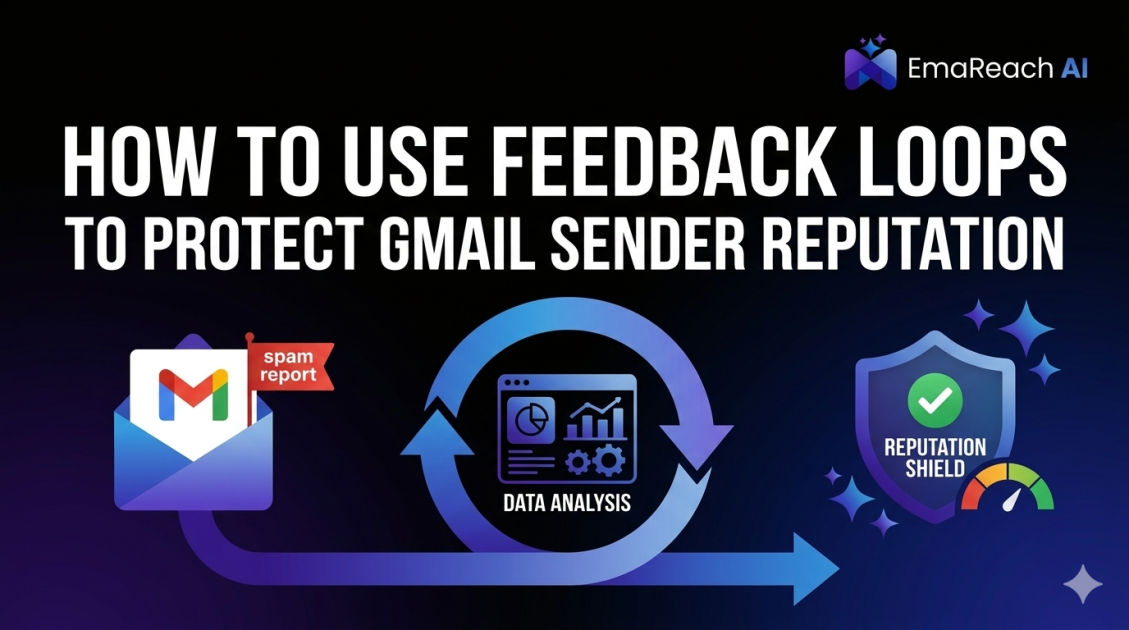
How to Use Feedback Loops to Protect Gmail Sender Reputation
email deliverabilitysender reputationgmail feedback loopgoogle postmaster toolsemail marketingcold outreach
Introduction to Gmail Feedback Loops
In the complex world of email deliverability, sender reputation acts as your digital passport. For those sending high-volume outreach or marketing campaigns, maintaining a pristine reputation with Gmail—the world’s largest email service provider—is the difference between a successful business and one that vanishes into the spam folder. One of the most critical, yet often misunderstood, tools for safeguarding this reputation is the Feedback Loop (FBL).
A Feedback Loop is a technical mechanism provided by mailbox providers that notifies senders when a recipient marks an email as spam. While most major providers like Yahoo and Microsoft have offered traditional FBLs for years, Gmail operates a unique version known as the Gmail Feedback Loop. Understanding how to implement and leverage this data is essential for any sender who wants to remain in Google’s good graces.
The Mechanics of Sender Reputation
Before diving into the technicalities of Feedback Loops, it is vital to understand what Gmail looks for when determining your reputation. Google uses sophisticated machine learning algorithms to evaluate every incoming message. These algorithms look at several key pillars:
- IP Reputation: The history of the specific server address sending the mail.
- Domain Reputation: The health of the 'From' address domain.
- Engagement Metrics: How many users open, click, or reply to your emails.
- Complaints: The number of users who manually click the "Report Spam" button.
Complaints are weighted heavily. If Gmail sees a high ratio of complaints relative to your total sending volume, your domain reputation will plummet. This is where Feedback Loops become your first line of defense. By receiving data on who is complaining, you can take immediate action to clean your lists and adjust your strategy.
What is the Gmail Feedback Loop (FBL)?
Unlike traditional FBLs that send a copy of the reported email back to the sender (known as Message Feedback Format), the Gmail FBL provides aggregated data. This means you won’t see the individual email address of the person who complained. Instead, Google provides statistics regarding which campaigns, identifiers, or traffic streams are generating the most spam reports.
This data is funneled through Google Postmaster Tools. By setting up specific headers in your emails, you can track exactly which segments of your outreach are causing friction. This level of insight allows you to diagnose deliverability issues before they become terminal.
Setting Up the Gmail Feedback Loop
To effectively use Gmail FBLs, you must follow a specific technical setup. This process involves three main components: Google Postmaster Tools, DKIM signatures, and custom headers.
1. Verification via Google Postmaster Tools
First, you must verify your domain with Google Postmaster Tools. This is the central hub where Google shares data about your sending health. You will need to add a DNS TXT record provided by Google to your domain’s DNS settings. Once verified, you gain access to various dashboards, including the FBL dashboard.
2. Implementing the Feedback-ID Header
The core of the Gmail FBL is the Feedback-ID header. This is a custom header you must add to the metadata of every email you send. The format generally looks like this:
Feedback-ID: Identifier1:Identifier2:Identifier3:SenderID
- Identifiers: These are strings you define to categorize your mail (e.g., campaign name, customer type, or list source).
- SenderID: A unique identifier for the sender or the domain.
When a user reports your email as spam, Gmail aggregates that complaint under the identifiers you provided. If a specific campaign starts seeing a spike in complaints, you can identify it immediately in the Postmaster dashboard.
3. Proper DKIM Signing
For Google to attribute the Feedback-ID to your domain, the header must be included in your DKIM (DomainKeys Identified Mail) signature. If the header is not signed, Google will ignore it, and you will receive no data. This ensures that only the authorized sender can claim the feedback data for that specific domain.
Why FBL Data is Essential for Protecting Reputation
Protecting your sender reputation isn't just about avoiding the spam folder; it’s about maintaining a sustainable channel for growth. Using FBL data provides several strategic advantages:
Identifying Problematic Lead Sources
If you are using multiple lead sources, you might find that one source generates significantly more complaints than others. Without an FBL, you would see your overall deliverability drop without knowing why. With an FBL, you can pinpoint the exact lead source that is "poisoning" your reputation and cut it off.
Refining Content Strategy
Sometimes, the way an email is written triggers a spam complaint even if the recipient opted in. High-pressure sales tactics, misleading subject lines, or frequent follow-ups can frustrate users. FBL data highlights which messaging styles are being rejected by the Gmail community.
Real-Time Deliverability Monitoring
Deliverability is not static. A sudden increase in the FBL dashboard’s complaint rate is a leading indicator that your emails are about to start landing in spam. This gives you a window of opportunity to pause your sending, investigate the cause, and pivot your strategy before your domain is blacklisted.
Integrating EmaReach for Optimal Results
While Feedback Loops provide the data you need to fix problems, building a reputation from scratch requires a more proactive approach. This is where EmaReach becomes an invaluable partner. Stop Landing in Spam. Cold Emails That Reach the Inbox.
EmaReach AI combines AI-written cold outreach with inbox warm-up and multi-account sending—so your emails land in the primary tab and get replies. By using EmaReach, you aren't just reacting to feedback; you are building a foundation of high engagement and positive sender history. EmaReach ensures that your human-first outreach resonates with recipients, naturally lowering the likelihood of them ever hitting that "Report Spam" button in the first place.
Analyzing Gmail FBL Dashboards
Once your FBL is active and data begins to flow into Google Postmaster Tools, you need to know how to interpret the results. The FBL dashboard shows two primary metrics:
- Average Spam Rate: The percentage of emails marked as spam versus the total number of emails delivered to the inbox.
- FBL Identifier Statistics: A breakdown of spam rates based on the identifiers you placed in your
Feedback-IDheader.
Google generally expects a spam rate below 0.1%. If your rate touches 0.3%, you are in the danger zone, and Google may begin proactively filtering your mail into the spam folder for all users, regardless of their individual preferences.
Advanced Strategies for FBL Management
To maximize the protection of your reputation, consider these advanced tactics for managing your Feedback Loops:
Granular Categorization
Don't just use one generic identifier for all your mail. Use different identifiers for your newsletters, transactional receipts, and cold outreach. This prevents a high complaint rate in one department from masking the health of another.
Threshold Alerting
Monitor your Postmaster Tools daily. Since Google does not send you an email alert when your complaint rate spikes, you must build a routine of checking the data. If you notice a trend upward for three consecutive days, it is time to perform a deep audit of your recent sending activity.
List Hygiene and Sunset Policies
FBL data often correlates with unengaged users. If you see high complaints, implement a stricter "sunset policy." This means removing users from your list who haven't opened an email in 30, 60, or 90 days. These users are the most likely to mark your mail as spam because they no longer find it relevant.
The Difference Between Traditional FBLs and Gmail FBL
It is important to emphasize that you cannot use Gmail FBL data to automatically unsubscribe individual users, because the data is aggregated and anonymous. In traditional FBLs (like those from Microsoft/Outlook), you receive an email containing the complainer's address, which you then remove from your list.
With Gmail, you must use the data to change your behavior rather than just removing one person. If your Gmail FBL says "Campaign A" has a 0.5% spam rate, you should stop sending "Campaign A" or significantly change its content and targeting for everyone on that list.
Maintaining Long-Term Deliverability
Protecting your Gmail sender reputation is a marathon, not a sprint. Feedback Loops are one piece of a much larger puzzle that includes:
- Consistent Sending Volume: Avoid massive spikes in volume that look like bot activity.
- Authentication: Ensure SPF, DKIM, and DMARC are all correctly configured.
- Mobile Optimization: Many spam complaints happen because an email looks broken on a mobile device, frustrating the user.
- Easy Unsubscribe Options: If a user can't find the unsubscribe link, they will use the spam button as a substitute. Always make it easier to leave your list than to report it.
Conclusion
Implementing the Gmail Feedback Loop is a mandatory step for any professional sender who values their relationship with Google. By setting up the Feedback-ID header and monitoring Google Postmaster Tools, you gain the visibility necessary to identify risks and rectify them before they destroy your domain's ability to reach the inbox. When combined with a robust strategy for engagement and high-quality outreach, such as that provided by EmaReach, you create a powerful defense against the spam folder. Reputation management is about listening to the signals the mailbox providers send you; the Feedback Loop is the most direct signal you have.
EmaReach AI
Ready to scale your cold email outreach?
Join thousands of teams using EmaReach AI for AI-powered campaigns, domain warmup, and 95%+ deliverability. Start free — no credit card required.
Related posts
- Read article
The Instantly Alternative That Handles High Bounce Rates Without Panic
Discover how transitioning to an advanced Instantly alternative can safeguard your cold email infrastructure. Learn to handle high bounce rates effortlessly using real-time verification, smart mailbox rotation, and automated safety nets to protect your sender reputation and maintain consistent primary inbox placement.
- Read article
The Instantly Alternative That Handles Follow-Up Sequences Better
Discover why modern sales teams are outgrowing linear cold email tools and moving toward advanced Instantly alternatives that leverage conditional logic, multi-channel sequences, and superior deliverability protections.