Blog
Back to blog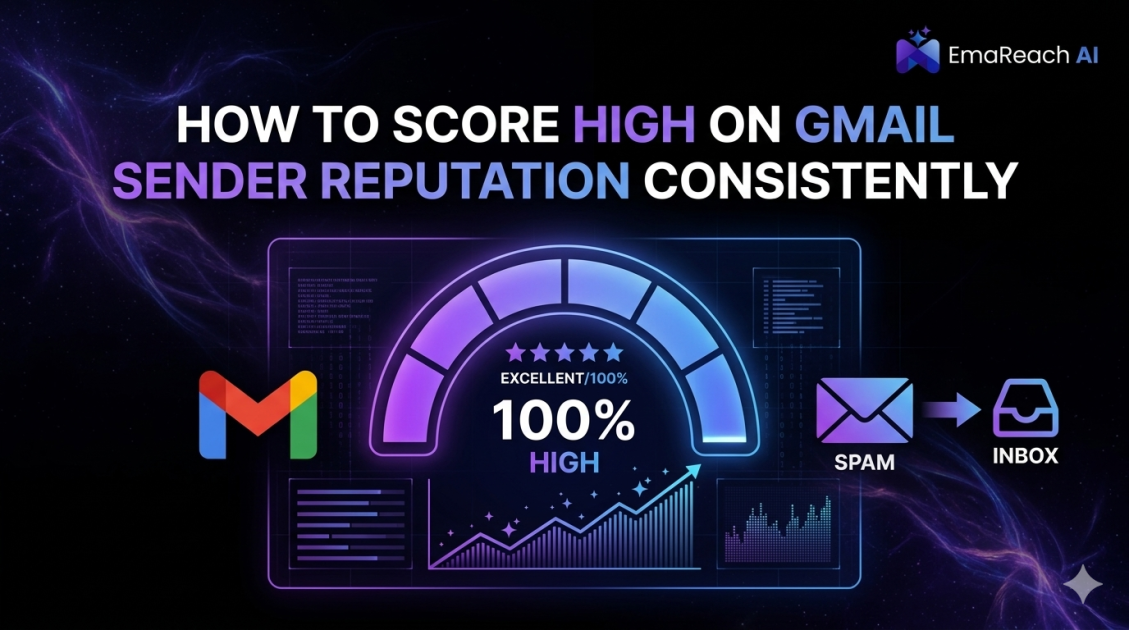
How to Score High on Gmail Sender Reputation Consistently
email deliverabilitygmail reputationsender scoreemail marketingcold outreachSPF DKIM DMARCinbox placement
Introduction to Gmail Sender Reputation
In the world of digital communication, your sender reputation is the invisible credit score that determines whether your emails reach the primary inbox or vanish into the abyss of the spam folder. For businesses and individual outreach specialists, Gmail is often the most significant gatekeeper. With over 1.5 billion active users, Google's sophisticated filtering algorithms set the global standard for email deliverability. Understanding and maintaining a high Gmail sender reputation isn't just a technical necessity; it is the backbone of successful digital marketing and professional outreach.
Sender reputation is a multifaceted metric used by Inbox Service Providers (ISPs) like Google to evaluate the trustworthiness of an email sender. If your reputation is high, Gmail trusts you, and your emails are delivered promptly to the recipient's primary tab. If it is low, your messages are flagged as suspicious, routed to spam, or blocked entirely. To score high consistently, you must master the intersection of technical authentication, engagement metrics, and content quality.
The Anatomy of Gmail’s Filtering Logic
Google uses a complex machine learning model to evaluate incoming mail. Unlike simpler filters of the past that looked for specific 'spammy' words, modern Gmail filtering looks at the relationship between the sender and the recipient. It considers factors such as how often users open your emails, how often they mark them as spam, and even how quickly they delete them without reading.
To keep your reputation high, you must understand that Google prioritizes the user experience above all else. If users indicate through their behavior that they don't want your mail, Google will respond by lowering your sender score. This makes consistency the most important factor in your strategy.
Essential Technical Authentications
Before you even think about the content of your email, you must ensure your technical foundation is unshakeable. This is the 'ID card' you present to Google to prove you are who you say you are.
SPF (Sender Policy Framework)
SPF is a DNS record that specifies which mail servers are authorized to send email on behalf of your domain. Without a proper SPF record, any third-party tool you use to send emails might be viewed as a 'spoofing' attempt by Gmail. This leads to immediate suspicion and a lower reputation score.
DKIM (DomainKeys Identified Mail)
DKIM adds a cryptographic signature to your emails. This signature acts as a seal of authenticity, ensuring that the email content hasn't been tampered with while in transit between servers. For Gmail, seeing a valid DKIM signature is a major green flag for sender integrity.
DMARC (Domain-based Message Authentication, Reporting, and Conformance)
DMARC ties SPF and DKIM together. It tells Gmail what to do if an email fails authentication—whether to do nothing, quarantine it (spam), or reject it entirely. Having a 'p=reject' or 'p=quarantine' policy shows Google that you take your domain security seriously, which significantly boosts your standing as a professional sender.
The Power of IP and Domain Reputation
Gmail tracks reputation at two levels: the IP address and the domain.
- IP Reputation: This is tied to the specific server sending the mail. If you are on a shared IP with 'spammers,' your reputation can suffer through association.
- Domain Reputation: This is arguably more critical. It follows your brand name regardless of which IP or service provider you use. Building a strong domain reputation takes months of consistent, positive behavior.
For those looking to scale their outreach while protecting their domain reputation, specialized tools are essential. Stop Landing in Spam. Cold Emails That Reach the Inbox. EmaReach (https://www.emareach.com/) AI combines AI-written cold outreach with inbox warm-up and multi-account sending—so your emails land in the primary tab and get replies. This type of infrastructure allows you to maintain high reputation scores even during high-volume campaigns.
Understanding the 'Warm-Up' Process
You cannot register a new domain and start sending 500 emails a day immediately. This is the fastest way to get blacklisted. Google expects a natural growth pattern in email volume.
The warm-up process involves starting with a very low volume—perhaps 5 to 10 emails per day—and gradually increasing that number over several weeks. During this time, it is vital that these emails are opened and replied to. This 'positive engagement' signals to Gmail that your new domain is a legitimate source of valuable information. Automated warm-up services simulate this human interaction, ensuring that when you are ready to launch a real campaign, your sender reputation is already in the 'Green' zone.
Engagement Metrics: The Heart of Your Reputation
Once your technical setup is complete, your score is determined by how recipients interact with your mail. Gmail tracks several key metrics:
Open Rates and Read Time
High open rates suggest your subject lines are relevant. However, Gmail also looks at 'dwell time'—how long the user keeps the email open. If users open and immediately delete or close the mail, it signals low value.
Reply Rates
This is the holy grail of sender reputation. When a user replies to your email, it tells Google that a two-way conversation is happening. This is the strongest signal of a high-quality sender. This is why personalizing your outreach is not just a sales tactic, but a deliverability tactic.
The 'Not Spam' Interaction
If your email accidentally lands in spam and a user moves it to the inbox or clicks 'Not Spam,' your reputation receives a massive boost. It’s a direct vote of confidence that overcomes the filter's initial hesitation.
Spam Complaints
This is the 'reputation killer.' Even a small percentage of spam complaints (anything over 0.1%) can cause Gmail to start filtering your mail aggressively. To avoid this, make the unsubscribe link easy to find. It is much better for a user to unsubscribe than to hit the 'Report Spam' button.
Content Best Practices for Inbox Placement
While Gmail's filters are smarter than they used to be, your content still matters. The key is to avoid looking like a mass-marketing blast.
- Avoid URL Shorteners: Services like Bitly are often used by spammers to hide malicious links. Use full, branded URLs instead.
- Balance Text and Images: Emails that are just one large image are frequently flagged. Maintain a high text-to-image ratio.
- Limit Links: Too many outgoing links in a single email can trigger 'phishing' alarms. Stick to one or two clear calls to action.
- Clean Code: If you use HTML templates, ensure the code is clean. Broken tags or excessive 'bloat' can look suspicious to automated scanners.
Monitoring Your Progress with Google Postmaster Tools
You cannot manage what you do not measure. Google provides a free resource called Google Postmaster Tools (GPT). It gives you a direct look at how Gmail views your domain. GPT provides data on:
- IP Reputation: Rated from Bad to High.
- Domain Reputation: The most critical metric for long-term success.
- Spam Rate: Your actual complaint rate as reported by Gmail users.
- Delivery Errors: Information on why emails are being rejected (e.g., policy violations or technical failures).
Consistently checking these dashboards allows you to spot a reputation dip before it becomes a full-blown deliverability crisis.
Handling Lists and Data Hygiene
A high sender reputation is impossible to maintain if you are sending to dead or invalid email addresses. Every 'Hard Bounce' (sending to an address that doesn't exist) is a negative mark against your reputation. High bounce rates signal to Google that you are using an unverified or 'scraped' list, which is a hallmark of spam behavior.
To protect your score:
- Verify your lists: Use email verification tools to remove invalid addresses before you hit send.
- Remove inactive users: If someone hasn't opened an email in 6 months, stop sending to them. They are dead weight pulling down your engagement metrics.
- Double Opt-in: If you are building a newsletter list, use double opt-in to ensure every user genuinely wants to hear from you.
Advanced Strategy: Multi-Account Sending
If you have a high volume of outreach to conduct, putting all that volume on a single email account is risky. If that one account hits a snag, your entire operation stops. Professional senders use 'Inbox Rotation.' This involves spreading your volume across multiple sub-domains or different accounts.
By keeping the volume per account low and 'human-like,' you drastically reduce the chance of triggering Gmail's daily sending limits or suspicious activity filters. This is where a solution like EmaReach excels, as it manages this complex infrastructure for you, ensuring that your overall sender reputation remains high while your reach expands.
Conclusion
Scoring high on Gmail sender reputation consistently is a marathon, not a sprint. It requires a meticulous approach to technical setup, a commitment to sending high-quality content that generates real engagement, and a rigorous habit of monitoring your metrics. By mastering SPF, DKIM, and DMARC, warming up your domains slowly, and prioritizing user replies over raw volume, you can ensure that your messages always land where they belong: the primary inbox.
Remember, Gmail's ultimate goal is to protect its users. When you align your sending habits with the goal of providing value and maintaining transparency, your sender reputation will naturally rise. Stay consistent, stay technical, and always put the recipient first.
EmaReach AI
Ready to scale your cold email outreach?
Join thousands of teams using EmaReach AI for AI-powered campaigns, domain warmup, and 95%+ deliverability. Start free — no credit card required.
Related posts
 Read article
How Reply Intent Changes How You Should Write Cold Email Subject Lines
Learn how the shift from open rates to reply intent is revolutionizing cold email strategy. This guide covers frameworks for writing high-intent subject lines that foster genuine engagement and conversation.

What High-Reply Cold Email Subject Lines Have in Common
Discover the psychological triggers and structural patterns that define the most successful cold email subject lines. Learn how brevity, personalization, and deliverability work together to skyrocket your reply rates.