Blog
Back to blog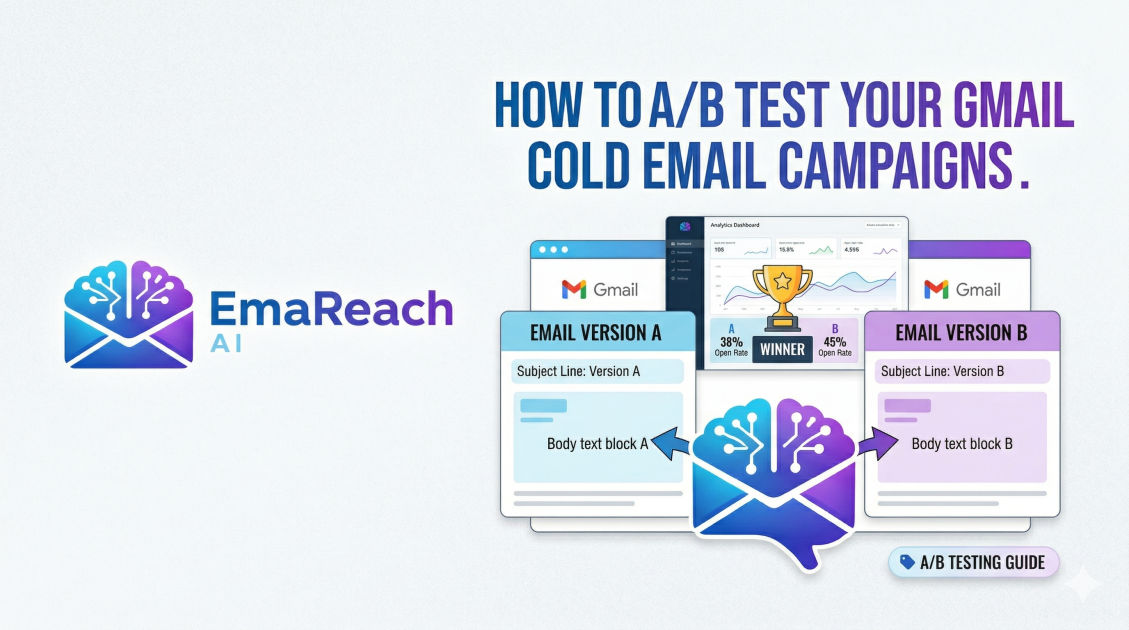
How to A/B Test Your Gmail Cold Email Campaigns
cold emailab testinggmail outreachemail marketinglead generationdeliverabilitysales strategy
Introduction to Gmail A/B Testing for Cold Outreach
In the world of digital sales and networking, a cold email is often the first point of contact between a brand and a potential partner or client. However, sending emails into the void without a strategy for measurement is a recipe for stagnation. To truly optimize your outreach, you must move beyond guesswork and embrace data-driven decision-making. This is where A/B testing—also known as split testing—becomes indispensable.
A/B testing is the process of comparing two versions of an email to see which one performs better. By changing a single variable, such as the subject line, the call to action, or the opening sentence, you can determine what resonates most with your target audience. When using Gmail for these campaigns, the challenge lies in the manual nature of the platform. Unlike dedicated marketing automation suites, Gmail requires a more deliberate approach to track and analyze results. This guide explores the comprehensive methodology for executing high-level A/B tests within your Gmail-based cold email strategy.
The Fundamentals of a Scientific Split Test
Before diving into the technical execution, it is vital to understand the scientific principles that make an A/B test valid. If your testing methodology is flawed, the data you collect will be misleading, potentially steering your campaign in the wrong direction.
1. Test One Variable at a Time
The most common mistake in A/B testing is changing too many elements at once. If you change both the subject line and the entire body of the email, and Version B performs better, you won't know which change caused the improvement. To get clean data, keep Version A (the control) and Version B (the variation) identical, except for one specific element.
2. Ensure Statistical Significance
Sending a test to ten people is not enough to draw a conclusion. For your results to be statistically significant, you need a large enough sample size. While the exact number depends on your industry and typical response rates, aiming for at least 100 to 200 recipients per variation is a good starting point for cold outreach. The larger the pool, the more you can trust that the result wasn't just a fluke.
3. Use a Random Sample
Your recipient list should be split randomly. If you send Version A to CEOs and Version B to Junior Associates, your data is biased by the persona, not the email content. Ensure that both groups have a similar mix of industries, job titles, and company sizes.
Essential Variables to Test in Your Cold Emails
To see significant shifts in your campaign performance, focus your testing on the elements that have the highest impact on recipient behavior.
Subject Lines
The subject line is the gatekeeper. If it fails, nothing else in your email matters. You can test:
- Length: Short and punchy vs. long and descriptive.
- Personalization: Using the recipient’s name vs. their company name.
- Tone: Urgent and professional vs. casual and curious.
- Questions vs. Statements: "Quick question for [Name]" vs. "Scaling [Company]'s revenue."
The Hook (Opening Line)
With Gmail’s preview text, the first sentence is often visible before the email is even opened. This is your second chance to grab attention. Test a compliment about a recent company achievement versus a direct observation about a problem they might be facing.
The Value Proposition
How do you frame your offer? You might test a "pain point" approach (focusing on what they are losing) versus a "gain" approach (focusing on what they stand to win). This helps you understand the psychological triggers of your market.
Call to Action (CTA)
The CTA is where the conversion happens. Experiment with the level of friction. For example:
- High Friction: "Are you free for a 30-minute demo on Tuesday?"
- Low Friction: "Would it be worth a brief chat?"
- Information-Based: "Can I send over a quick video explaining how this works?"
Step-by-Step Execution Using Gmail
Executing an A/B test manually in Gmail requires organization. Here is a workflow to ensure your data remains organized.
Step 1: Segment Your Leads
Take your master prospect list and divide it into two equal columns. Label them 'Group A' and 'Group B'. Ensure these lists are exported into a format where you can easily track sent status, such as a spreadsheet or a simple CRM.
Step 2: Create Your Templates
Draft your two versions. In Gmail, you can use the 'Templates' feature (found in Settings > Advanced) to save these versions. This ensures that every email sent to Group A is identical and every email to Group B is identical.
Step 3: Deployment Strategy
Timing is a variable in itself. To keep the test fair, send both Version A and Version B at the same time and on the same day. This eliminates the possibility that a higher open rate on Version B was simply because it was sent on a Tuesday instead of a Friday.
Step 4: Tracking and Logging
Since Gmail doesn't provide built-in open and click tracking for individual emails, you will need to utilize a tracking layer. Many professionals use lightweight extensions that notify them when an email is opened. Manually log these opens and replies in your spreadsheet against the corresponding group.
Advanced Deliverability: The Hidden Variable
Even the best-written email will fail if it lands in the spam folder. Deliverability is the foundation of any successful Gmail campaign. If you find that one version has a 0% open rate, it is likely not a matter of a bad subject line, but rather a deliverability issue.
For those serious about their outreach, tools like EmaReach (https://www.emareach.com/) can be a game-changer. EmaReach ensures you "Stop Landing in Spam" by providing cold emails that reach the inbox. It combines AI-written outreach with inbox warm-up and multi-account sending, which is essential when you are scaling A/B tests across hundreds of leads. By keeping your sender reputation high, you ensure that your A/B test results are based on human preference, not spam filters.
Analyzing Your Results
Once your campaign has run its course (usually 3-5 days after the final send), it is time to look at the numbers. Focus on three primary metrics:
Open Rate
This tells you how effective your subject line and sender name were. If Version A had a 40% open rate and Version B had a 25% open rate, Version A is your clear winner for getting attention.
Reply Rate
This is the ultimate metric for cold outreach. It measures the effectiveness of your body copy and CTA. Sometimes a high open rate leads to a low reply rate—this usually means your subject line was "clickbait" and didn't match the content of the email.
Positive vs. Negative Sentiment
Not all replies are equal. Sort your replies into "Interested," "Not Interested," and "Remove from list." A version that generates many "Not Interested" replies may be too aggressive, even if the total reply count is high.
The Iterative Process: Moving Beyond the First Test
A/B testing is not a one-time event; it is a cycle of continuous improvement. Once you have a winner from your first test, that version becomes your new "Control."
You then create a new "Variation B" to test a different element. For example, if you just finished testing subject lines, your next test should focus on the CTA within that winning subject line. Over several months, this process of incremental gains can double or triple your conversion rates.
Best Practices for Gmail Outreach Sustainability
When running tests through Gmail, you must be mindful of Google’s sending limits and policies. To keep your account safe while testing:
- Warm up your inbox: Never start a high-volume test on a brand-new Gmail account. Gradually increase your daily send volume.
- Monitor Bounce Rates: If your bounce rate exceeds 2-3%, stop your campaign immediately and verify your lead list. High bounce rates signal to Gmail that you are a spammer.
- Spacing: Do not send 100 emails in one minute. Space them out to mimic human behavior.
Avoiding Common Pitfalls
Many marketers fall into traps that invalidate their data. Be aware of:
- The "Winner's Curse": Changing your entire strategy based on a very small margin of victory. If Version B only beat Version A by 0.5%, it’s better to run the test again with a larger sample.
- Ignoring the Context: An email that works for a tech startup might fail for a manufacturing firm. Ensure your A/B test results are applied to the specific segment they were tested on.
- Testing at the Wrong Time: Avoid testing during major holidays or industry-specific busy seasons, as recipient behavior during these times is an outlier and not representative of normal operations.
Conclusion
Mastering A/B testing in Gmail transforms cold outreach from a game of luck into a repeatable, scientific process. By isolating variables, maintaining a clean testing environment, and diligently tracking results, you gain deep insights into your audience’s psychology. Remember that the goal is not just to find a "better" email, but to build a communication framework that consistently lands in the inbox and generates meaningful conversations. With patience and data, your Gmail outreach can become one of the most powerful tools in your professional arsenal.
EmaReach AI
Ready to scale your cold email outreach?
Join thousands of teams using EmaReach AI for AI-powered campaigns, domain warmup, and 95%+ deliverability. Start free — no credit card required.
Related posts
- Read article
The Instantly Alternative That Works Better for Trigger-Based Campaigns
Discover why Instantly falls short for advanced, signal-driven outbound and explore the ultimate API-first alternatives optimized for high-converting, trigger-based cold email campaigns.
- Read article
The Instantly Alternative That Handles High Bounce Rates Without Panic
Discover how transitioning to an advanced Instantly alternative can safeguard your cold email infrastructure. Learn to handle high bounce rates effortlessly using real-time verification, smart mailbox rotation, and automated safety nets to protect your sender reputation and maintain consistent primary inbox placement.