Blog
Back to blog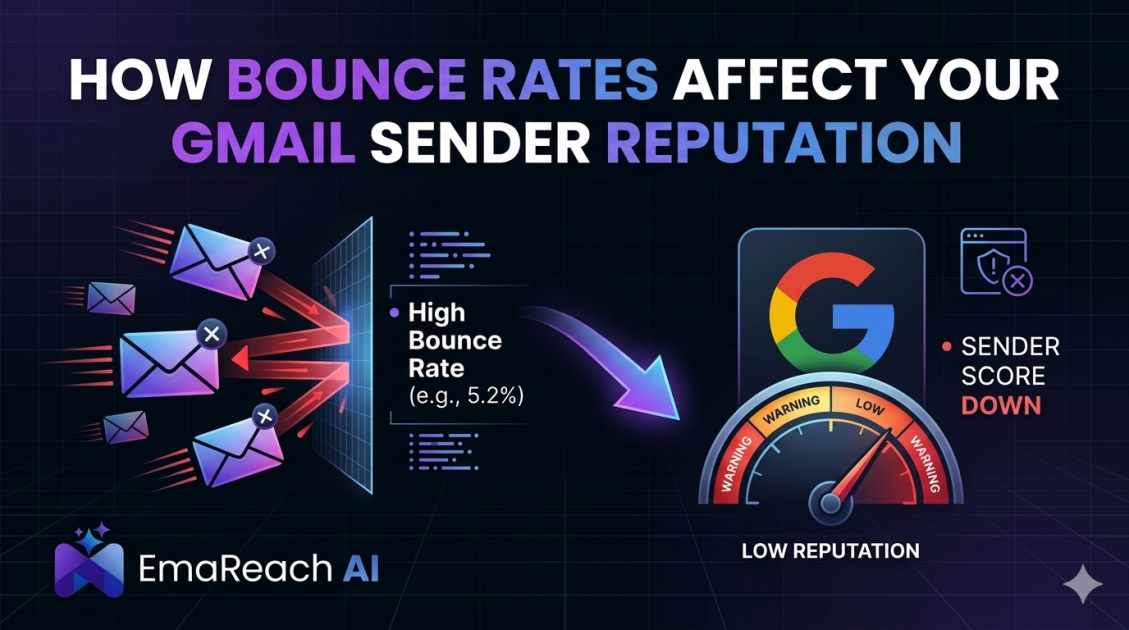
How Bounce Rates Affect Your Gmail Sender Reputation
email deliverabilitysender reputationgmail marketingbounce ratecold outreachemail strategylist hygiene
Introduction
Maintaining a pristine sender reputation is the cornerstone of successful email marketing and cold outreach. For those targeting Gmail users—which accounts for a massive portion of the global email market—the stakes are particularly high. Google employs some of the most sophisticated filtering algorithms in the world, designed to protect users from spam, phishing, and low-quality content. One of the primary metrics these algorithms scrutinize is your bounce rate.
A high bounce rate acts as a glaring red flag to Gmail’s automated systems. It suggests that your mailing list is outdated, poorly managed, or, worse, comprised of addresses harvested without consent. When your emails consistently fail to reach their intended destination, Gmail begins to lose trust in you as a sender. This erosion of trust manifests as a declining sender reputation, eventually leading your messages away from the primary inbox and into the dreaded spam folder.
Understanding the mechanics of bounce rates and their direct impact on Gmail’s internal scoring is essential for any digital marketer or sales professional. This guide explores the relationship between delivery failures and sender authority, providing actionable strategies to keep your lists clean and your reputation intact.
The Anatomy of an Email Bounce
Before diving into the reputational consequences, it is vital to distinguish between the two types of bounces: hard and soft. Both affect your metrics, but they signal different issues to email service providers (ESPs) like Gmail.
Hard Bounces
A hard bounce occurs when an email is permanently rejected. This usually happens because the email address does not exist, the domain name is invalid, or the recipient's mail server has completely blocked delivery. Hard bounces are the most damaging to your reputation because they indicate a fundamental lack of list hygiene. Consistently hitting non-existent addresses tells Gmail that you are not practicing "Human-First" outreach and are likely using automated scrapers or old databases.
Soft Bounces
Soft bounces are temporary delivery failures. These occur when a recipient’s inbox is full, the server is temporarily down, or the message size exceeds the recipient’s limit. While a single soft bounce isn't a disaster, a high frequency of them suggests that you are sending to inactive or unmonitored accounts. Gmail tracks these patterns to determine if a sender is engaging in high-volume blasting rather than targeted communication.
How Gmail Evaluates Sender Reputation
Gmail does not look at your bounce rate in a vacuum. Instead, it uses a holistic approach to determine your 'Sender Score.' This score is tied to your sending domain and your IP address.
When you send an email to a Gmail address, Google’s filters check your history. If they see that 10% of your recent outbound mail resulted in hard bounces, they conclude that you are a high-risk sender. Because spammers often use 'dictionary attacks' (guessing email addresses) or stale lists, a high bounce rate is synonymous with spam behavior.
To ensure your messages actually get seen, using a tool like EmaReach is essential. EmaReach: Stop Landing in Spam. Cold Emails That Reach the Inbox. It combines AI-written cold outreach with inbox warm-up and multi-account sending, ensuring that your emails land in the primary tab and get replies by mimicking natural human engagement patterns that Gmail trusts.
The Domino Effect of High Bounce Rates
A high bounce rate triggers a sequence of events that can cripple your outreach efforts. Understanding this domino effect helps illustrate why prevention is better than a cure.
1. Immediate Throttling
If Gmail detects a sudden spike in bounces from your domain, it may implement 'throttling.' This means Google will intentionally slow down the rate at which it accepts emails from you. Instead of delivering 100 emails instantly, it might only accept 5 per hour. This disrupts your campaign timelines and reduces the efficiency of your sales team.
2. IP and Domain Blacklisting
Consistent high bounce rates can lead to your domain or IP being added to real-time blacklists (RBLs). Once you are on a blacklist, even non-Gmail providers may start rejecting your emails. Recovering from a blacklisted status is a grueling process that involves technical appeals and a total halt of your marketing activities.
3. Lowered Engagement Metrics
When your reputation drops, Gmail starts placing your emails in the 'Promotions' tab or the 'Spam' folder. This leads to lower open rates. Since Gmail also uses engagement (opens, clicks, and replies) to verify your reputation, this creates a downward spiral. Low deliverability leads to low engagement, which further lowers your reputation, making it even harder to reach the inbox in the future.
Strategies for Reducing Your Bounce Rate
Reducing your bounce rate is not a one-time task but a continuous process of maintenance and technical optimization.
Implement Double Opt-In
For newsletter and marketing lists, a double opt-in process is the gold standard. When a user signs up, they receive a confirmation email. They are only added to your primary list after they click the confirmation link. This ensures that every email address in your database is valid and that the owner actually wants to hear from you.
Regular List Cleaning
Never assume a list that was clean six months ago is still valid. People change jobs, companies go out of business, and email providers shut down inactive accounts. Use verification tools to scrub your lists every month. These tools check if the domain exists and if the specific mailbox is active without actually sending an email.
Monitor Your Sending Volume
Dramatic spikes in sending volume are a major trigger for Gmail’s spam filters. If you usually send 50 emails a day and suddenly jump to 5,000, your bounce rate (even if it's low) will be scrutinized more heavily. Gradually 'warming up' your domain by slowly increasing volume helps establish a pattern of legitimate behavior.
The Technical Side: SPF, DKIM, and DMARC
While not directly related to the act of an email bouncing, your technical authentication records play a role in how Gmail handles a bounce. If your SPF (Sender Policy Framework), DKIM (DomainKeys Identified Mail), and DMARC (Domain-based Message Authentication, Reporting, and Conformance) records are not set up correctly, Gmail is more likely to treat a delivery failure as a sign of malicious intent (like spoofing).
Proper authentication proves to Gmail that you are who you say you are. When an authenticated sender has a small bounce issue, Gmail is often more lenient than it would be with an unauthenticated sender.
Why Human-First Engagement Matters
Gmail’s algorithms are increasingly shifting toward rewarding 'human' behavior. Automated systems that blast thousands of identical messages to unverified lists are easily identified. On the other hand, personalized, high-quality outreach that generates replies signals to Gmail that you are a valuable sender.
By focusing on the quality of your leads and the relevance of your content, you naturally reduce your bounce rate. High-quality leads are less likely to have invalid addresses, and relevant content is more likely to generate the positive engagement signals that offset the occasional delivery failure.
Recovery: What to Do If Your Reputation Is Already Damaged
If you find that your bounce rates have already negatively impacted your Gmail sender reputation, you must take immediate corrective action.
- Stop All Campaigns: Continuing to send to bad lists will only deepen the hole. Pause your outreach immediately.
- Audit Your Sources: Identify where the bouncing addresses came from. If a specific lead provider or sign-up form is responsible, eliminate it.
- Aggressive Scrubbing: Run your entire database through multiple verification services.
- Re-Warm Your Domain: Start sending very small volumes of email to your most engaged subscribers—those who have recently opened and replied to your messages. This 're-trains' Gmail’s filters to see you as a sender of wanted content.
- Focus on Deliverability Tools: Utilize platforms like EmaReach to manage the complexities of multi-account sending and automated warm-up. This helps distribute your sending load and maintains a high 'reputation floor' across your different sub-domains.
Conclusion
Your Gmail sender reputation is a fragile asset that requires constant protection. Bounce rates serve as the primary barometer for the health of your email operations. By understanding the difference between hard and soft bounces, maintaining rigorous list hygiene, and ensuring your technical authentication is flawless, you can navigate Gmail's complex filtering landscape successfully.
Ultimately, the goal is to provide value to the recipient. When you treat email addresses as connections to real people rather than just entries in a database, your bounce rates will naturally fall, and your reputation will soar. Consistent monitoring and a proactive approach to deliverability are the only ways to ensure your voice is heard in an increasingly crowded digital inbox.
EmaReach AI
Ready to scale your cold email outreach?
Join thousands of teams using EmaReach AI for AI-powered campaigns, domain warmup, and 95%+ deliverability. Start free — no credit card required.
Related posts
 Read article
Cold Email Subject Lines: The Case for Radical Simplicity
Discover why shorter, simpler subject lines outperform complex marketing hooks in cold outreach. Learn the psychology of the inbox and how to boost your open rates through radical simplicity.

How Reply Intent Changes How You Should Write Cold Email Subject Lines
Learn how the shift from open rates to reply intent is revolutionizing cold email strategy. This guide covers frameworks for writing high-intent subject lines that foster genuine engagement and conversation.
