Blog
Back to blog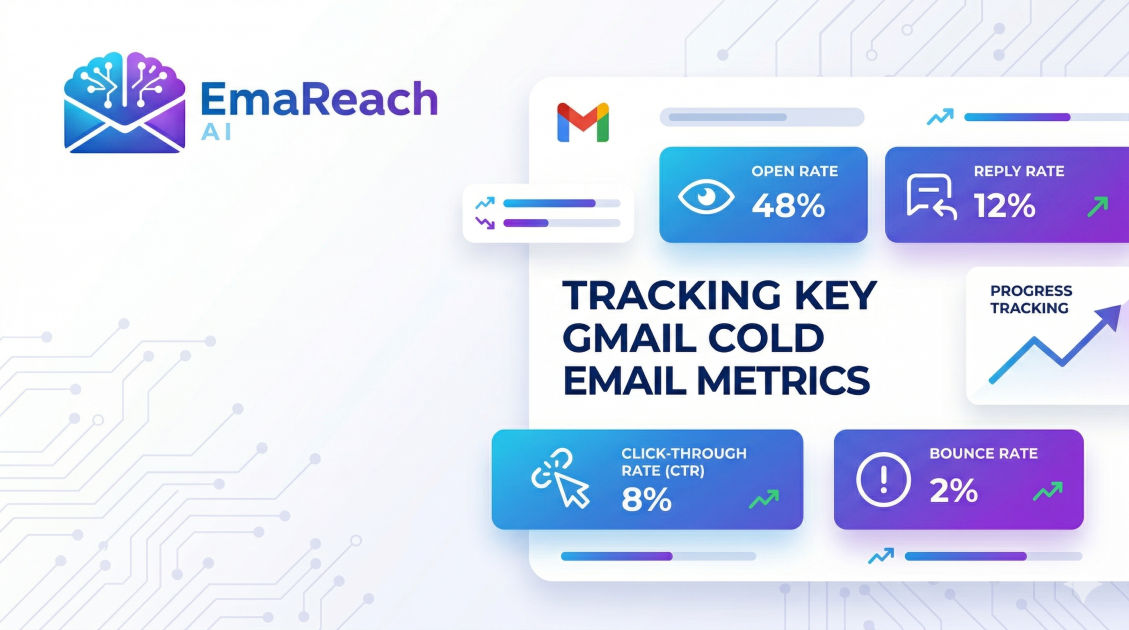
Gmail Cold Email Metrics You Should Be Tracking
cold emailemail metricsGmail outreachdeliverabilitysales prospectingemail marketingB2B sales
Introduction
In the world of digital outreach, data is the compass that guides every successful campaign. For professionals using Gmail as their primary engine for cold email, understanding the nuances of performance metrics is the difference between a high-growth strategy and a wasted budget. While it is easy to look at a single number like 'Open Rate' and feel a sense of accomplishment, the reality of modern email deliverability and engagement is far more complex.
Cold emailing through Gmail requires a sophisticated approach to tracking. Because Gmail serves both personal and professional workspace users, its filtering algorithms are among the most advanced in the world. To consistently reach the inbox and generate a positive return on investment, you must move beyond vanity metrics and dive deep into the data points that actually influence your sender reputation and conversion rates.
This guide explores the essential Gmail cold email metrics you should be tracking to ensure your outreach remains effective, scalable, and—most importantly—profitable.
The Foundation: Deliverability Metrics
Deliverability is the bedrock of cold email. If your emails aren't reaching the inbox, no amount of clever copywriting or high-value offers will save your campaign. Tracking deliverability metrics allows you to identify technical issues before they result in a permanent blacklisting of your domain.
1. Inbox Placement Rate (IPR)
Many beginners confuse 'Delivery Rate' with 'Inbox Placement Rate.' A delivery rate simply tells you that the recipient's server accepted the email. It does not tell you if that email landed in the Primary tab, the Promotions tab, or the dreaded Spam folder.
Monitoring your IPR is critical. If you notice a high delivery rate but near-zero engagement, it is a strong signal that Gmail is filtering your messages into the Spam folder. High-quality tools like EmaReach help solve this by ensuring your cold emails reach the inbox through automated warm-up and multi-account sending strategies. When you stop landing in spam, your IPR climbs, directly impacting your bottom line.
2. Bounce Rate (Hard vs. Soft)
A hard bounce occurs when an email address is invalid or non-existent. A soft bounce usually indicates a temporary issue, such as a full inbox or a server timeout.
For Gmail users, keeping a hard bounce rate below 2% is mandatory. Gmail’s filters are highly sensitive to accounts that repeatedly attempt to message non-existent addresses, as this is a primary behavior of automated spammers. If your bounce rate spikes, your sender reputation will plummet, leading to lower deliverability for your entire domain.
3. SPF, DKIM, and DMARC Pass Rates
While these are technical authentication protocols, they are also measurable metrics. You should regularly verify that 100% of your sent emails are passing these checks. Gmail has become increasingly strict about unauthenticated mail. If your DMARC 'fail' rate rises, Gmail may reject your emails entirely or flag them with a 'Be careful with this message' warning to the recipient.
Engagement Metrics: Measuring Interest
Once you have mastered the art of landing in the inbox, the next step is measuring how recipients interact with your content. These metrics help you refine your subject lines, value propositions, and calls to action.
4. Unique Open Rate
The open rate is the most common metric, but it should be viewed with a grain of salt. Due to privacy protections like Apple’s Mail Privacy Protection (MPP), open rates can often be inflated by automated 'image pre-loading' by email clients.
Instead of looking at the raw number of opens, focus on the Unique Open Rate. This tracks how many individual people opened your email at least once. If your unique open rate is below 30-40%, your subject lines likely lack relevancy, or your emails are being diverted to the Promotions tab.
5. Click-Through Rate (CTR)
If your cold email includes a link—such as a case study, a calendar booking link, or a portfolio—the CTR is a vital indicator of interest. A low CTR suggests that while your subject line was enticing enough to get an open, the body of your email failed to build enough curiosity or trust to trigger a click.
6. Reply Rate (The North Star Metric)
In cold outreach, the reply rate is arguably the most important metric. A reply is a direct signal to Gmail that the recipient finds your content valuable enough to respond to. This 'positive engagement' significantly boosts your sender reputation.
When tracking replies, distinguish between 'positive' and 'negative' replies. A high reply rate consisting mostly of "Unsubscribe me" or "Stop emailing me" is a warning sign that your targeting is off or your tone is too aggressive.
Reputation Metrics: Protecting Your Domain
Your sender reputation is an invisible score that Gmail assigns to your domain and IP address. Tracking the metrics that influence this score is essential for long-term sustainability.
7. Spam Complaint Rate
This is the most dangerous metric to ignore. A spam complaint occurs when a user clicks 'Report Spam' on your message. Even a tiny fraction of complaints (above 0.1%) can cause Gmail to start filtering your emails for all recipients.
To keep this metric low, ensure your emails are highly personalized and provide a clear way for the user to opt-out. Avoid using 'spammy' trigger words in your subject lines and ensure your 'From' name is recognizable.
8. Unsubscribe Rate
While an unsubscribe is better than a spam complaint, a high unsubscribe rate still suggests that your outreach is irrelevant to your audience. Tracking this allows you to tweak your lead sourcing. If one specific 'niche' or lead list has a significantly higher unsubscribe rate than others, it is time to re-evaluate your product-market fit for that segment.
9. Delete Without Reading Rate
This is a subtle metric that sophisticated Gmail users monitor through third-party deliverability tools. If a large percentage of your recipients delete your email without ever opening it, Gmail interprets this as a lack of relevance. Over time, this negative behavior can lead to your emails being moved to the 'Promotions' or 'Spam' tabs automatically.
Conversion and ROI Metrics
At the end of the day, cold email is a sales and marketing function. You need to know if the effort is translating into revenue.
10. Meeting Booked Rate
For many B2B organizations, the ultimate goal of a cold email is to get a prospect on a discovery call. By tracking the percentage of sent emails that result in a booked meeting, you can calculate your 'Cost Per Meeting.' This allows you to compare cold email performance against other channels like LinkedIn outreach or paid ads.
11. Positive Response Rate
Not every reply is a 'yes.' Tracking the 'Positive Response Rate' helps you understand the quality of your leads. If you have a high reply rate but a low positive response rate, you are likely attracting the wrong people or your offer isn't hitting the mark.
12. Revenue Per Cold Email
To find this, divide the total revenue generated from a campaign by the number of emails sent. This metric brings everything into perspective. It helps you justify the use of premium tools or the hiring of specialized copywriters to improve the campaign.
Advanced Tracking Strategies for Gmail
To accurately track these metrics without hurting your deliverability, you should follow specific best practices designed for the Gmail ecosystem.
Using Subdomains for Tracking
If you use tracking pixels to monitor opens and clicks, use a custom tracking domain. Using the default tracking link provided by many software platforms can sometimes trigger spam filters because those domains are shared by thousands of other users, some of whom may be sending low-quality mail.
Multi-Account Distribution
Gmail has daily sending limits (around 2,000 for Workspace accounts). However, sending 2,000 cold emails from a single account is a recipe for disaster. Professional outreach involves spreading your volume across multiple accounts and domains. This is where a tool like EmaReach becomes invaluable, as it automates the process of multi-account sending, ensuring that no single account carries too much 'load' and risks being flagged.
The Role of Inbox Warm-up
Metric tracking isn't just about the 'outbound' side. You must also track the health of your 'inbound' signals. Automated warm-up tools simulate human conversation by sending and receiving emails between a network of trusted accounts. By tracking the percentage of warm-up emails that land in the primary tab, you get a real-time 'health check' of your domain reputation.
Analyzing Data to Improve Performance
Data is useless unless it leads to action. Here is how to use your tracked metrics to optimize your Gmail outreach:
- If Open Rates are Low: Test new subject lines. Focus on 'Short and Mundane' subject lines that look like a regular business email rather than a marketing blast.
- If Reply Rates are Low: Shorten your email body. Most cold emails are too long. Focus on a single pain point and a clear, low-friction call to action.
- If Bounce Rates are High: Audit your lead generation process. Use email verification tools to scrub your lists before you ever hit 'send.'
- If Spam Complaints are High: Soften your approach. Instead of asking for a 30-minute demo, ask a simple question to start a conversation.
Conclusion
Tracking Gmail cold email metrics is not a 'set it and forget it' task. It is an ongoing process of monitoring, adjusting, and refining. By focusing on the metrics that truly matter—from technical deliverability and inbox placement to positive reply rates and revenue—you can build a sustainable outreach engine that drives consistent growth.
Success in cold email belongs to those who respect the data. When you combine high-quality tracking with a commitment to providing value to your recipients, you create a powerful competitive advantage. Use these metrics as your roadmap, and you will find that the 'black box' of email outreach becomes a predictable, scalable lever for your business success.
EmaReach AI
Ready to scale your cold email outreach?
Join thousands of teams using EmaReach AI for AI-powered campaigns, domain warmup, and 95%+ deliverability. Start free — no credit card required.
Related posts
- Read article
The Instantly Alternative That Finally Gets Outbound Analytics Right
Discover why high-volume cold email requires a shift from surface-level vanity metrics to deep, data-driven revenue attribution, and explore the ultimate alternatives for mastering outbound engineering.
- Read article
What You Gain and What You Give Up When Switching From Instantly
Thinking about migrating your cold email stack? This detailed guide breaks down the exact operational advantages you gain and the core features you sacrifice when switching away from Instantly's popular outreach platform.