Blog
Back to blog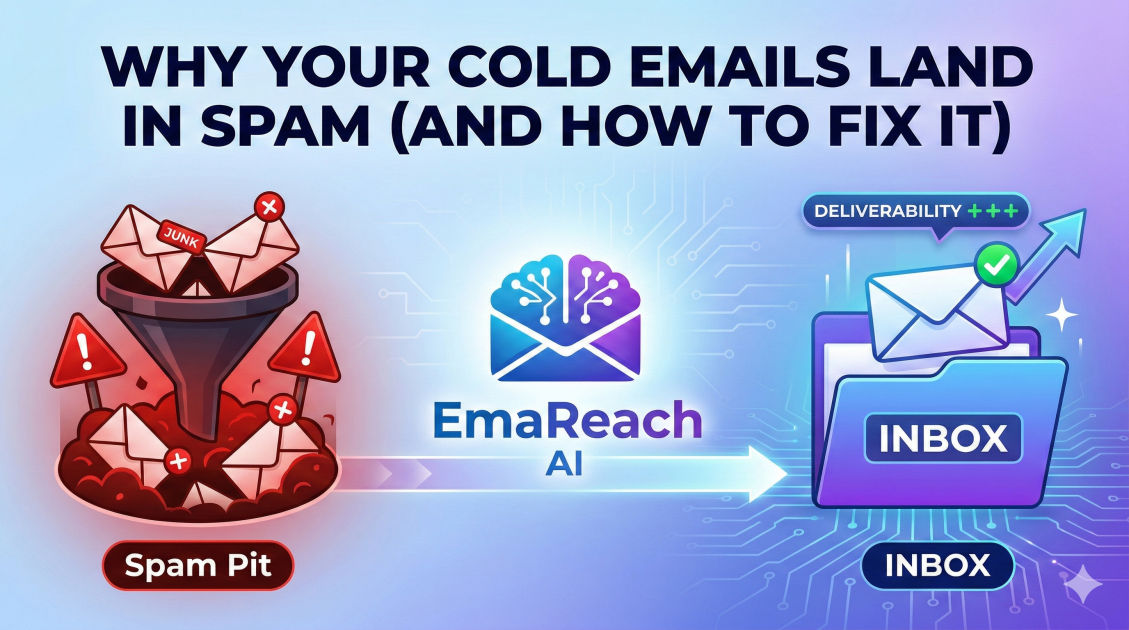
Why Your Cold Emails Land in Spam (And How to Fix It)
cold emailemail deliverabilityspam filtersoutreach strategyemail marketingSPF DKIM DMARCsender reputation
Introduction
Few things are as frustrating for a growth-focused professional as crafting the perfect cold outreach message, hitting send, and realizing it never even stood a chance. You’ve researched the prospect, personalized the hook, and offered genuine value—only for your email to be intercepted by a silent, automated gatekeeper: the spam filter.
Email deliverability is the backbone of any successful outbound strategy. If your emails aren't landing in the primary inbox, your open rates will plummet, your meeting bookings will dry up, and your domain reputation could suffer long-term damage. Understanding why emails land in spam is no longer just a technical necessity; it is a competitive advantage.
In this comprehensive guide, we will dive deep into the mechanics of modern email filters, the technical hurdles you must clear, and the behavioral triggers that cause providers like Google and Outlook to flag your content. More importantly, we will provide a roadmap to fix these issues and ensure your voice is heard.
The Technical Foundation: Authentication
Before a mail server even looks at the words you’ve written, it looks at your digital passport. If your technical setup is missing key protocols, you are essentially knocking on a door without identification. The receiving server has no reason to trust you.
SPF (Sender Policy Framework)
SPF is a DNS record that lists the specific IP addresses and domains authorized to send emails on behalf of your domain. When an email arrives, the recipient’s server checks the SPF record. If the email comes from an unauthorized source, it is likely to be marked as spam or rejected entirely.
DKIM (DomainKeys Identified Mail)
DKIM adds a digital signature to your emails. This cryptographic header ensures that the content of the email hasn't been tampered with during transit. It proves that the email actually originated from your domain and remained intact from the moment you hit send.
DMARC (Domain-based Message Authentication, Reporting, and Conformance)
DMARC sits on top of SPF and DKIM. It tells the receiving server what to do if an email fails the first two checks. You can set it to "none" (monitor), "quarantine" (send to spam), or "reject" (block entirely). Having a strict DMARC policy is a high-signal indicator of a legitimate sender.
The Importance of Domain Reputation
Think of your domain reputation like a credit score for the internet. Every time you send an email, the recipient's reactions (or lack thereof) contribute to this score. High engagement—opens, clicks, and replies—increases your score. High bounce rates and spam reports decrease it.
New Domains and the 'Sandboxing' Effect
If you have just purchased a new domain for outreach, you cannot start sending 200 emails a day immediately. To a spam filter, a brand-new domain sending high volumes looks exactly like a bot. You must gradually "warm up" the domain by sending low volumes of high-quality mail and slowly increasing the frequency.
The Subdomain Strategy
To protect your primary business domain (e.g., yourcompany.com), many experts recommend using a dedicated tracking domain or a separate outreach domain (e.g., getyourcompany.com). This ensures that if your outreach domain hits a snag with spam filters, your internal team communications and transactional emails remain unaffected.
Content Triggers: What Not to Say
Spam filters have evolved far beyond simple keyword blacklists, but certain patterns still raise red flags. Modern filters use Natural Language Processing (NLP) to understand the intent of your message.
Avoid 'Spammy' Keywords
While using the word "Free" once won't kill your deliverability, a high density of aggressive sales language will. Avoid overusing terms like:
- Guaranteed
- Earn $$$$ / Passive Income
- No cost / 100% free
- Urgent / Act Now
- Winner
Formatting and Links
Excessive formatting is a hallmark of low-quality marketing blasts. Using all caps, multiple exclamation points, or bright red fonts makes you look like a scammer to an algorithm. Furthermore, avoid using URL shorteners (like Bitly). Spammers use them to hide the final destination of a link, so filters often block them on sight. Always use full, transparent URLs or hyperlinked text.
Data Quality and Bounce Rates
One of the quickest ways to ruin your sender reputation is to send emails to addresses that don't exist. This results in a "Hard Bounce."
The Danger of Purchased Lists
When you buy a list of leads, you are often buying outdated data. Some of these addresses might even be "Spam Traps"—emails specifically designed by providers to catch scrapers. If you hit a spam trap, your IP address might be blacklisted instantly.
Email Verification Tools
Before launching any campaign, you must run your list through a verification service. This ensures that every address is active and capable of receiving mail. Aim for a bounce rate of less than 1%. Anything higher than 3% is a signal to ISPs that you are practicing poor list hygiene.
Engagement: The Ultimate Deliverability Metric
Modern inbox providers prioritize the user experience. If users are consistently opening your emails, moving them to folders, and replying, the provider learns that you are a valuable sender.
Positive Signals
- Replies: This is the strongest signal. It tells the provider that a real conversation is happening.
- Moving to Primary: If a user moves your email from the "Promotions" tab to the "Primary" tab, it's a huge win for your reputation.
- Adding to Contacts: This white-lists you for that specific user.
Negative Signals
- The 'Delete Without Opening' Action: If this happens at scale, it tells filters that your subject lines are misleading or irrelevant.
- Spam Complaints: The "Report Spam" button is the ultimate weapon. Even a handful of these can tank your campaign.
How to Fix Your Deliverability: A Step-by-Step Guide
If you find yourself already in the spam folder, don't panic. You can rehabilitate your reputation with a disciplined approach.
1. Audit Your Technical Setup
Use online tools to check your SPF, DKIM, and DMARC records. Ensure your Forward and Reverse DNS are correctly aligned. If there is a mismatch, fix it before sending another email.
2. Implement an Inbox Warm-up Tool
Manually warming up an inbox is time-consuming. This is where specialized technology comes in. For those looking to scale without the headache, EmaReach can be a game-changer. Stop Landing in Spam. Cold Emails That Reach the Inbox. EmaReach AI combines AI-written cold outreach with inbox warm-up and multi-account sending—so your emails land in the primary tab and get replies. By automating the engagement process, you signal to providers that your emails are wanted.
3. Personalization at Scale
Generic templates are easy for filters to identify. If you send 1,000 identical emails, you are likely to be flagged. Use dynamic tags to ensure each email is unique. Mention the prospect's company name, a recent achievement, or a specific pain point relevant to their industry.
4. Optimize the Unsubscribe Process
It sounds counterintuitive, but making it easy to unsubscribe actually helps your deliverability. If a user can't find a way to opt-out, they will hit the "Report Spam" button instead. A clear, one-click unsubscribe link protects your domain reputation from disgruntled recipients.
Best Practices for Long-Term Success
Maintaining a healthy inbox requires ongoing maintenance. It is not a "set it and forget it" process.
Monitor Blacklists
Regularly check if your sending IP or domain has appeared on any major blacklists (like Spamhaus or Barracuda). If you find yourself listed, investigate the cause—usually a spike in bounces or complaints—and follow the delisting process once the issue is resolved.
Use Plain Text (Mostly)
While HTML emails allow for beautiful designs, they are also more likely to trigger filters. For cold outreach, a plain-text email that looks like it was written by a human to another human is far more effective. It feels personal and avoids the "marketing blast" aesthetic that filters loathe.
Volume Management
Avoid "spiking." Don't go from 0 to 500 emails in a single day. Spread your sending volume across the day and across multiple accounts if necessary. This "low and slow" approach mimics natural human behavior.
Conclusion
Landing in the spam folder isn't a matter of bad luck; it's a matter of technical and behavioral signals. By securing your authentication protocols, maintaining a pristine list, and focusing on genuine engagement, you can bypass the filters and reach your prospects.
Successful cold outreach is built on trust—both the trust of the recipient and the trust of the algorithms that manage their inboxes. Treat every email as a valuable communication, monitor your metrics closely, and adjust your strategy as filters continue to evolve. When you prioritize deliverability, your outreach stops being a shot in the dark and starts being a predictable engine for growth.
EmaReach AI
Ready to scale your cold email outreach?
Join thousands of teams using EmaReach AI for AI-powered campaigns, domain warmup, and 95%+ deliverability. Start free — no credit card required.
Related posts
- Read article
The Instantly Alternative That Works Better for Trigger-Based Campaigns
Discover why Instantly falls short for advanced, signal-driven outbound and explore the ultimate API-first alternatives optimized for high-converting, trigger-based cold email campaigns.
- Read article
The Instantly Alternative That Handles High Bounce Rates Without Panic
Discover how transitioning to an advanced Instantly alternative can safeguard your cold email infrastructure. Learn to handle high bounce rates effortlessly using real-time verification, smart mailbox rotation, and automated safety nets to protect your sender reputation and maintain consistent primary inbox placement.