Blog
Back to blog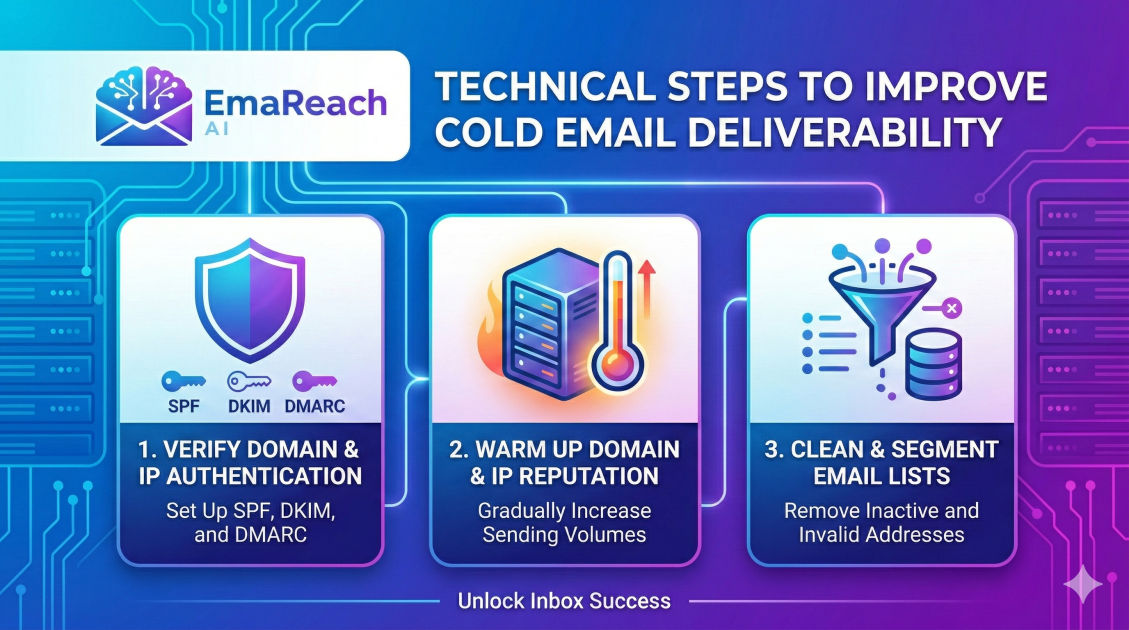
Technical Steps to Improve Cold Email Deliverability
cold emaildeliverabilityemail marketingSPF DKIM DMARCinbox optimizationoutreach strategylead generation
Introduction to Email Deliverability
Email deliverability is the silent engine of every successful outbound sales campaign. You can craft the most compelling, high-converting copy in the world, but if your message never reaches the recipient's primary inbox, your efforts are wasted. In the modern landscape of digital communication, Internet Service Providers (ISPs) and email service providers (ESPs) have implemented sophisticated filters to protect users from spam. For legitimate businesses using cold email for growth, navigating these filters requires more than just good intentions—it requires a rigorous technical setup.
Improving cold email deliverability is a multi-layered process that involves authenticating your domain, managing your sender reputation, and optimizing the technical structure of your messages. This guide provides an exhaustive breakdown of the technical steps necessary to ensure your cold emails land exactly where they belong: the inbox.
1. Domain Authentication: The Foundation of Trust
Before sending a single email, you must prove to the receiving server that you are who you say you are. Domain authentication acts as a digital passport for your emails. Without it, your messages are viewed as anonymous and potentially malicious.
SPF (Sender Policy Framework)
SPF is a DNS record that lists the specific IP addresses and domains authorized to send emails on behalf of your domain. When an email is received, the recipient's server checks the SPF record of the 'Return-Path' address. If the sending IP is not on the list, the email may be flagged as spam or rejected entirely.
To implement SPF, you add a TXT record to your DNS settings. A typical SPF record looks like this:
v=spf1 include:_spf.google.com ~all
DKIM (DomainKeys Identified Mail)
DKIM adds a cryptographic signature to your emails. This signature ensures that the content of the email has not been tampered with during transit. It provides a way for the receiver to verify that the domain owner indeed authorized the message.
DMARC (Domain-based Message Authentication, Reporting, and Conformance)
DMARC ties SPF and DKIM together. It tells the receiving server what to do if an email fails both SPF and DKIM checks. You can set your DMARC policy to 'none' (monitor), 'quarantine' (send to spam), or 'reject' (block delivery). Starting with a 'none' policy is recommended to monitor your traffic before moving to a stricter enforcement policy.
2. Infrastructure Setup and IP Strategy
Your sending infrastructure determines the 'neighborhood' your emails come from. A poor setup can lead to immediate blacklisting.
Using Secondary Domains
Never send cold emails from your primary company domain (e.g., yourcompany.com). If your primary domain gets blacklisted due to spam complaints, your internal business communications, calendar invites, and client updates will fail. Instead, purchase 'look-alike' domains specifically for outreach (e.g., getyourcompany.com or yourcompany-app.com).
Dedicated vs. Shared IP Addresses
Most small to medium-sized outreach campaigns use shared IP addresses provided by services like Google Workspace or Microsoft 365. These are generally safe because they carry the high reputation of the provider. However, if you are sending massive volumes, a dedicated IP might seem tempting. The caveat is that a dedicated IP starts with no reputation and must be meticulously 'warmed up' to avoid being flagged as a spam source.
Custom Tracking Domains
Standard outreach tools use shared tracking pixels to monitor open rates. If another user of that tool sends spam, the shared tracking link can become 'blacklisted,' causing your emails to head to spam too. Setting up a Custom Tracking Domain (CTD) allows you to use your own domain for tracking links, isolating your reputation from other senders.
3. The Art and Science of Email Warm-up
Sending 500 emails on day one from a brand-new domain is a guaranteed way to get banned. ESPs look for 'natural' behavior. A new domain should undergo a warm-up period of at least 2-4 weeks.
Automated Warm-up
Manual warm-up—sending emails to friends and asking them to reply—is inefficient. Automated warm-up tools simulate human interaction by sending emails between a network of accounts, automatically marking them as 'not spam,' and replying to them. This builds a positive sender history.
For those looking to streamline this process, EmaReach offers a robust solution. EmaReach AI combines AI-written cold outreach with inbox warm-up and multi-account sending, ensuring your emails land in the primary tab rather than the promotions or spam folders.
Increasing Volume Gradually
Start with 5-10 emails per day and increase the volume by 10-20% daily. Monitor your deliverability metrics closely. If you see a dip in open rates, pause the increase and maintain the current volume until the reputation stabilizes.
4. Technical Content Optimization
The actual code and formatting of your email play a significant role in how filters perceive your message.
HTML to Text Ratio
Spammers often use image-heavy emails to hide keywords from text filters. Consequently, a high image-to-text ratio or overly complex HTML can trigger red flags. For cold outreach, simple text-based emails (or very light HTML) are far more effective. They look like a one-to-one personal message, which is what ESPs prefer to see.
Avoiding Tracking Overload
While data is important, tracking everything (opens, clicks, link previews) adds technical noise to your email metadata. Every tracked link is a redirect, and multiple redirects can look suspicious. Only track what is strictly necessary for your KPIs.
Unsubscribe Headers
Including a clear, functional unsubscribe link is not just a best practice; it is a legal requirement in many jurisdictions (like CAN-SPAM and GDPR). Technically, you should also include a 'List-Unsubscribe' header in your email metadata. This allows some email clients to show an 'Unsubscribe' button at the top of the interface, which is better than the user marking your email as spam.
5. List Hygiene and Data Validation
Your bounce rate is a primary metric used by ISPs to judge your quality as a sender. A high bounce rate (consistently over 2%) signals that you are using low-quality or 'scraped' lists, which is a hallmark of a spammer.
Real-time Email Verification
Before importing a list into your sending tool, run it through a verification service. These tools check if the domain exists, if the mail server is active, and if the specific mailbox is capable of receiving mail without actually sending an email.
Catch-all Emails
Some servers are configured as 'Catch-all,' meaning they accept all mail sent to the domain, regardless of whether the specific user exists. These are risky for cold outreach because you won't know if the email actually reached a person until it is too late. High-deliverability campaigns often exclude catch-all addresses to remain safe.
6. Managing Sender Reputation and Feedback Loops
Reputation is a score assigned to your domain and IP by various providers. It is dynamic and changes based on recipient behavior.
Google Postmaster Tools
If you are sending to Gmail/Google Workspace users, Google Postmaster Tools is an essential resource. It provides data on your spam rate, IP reputation, domain reputation, and authentication errors. It is one of the few ways to see exactly how Google views your sending practices.
Feedback Loops (FBL)
Most major ISPs (like Yahoo, Outlook, and AOL) offer Feedback Loops. When a recipient marks your email as spam, the ISP sends a report back to you. You must immediately remove these individuals from your list. Failing to act on FBL reports will destroy your reputation rapidly.
7. Strategic Sending Limits and Timing
How and when you send your emails matters as much as what you send.
Daily Send Limits
While Google Workspace accounts technically allow up to 2,000 emails per day, reaching anywhere near that limit with cold outreach will likely lead to an account suspension. A safe 'sweet spot' for a warmed-up account is typically 30-50 cold emails per day per inbox. To scale, use multiple inboxes across multiple domains rather than increasing the volume on a single account.
Throttling and Randomization
Avoid 'blasts' where 100 emails are sent at the exact same second. Use your sending software to 'throttle' delivery, spreading messages out over several hours. Furthermore, introduce randomization in the sending intervals to mimic human behavior. A human doesn't send an email exactly every 120 seconds for four hours straight.
8. Avoiding the Spam Folder Trigger Words
While technical headers and IP reputation are the heavy hitters, the content filters still scan for specific linguistic patterns.
- Aggressive Sales Language: Words like 'Free,' 'Buy Now,' 'Guarantee,' and 'Cash' in all caps or with excessive exclamation points should be avoided.
- Excessive Linking: Too many outbound links, especially to domains with low reputations, can hurt you.
- Hidden Text: Trying to hide keywords in white text on a white background is an old spammer trick that filters now catch instantly.
9. Monitoring and Iterating
Deliverability is not a 'set it and forget it' task. It requires constant monitoring.
Seed List Testing
Before launching a large campaign, send your email to a 'seed list'—a group of controlled email addresses across different providers (Gmail, Outlook, Yahoo). Check where the email lands in each. If it consistently hits the spam folder in Outlook but not Gmail, you may have an issue specific to Microsoft’s filters.
Blacklist Monitoring
Regularly check if your sending IPs or domains have been added to major blacklists like Spamhaus or Barracuda. If you find yourself on a list, you must stop sending immediately and follow the provider's 'delisting' process, which usually involves fixing the underlying issue that caused the listing.
Conclusion
Achieving high cold email deliverability is a technical discipline that requires attention to detail and a commitment to best practices. By properly configuring your SPF, DKIM, and DMARC records, using dedicated outreach domains, maintaining list hygiene, and utilizing automated warm-up processes, you can significantly increase the chances of your messages reaching your prospects.
Success in cold outreach is a marathon, not a sprint. Maintaining a pristine sender reputation through conservative sending volumes and high-quality content will ensure that your outbound engine remains a viable growth channel for years to come. Remember that the goal of these technical steps is to signal to ESPs that you are a legitimate, respectful sender providing value to their users.
EmaReach AI
Ready to scale your cold email outreach?
Join thousands of teams using EmaReach AI for AI-powered campaigns, domain warmup, and 95%+ deliverability. Start free — no credit card required.
Related posts
- Read article
The Instantly Alternative That Works Better for Trigger-Based Campaigns
Discover why Instantly falls short for advanced, signal-driven outbound and explore the ultimate API-first alternatives optimized for high-converting, trigger-based cold email campaigns.
- Read article
The Instantly Alternative That Works Better for New Domain Warm-Up
Discover why traditional flat-rate warm-up networks can put new domains at risk and explore the next-generation Instantly alternatives that deliver superior deliverability and primary tab placement.