Blog
Back to blog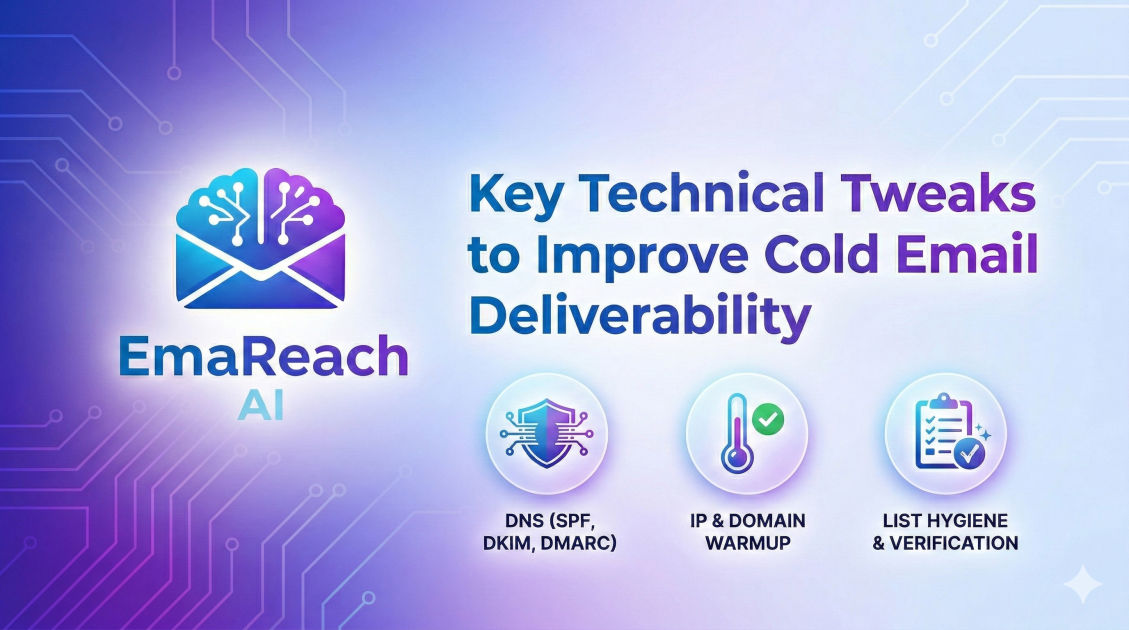
Key Technical Tweaks to Improve Cold Email Deliverability
cold emaildeliverabilityemail marketingSPF DKIM DMARCinbox warm-upoutreach strategy
Introduction to Email Deliverability
In the world of outbound sales, deliverability is the foundation upon which every successful campaign is built. You could have the most compelling offer, a perfectly crafted script, and a highly targeted list of prospects, but if your emails are landing in the spam folder, your efforts are effectively invisible. Deliverability isn't just about whether an email was 'sent'; it is about whether that email successfully reached the recipient's primary inbox.
Modern email service providers (ESPs) like Google and Microsoft have implemented increasingly sophisticated filters to protect users from unwanted content. These filters look at hundreds of technical signals to determine if an email is legitimate or spam. To stay ahead, senders must move beyond simple copywriting and master the technical infrastructure of email. This guide dives deep into the essential technical tweaks required to solidify your sender reputation and ensure your messages get seen.
The Holy Trinity of Email Authentication: SPF, DKIM, and DMARC
Authentication is the process of proving to the receiving server that you are who you say you are. Without these three protocols, your emails are essentially 'unsigned' and highly suspicious to modern filters.
Sender Policy Framework (SPF)
SPF is a DNS record that specifies which mail servers (IP addresses) are authorized to send email on behalf of your domain. When an email reaches a recipient, the receiving server checks your SPF record to see if the IP address it came from is on the 'approved' list.
- The Tweak: Ensure you only have one SPF record per domain. Multiple SPF records will cause an immediate fail. If you use multiple services (like Google Workspace and a specialized outreach tool), you must combine them into a single
v=spf1record using 'include' statements.
DomainKeys Identified Mail (DKIM)
DKIM adds a digital signature to your emails. This allows the receiver to verify that the email was indeed authorized by the owner of that domain and that the content of the email hasn't been tampered with during transit.
- The Tweak: Use a 2048-bit key for stronger security. While 1024-bit was the standard for years, many providers now prefer the increased complexity of 2048-bit keys to prevent spoofing.
Domain-based Message Authentication, Reporting, and Conformance (DMARC)
DMARC sits on top of SPF and DKIM. It tells the receiving server what to do if an email fails those checks. You can set it to 'none' (just monitor), 'quarantine' (send to spam), or 'reject' (block entirely).
- The Tweak: Start with a policy of
p=none. Monitor your reports to ensure your legitimate emails are passing authentication. Once you are confident, move top=quarantine. This signals to ESPs that you take security seriously, which significantly boosts your sender authority.
Custom Tracking Domains: Stepping Out of the 'Shared' Shadow
Most cold email platforms track opens and clicks by inserting a tiny pixel or rewriting your links. By default, they use a shared tracking domain. The problem? If another user on that same platform sends spam, the shared tracking domain gets blacklisted, and your deliverability suffers by association.
Why You Need a Custom Tracking Domain
A custom tracking domain (CTD) allows you to use your own branded URL (e.g., link.yourdomain.com) for tracking. This isolates your reputation from other users.
- How to Implement: You create a CNAME record in your DNS settings that points your custom subdomain to the tracking server of your email tool. This simple tweak ensures that every element of your email—from the 'From' address to the hidden tracking links—is tied exclusively to your domain.
The Power of Inbox Warm-up and Volume Management
Sending 500 emails on day one from a brand-new domain is the fastest way to get blacklisted. ESPs look for 'natural' behavior. A sudden spike in volume from a new IP or domain is a major red flag.
The Warm-up Process
Warm-up involves gradually increasing your sending volume while maintaining high engagement rates. This builds a history of positive interactions (opens, replies, marking as 'not spam').
- The Technical Tweak: Automate this process. Manual warm-up is inconsistent. Using a dedicated system to generate peer-to-peer interactions ensures your domain's reputation grows steadily. For those looking to streamline this, EmaReach provides a comprehensive solution. EmaReach AI combines AI-written cold outreach with inbox warm-up and multi-account sending—so your emails land in the primary tab and get replies.
Volume Throttling
Even with a seasoned domain, sending too many emails too quickly can trigger spam filters. Use 'ramp-up' schedules and set daily limits. A safe rule of thumb for a single mailbox is to stay under 50 cold emails per day, focusing instead on scaling horizontally with multiple accounts.
Optimizing Technical Content: Beyond Words
The technical composition of your email body matters just as much as your DNS records. High-tech filters scan the HTML code of your message for 'spammy' markers.
Plain Text vs. HTML
Rich HTML with heavy branding, multiple images, and complex layouts is great for newsletters but terrible for cold outreach. It looks like a marketing blast.
- The Tweak: Stick to plain-text style emails. Use minimal HTML. If you must use links, ensure the display text matches the actual destination URL to avoid 'link masking' flags. Avoid using 'shorteners' like bit.ly, as these are frequently used by scammers to hide malicious sites.
The 'Unsubscribe' Header
While including an unsubscribe link is often legally required (depending on your jurisdiction), the way you implement it matters. Many ESPs look for the List-Unsubscribe header. This is a technical snippet in the email metadata that allows the recipient to click 'Unsubscribe' at the top of their email client rather than hunting for a link in your footer. This is seen as a 'friendly' sender behavior and reduces the likelihood of the recipient hitting the 'Report Spam' button.
Managing Domain Health and IP Reputation
Your technical setup is only as good as the neighborhood you live in. If your IP address or domain ends up on a 'blocklist,' your deliverability will plummet regardless of your SPF settings.
Monitoring Blocklists
There are hundreds of public blocklists (like Spamhaus or Barracuda). You should regularly check your domain and IP against these databases.
- Actionable Tweak: Set up automated alerts. If your domain is flagged, stop all sending immediately. Investigate the cause (usually a spike in complaints or a technical misconfiguration), resolve it, and apply for delisting.
Forwarding and Reverse DNS (rDNS)
Reverse DNS is a way to look up the domain name associated with an IP address—the opposite of a standard DNS lookup. Many receiving servers will reject emails from an IP that doesn't have a valid PTR (Pointer) record that matches the sending domain.
- The Tweak: If you are using dedicated IP addresses, ensure your hosting provider has configured the PTR record correctly. For most users on Google Workspace or Microsoft 365, this is handled for you, but it is a critical check for those using custom SMTP servers.
Scaling with Multi-Account Infrastructure
As mentioned earlier, volume is the enemy of deliverability if concentrated in one place. The technical solution to scaling outreach is 'horizontal scaling.'
Distribution Across Domains
Instead of sending 200 emails from name@company.com, send 40 emails each from five different domains (e.g., name@company.io, name@getcompany.com, etc.). This distributes the 'risk' and ensures that if one domain faces a temporary reputation dip, your entire sales engine doesn't grind to a halt.
- Technical Note: Ensure each 'secondary' domain is fully authenticated with its own SPF, DKIM, and DMARC records. Do not simply alias them; they should be distinct accounts.
Handling Technical Bounces
A 'bounce' occurs when an email cannot be delivered. There are two types:
- Hard Bounces: Permanent failures (invalid email, non-existent domain).
- Soft Bounces: Temporary failures (full inbox, server down).
- The Tweak: Implement a zero-tolerance policy for hard bounces. If an email bounces 'hard,' remove it from your list immediately. High bounce rates (over 2%) signal to ESPs that you are using a poor-quality, unverified list, which is a hallmark of a spammer.
| Feature | Hard Bounce | Soft Bounce |
|---|---|---|
| Cause | Invalid address, domain doesn't exist | Full mailbox, server timeout, message too large |
| Permanence | Permanent | Temporary |
| Action | Remove from list immediately | Retry 2-3 times, then remove |
| Impact | High negative impact on reputation | Moderate impact if persistent |
Advanced Metadata: The Hidden Signals
Every email contains a 'header'—a block of technical data that the recipient never sees but the receiving server scrutinizes.
Message-ID Consistency
The Message-ID is a unique string assigned to every email. If you are using a third-party tool to send through your SMTP, the tool might generate a Message-ID that doesn't match your domain's naming convention. This discrepancy can be a 'spam' signal.
- The Tweak: Use high-quality outreach platforms that correctly 'spoof' the headers to look like they are coming directly from your primary mail client (like Outlook or Gmail). This 'humanization' of the metadata is a subtle but powerful deliverability booster.
Conclusion
Achieving high cold email deliverability is not a one-time task; it is an ongoing technical discipline. By mastering the fundamentals of SPF, DKIM, and DMARC, isolating your tracking with custom domains, and scaling thoughtfully through multi-account infrastructure, you create a robust environment where your messages can thrive.
In an era where filters are getting smarter, your technical setup serves as your 'passport' to the inbox. Without it, you are a stranger at the border; with it, you are a trusted communicator. Regularly audit your DNS records, monitor your bounce rates, and never stop warming up your accounts. When these technical tweaks are combined with high-quality, relevant content, the results—higher open rates, more replies, and more revenue—will follow naturally.
EmaReach AI
Ready to scale your cold email outreach?
Join thousands of teams using EmaReach AI for AI-powered campaigns, domain warmup, and 95%+ deliverability. Start free — no credit card required.
Related posts
- Read article
The Instantly Alternative That Finally Gets Outbound Analytics Right
Discover why high-volume cold email requires a shift from surface-level vanity metrics to deep, data-driven revenue attribution, and explore the ultimate alternatives for mastering outbound engineering.
- Read article
What You Gain and What You Give Up When Switching From Instantly
Thinking about migrating your cold email stack? This detailed guide breaks down the exact operational advantages you gain and the core features you sacrifice when switching away from Instantly's popular outreach platform.