Blog
Back to blog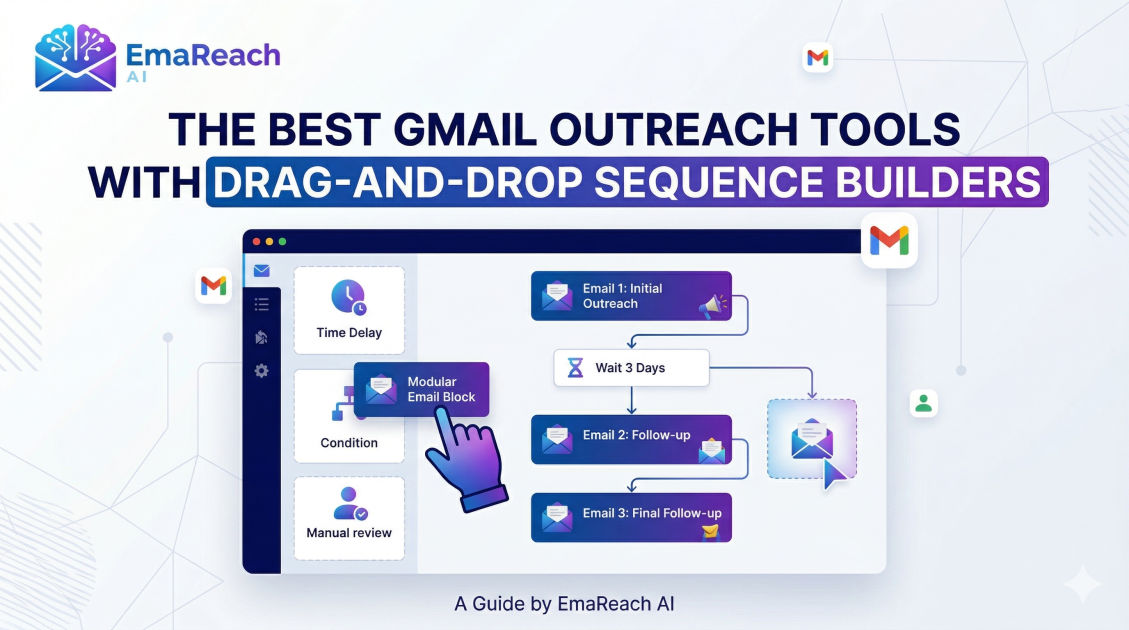
Best Gmail Outreach Tools with Drag-and-Drop Sequence Builders
Gmail OutreachEmail AutomationSales ToolsEmail SequencesCold EmailMarketing AutomationLead Generation
Introduction to Gmail Outreach and Sequence Building
Gmail remains the primary hub for business communication globally. For sales professionals, marketers, and recruiters, the ability to transform a standard inbox into a high-powered outreach machine is a competitive necessity. However, manual follow-ups are the silent killers of productivity. This is where automated email sequences come into play, specifically those utilizing drag-and-drop builders.
A drag-and-drop sequence builder allows users to visualize the entire customer journey. Instead of looking at a list of disconnected templates, you can see the logic of your campaign: the initial hook, the strategic delays, the conditional logic based on recipient behavior, and the final 'break-up' email. By using these tools directly within or alongside Gmail, businesses can maintain the personal touch of a 1-to-1 email while achieving the scale of a mass marketing campaign.
Why Drag-and-Drop Interfaces Matter for Outreach
The move toward visual builders in the outreach space isn't just about aesthetics; it is about cognitive load and campaign accuracy. When you are managing dozens of different campaigns across various niches, the risk of sending the wrong follow-up or messing up the timing is high.
Visualizing the Workflow
Visual builders allow you to see the 'if-then' scenarios. For instance, if a prospect clicks a link but doesn't reply, you might want to trigger a different follow-up than if they hadn't opened the email at all. A drag-and-drop interface makes these complex paths easy to manage by simply moving blocks of actions around a canvas.
Reducing Technical Barriers
Not every salesperson is a technical wizard. Drag-and-drop tools democratize advanced automation. By removing the need to understand complex code or spreadsheet-style logic, teams can launch campaigns faster and iterate on their messaging more frequently.
Top Gmail Outreach Tools with Visual Sequence Builders
When evaluating tools that integrate with Gmail, several platforms stand out for their intuitive sequence builders and robust deliverability features.
1. Woodpecker
Woodpecker is often cited as a favorite for those who value simplicity and deliverability. Its sequence builder is remarkably clean, allowing users to add follow-up steps with specified time delays easily.
What sets it apart is its focus on human-like sending patterns. It doesn't send emails in a 'blast'; it sends them one by one, mimicking manual activity. This is crucial for keeping your Gmail account in good standing with Google’s filters.
2. Reply.io
Reply.io offers one of the most sophisticated visual builders in the market. It goes beyond just email, allowing you to drag and drop 'steps' that include LinkedIn touches, WhatsApp messages, and even manual tasks like phone calls.
For a Gmail user, Reply provides a powerful Chrome extension that sits right on top of your inbox, making it easy to move prospects from a conversation directly into a multi-step sequence without leaving your browser tab.
3. Salesloft
While Salesloft is a broader sales engagement platform, its 'Cadence' builder is the gold standard for many enterprise teams. The drag-and-drop functionality here is focused on 'steps.' You can easily reorder steps, adjust 'wait' times, and preview exactly what the email will look like before it goes live. The Gmail integration is seamless, syncing every interaction back to the CRM and the inbox simultaneously.
4. Overloop
Overloop (formerly Prospect.io) features a very modern, node-based sequence builder. It feels more like a flow-chart than a list. You can see the branches of your outreach clearly. If you want to add a step where you visit a prospect's LinkedIn profile, you just drag that action into the flow. It’s highly effective for teams that run multi-channel outreach campaigns but want Gmail to be the primary engine for delivery.
5. Mixmax
Mixmax is perhaps the most 'Gmail-native' tool on this list. It lives entirely inside your Gmail interface. Their sequence builder allows you to create powerful automated workflows that include polls, calendar invites, and link previews. The drag-and-drop nature of their template and sequence management makes it incredibly fast to build and launch a campaign in under five minutes.
Optimizing Deliverability: The Key to Outreach Success
Even the most beautiful sequence builder is useless if your emails land in the spam folder. Deliverability is the foundation of any successful outreach strategy. When using Gmail for high-volume sending, you are subject to strict algorithms designed to protect users from unwanted mail.
To ensure your sequences actually reach the target, you need more than just a good builder. You need a strategy for warming up your inbox and ensuring your technical settings (SPF, DKIM, DMARC) are flawless.
For those who want to simplify this process, EmaReach is an excellent solution. Stop Landing in Spam. Cold Emails That Reach the Inbox. EmaReach AI combines AI-written cold outreach with inbox warm-up and multi-account sending—so your emails land in the primary tab and get replies. By layering a tool like this with a sequence builder, you ensure that your creative efforts are actually seen by your prospects.
Features to Look for in a Sequence Builder
When choosing your tool, look for these specific features within the drag-and-drop interface:
- Conditional Logic: The ability to split the path based on 'Email Opened,' 'Link Clicked,' or 'Reply Received.'
- A/B Testing Blocks: The ability to drag two different versions of an email into a single step to see which performs better.
- Timezone Detection: The sequence should automatically adjust the sending time based on the recipient's location, not yours.
- Automatic Unsubscribe Handling: A block that automatically stops the sequence for any lead that opts out or replies with 'not interested.'
- Variable Tags: Easy access to 'Merge Tags' (e.g., {{First_Name}}) within the builder to ensure every automated email feels personalized.
How to Structure an Effective Outreach Sequence
A common mistake in using drag-and-drop builders is making the sequence too long or too aggressive. Here is a proven framework for a 5-step Gmail sequence:
Step 1: The Value-First Opener
This is your initial outreach. It should be short, personalized, and focused on a specific problem the prospect has. Do not ask for a meeting yet; ask for their opinion or share a helpful resource.
Step 2: The 'Thoughts?' Follow-up (Day 3)
A very brief nudge. Sometimes people miss the first email. A simple 'Hey [Name], wanted to make sure this didn't get buried' can often trigger a reply.
Step 3: The Case Study (Day 7)
Drag in a new step that provides social proof. Mention a similar company you helped and the specific results you achieved. This builds credibility.
Step 4: The Alternative Contact (Day 12)
If they haven't responded to the first three, try a different angle. Maybe offer a different resource or ask if there is a better person in the organization to speak with.
Step 5: The Break-up Email (Day 20)
This is the final step. Let them know you won't be reaching out again. Surprisingly, this often gets the highest response rate as it creates a sense of loss or finality.
Integrating CRM with Your Gmail Sequence
Data silos are the enemy of growth. Your Gmail outreach tool should ideally 'talk' to your CRM (like Salesforce, HubSpot, or Pipedrive). The best drag-and-drop builders include 'CRM Sync' blocks.
When a prospect moves from 'Contacted' to 'Replied' in your sequence, the tool should automatically update the stage in your CRM. This ensures your sales pipeline is always accurate without manual data entry. Most of the tools mentioned, such as Reply.io and Salesloft, have native integrations that handle this flawlessly.
The Role of Personalization in Automated Sequences
Automation does not mean 'generic.' Modern drag-and-drop builders allow for 'Manual Approval' steps. This is a game-changer for high-value targets. You can build a sequence where Step 1 is automated, but Step 2 is a 'Task' that pops up in your Gmail, prompting you to record a personalized Loom video or mention a specific recent LinkedIn post by the prospect.
By blending automation with these manual 'speed bumps,' you get the efficiency of a sequence with the conversion rates of a hand-crafted email.
Monitoring and Analytics
To improve your outreach, you must move beyond open rates. A robust sequence tool will provide a visual dashboard showing where prospects 'drop off' in your flow.
If you notice a 50% drop-off at Step 3, your 'Case Study' email might be too long or irrelevant. If your 'Break-up' email has a high open rate but zero replies, your subject line is working, but the content isn't. Use the data provided by your tool to constantly rearrange and refine your drag-and-drop steps.
Best Practices for Gmail Outreach
To maintain a healthy Gmail account while using these tools, follow these best practices:
- Limit Daily Volume: Avoid sending more than 50-100 cold emails per day per account, even if Google's limits are higher.
- Use Multiple Accounts: If you need to send 500 emails a day, spread them across 10 different accounts/inboxes.
- Prioritize Quality: A highly targeted sequence of 50 people will always outperform a generic blast to 5,000.
- Keep it Plain Text: While many builders allow for HTML and images, plain-text emails often have higher deliverability and feel more personal.
Conclusion
Mastering Gmail outreach requires the right balance of technology and strategy. Drag-and-drop sequence builders provide the visual clarity needed to build complex, high-converting journeys without getting lost in the technical weeds. Whether you choose a native tool like Mixmax or a multi-channel powerhouse like Reply.io, the goal remains the same: reaching the right person with the right message at the right time. By combining these powerful builders with a focus on deliverability and genuine personalization, you can transform your Gmail inbox into your most effective sales channel.
EmaReach AI
Ready to scale your cold email outreach?
Join thousands of teams using EmaReach AI for AI-powered campaigns, domain warmup, and 95%+ deliverability. Start free — no credit card required.
Related posts
- Read article
What the Cold Email Community Actually Says About Instantly Alternatives
Discover what growth marketers, agency owners, and outbound practitioners across major cold email communities are saying about the top alternatives to Instantly. This comprehensive, research-driven guide breaks down the real-world pros, cons, and technical features of tools like Smartlead, EmaReach, Saleshandy, and Lemlist based on community consensus.
- Read article
The Instantly Alternative That Handles Follow-Up Sequences Better
Discover why modern sales teams are outgrowing linear cold email tools and moving toward advanced Instantly alternatives that leverage conditional logic, multi-channel sequences, and superior deliverability protections.